截图
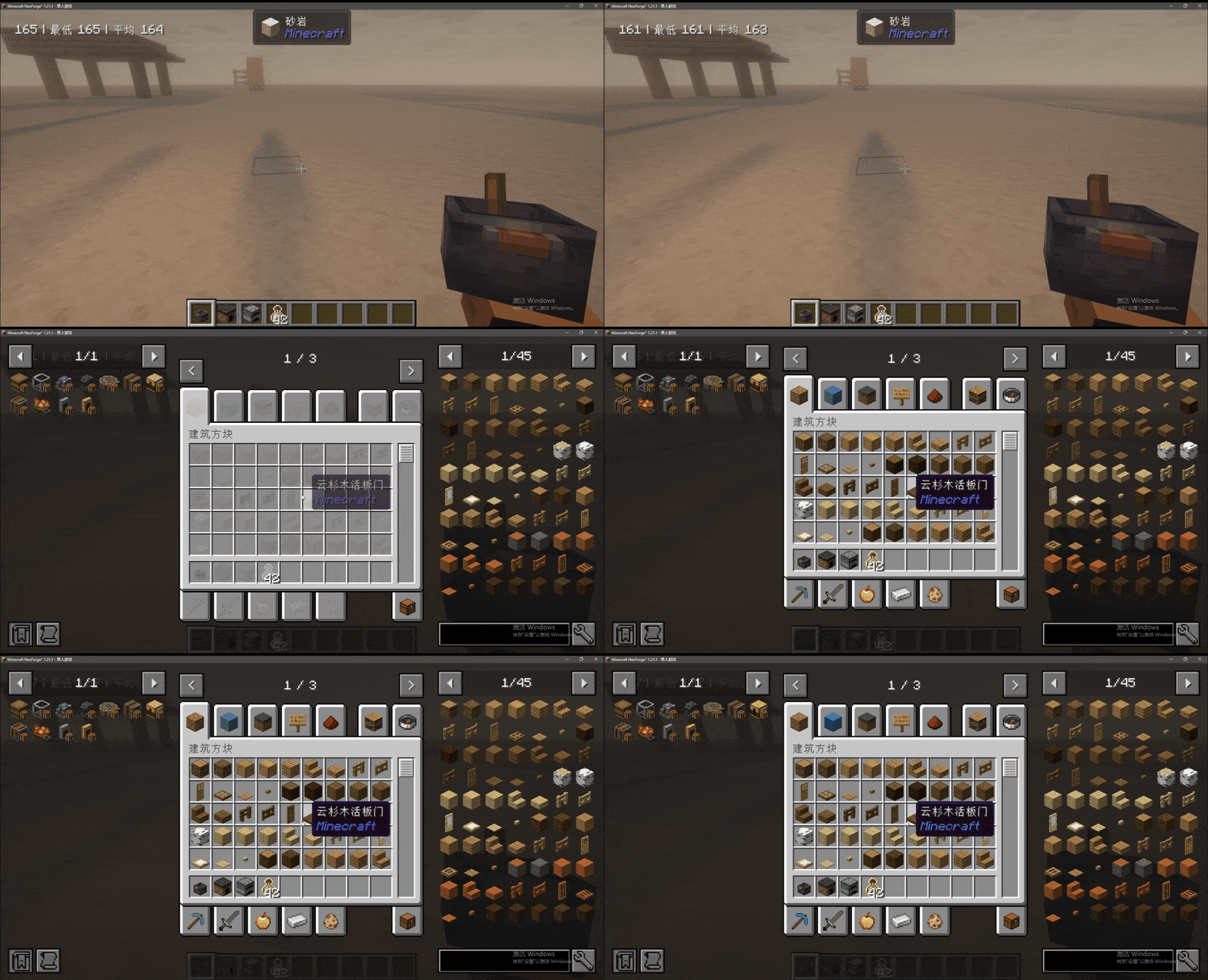
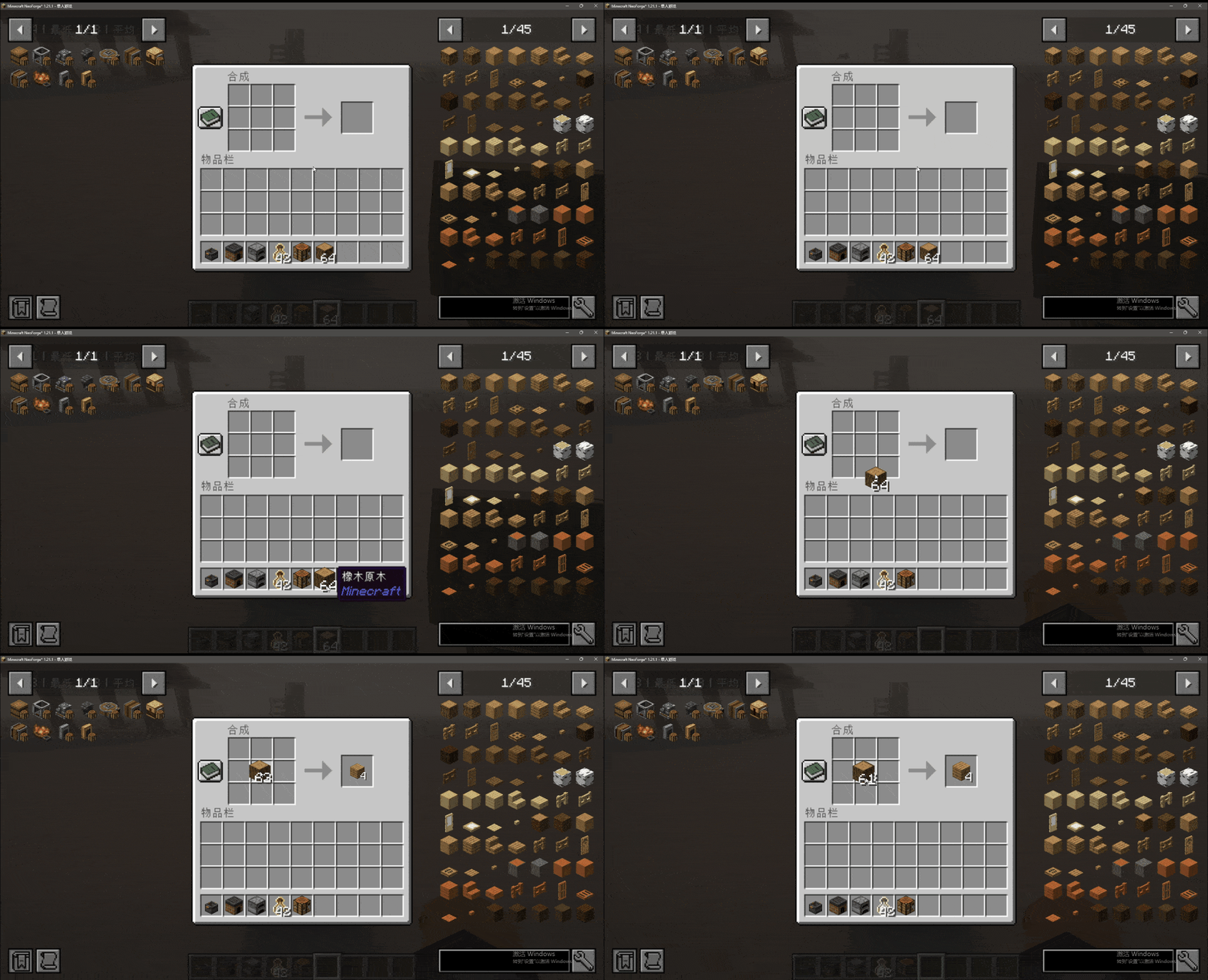
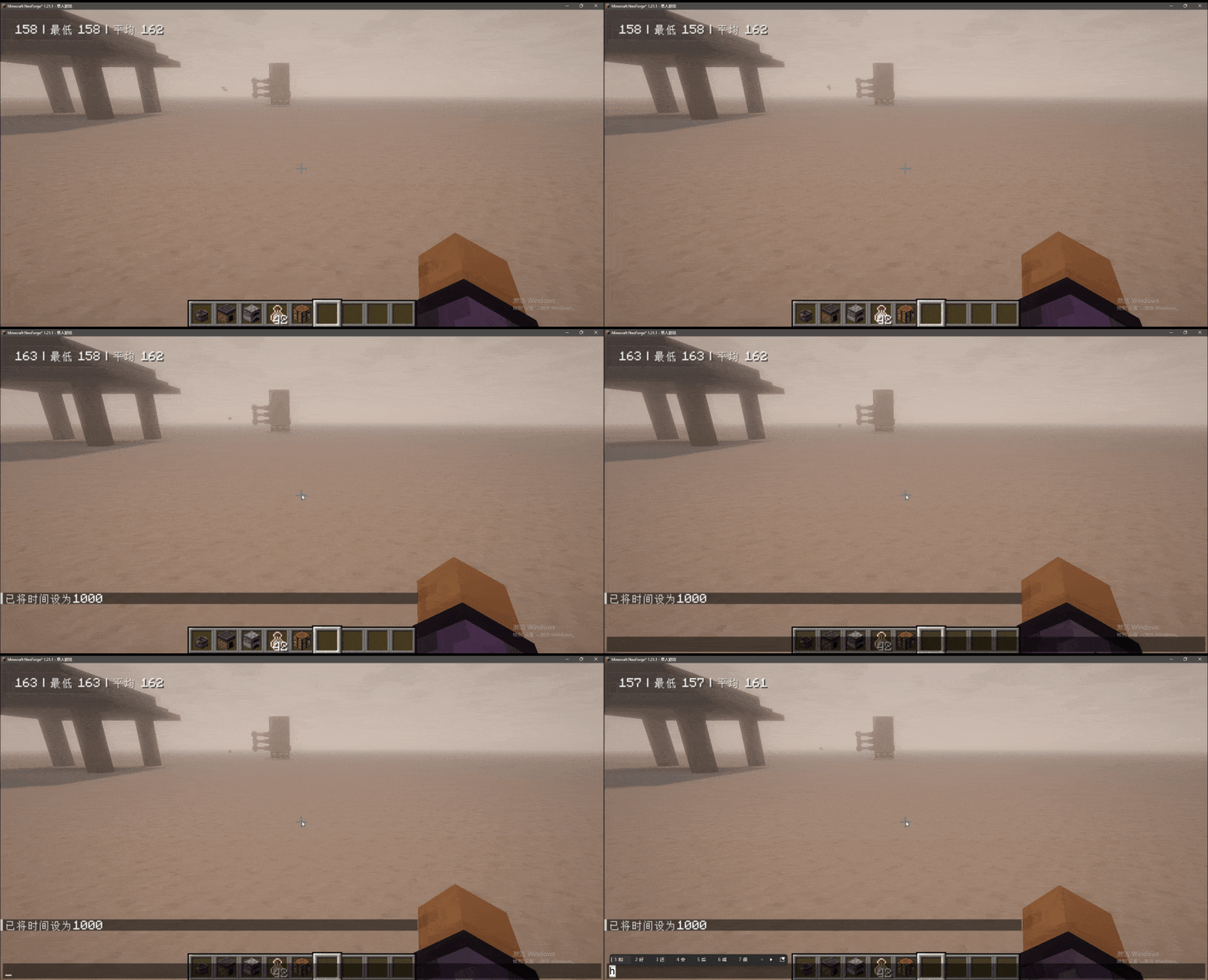
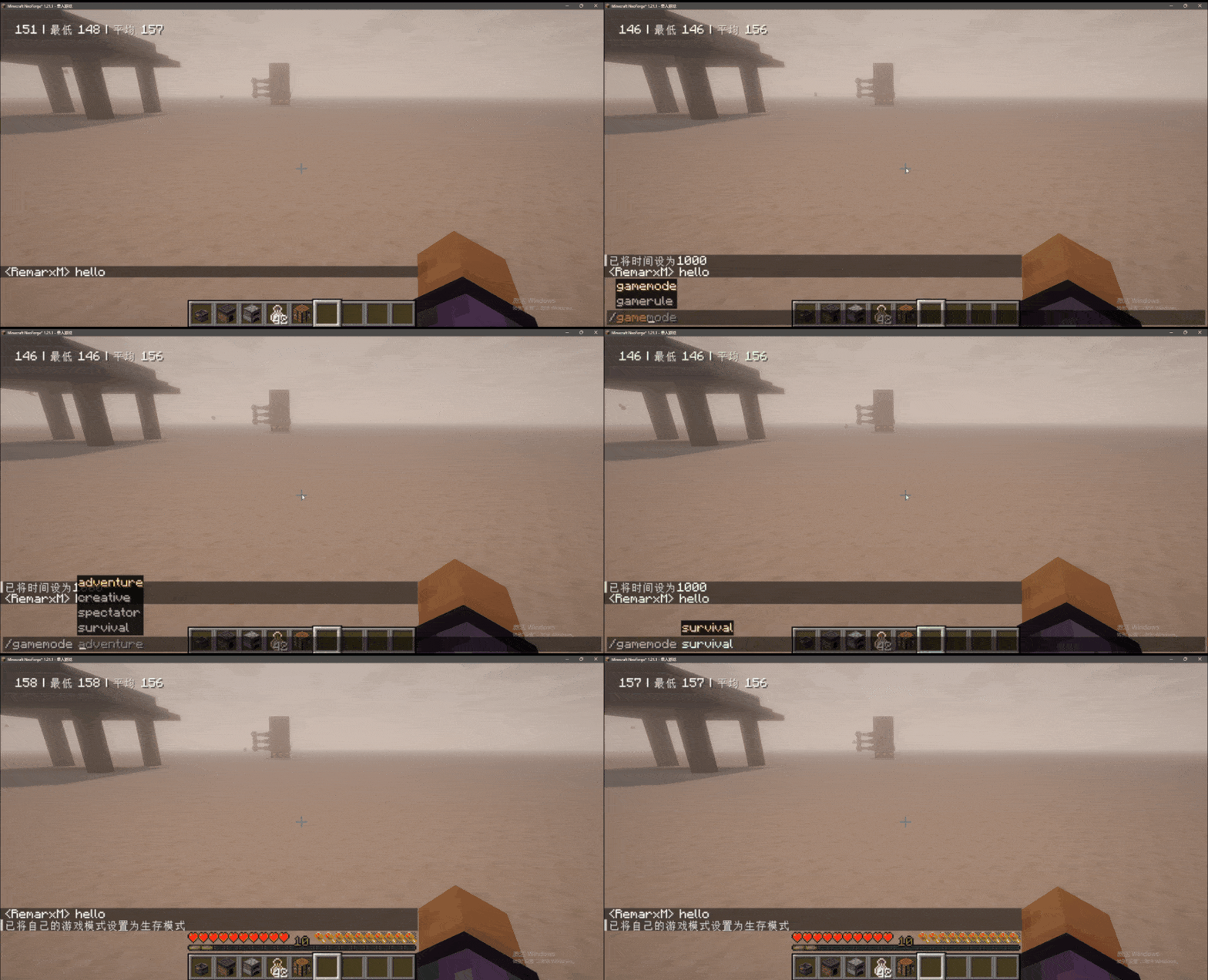
介绍
Added some GUI animation effects.
🎨 Animation Effects
Added various GUI animation effects to enhance the visual operation experience:
-
Chat Animation:

-
Window Item Animation:
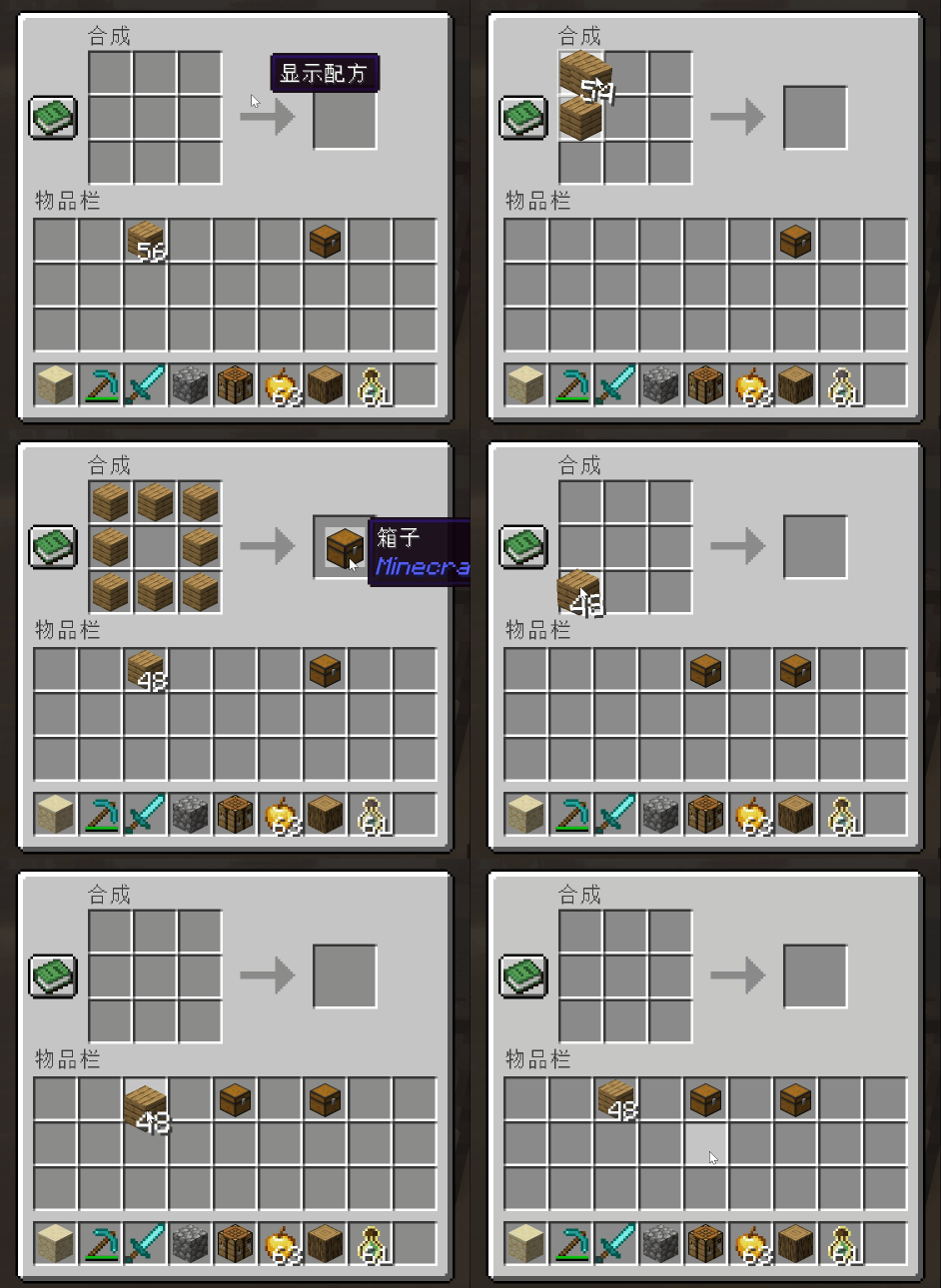
-
Window Open Animation:

-
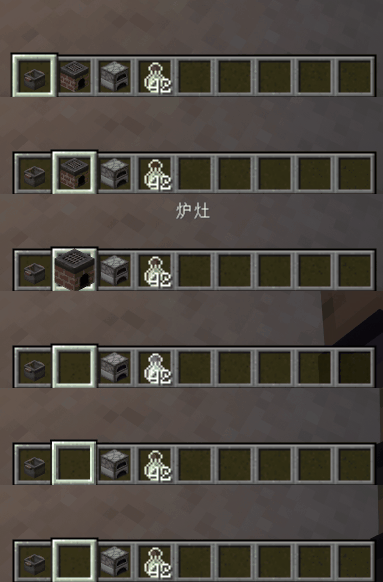
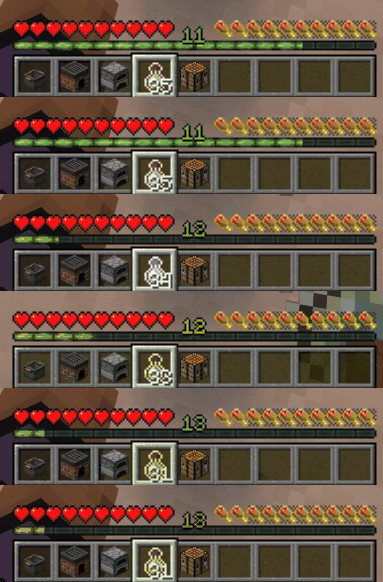
Hotbar Animation:

-
Item Use Animation:
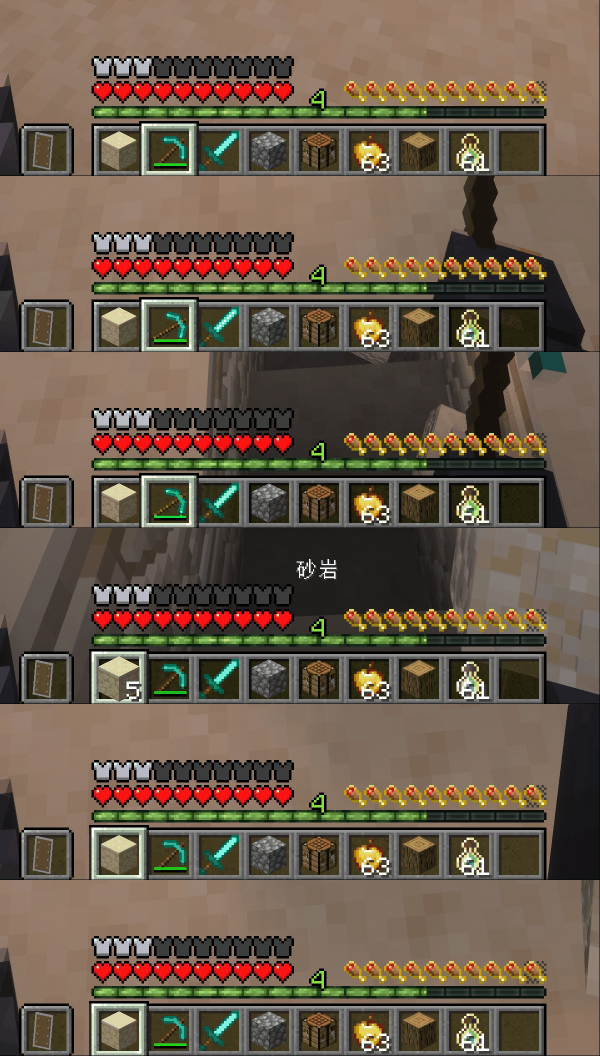
⚙️ Configuration
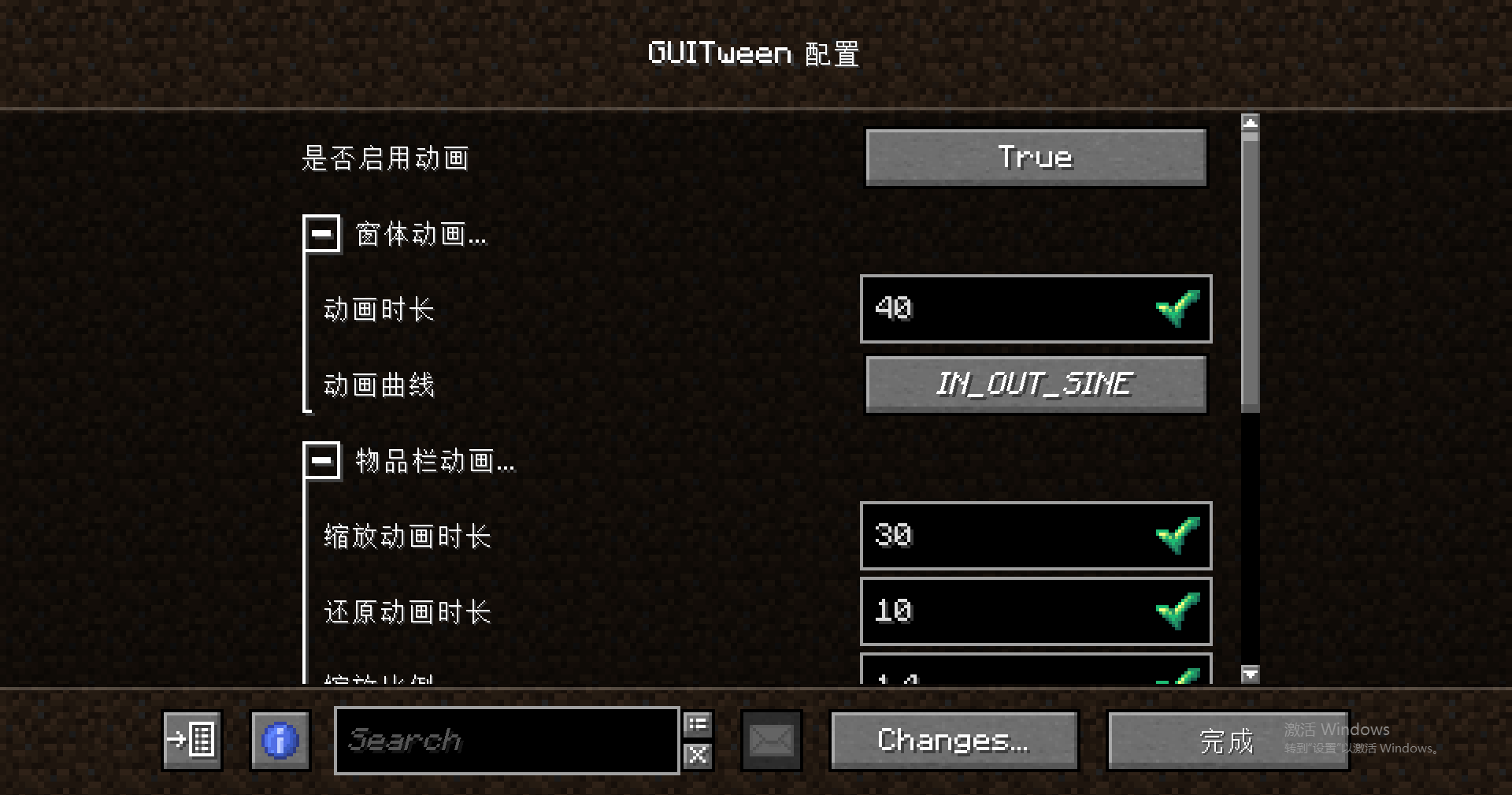
GUI animation related configuration interface:

🔧 Add a new screen output slot animation
You can add an output slot animation to a specified screen by creating a datapack, following these steps:
1. Folder Directory Structure
The following directory format must be strictly followed:
"Any Name"/data/"mod id"/window_slots/"name".json
Directory Example:

2. Configuration Instructions
Core Rules:
-
name: Fill in the screen class name -
output_slots: Fill in the output slot index array
Configuration Example:
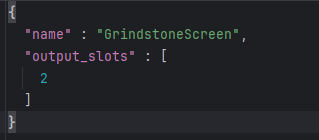
3. View Screen Information
Method to obtain screen class name and slot index:
-
Enter the configuration interface and enable “enable debug window”
-
Open the target screen to view the relevant information
Screen Information Example:

常见问题
GUI Tween 支持哪些 Minecraft 版本?
GUI Tween 支持 Minecraft Java 版 1.20.1–26.3,共 8 个版本,可用的加载器:Fabric / Forge / NeoForge。下载时注意选择和你游戏版本一致的文件。
GUI Tween 怎么安装?
先用 PCL2 或 HMCL 启动器安装对应版本的 Fabric / Forge / NeoForge,再把下载的 .jar 文件放进游戏目录的 mods 文件夹,重新启动游戏即可。开启了版本隔离的,mods 文件夹在 versions/版本名 下面。
remarxk 的其他作品
查看全部 →
GUI Tween
Added some GUI animation effects.

Remarxk’s Create Recipe
Added the missing synthesis recipes for "create:Ultimate Factory", and increased the possibilities of automation.

More Gunpowder Sources
Two new ways to obtain gunpowder have been added.

Shh! Listen carefully.
Enter the listening state by crouching to hear the location of nearby entities.
评论
登录后评论和评分