
截图
介绍
Install Optfine! plz
Our discord server: https://discord.gg/mRmJfpjmSz
Preface
Birth
All things in full bloom
Death
All the eyes are fading
Hope
Building civilization
Hear
The hymns ringing
The Book of Revelation
No one knows what is the cause
Kneeling and prostrating one after another
The heart that holds blood red
But wants to wash all things away
The Chant
The bell of repentance rings again
Will we see the dawn again?
Quotation
The people who pray
Flocked together
Waiting for the punishment of heaven to come
It is hard for the world to say
Where to return
Only gazing at the red sun without light
The End
Either observing or being observed
What is shaped in the sandbox
And what lives and is lived
I can’t control where I am
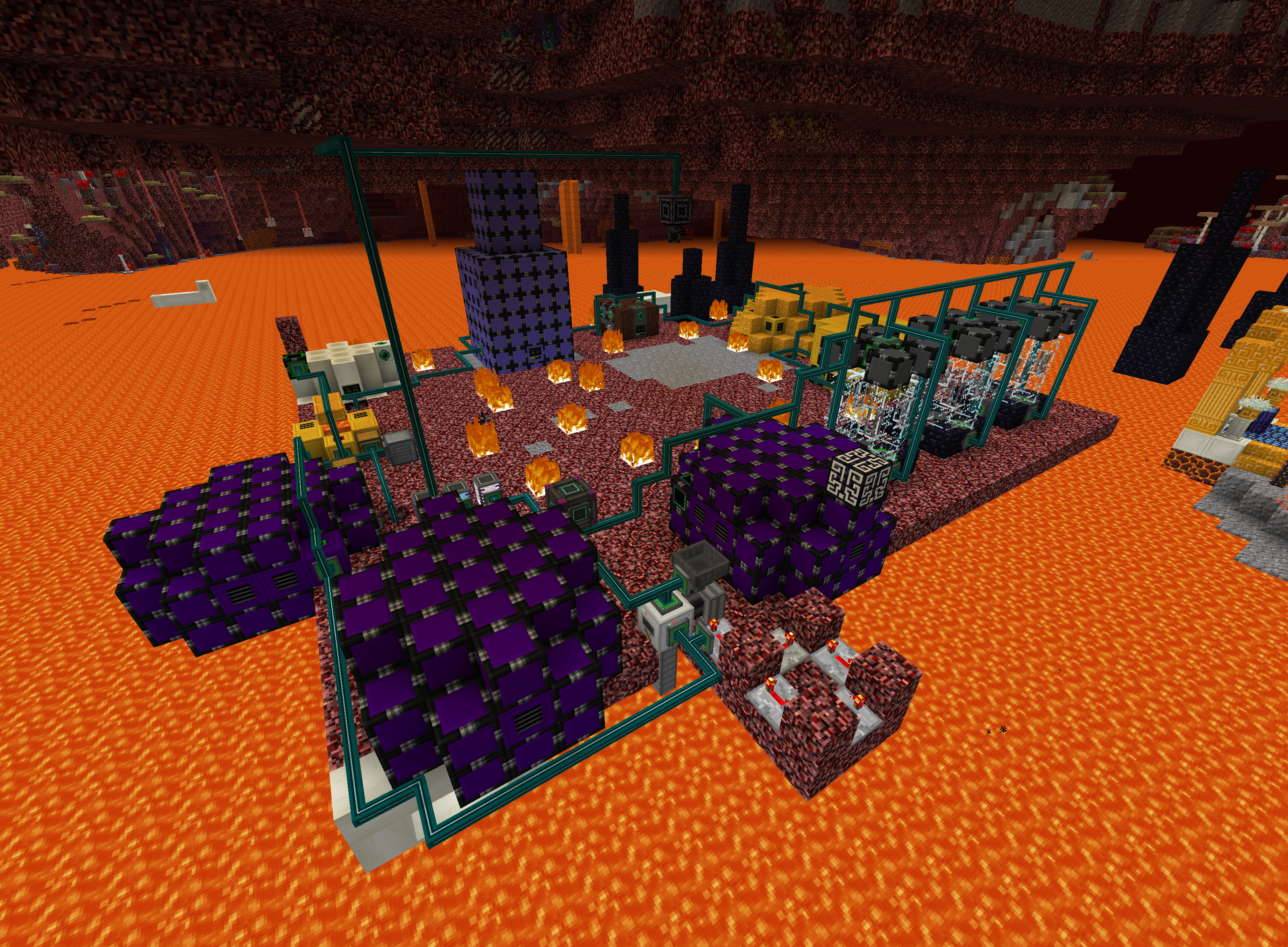
You spawn in nether.
This modpack plan to uses modularmachinery, Cot, Crt and other mods to replicate the technological lines of other technological mods. Now it has realized the reproduction of powder machine, generator, blast furnace, separator and other machines.
The technology automation part of this integration pack is currently half-crippled, so now the integrated technology part is relatively simple for players.
Sometimes you may get trapped inside a block,I can’t fix this bug, so you might as well keep an eye out for it at spawn.
For some special reason, I will not be online often on curseforge. So if you want to contact me, please go to github and submit an issue.
常见问题
Annals:Mechanizac 支持哪些 Minecraft 版本?
Annals:Mechanizac 基于 Minecraft Java 版 1.12.2,使用 Forge 加载器。
Annals:Mechanizac 怎么安装?
点本页「前往下载」拿到整合包文件(Modrinth 的是 .mrpack,CurseForge 的是 .zip),在 PCL2 或 HMCL 启动器里选择「导入整合包」,启动器会自动装好 Minecraft、加载器和全部模组。建议在启动器里给游戏分配 4–6 GB 内存。
Annals:Mechanizac 开服需要多大内存?
推荐服务器内存 12 GB。在线人数多、或者建了大量机器和区块加载器时,可以再加 2–4 GB。
怎么和朋友一起玩 Annals:Mechanizac?
点本页的「一键开服」,选好配置后会自动安装 Annals:Mechanizac 的服务端,几分钟就能开好。把服务器地址发给朋友,大家用同一个版本的整合包连进去就行。


评论
登录后评论和评分