
截图
介绍
Damage Tint
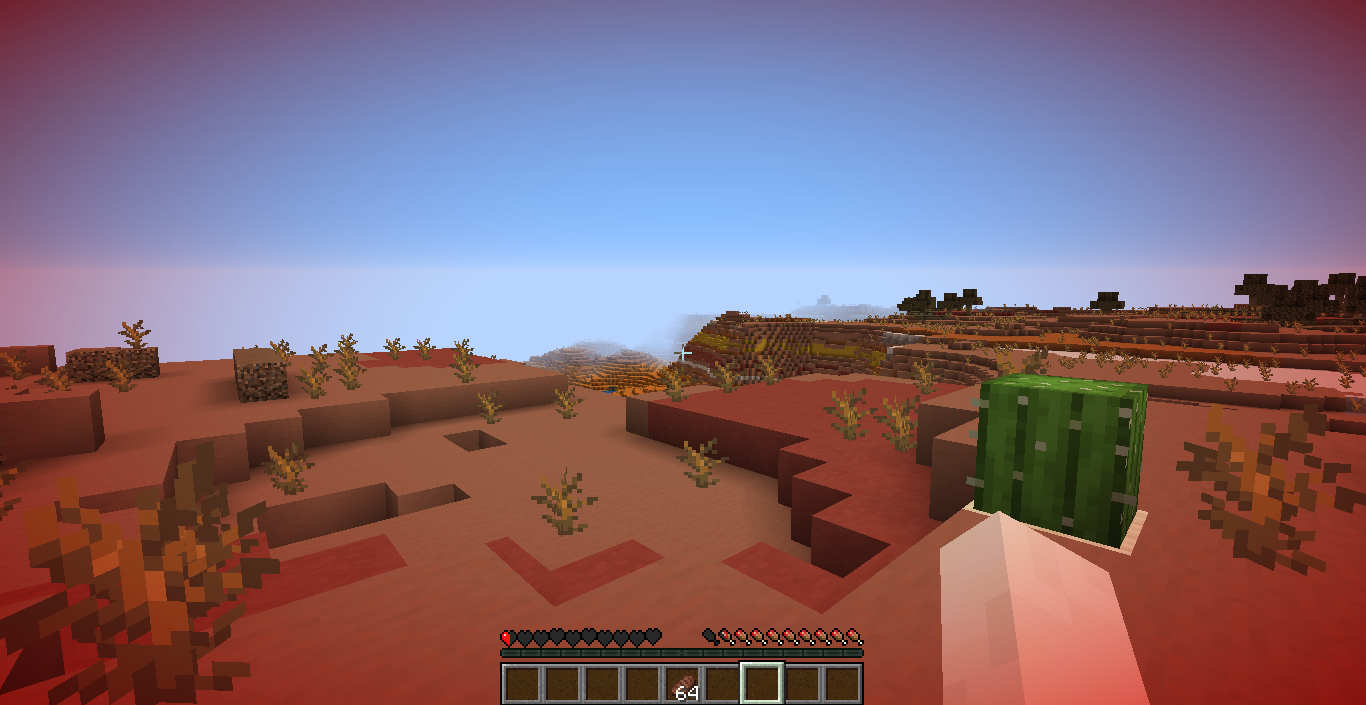





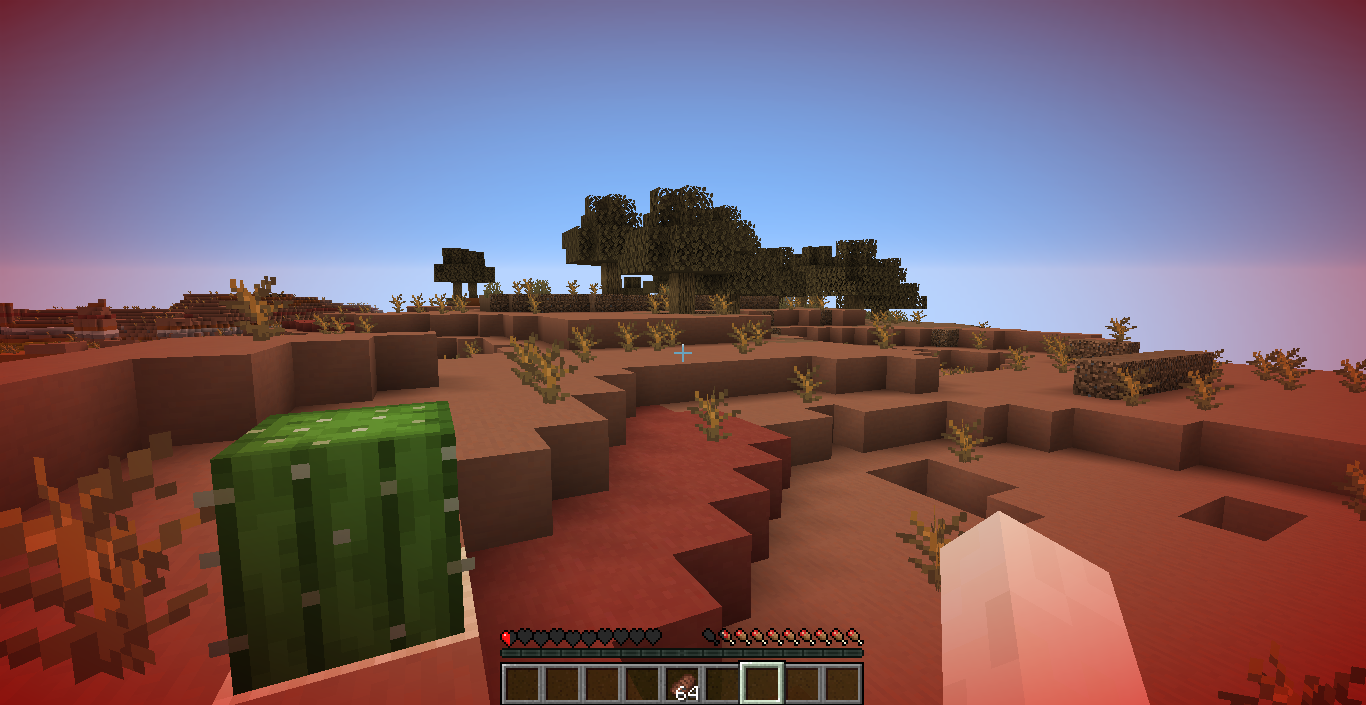
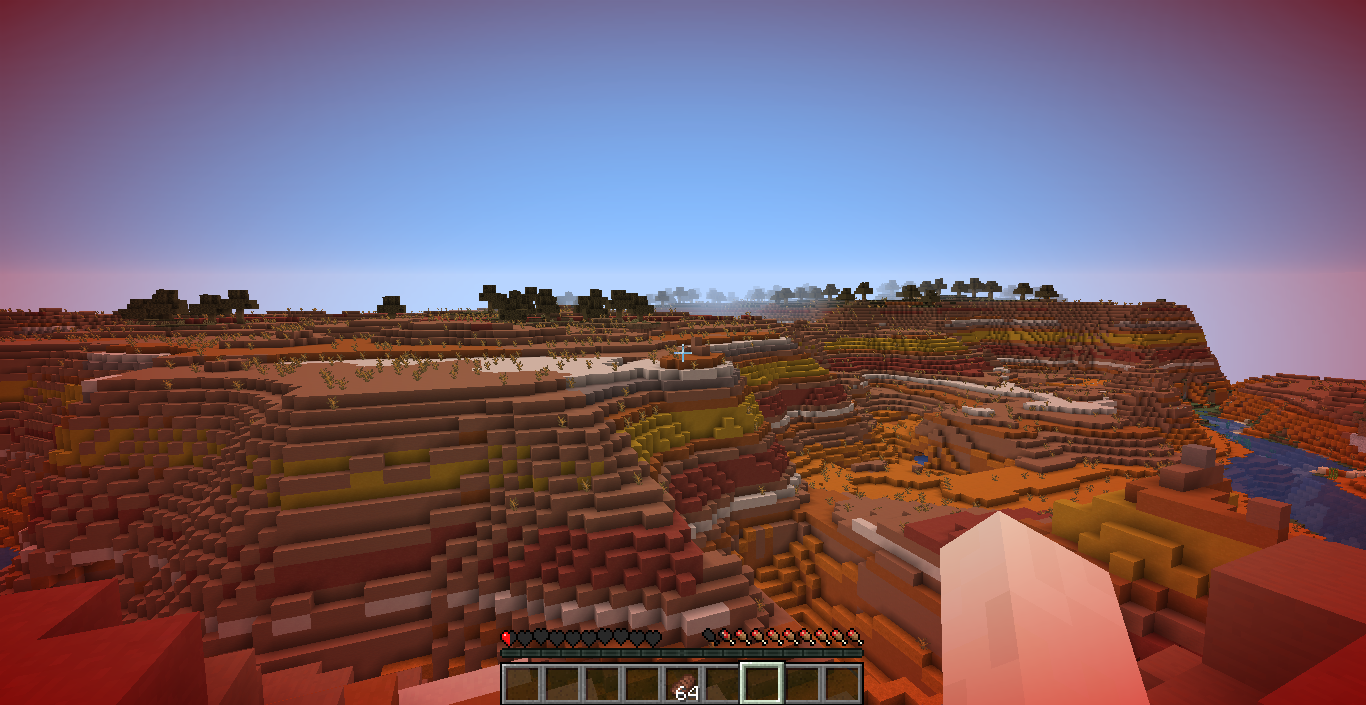
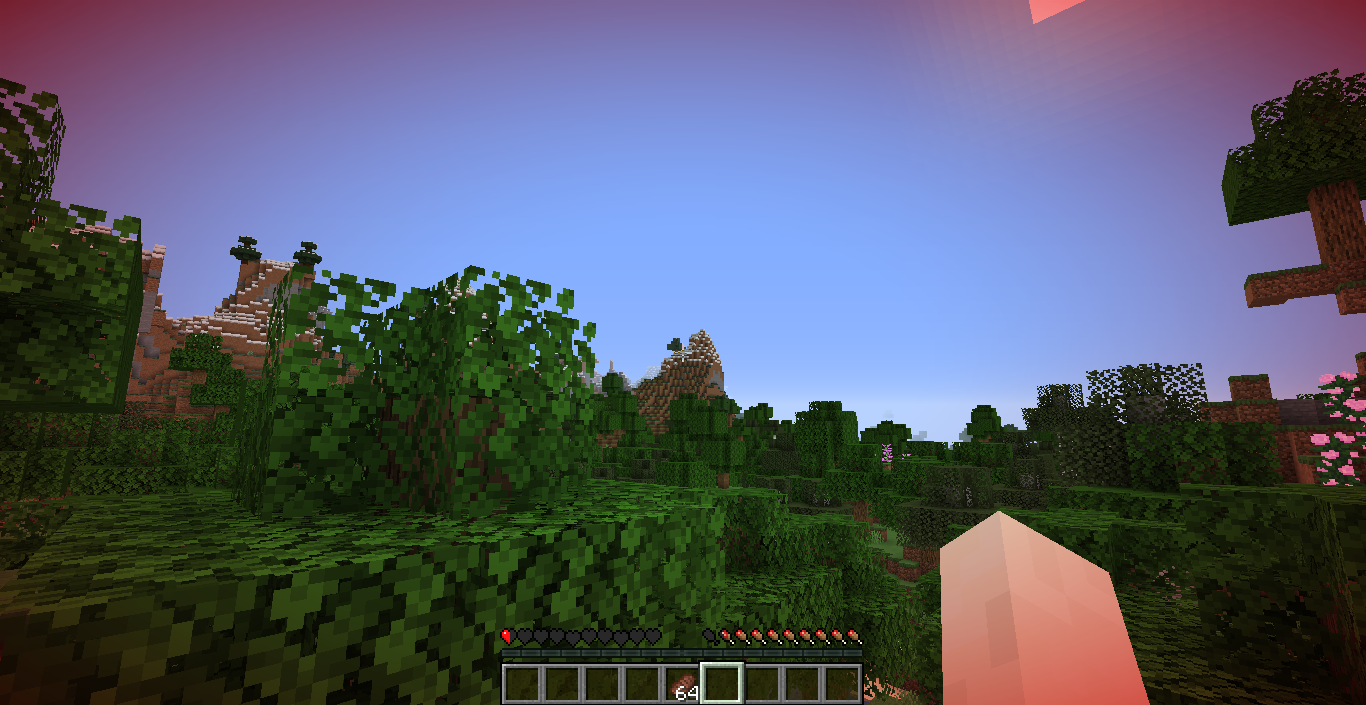
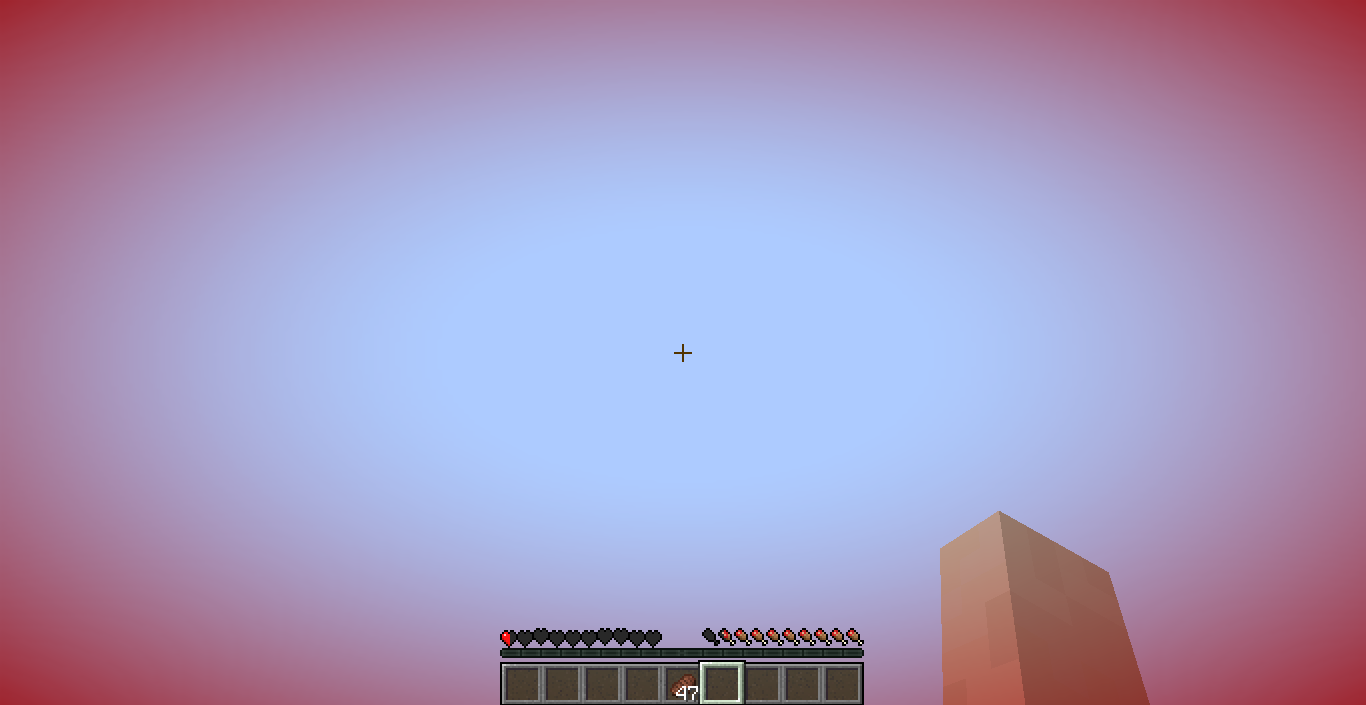
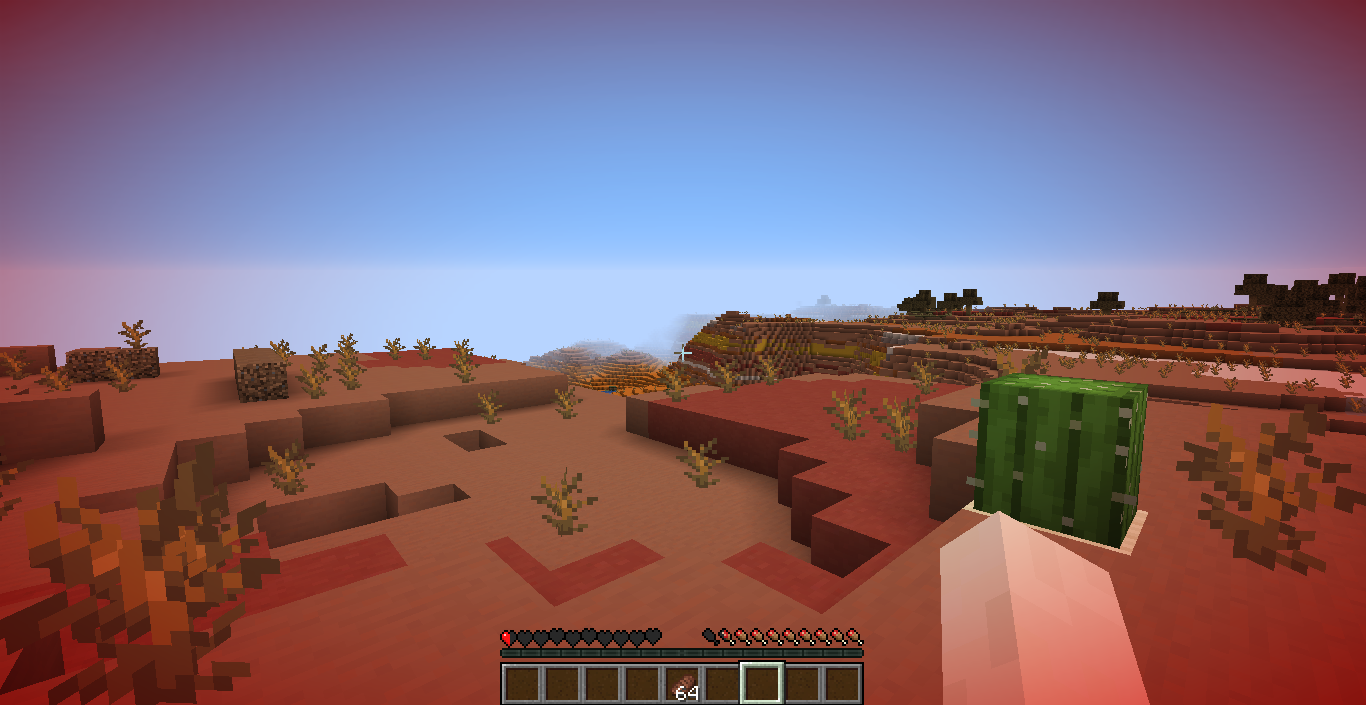
A client-side mod that adds a red vignette around the screen when your health gets low. The lower your health, the stronger the tint becomes.
Commands
/tint: Shows the current configuration./tint <health>:: Sets the health threshold in HP./tint dynamicShows whether Dynamic Mode is enabled./tint dynamic <true|false>: Enables or disables Dynamic Mode./tint reset: Resets all settings to their defaults.
Threshold
The threshold determines when the tint starts appearing.
Examples:
/tint 10: Tint starts at 10 HP (5 hearts)./tint 6: Tint starts at 6 HP (3 hearts).
Dynamic Mode
When enabled, the configured threshold is ignored and your current maximum health is used instead.
Examples:
- 20 max HP (10 hearts): Tint scales from 20 HP down to 0 HP.
- 40 max HP (20 hearts): Tint scales from 40 HP down to 0 HP.
This is useful with mods that increase or decrease your maximum health, as the effect automatically scales with your health pool.
Configuration
Settings are stored in .minecraft/config/damagetint.json. The configuration is global and applies to every world and server.
常见问题
Damage Tint 支持哪些 Minecraft 版本?
Damage Tint 支持 Minecraft Java 版 1.16–26.2,共 9 个版本,可用的加载器:Fabric / Forge / NeoForge。下载时注意选择和你游戏版本一致的文件。
Damage Tint 怎么安装?
先用 PCL2 或 HMCL 启动器安装对应版本的 Fabric / Forge / NeoForge,再把下载的 .jar 文件放进游戏目录的 mods 文件夹,重新启动游戏即可。开启了版本隔离的,mods 文件夹在 versions/版本名 下面。

评论
登录后评论和评分