Quartz UI
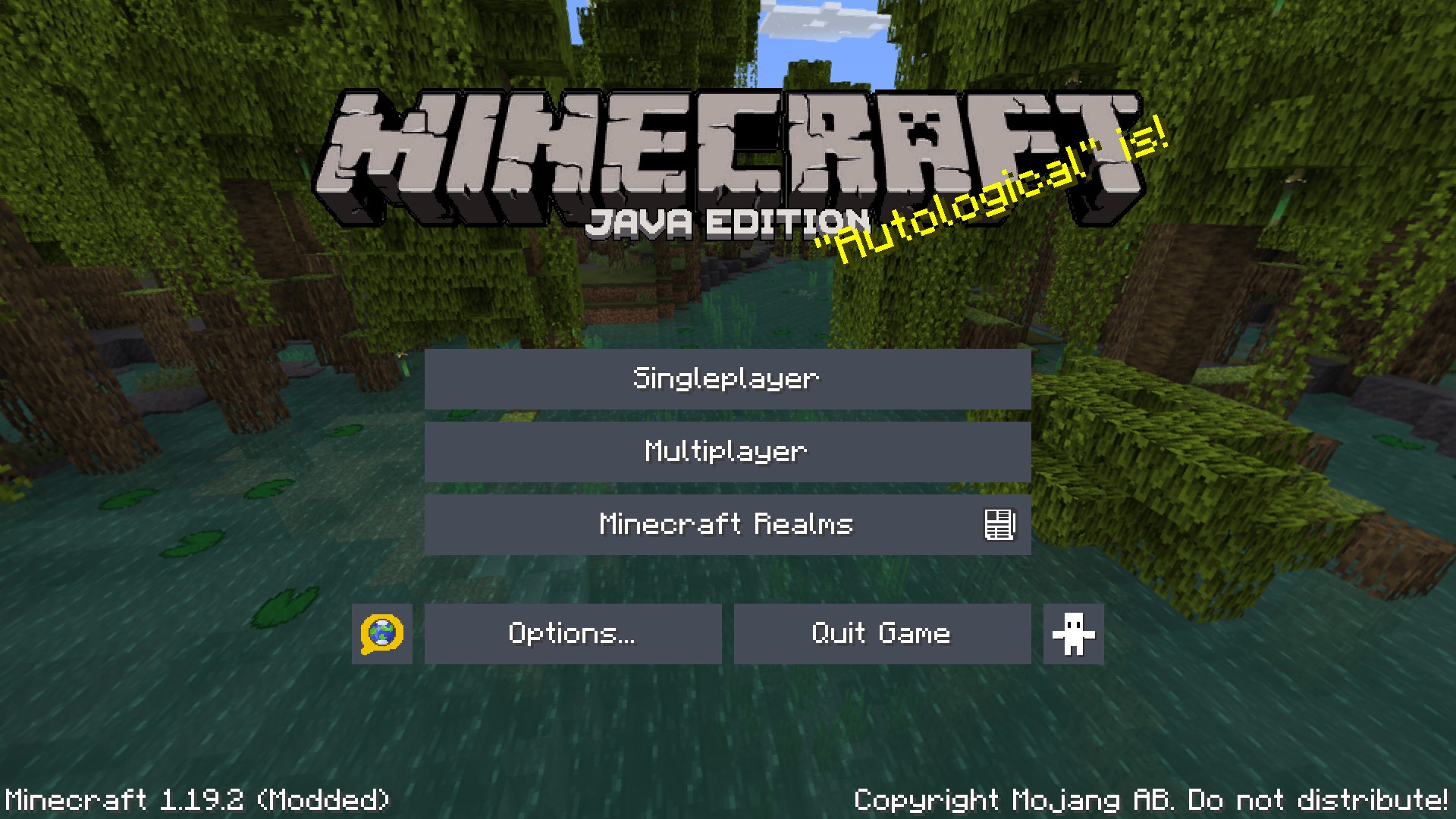
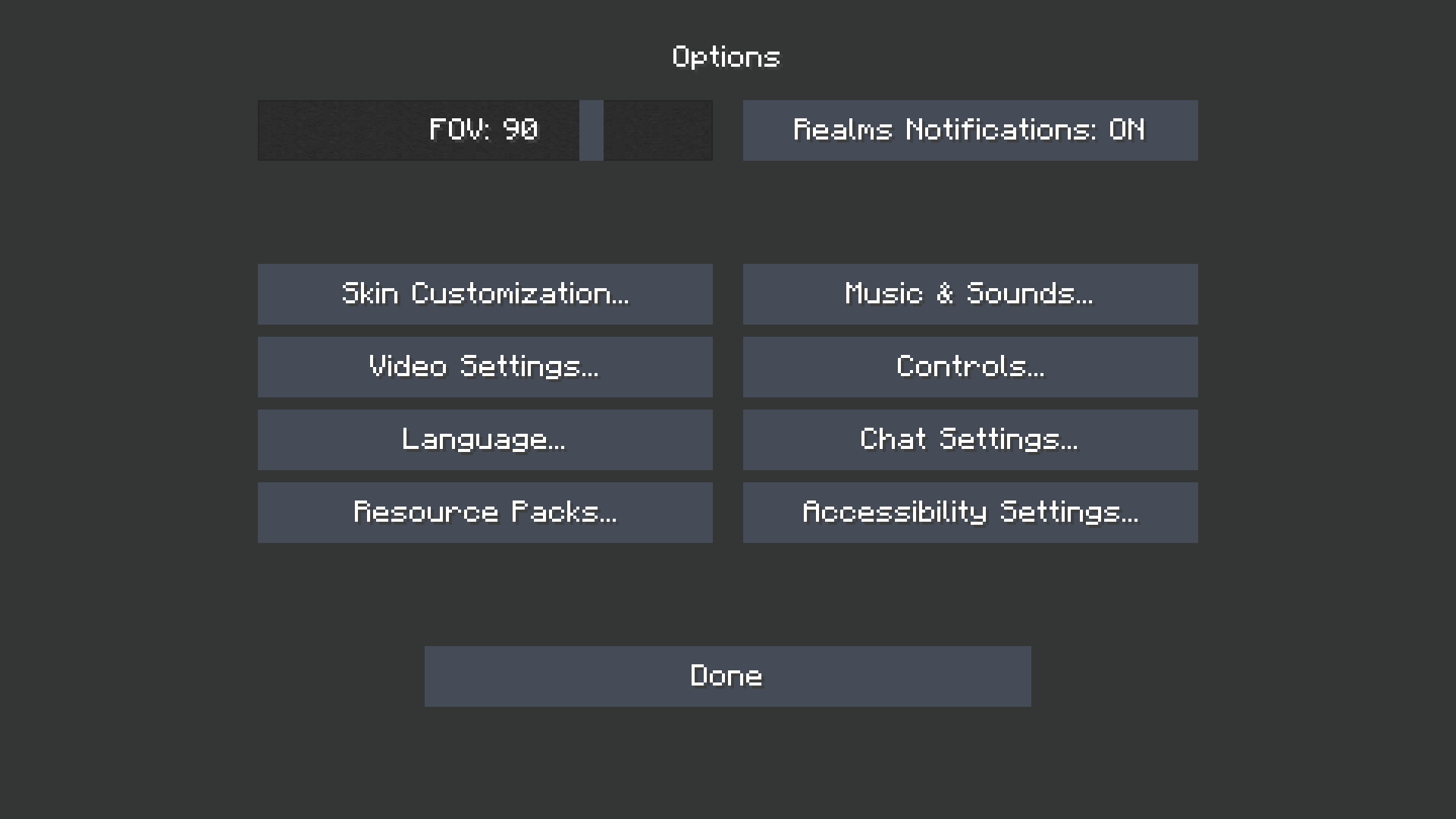
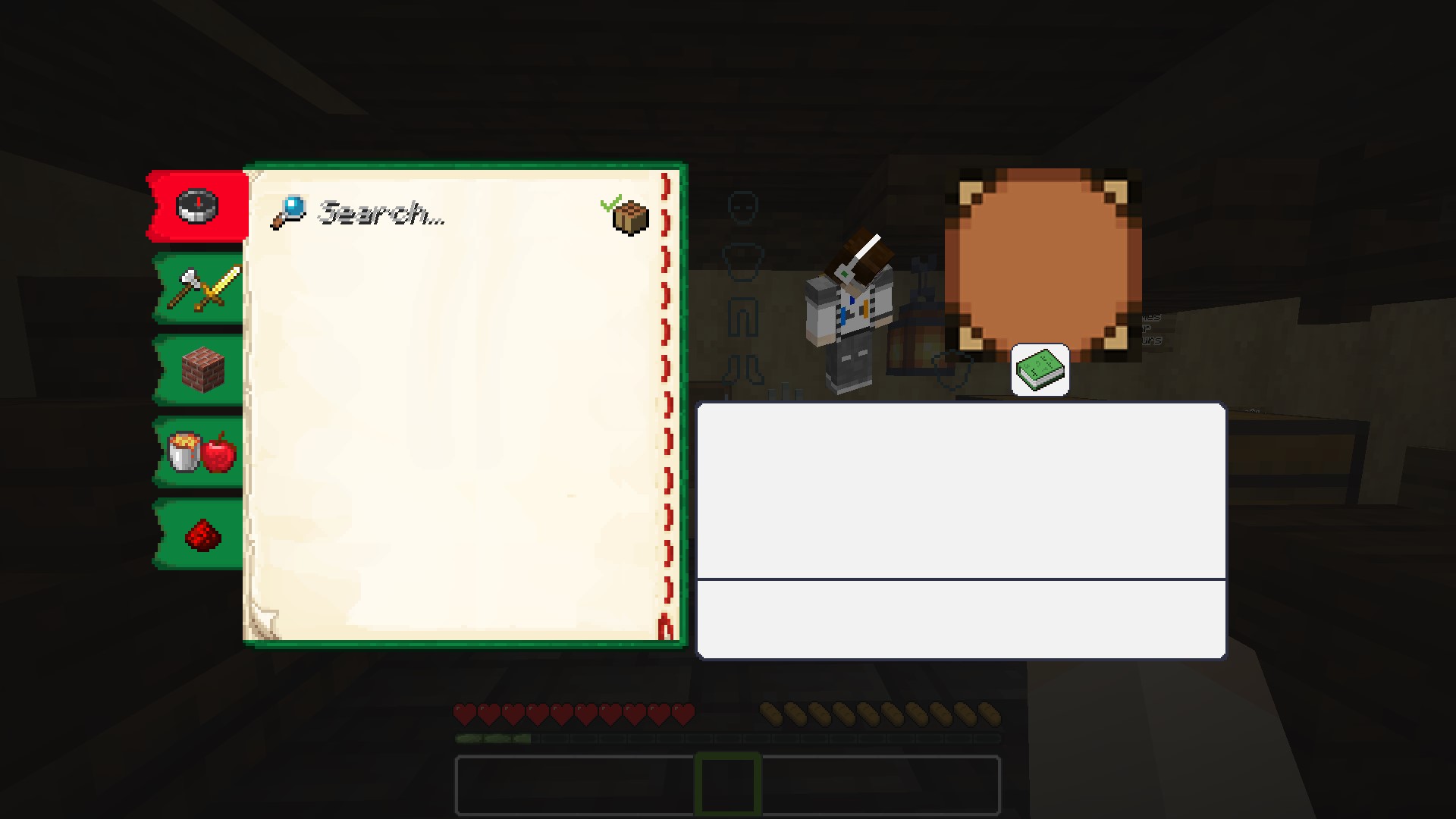
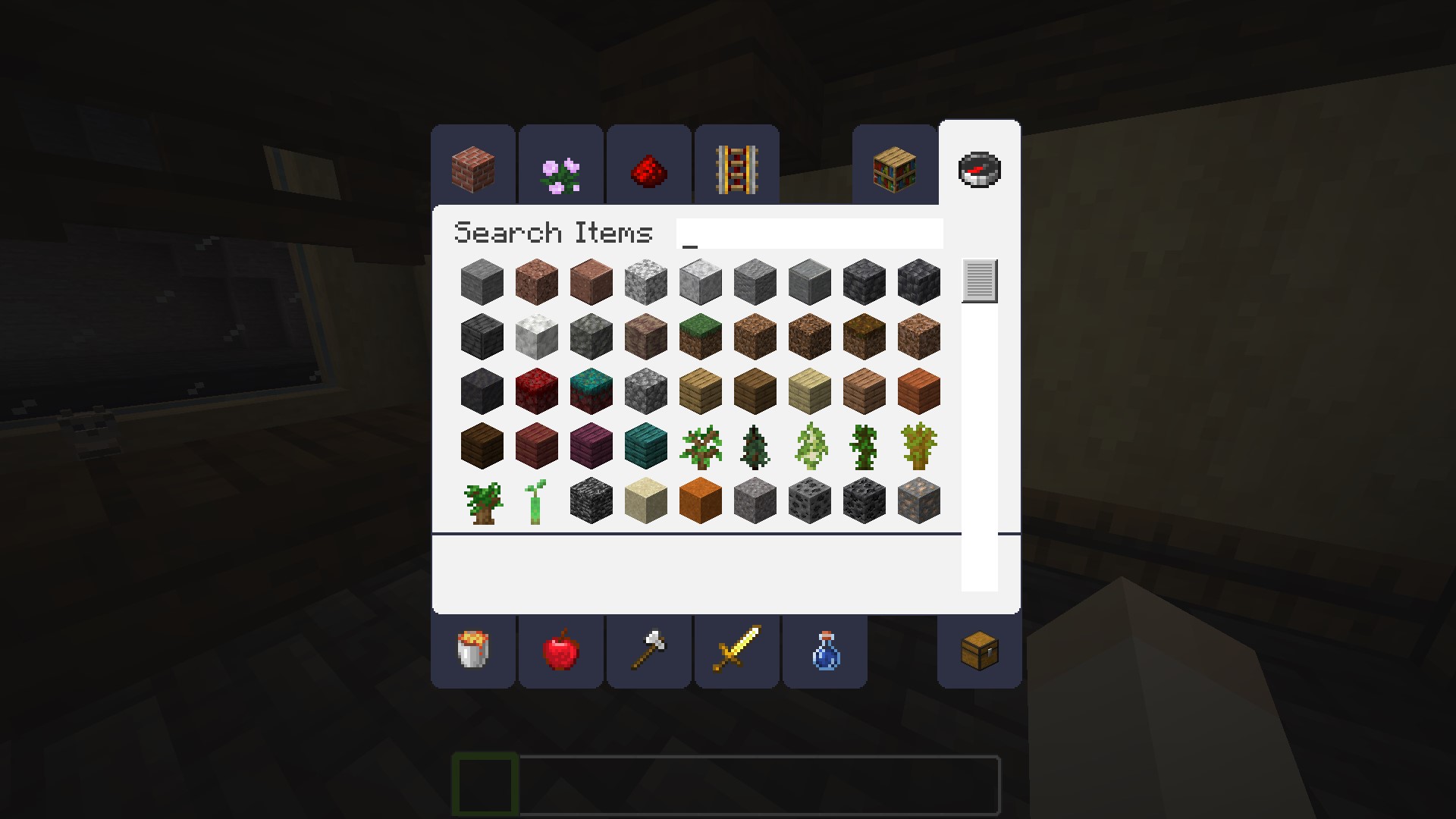
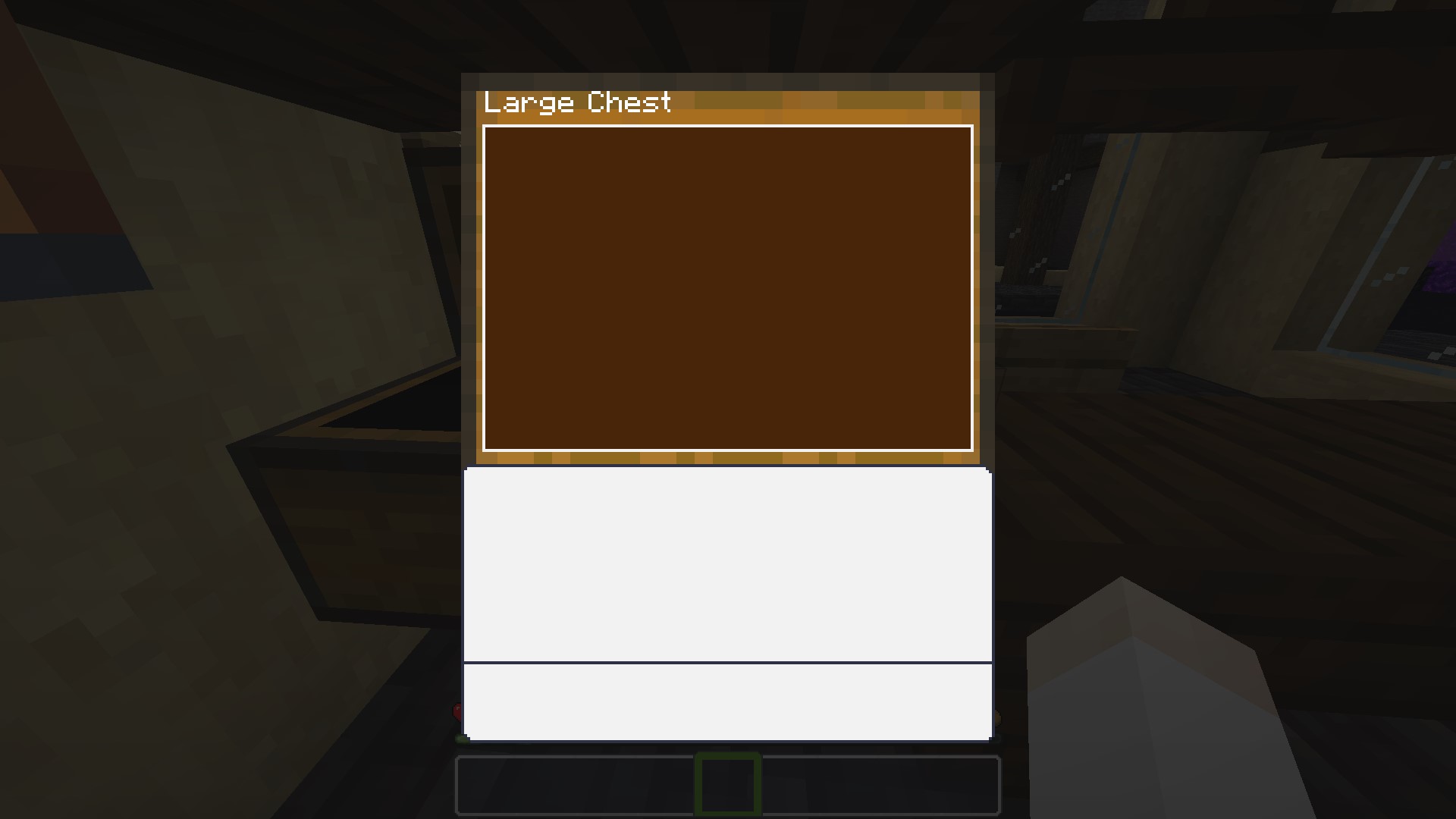
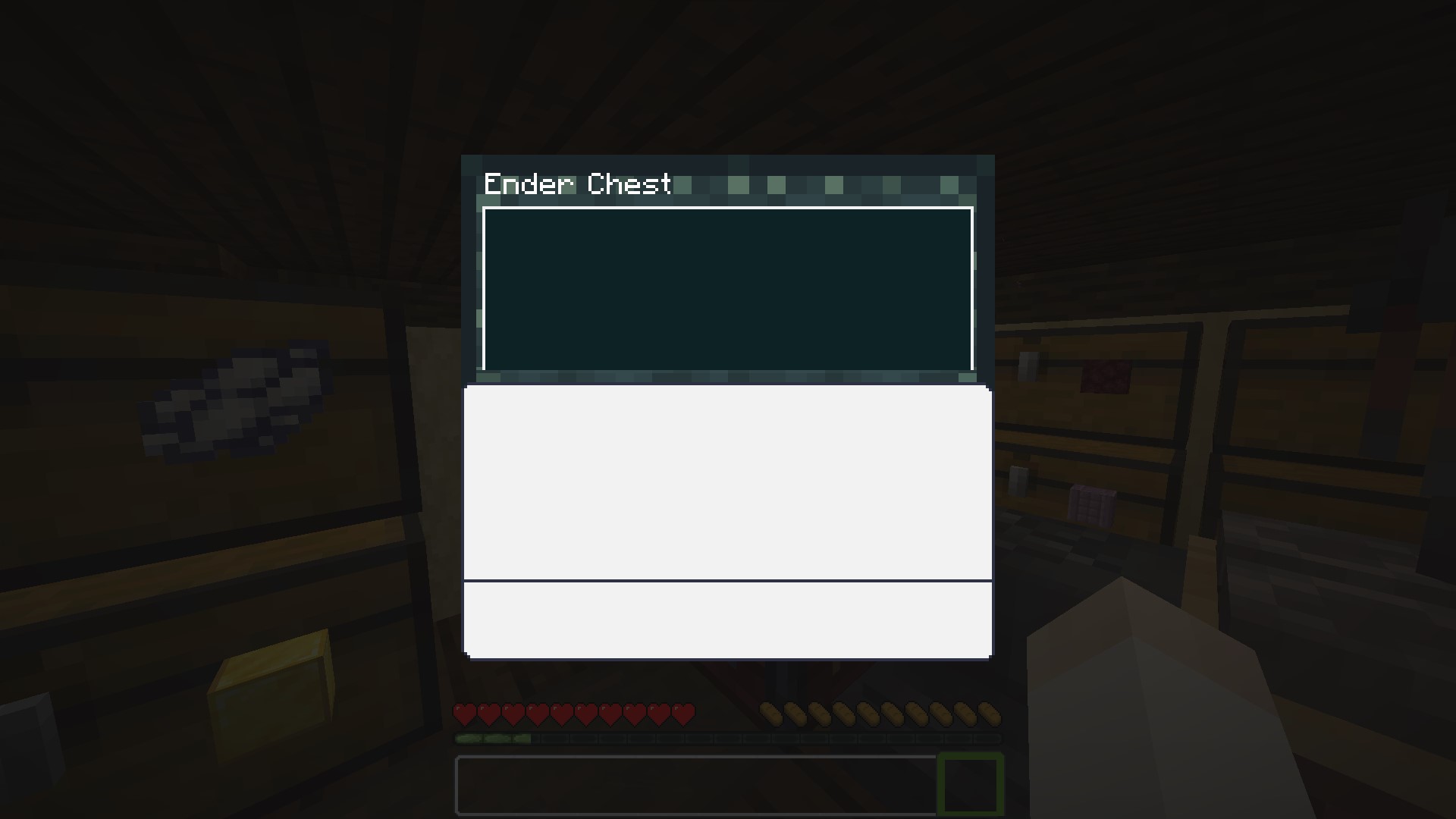
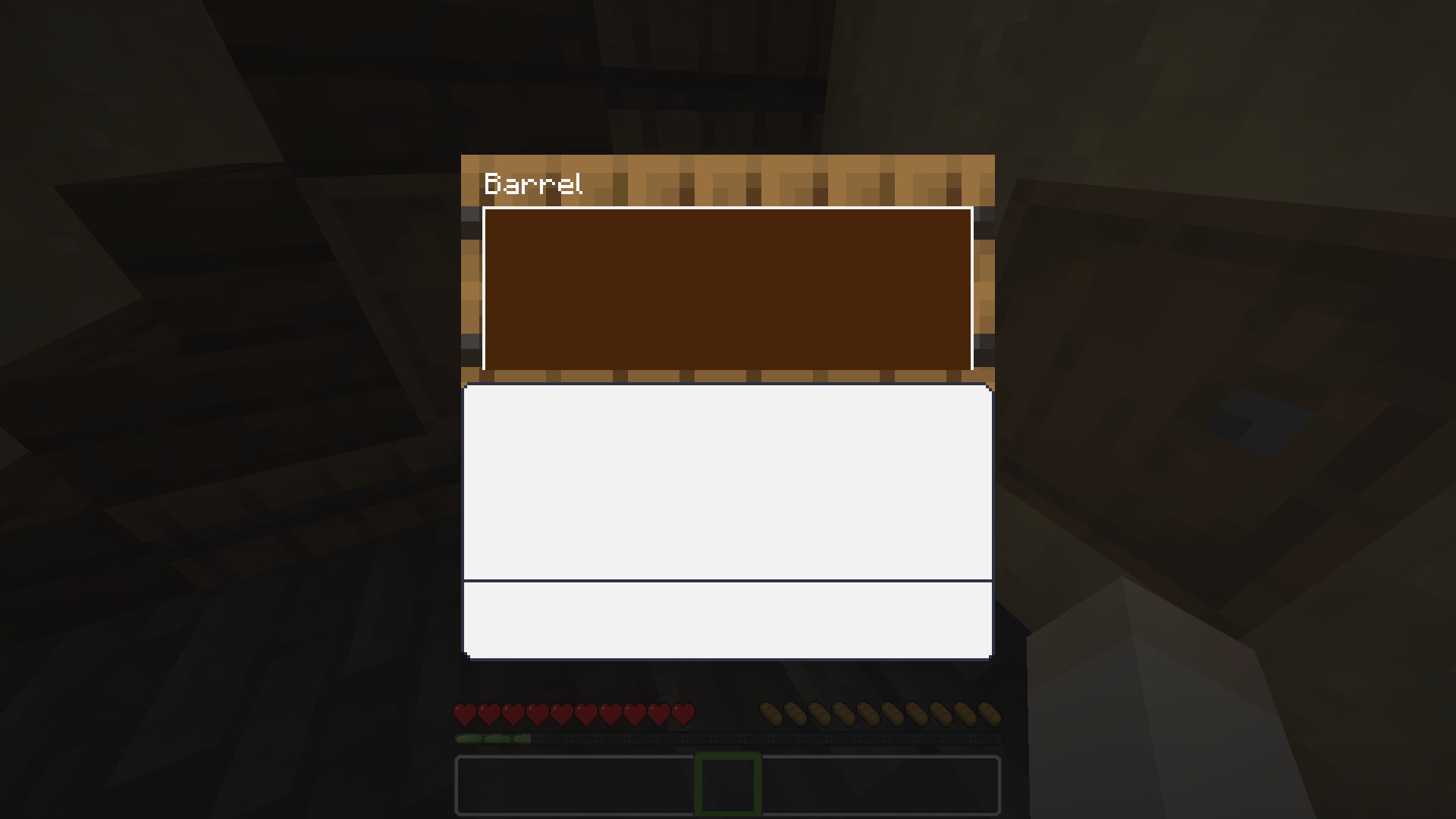
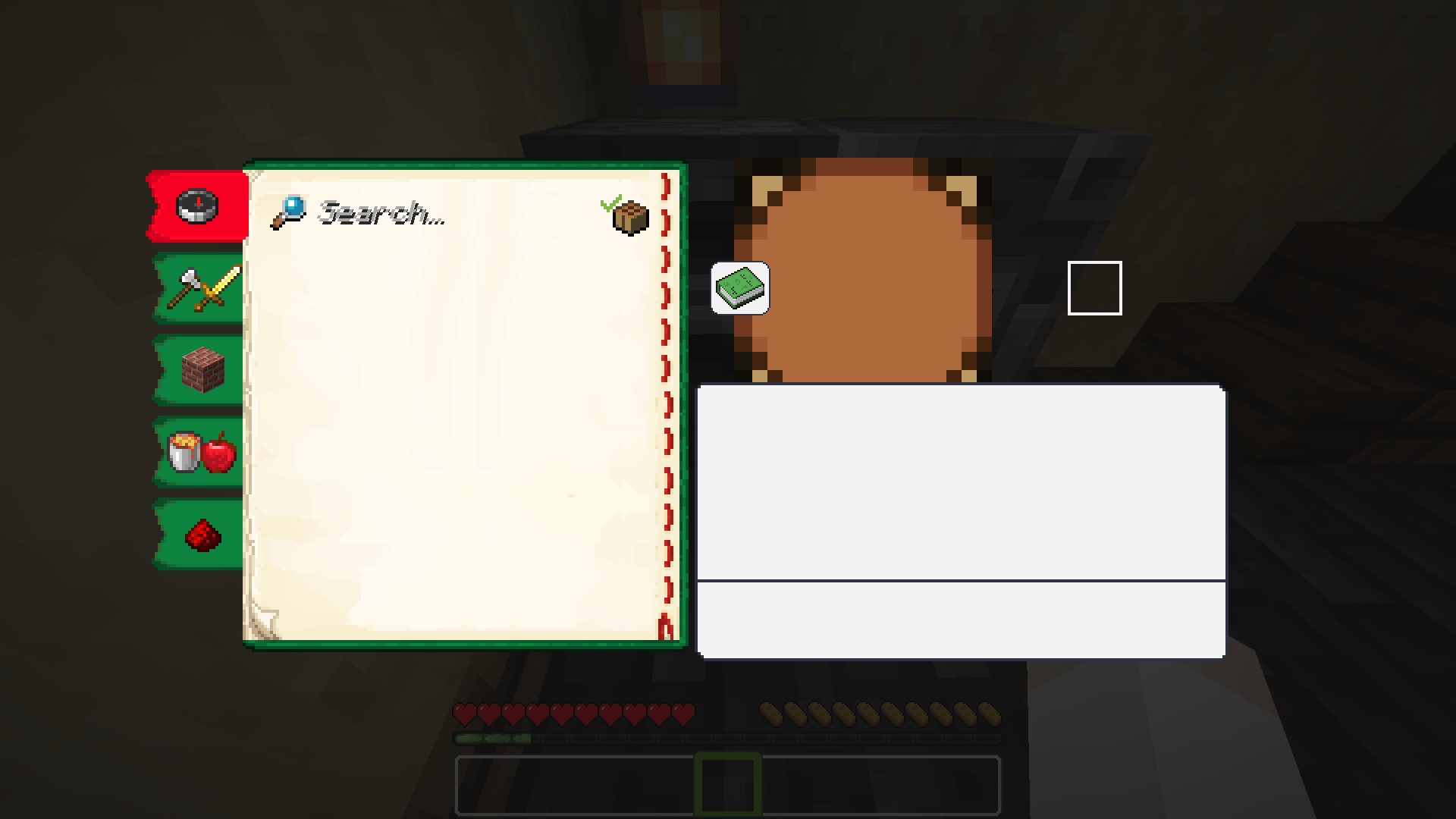
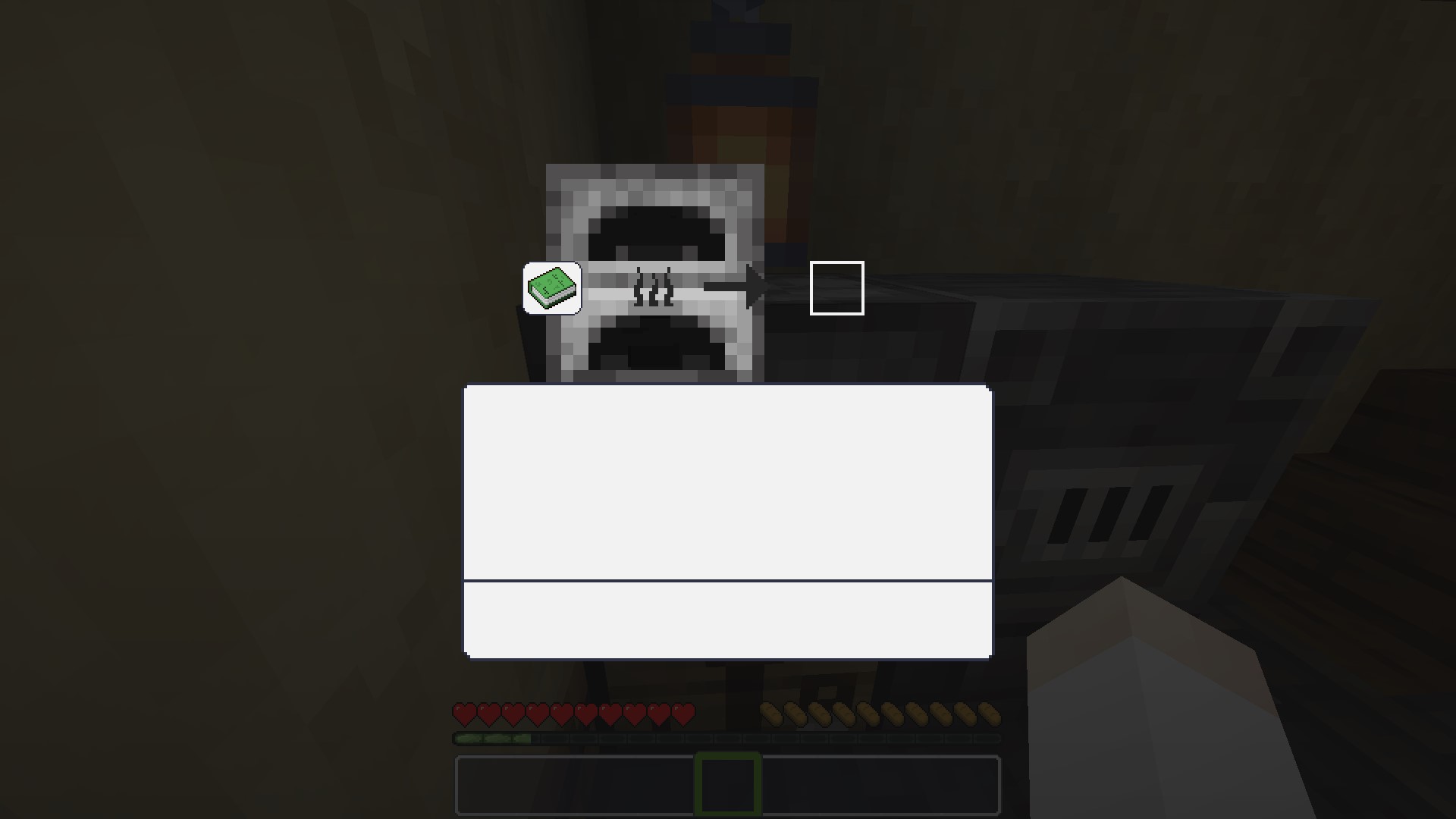
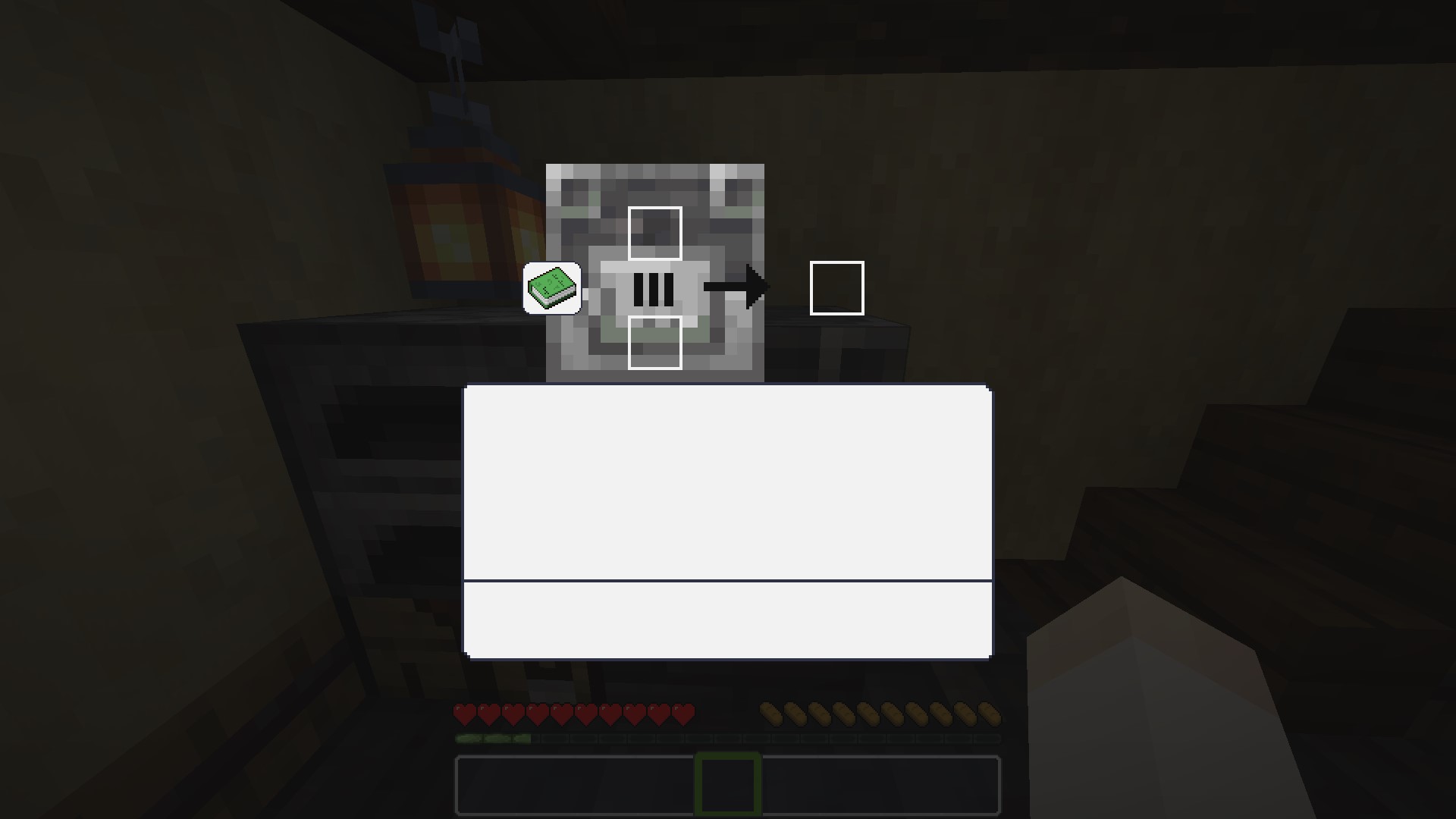
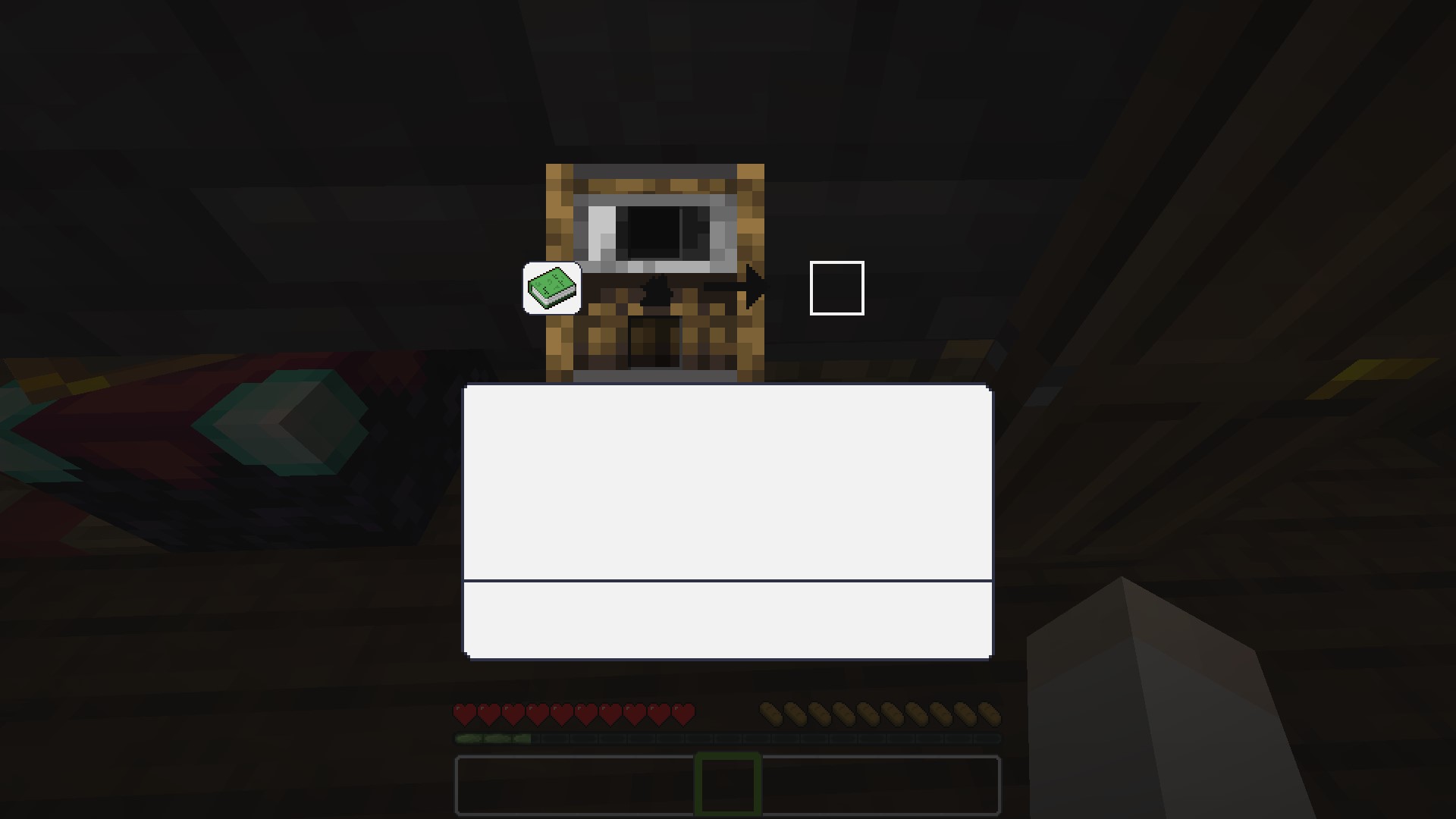
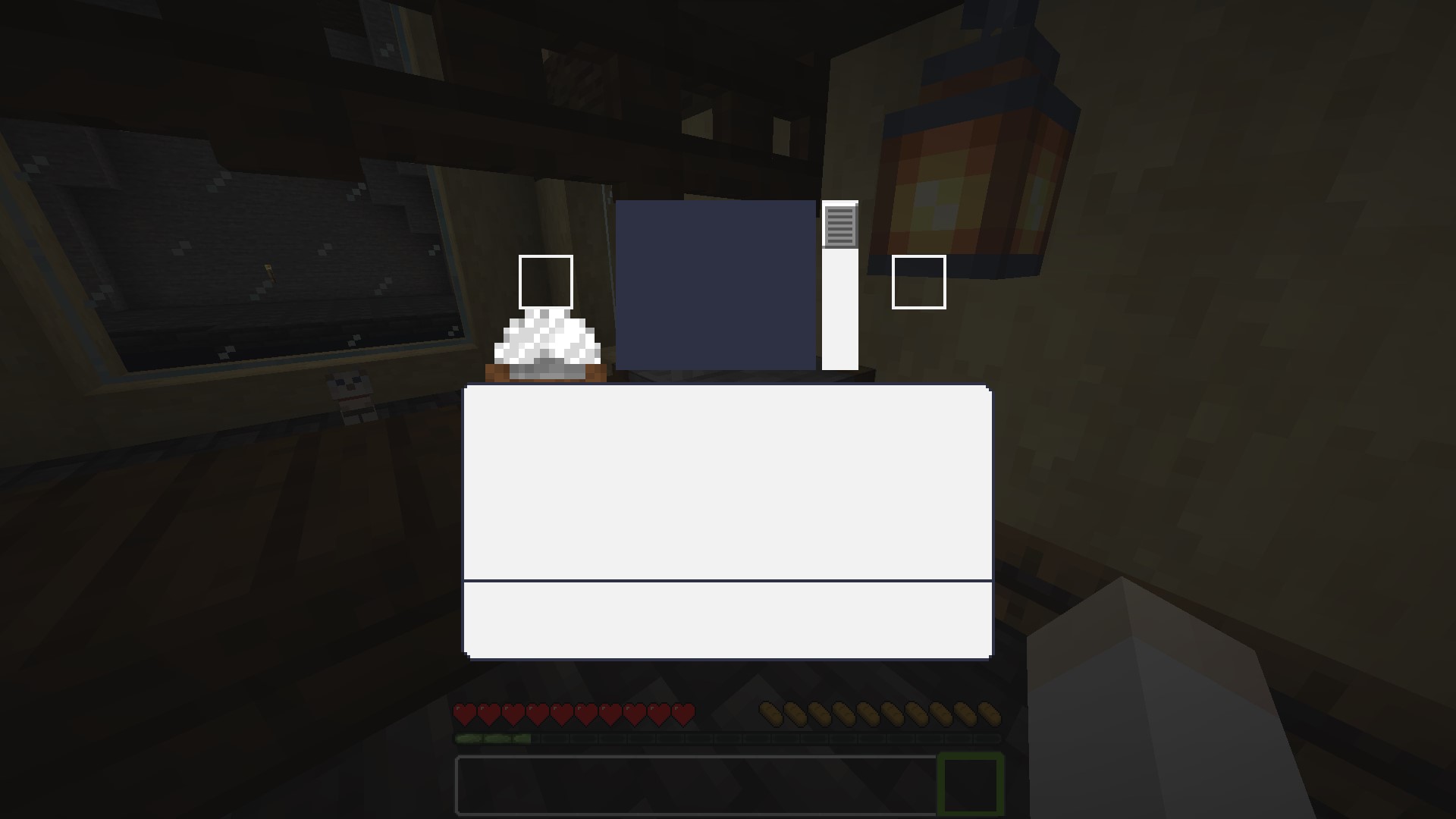
A minimalist, white and clear GUI overhaul in 16x — clean and bright, while staying true to vanilla Minecraft's original look and feel.
截图
介绍


Quartz UI
White and clear GUI.
Quartz UI is a minimalist resource pack that gives Minecraft’s interface a clean, bright, whitened look — without straying from the game’s original layout or feel. If you love vanilla Minecraft but want a crisper, less muddy interface, this pack keeps everything familiar while giving it a polished finish.
✨ Features
- Whitened GUI: menus, screens and widgets get a brighter, cleaner “quartz” palette instead of the default grey/brown tones.
- Vanilla-faithful layout: no elements are moved, resized, or redesigned from scratch — it’s a re-skin, not a rework, so everything stays exactly where you expect it.
- Consistent across the interface: the whitened style is applied throughout the UI for a cohesive look, rather than reskinning just a single screen.
- Lightweight: a pure 16x GUI-focused resource pack, easy on performance and simple to combine with other packs (textures, sounds, etc.).
🎨 Style
- Resolution: 16x
- Theme: Simplistic, vanilla-like
- Palette: White / off-white, clean and bright
🕹️ How to use
- Download the resource pack.
- Drop it into your
.minecraft/resourcepacksfolder. - Enable it in Options → Resource Packs, above any conflicting packs if you’re stacking it with others.
📦 Compatibility
| Minecraft versions | 1.19.4 · 1.20.x · 1.21.x · 26.1.x · 26.2 · 26.3 |
| Type | Resource Pack (client-side, GUI only) |
| License | MIT |
| Source | GitHub |
📥 Installation
Place the downloaded file into .minecraft/resourcepacks/, then enable it from the in-game resource pack menu.
常见问题
Quartz UI 支持哪些 Minecraft 版本?
Quartz UI 支持 Minecraft Java 版 1.12.2–26.3,共 39 个版本。下载时注意选择和你游戏版本一致的文件。
Quartz UI 怎么安装?
把下载的 .zip 文件(不用解压)放进游戏目录的 resourcepacks 文件夹,进游戏后在「选项 → 资源包」里把它移到右边启用。
Azerxim 的其他作品
查看全部 →
Power Heroes 2 – Comics
Save the world, use your SUPER POWER !!!

Doctor Who Dalek 4 – Invasion
Traveling aboard the T.A.R.D.I.S. and fight evil Daleks.

Woodcutter
Turn the stonecutter into a woodcutting station: convert logs, planks, stairs, slabs and boats for every vanilla and Nether wood type.

Doctor Who Dalek 5 – Exterminate
Traveling aboard the T.A.R.D.I.S. and fight evil Daleks.
评论
登录后评论和评分