
Twemoji
Pixelated Twemoji emojis in chat, with a picker, shortcodes, animated emojis, and datapack support.
介绍
Twemoji
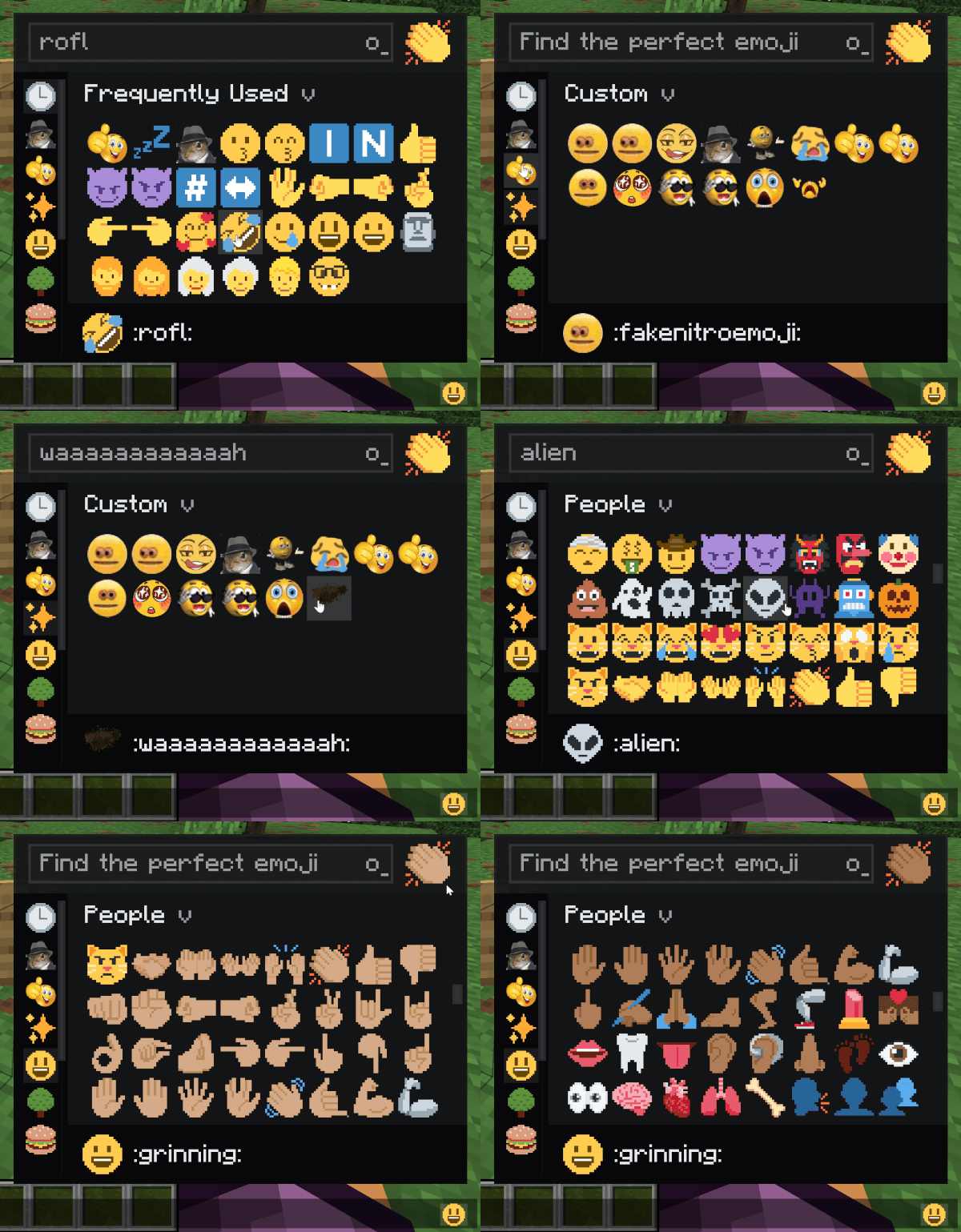
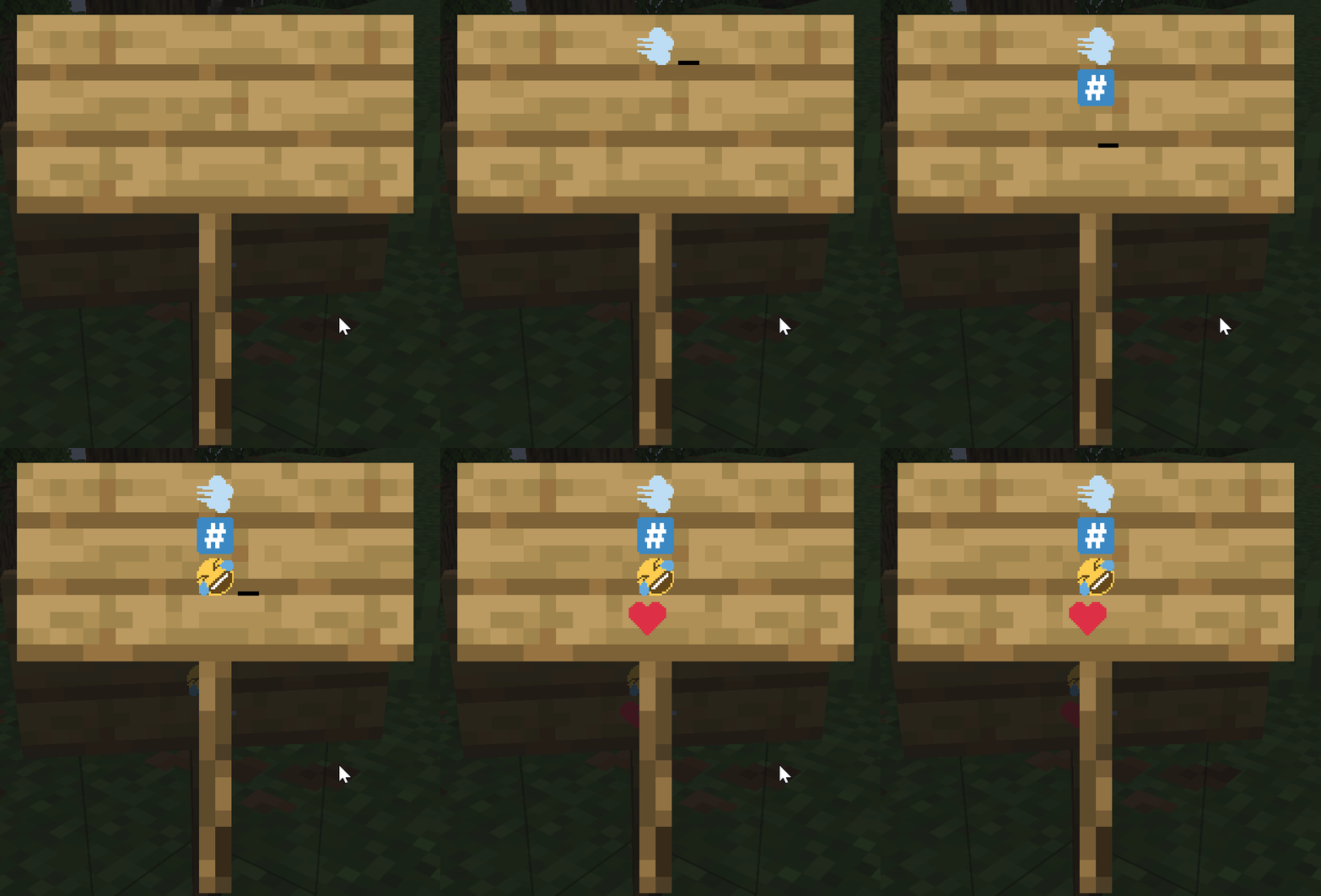
Adds Pixelated Twitter-style emoji to Minecraft chat, signs, books, and tooltips. Type :name: to insert one.
Features
- The full Twemoji set built in : smileys, hands, flags, symbols, all of it.
- Live shortcode conversion: type
:smile:and it pops in as you close the colon or hit space. - Skin tone preference for hand and people emojis.
- Animated emojis via datapack.
- Server datapacks can add custom emojis that sync to every connected client.
- Emoji rain command for fun (
/twemoji rain <emoji>), works in singleplayer and on servers. 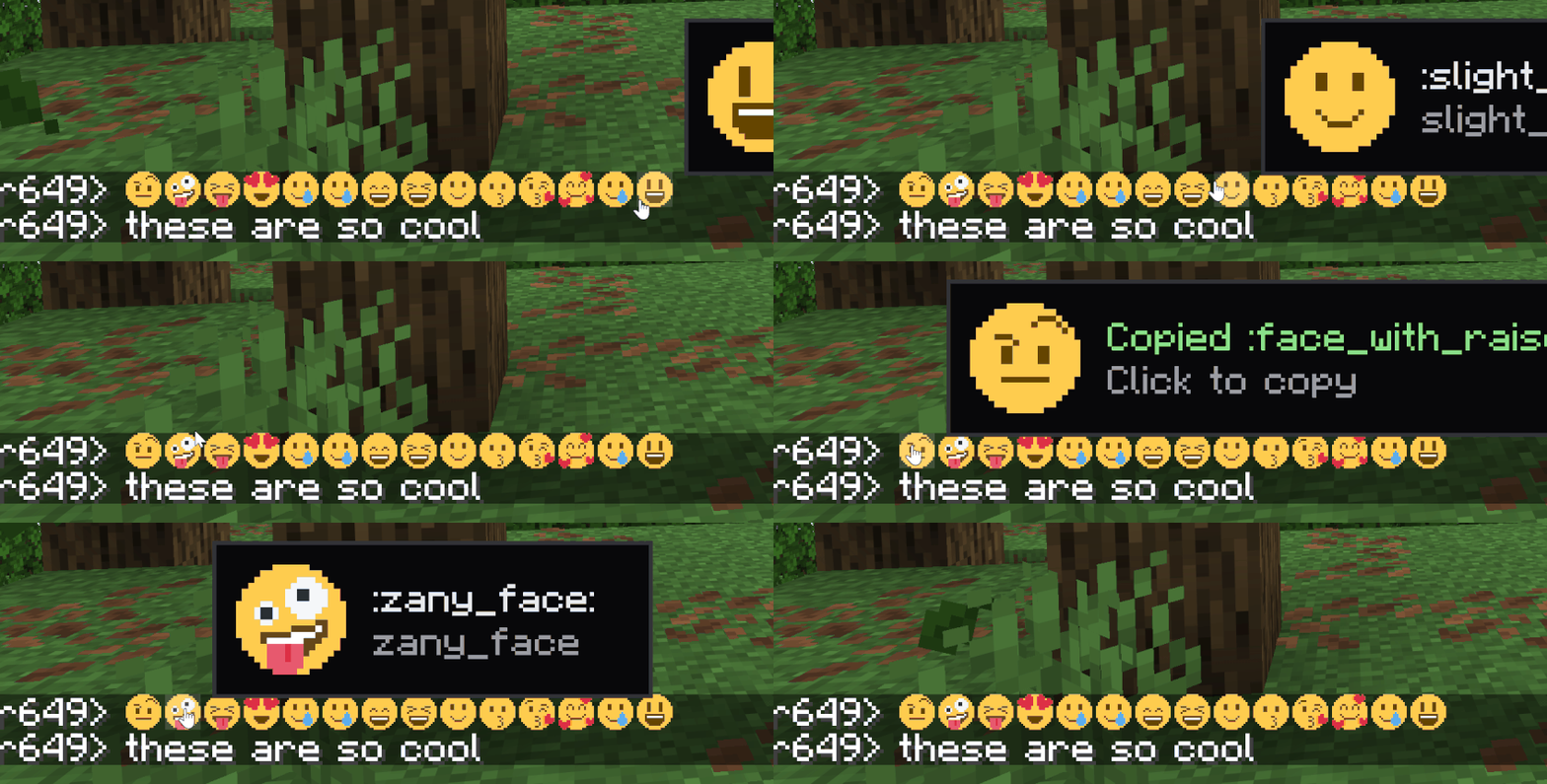
How to type emojis
Open chat, type : and start typing the name. A suggestion list appears. Or open the picker with the keybind (rebindable in Controls).
Custom emojis (server datapacks)
Drop a PNG into a datapack at data/<namespace>/twemoji/emoji/<name>.png. The file name is the shortcode. Static and animated both supported (animated uses the same .png.mcmeta format as vanilla animated textures). Also it has backward compat with emojiful’s datpack format
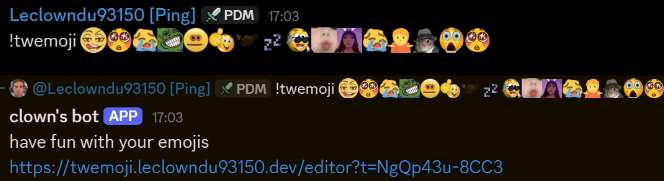
There’s also a discord bot and website available in my Discord Server with a built-in datapack editor
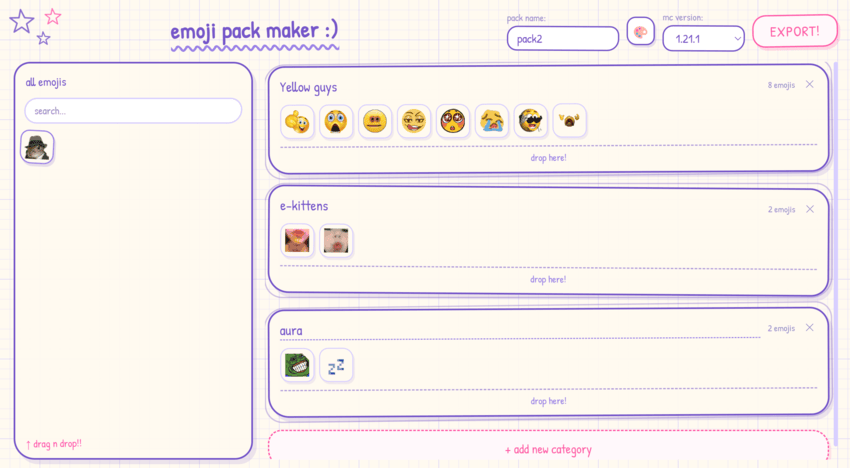
Singleplayer and dedicated servers work the same — the integrated server pushes the set to your client on join.
Full datapack format and examples are in the project README on GitHub.
Commands
/twemoji skin <0-5>– set your skin tone (0 = default) can also be done in the picker./twemoji rain <emoji> [seconds]– emoji rain on your screen./twemoji rain <emoji> [seconds] <players>– admins only, trigger rain for someone else./twemoji button <true|false>– show/hide the picker button next to the chat input./twemoji flags <true|false>– toggle regional indicator flag emoji rendering./twemoji render <size> <emoji>– export an emoji to a PNG file./emoji upload <name> <file>– admin command to add a server-wide emoji at runtime.
License & attribution
Source code is All Rights Reserved. View and fork for PRs only – no redistribution or derivative works without written permission.
Bundled image assets and shortcode data are CC-BY 4.0:
- Twemoji graphics – Copyright © 2018 Twitter, Inc. and other contributors, CC-BY 4.0.
- Pixel art adaptation and resource pack layout – Copyright © 2020 Amber (PixelTwemojiMC), CC-BY 4.0.
When redistributing, the asset attribution above must be preserved.
Support on Discord
If you’d like to support me and the development of my mods, I recommend trying out BisectHosting. Use code “project8gbderam” to get 25% off your first month of a gaming server for new customers. They offer 24/7 support and lightning-fast response times, ensuring you’re in great hands and providing exceptional assistance for all your gaming needs. https://www.bisecthosting.com/project8gbderam

常见问题
Twemoji 支持哪些 Minecraft 版本?
Twemoji 支持 Minecraft Java 版 1.20.1–26.3,共 6 个版本,可用的加载器:Fabric / Forge / NeoForge。下载时注意选择和你游戏版本一致的文件。
Twemoji 怎么安装?
先用 PCL2 或 HMCL 启动器安装对应版本的 Fabric / Forge / NeoForge,再把下载的 .jar 文件放进游戏目录的 mods 文件夹,重新启动游戏即可。开启了版本隔离的,mods 文件夹在 versions/版本名 下面。
Project8gbDeRam 的其他作品
查看全部 →
Leaderboards
恢复了 FTB Utilities 的经典排行榜,现在功能更丰富!

Replication RS2 Bridge
为 Replication 和精致存储 2 添加联动。

Chisel Modern
建筑党的最佳伙伴。支持现代版本!

MooFluids Modern
会流体的牛!
评论
登录后评论和评分