截图


介绍
IPLA
Place your favourite items exactly the way you want
Ipla is a decorative Minecraft mod that lets you place almost any item from your inventory directly into the world, with full control over its position, rotation, and orientation.
Forget item frames and their strict limits. With Ipla, items become true world objects.
Controls
- V to place item
- Shift + V to place item as 1/4 of a block side
- Alt + Mousewheel to rotate items
- IF CONTROLS NOT WORKING DOWNLOAD MOD THAT ALLOWS MULTIPLE KEYBINDS TO WORK AT THE SAME TIME
Features
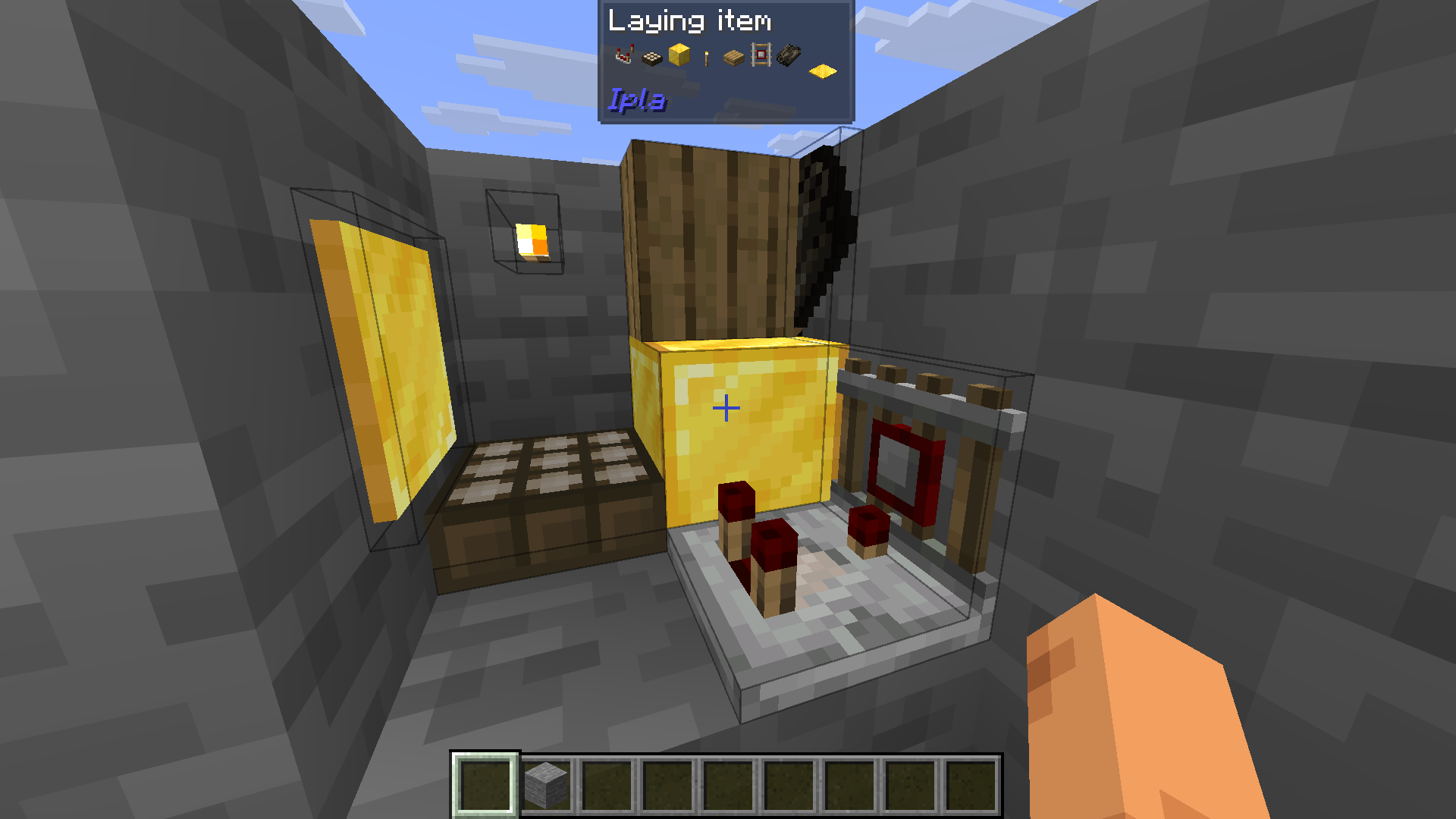
- Place items freely on walls, floors, ceilings, or in mid-air
- Rotate and tilt items
- Fine-tune placement using simple controls
- Items stay fixed in place and persist after world reloads
- Hold right click with empty hand to eat food
Endless possibilities!
(You can also see that each item has an almost right hitbox)
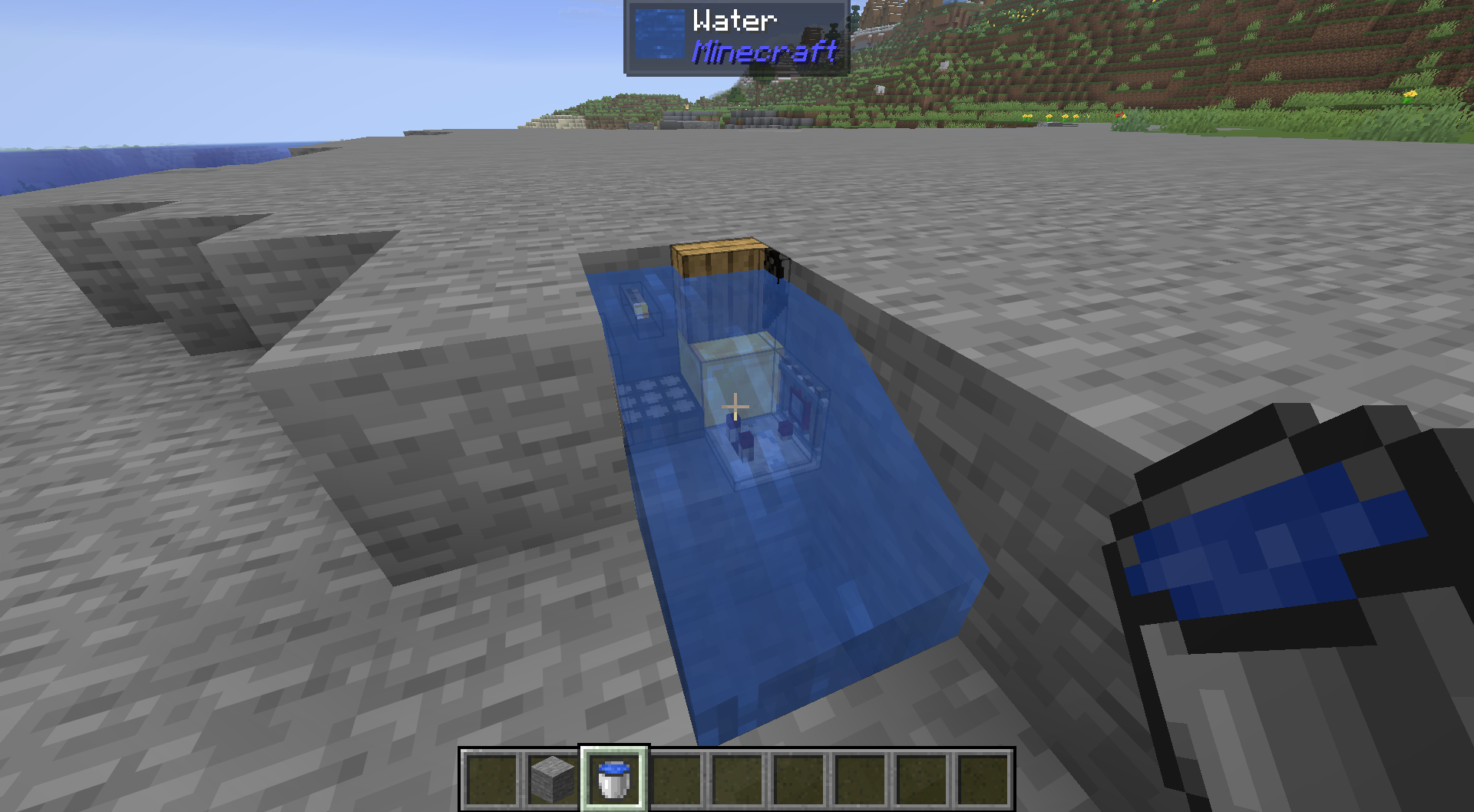
You can also fullfill your waterlogging desires.
Items can emit light.

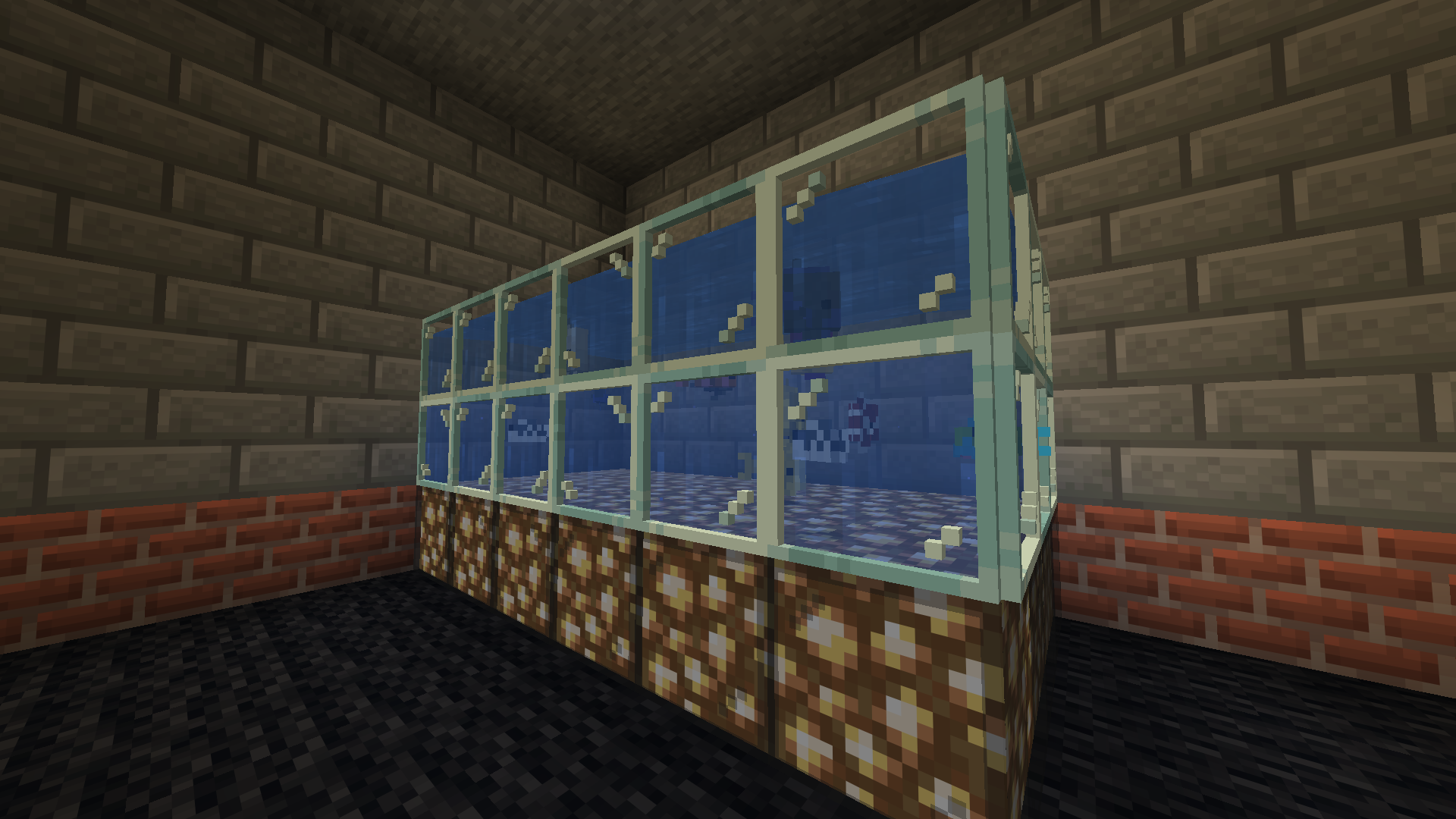
Now you can build a proper fishtank for your sea creatures!
Make a mess!
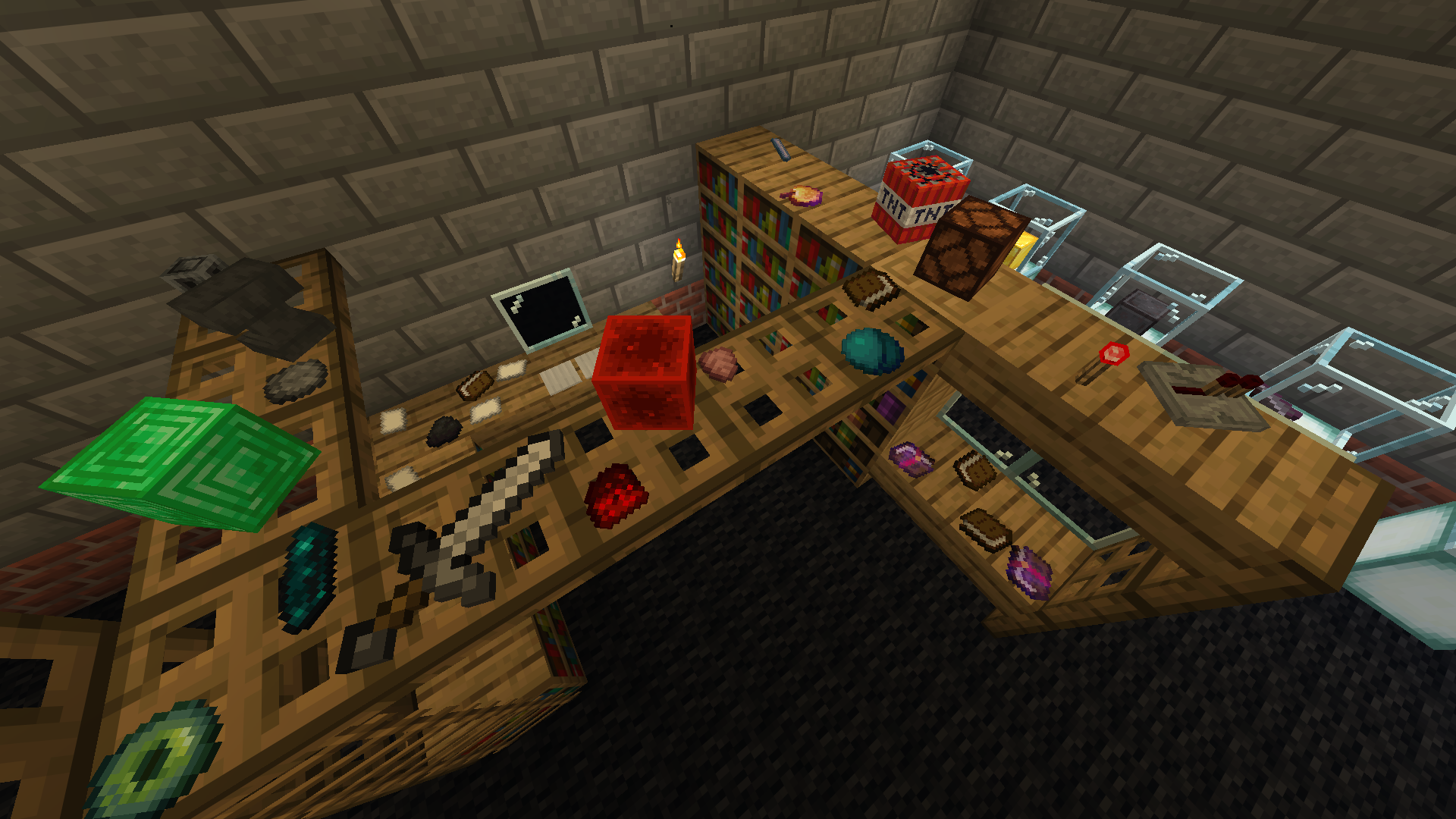
Display your items!
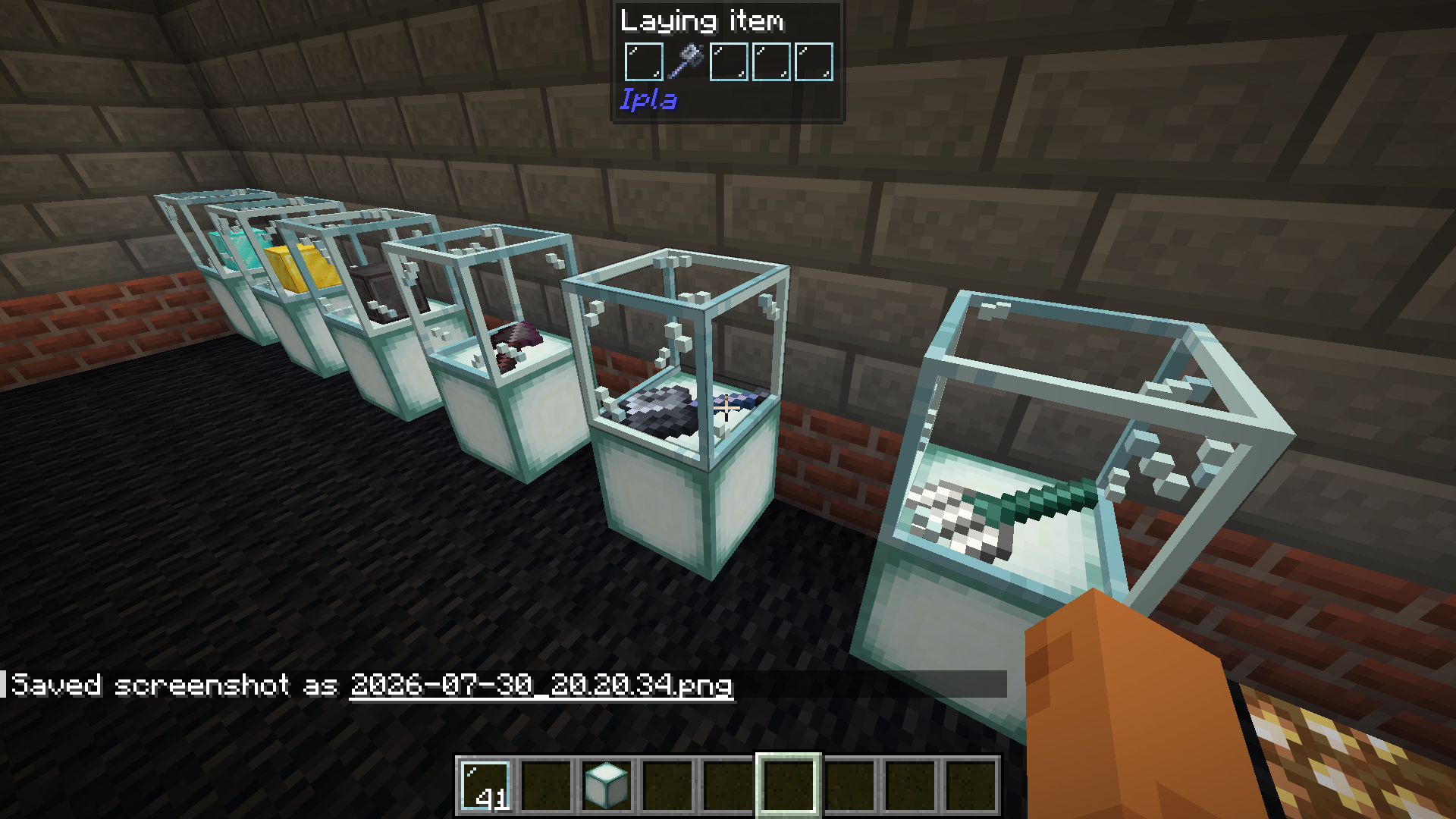
Dynamic items work.

常见问题
Ipla (item placer 2) 支持哪些 Minecraft 版本?
Ipla (item placer 2) 支持 Minecraft Java 版 1.18.2–26.3,共 21 个版本,可用的加载器:Fabric / Forge / NeoForge。下载时注意选择和你游戏版本一致的文件。
Ipla (item placer 2) 怎么安装?
先用 PCL2 或 HMCL 启动器安装对应版本的 Fabric / Forge / NeoForge,再把下载的 .jar 文件放进游戏目录的 mods 文件夹,重新启动游戏即可。开启了版本隔离的,mods 文件夹在 versions/版本名 下面。运行环境:客户端和服务端都要装。
pustoykishka 的其他作品
查看全部 →
item placer USE IPLA INSTEAD
Place any item on any block side (supports multiple item in one block)

Shelves
Mod that adds shelves to minecraft

Distant thunders
A realism mod that introduces speed-of-sound physics to Minecraft. Lightning strikes are no longer heard instantly; instead, the thunder reaches you with a delay based on your distance from the strike. It also features dynamic volume scaling and realistic

Colorful UI
Dye Minecraft interface in any color you like!
评论
登录后评论和评分