
截图
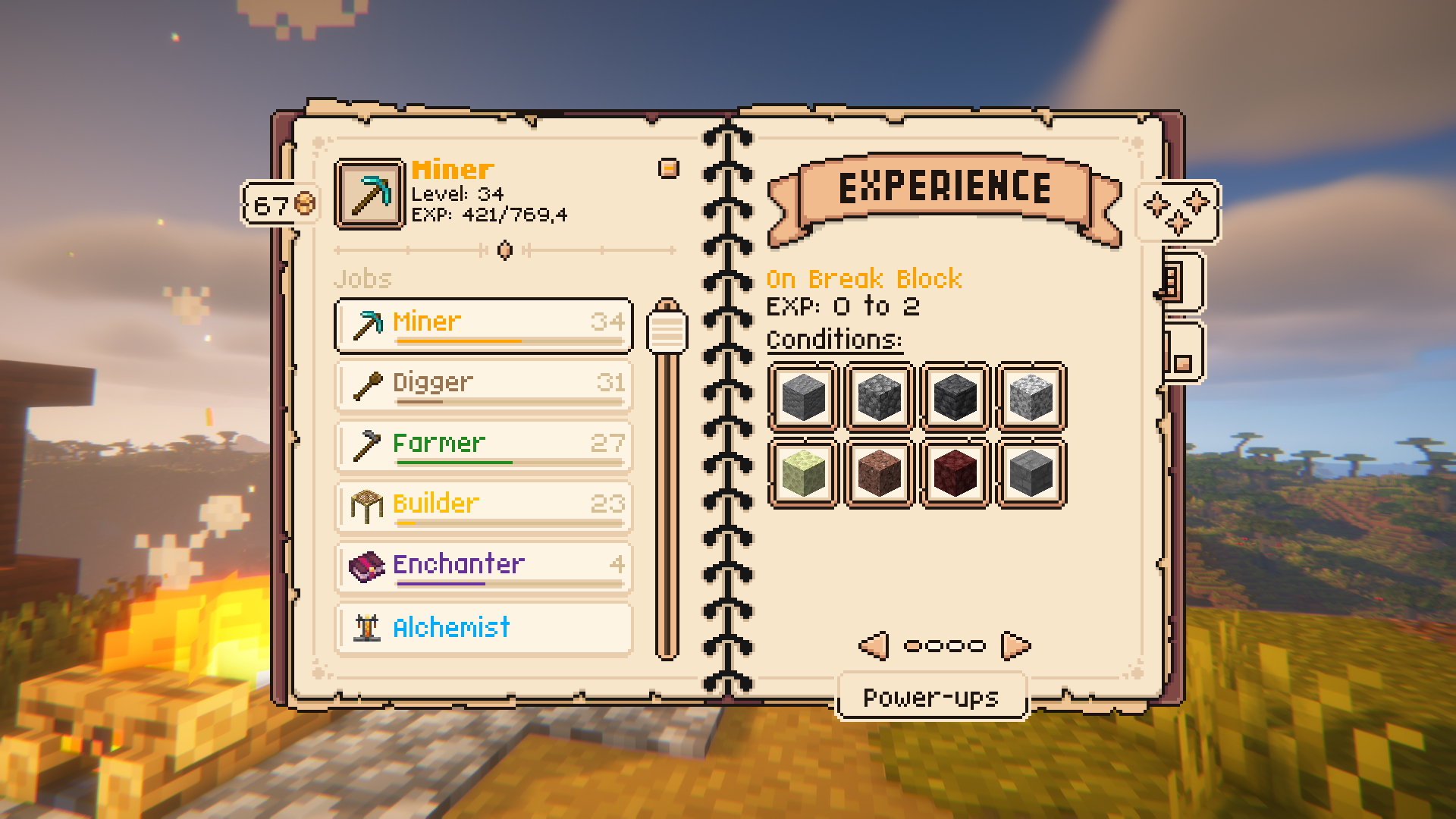
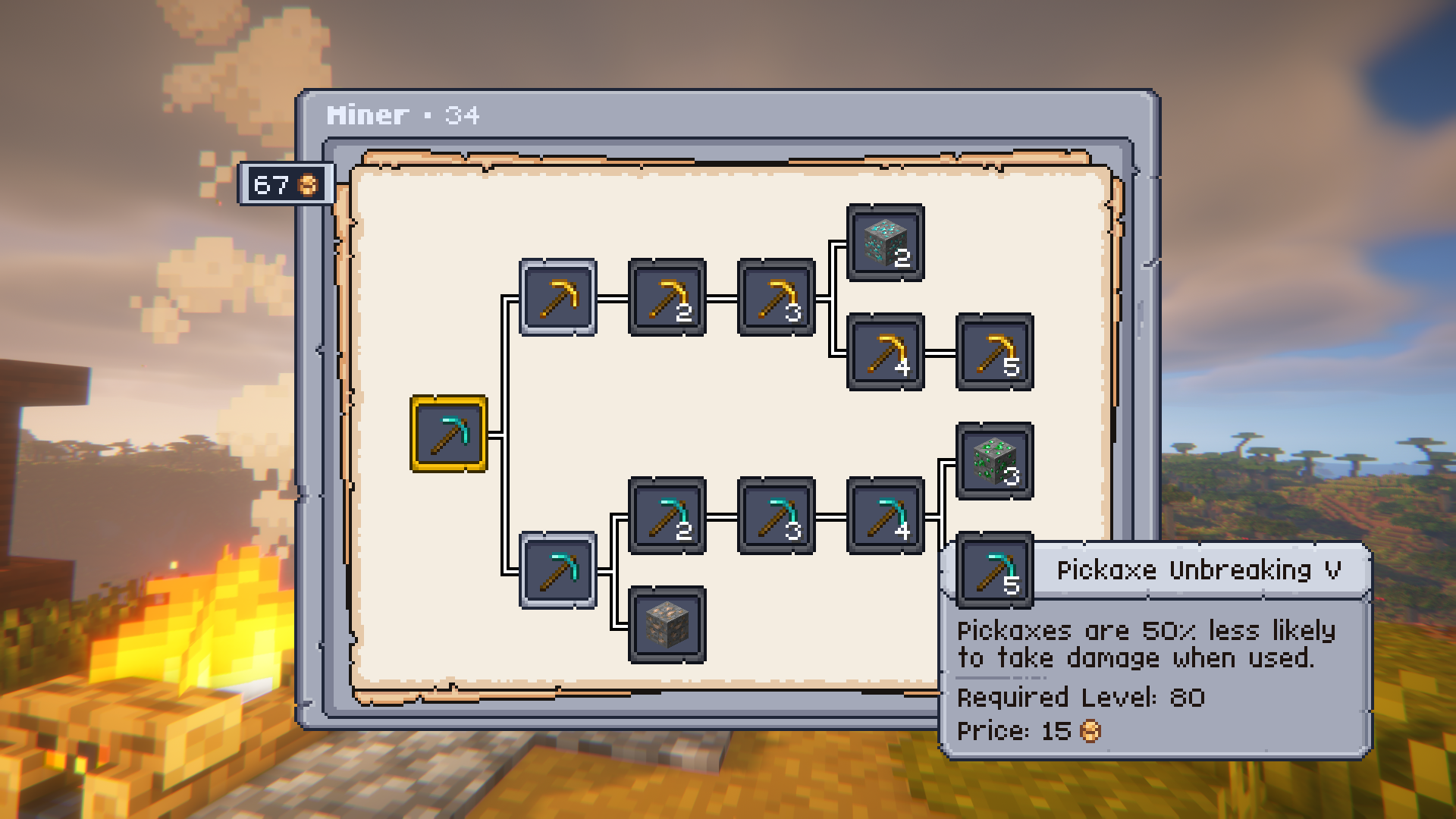
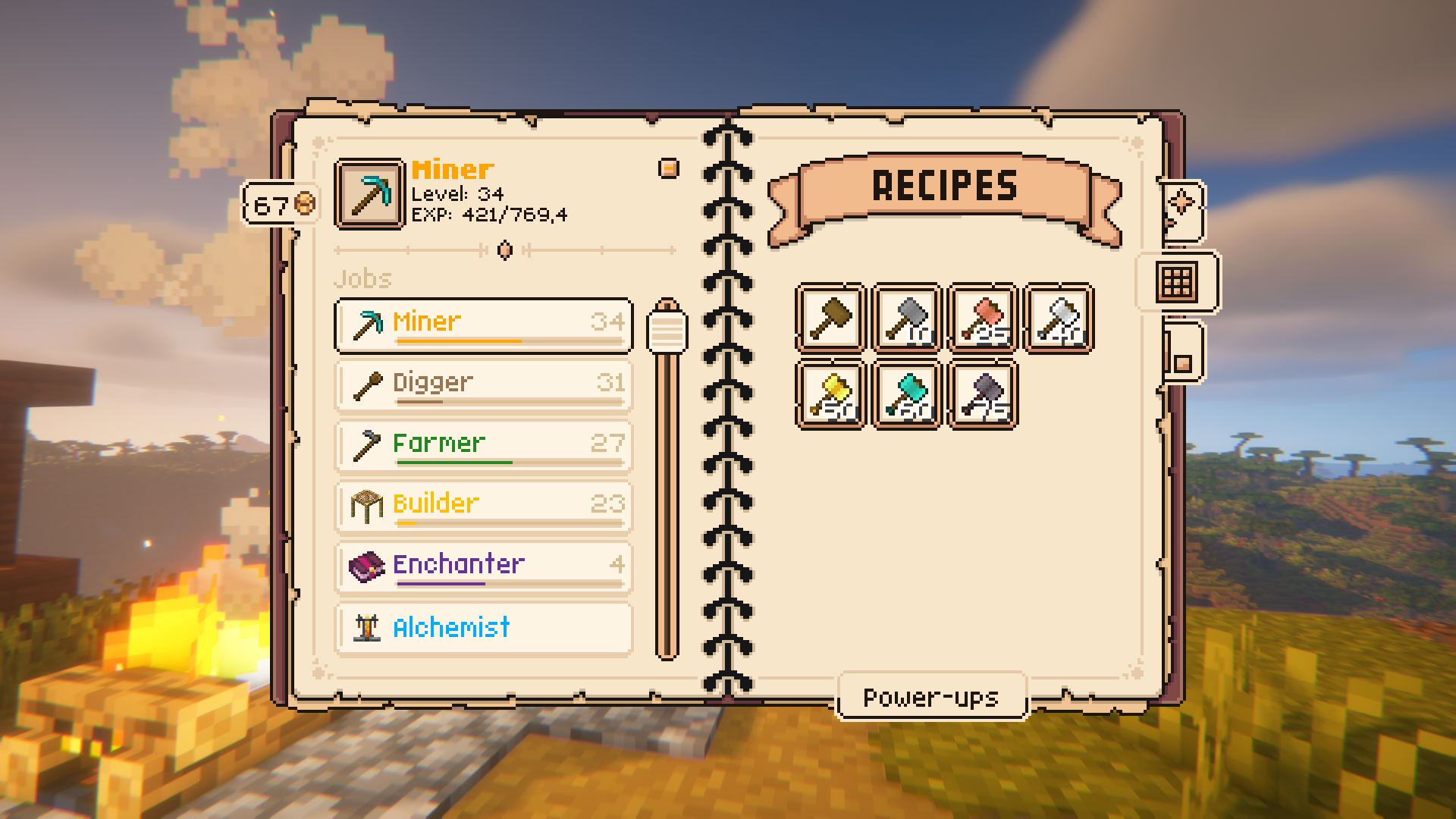
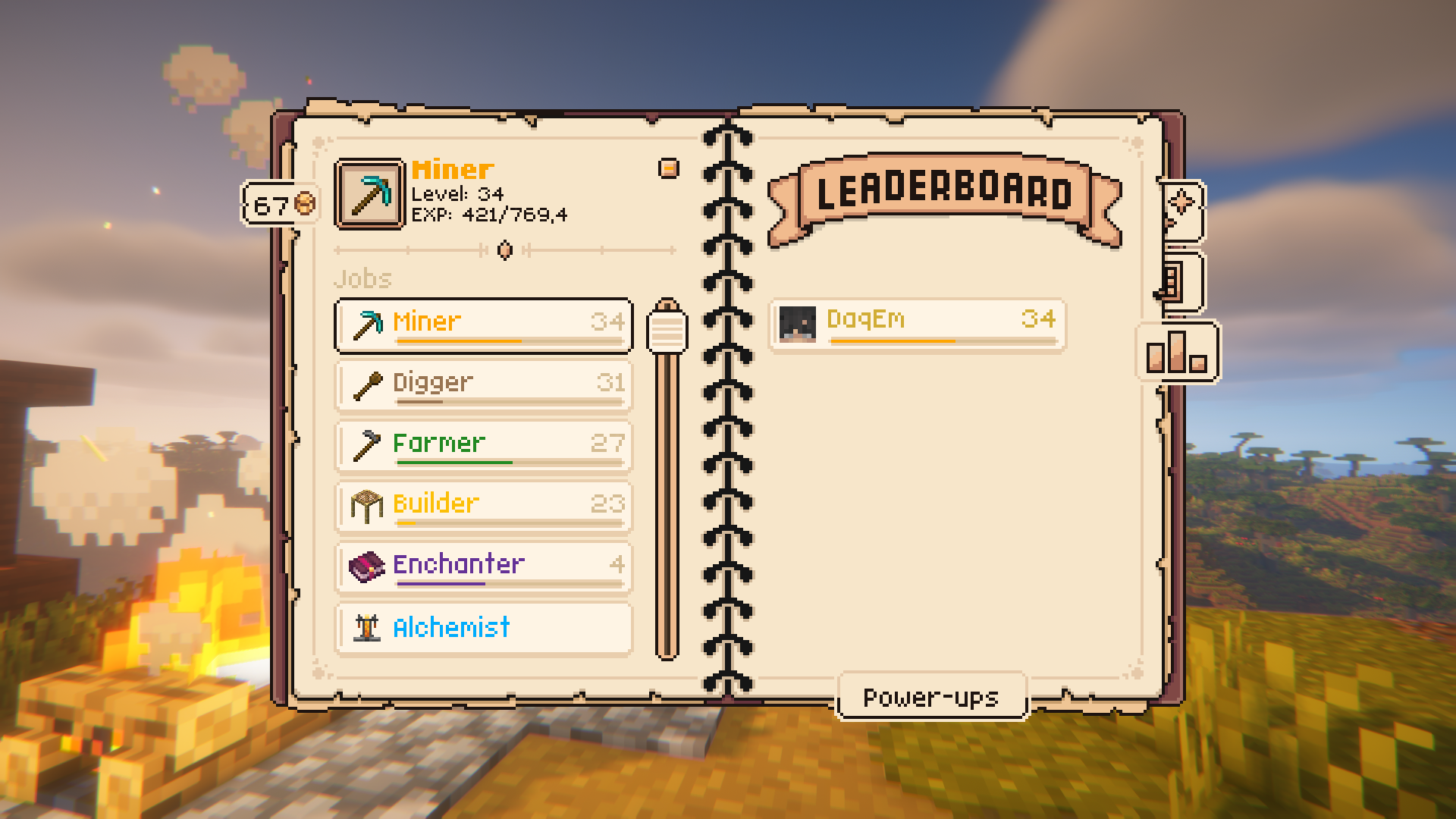
介绍


Take your Minecraft experience to the next level with Jobs+! Choose from 10 unique jobs, level up, earn rewards, and unlock powerful power-ups — all while customizing the mod to suit your gameplay style.
Key Features
⚒️ 10 Unique Jobs: Alchemist, Builder, Digger, Enchanter, Farmer, Fisherman, Hunter, Lumberjack, Miner, Smith.
⬆️ Level Up to 100: Gain experience by completing job-specific tasks and unlock recipes and rewards.
🪙 Job Coins & Power-Ups: Spend coins to unlock jobs and purchase unique power-ups for each role.
📋 Full Customization: Create custom jobs, recipes, and power-ups using datapacks.
Getting Started
- Open the Jobs+ Menu: Press ‘J’ in-game to open the Jobs+ interface.
- Pick Your Job: Choose your first two jobs and start completing tasks to earn job XP.
- Spend Job Coins: Use coins to unlock new jobs and their power-ups.
Showcase
Customization
Jobs+ is fully customizable! Use datapacks to create your own jobs, adjust rewards, and add unique features to your gameplay.
Expansions
|  |
|———-|
| Jobs+ Tools |
FAQ
Q: Does Jobs+ have any dependencies?
A: Yes, Jobs+ depends on the following mods: Knot, UI Lib, YAML Config, Arc Lib and Item Restrictions.
Q: How do I level up in a job?
A: Perform tasks related to your job, such as mining for a Miner or harvesting crops for a Farmer. Each task earns experience points.
Q: Can I create custom jobs?
A: Yes! Jobs+ supports datapacks, allowing you to design your own jobs, recipes, and power-ups. For examples no how the base jobs are made, take a look here.
Q: Is Jobs+ multiplayer compatible?
A: Absolutely! Players can work together to level up their levels even faster. Players will also get notified whenever you level up!
Q: How do I get started?
A: Simply press ‘J’ in-game to open the Jobs+ menu, pick a job, and begin your journey!
Q: The ‘J’ key doesn’t work, what do I do?
A: There might be another mod that uses the ‘J’ key. Check your keykind settings and look for the ‘Jobs+ Menu’. Make sure it is set to your preffered key and try again.
Credits
常见问题
Jobs+ 支持哪些 Minecraft 版本?
Jobs+ 支持 Minecraft Java 版 1.19.2–26.2,共 15 个版本,可用的加载器:Fabric / Forge / NeoForge。下载时注意选择和你游戏版本一致的文件。
Jobs+ 怎么安装?
先用 PCL2 或 HMCL 启动器安装对应版本的 Fabric / Forge / NeoForge,再把下载的 .jar 文件放进游戏目录的 mods 文件夹,重新启动游戏即可。开启了版本隔离的,mods 文件夹在 versions/版本名 下面。运行环境:客户端和服务端都要装。
DAQEM Studios 的其他作品
查看全部 →
UI Lib
用于 Minecraft 模组开发的用户界面前置库。

Arc Lib
Data driven action, reward, condition library.

Item Restrictions
Data driven item restriction library based on Arc Lib.

Jobs+ [ARCHIVE]
Adds 10 jobs with cool features to Minecraft.
评论
登录后评论和评分