
BossRush
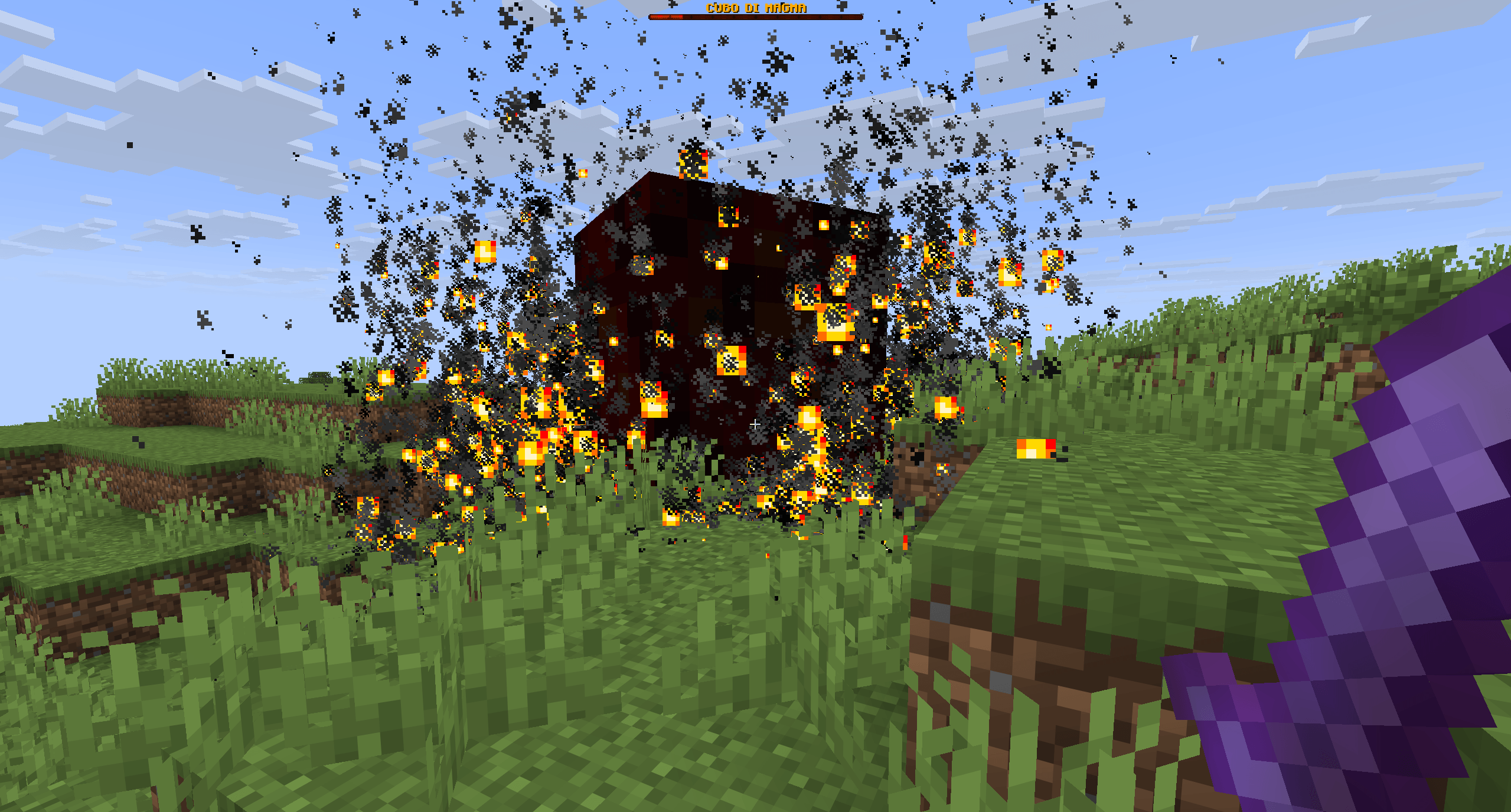
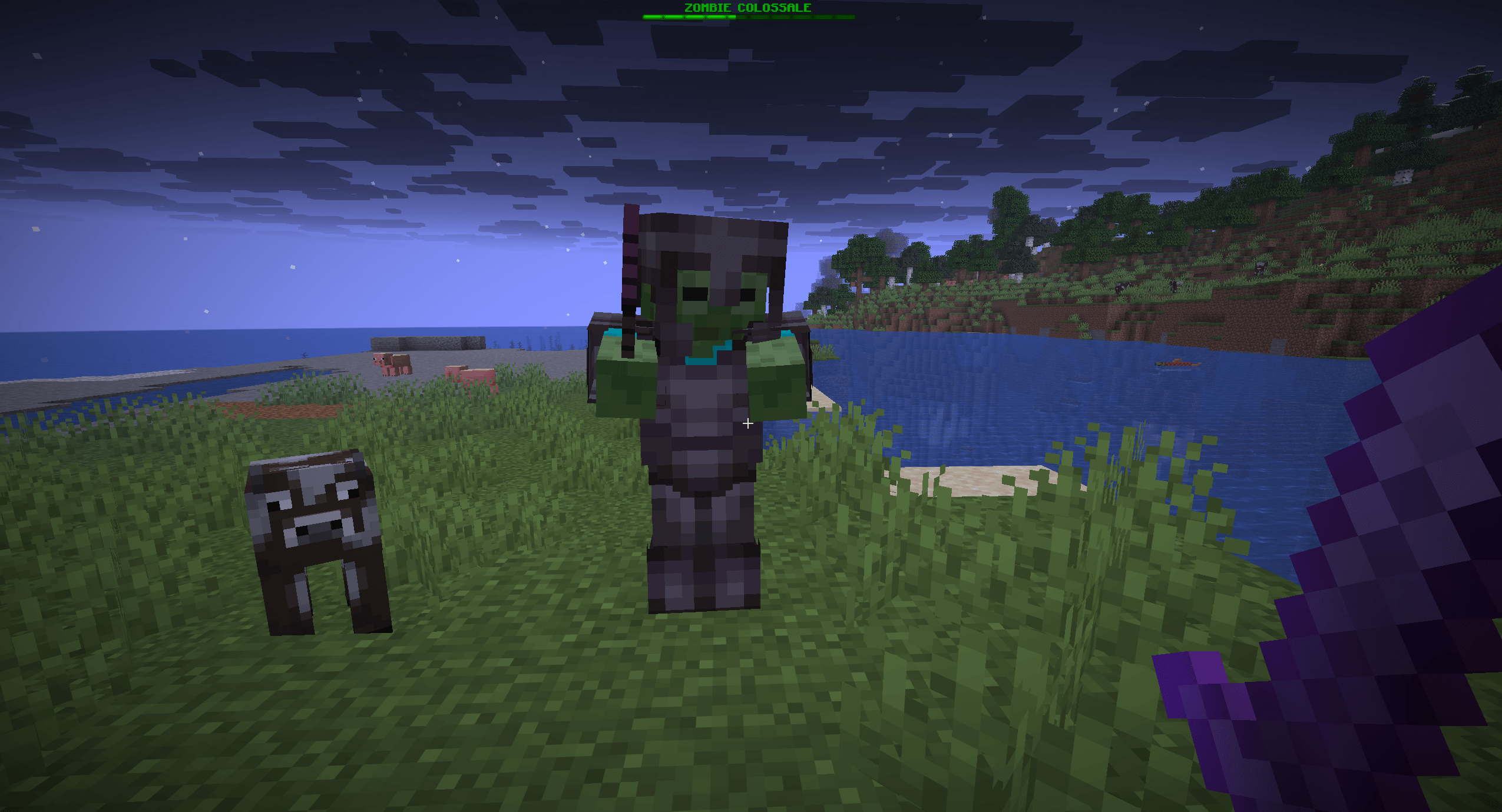
Fight 16 unique custom bosses with custom weapons, abilities and epic rewards.
截图
介绍
⚔ BossRush Survival
BossRush Survival is a Minecraft Java datapack where you face 16 unique custom bosses in an epic survival challenge!
Every 60 seconds, a new boss appears.
Defeat all bosses to unlock the final battle against the Wither Boss.
✨ Features
-
👑 16 Unique Custom Bosses
-
⚔ Custom Weapons
-
🔥 Unique Boss Abilities
-
🎁 Exclusive Boss Rewards
-
📊 Custom Bossbars
-
⏱ Boss Rush Mode
-
💀 Final Wither Boss
-
🎨 Included Resource Pack
-
🆕 NEW: Random Buff Selection System
-
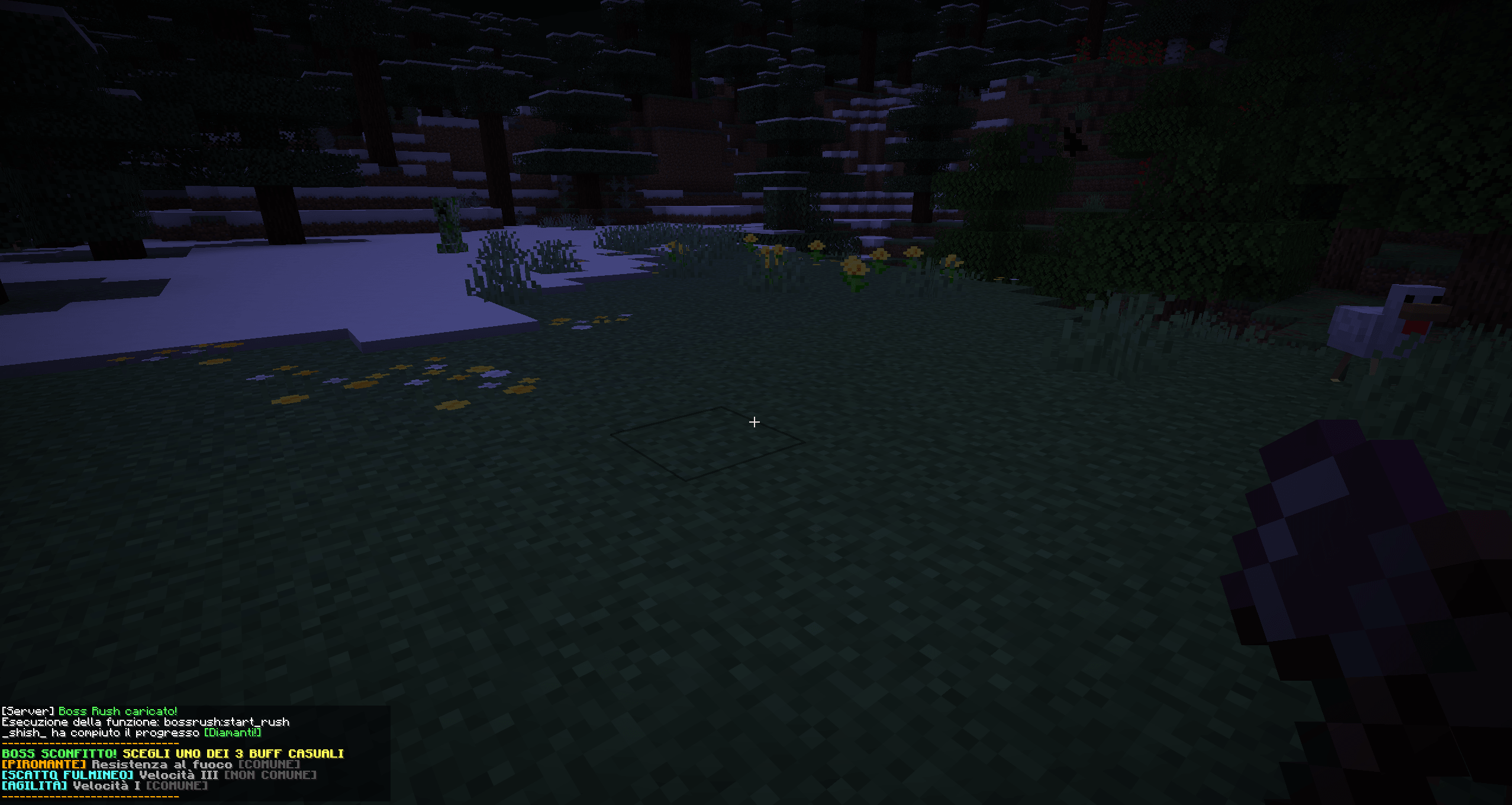
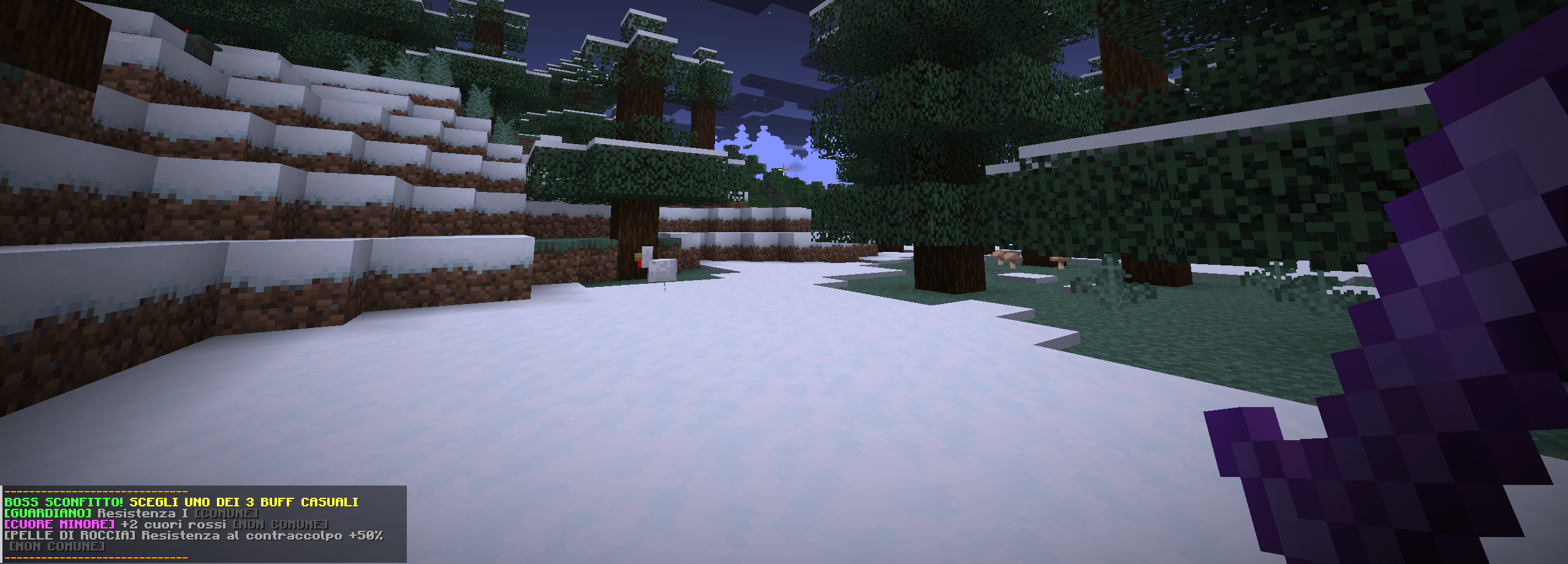
🎲 Choose from 3 Random Buffs after defeating each boss
-
💪 Buffs remain active throughout the BossRush session
-
💀 Buffs are lost when you die or the BossRush ends
-
🌐 Multiplayer Support
🆕 MAJOR UPDATE – New Buff System
A new progression system has been added!
After defeating each boss, you receive 3 random buffs to choose from.
Choose the buff that best suits your playstyle and build your own combination of upgrades throughout the BossRush!
Your choices matter. Every boss makes you stronger!
📥 Installation
BossRush Survival requires both the Datapack and the Resource Pack.
1️⃣ Install the Datapack
Move the datapack into:
world/datapacks/
2️⃣ Install the Resource Pack
Download the official Resource Pack here:
BossRush Survival Resource Pack – CurseForge
Move the Resource Pack into:
.minecraft/resourcepacks/
Enable it from:
Options → Resource Packs
3️⃣ Reload your world
Run:
/reload
Start the Boss Rush:
/function bossrush:start_rush
⚠️ Important
Without the Resource Pack:
-
❌ Custom weapons will not display correctly.
-
❌ Custom item textures will be missing.
-
❌ You will not experience BossRush Survival as intended.
🎮 Supported Version
Minecraft Java Edition 1.21.11
❤️ Created by
Quell0simpatic0
Thank you for downloading and playing BossRush Survival!
📺 YouTube
常见问题
BossRush 支持哪些 Minecraft 版本?
BossRush 支持 Minecraft Java 版 1.21.11–26.3,共 6 个版本。下载时注意选择和你游戏版本一致的文件。
BossRush 怎么安装?
新建世界时在「数据包」里把下载的 .zip 拖进去;已有的存档,把文件放进存档目录下的 datapacks 文件夹,进游戏输入 /reload 即可生效。服务器同样放在世界目录的 datapacks 里。

评论
登录后评论和评分