Simple Custom Early Loading
Allows to customize the Neoforge and Forge early loading screen
截图
介绍
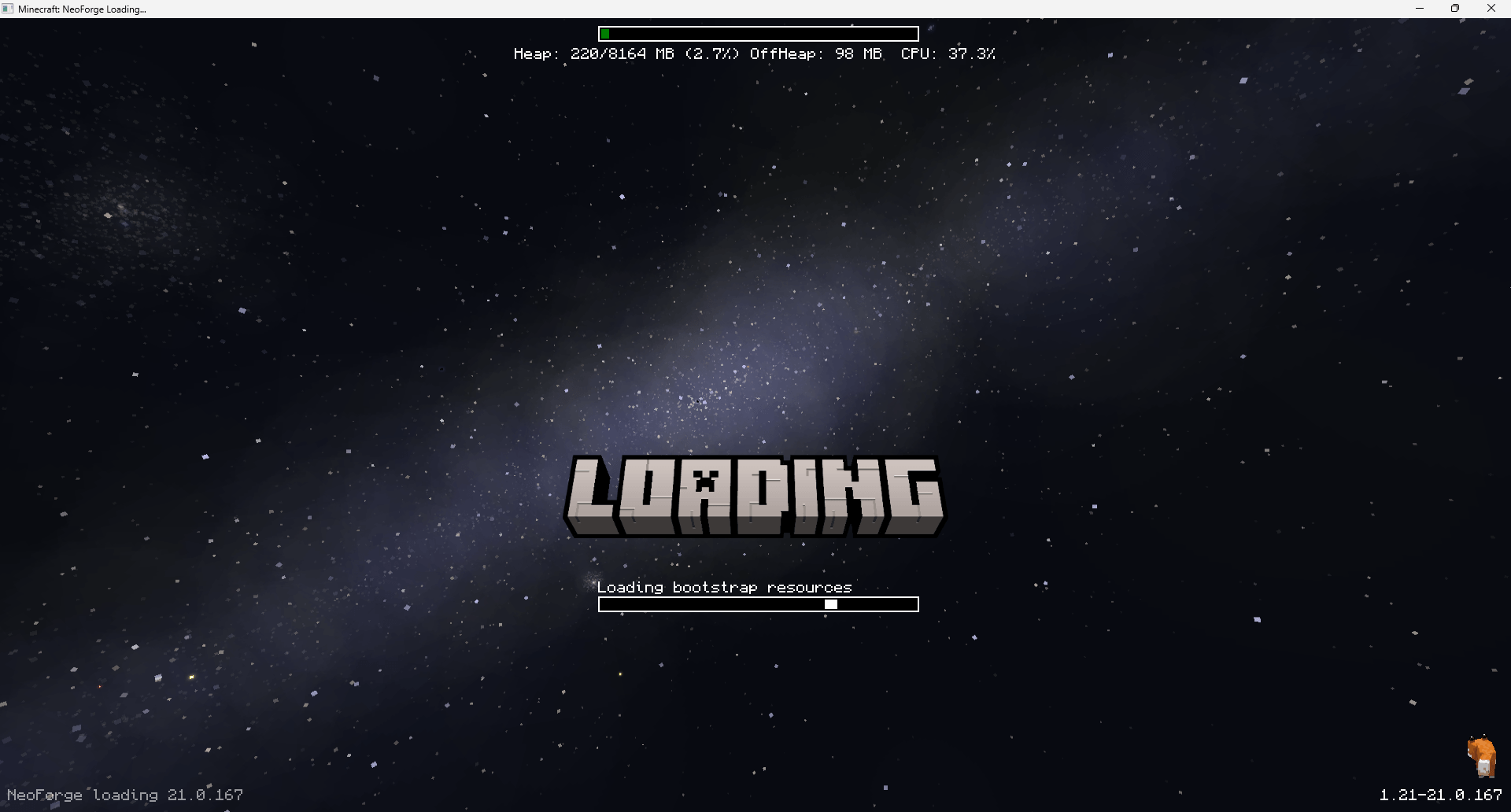
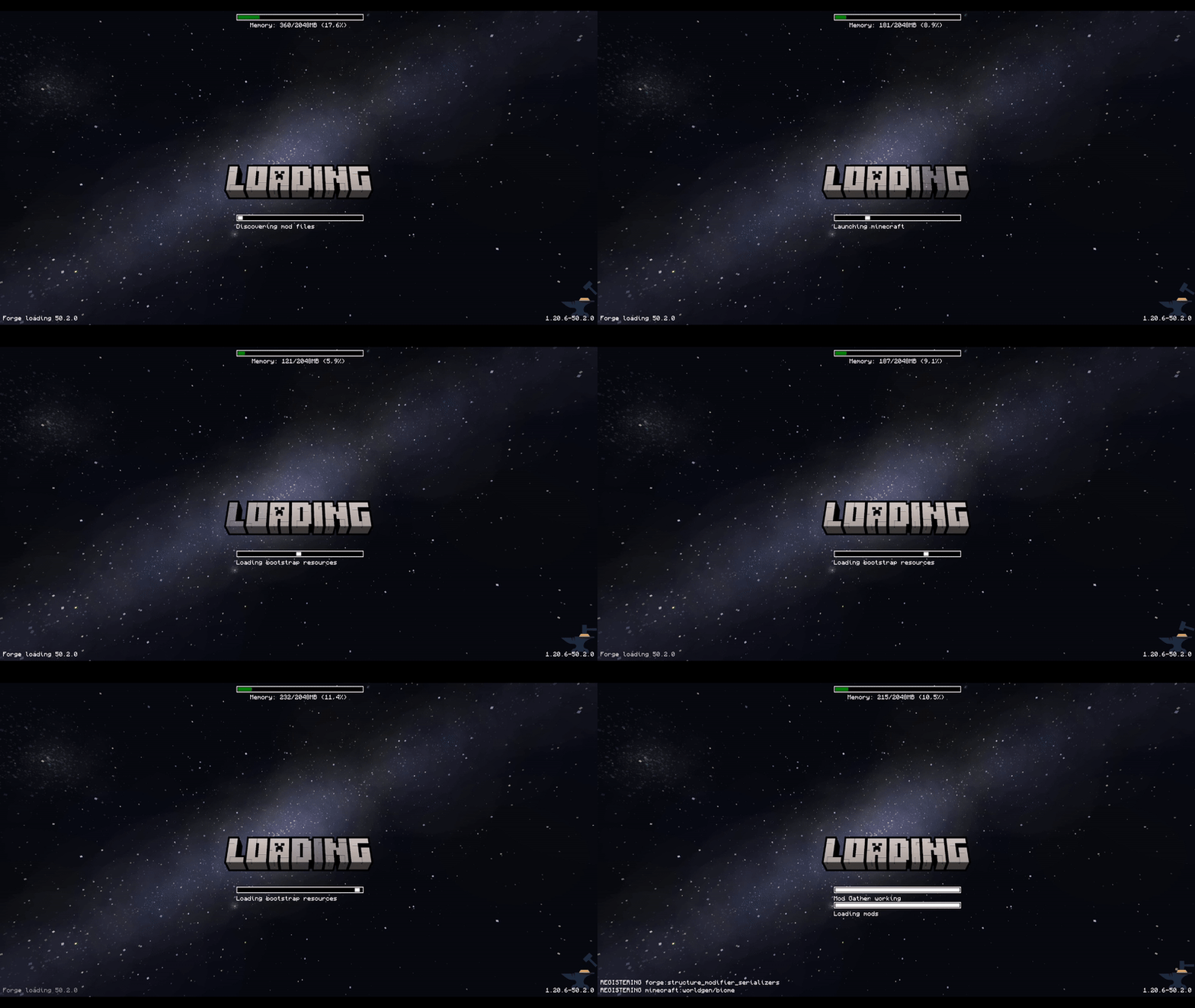
This mod allows the customization of Neoforge’s early loading screen.


There is also a quite “hacky” version for Forge 1.20.1, 1.20.2, 1.20.4, 1.20.6.
I do not plan to continue supporting any other Forge versions due to technical reasons.
For newer versions, please use the NeoForge.
Currently, the window is not able to dynamically change its resolution when the window is resized.
I won’t allow removing the Mojang logo.
Features:
- add and position custom images (see supported image formats)
- toggle and change the position of the progress bar
- toggle performance bar
- toggle NeoForge’s fox
- toggle bottom left log
- toggle NeoForge’s version (bottom right)
Installation – NeoForge:
- place the jar in the mods folder
- modify the
config/fml.tomlfile
# Early window provider
earlyWindowProvider = "SimpleCustomEarlyLoading"
# ... Other options ...
# Optionally set the window to be maximized
earlyWindowMaximized = true
Installation – Forge:
- place the jar in the mods folder
- forge version requires default
config/fml.tomlvalue
#Early window provider
earlyWindowProvider = "fmlearlywindow"
3 – Optional: update options.txt: darkMojangStudiosBackground:true
Unfortunately, the override is applied quite late, which may result in the original red early loading (or a white screen) to “flash” on the very game start. I can’t do anything about that.
However, the red color of the original loading can be changed using darkMojangStudiosBackground:true in options.txt.
Supported image formats:
Animated images:
- APNG – must be created without unchanged pixels detection (each frame is rendered from scratch). The animation will respect the image timing and repeat count.
Static images:
- JPEG baseline & progressive (12 bpc/arithmetic not supported, same as stock IJG lib
- PNG 1/2/4/8/16-bit-per-channel
- TGA (not sure what subset, if a subset)
- BMP non-1bpp, non-RLE
- PSD (composited view only, no extra channels, 8/16 bit-per-channel)
- GIF (renders only single static frame, use APNG instead)
- HDR (radiance rgbE format)
- PIC (Softimage PIC)
- PNM (PPM and PGM binary only)
Configuration / Source code
For configuration instructions and the source code check the GitHub repository.
常见问题
Simple Custom Early Loading 支持哪些 Minecraft 版本?
Simple Custom Early Loading 支持 Minecraft Java 版 1.20.1–1.21.4,共 9 个版本,可用的加载器:Forge / NeoForge。下载时注意选择和你游戏版本一致的文件。
Simple Custom Early Loading 怎么安装?
先用 PCL2 或 HMCL 启动器安装对应版本的 Forge / NeoForge,再把下载的 .jar 文件放进游戏目录的 mods 文件夹,重新启动游戏即可。开启了版本隔离的,mods 文件夹在 versions/版本名 下面。
lukaskabc 的其他作品
查看全部 →
Stargate Early Loading
NeoForge early loading screen with animated stargates

Stargate Journey: MoreGates Addon
Adds more stargate variants into Stargate Journey, now as a mod instead of a datapack

Simple Custom Early Loading
Mod that allows to customize the Neoforge early loading
Stellar View Mixin Renderer
Renders Stellar View sky using mixin, avoiding the requirement for dimension special effects
评论
登录后评论和评分