
截图

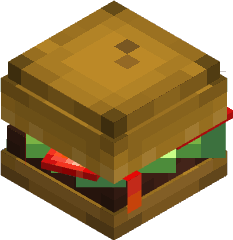

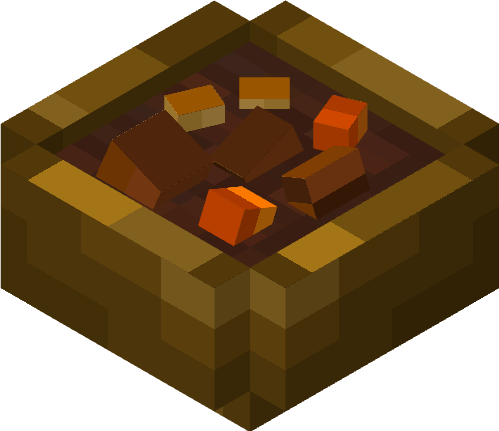


介绍
中文介绍正在准备中,下面暂时显示原文。
📖 About 📖
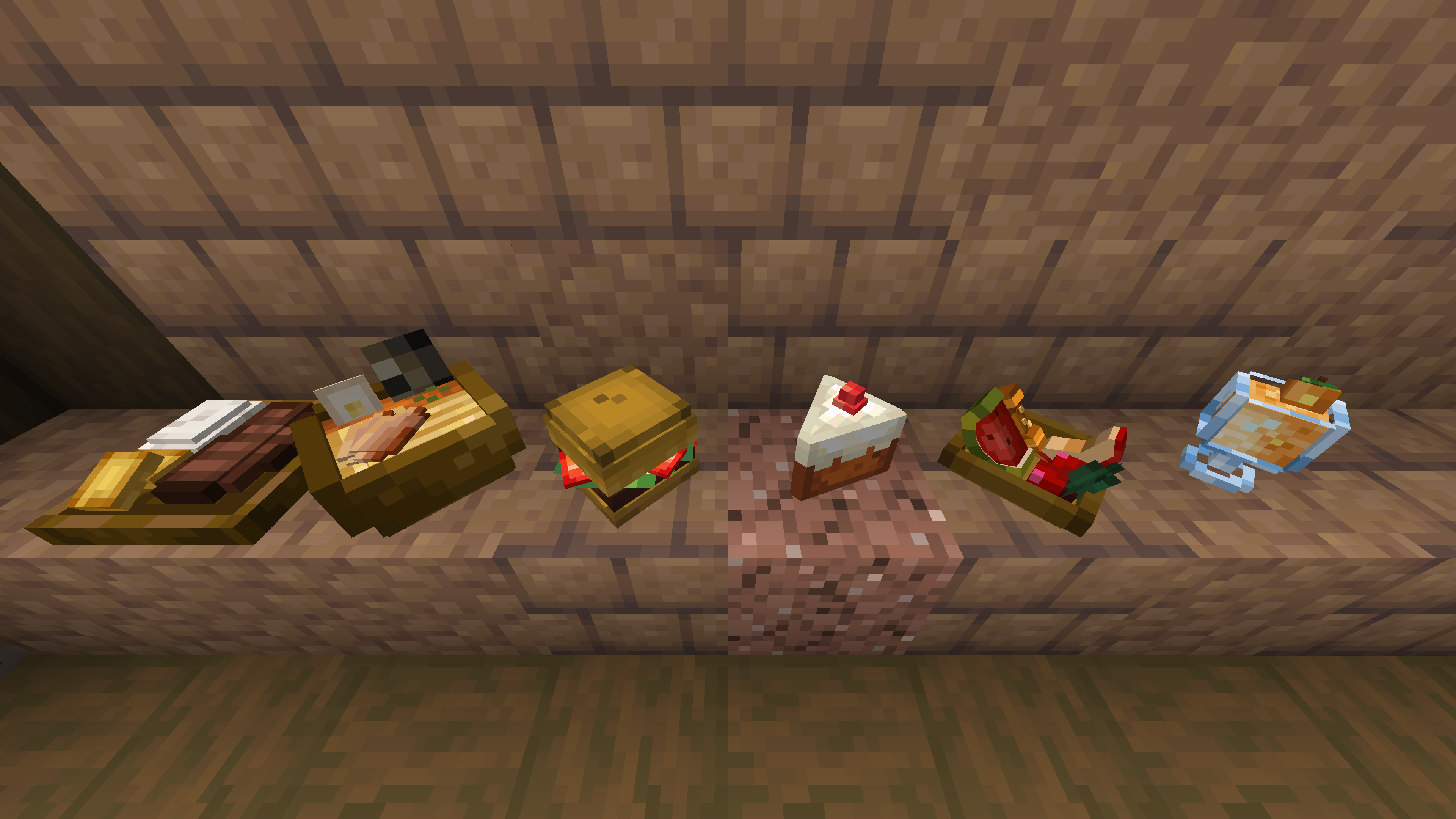
Resource pack to change foods added in Farmer’s Delight to 3D

🎨 Select Decoration Type 🎨
The file you should download depends on what you want to decorate the item on.
1. Normal (Download the file with “Normal” in the file name)
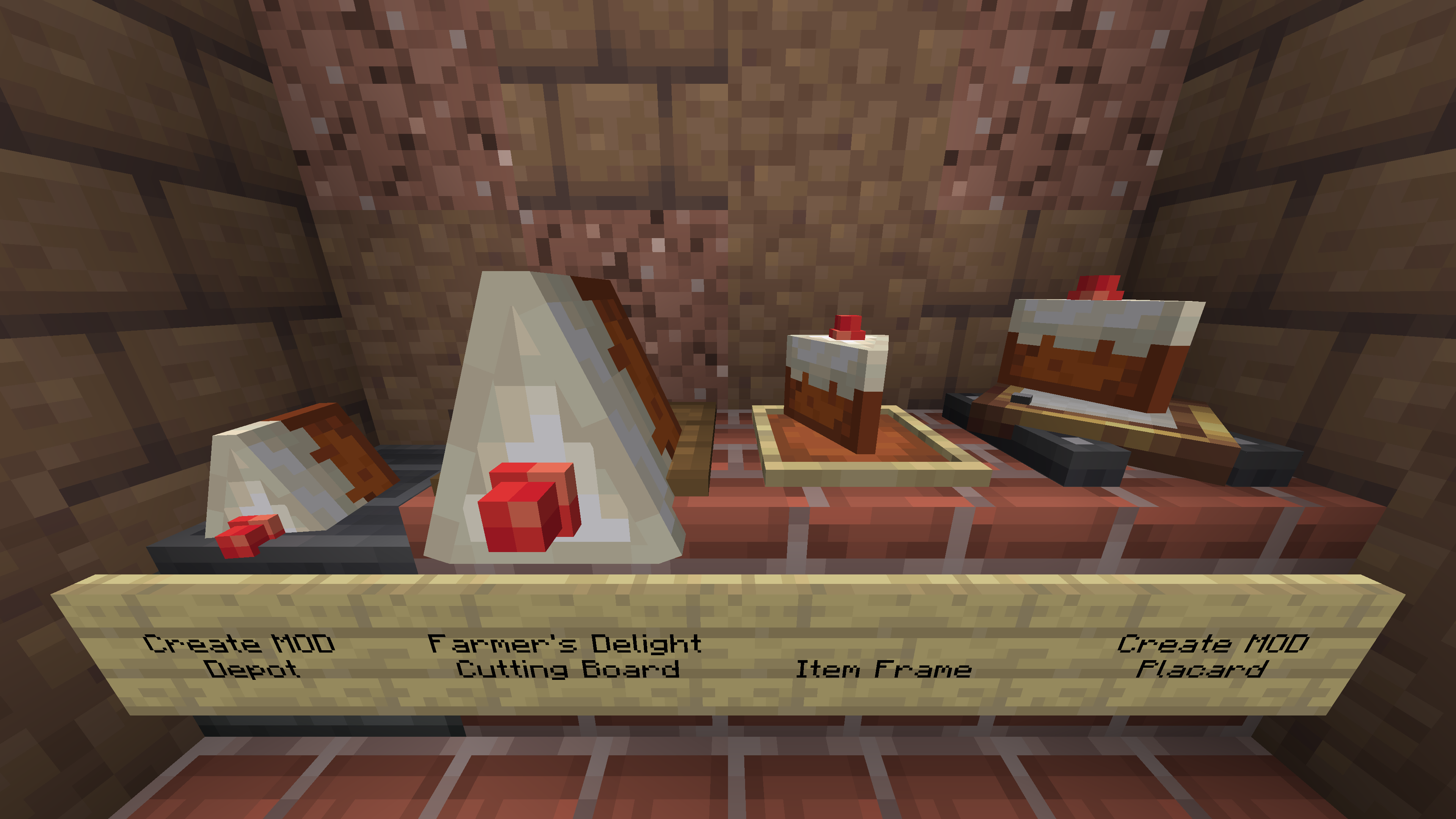
2. Cutting Board version (Download the file with “CB” in the file name)
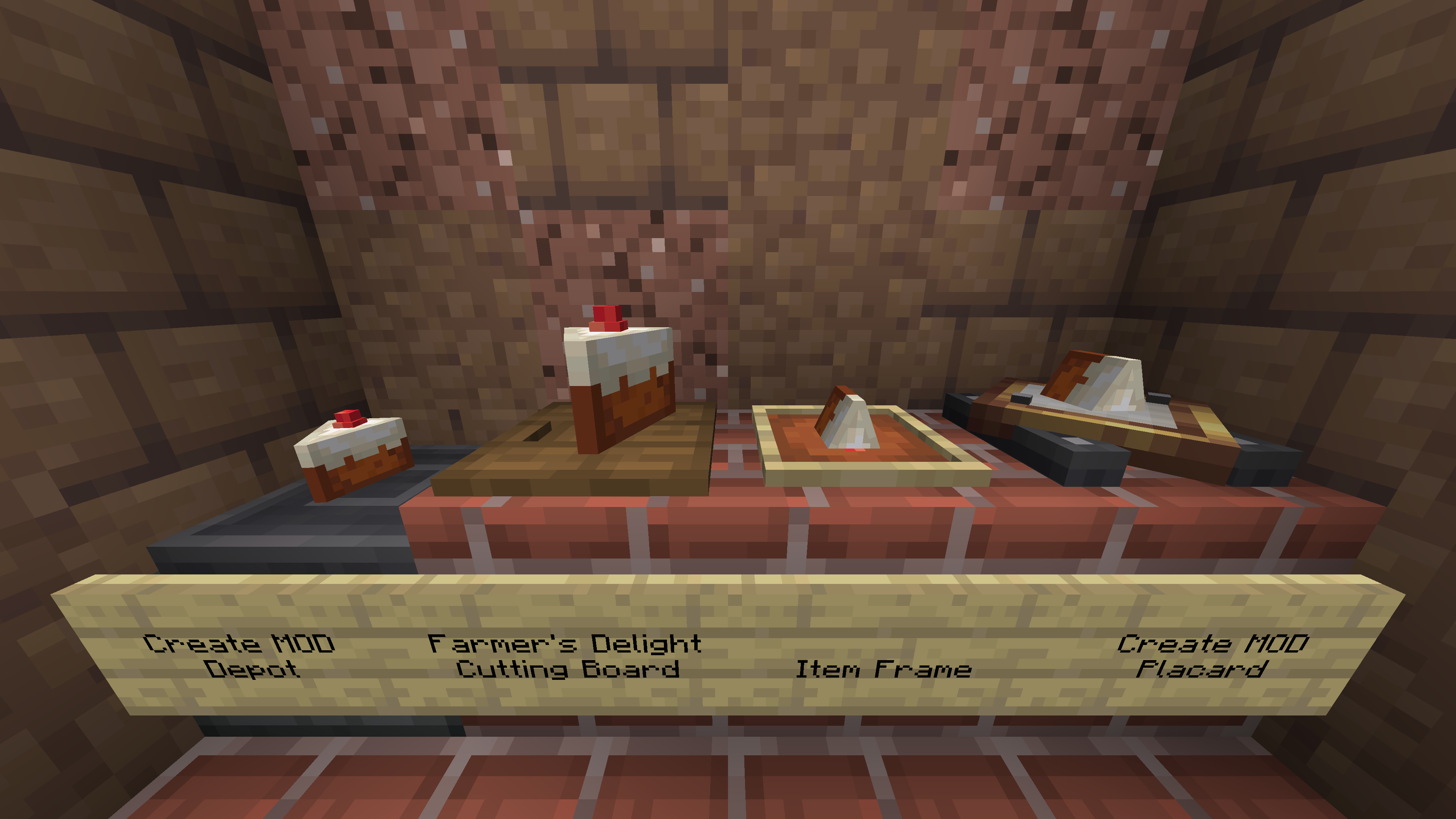
🔎 Supported Items 🔎
v1.0 beta1 or above
- farmersdelight:
- ham
- beef_patty
- hamburger
- melon_popsicle
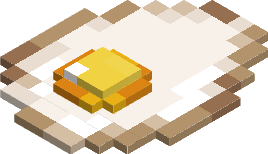
- fried_egg
- cake_slice
- kelp_roll
- kelp_roll_slice
- salmon_roll
- cod_roll
- rice_roll_medley_block
- shepherds_pie_block
- honey_glazed_ham_block
- stuffed_pumpkin_block
- roast_chicken_block
v1.0 beta2 or above
- farmersdelight:
- noodle_soup
- beef_stew
- cooked_rice
- smoked_ham
- steak_and_potatoes
v1.0 beta3 or above
- farmersdelight:
- bacon
- cooked_bacon
- dog_food
- horse_feed
- glow_berry_custard
v1.0 beta4 or above
- farmersdelight:
- mutton_chop
- cooked_mutton_chop
- fruit_salad
- dumplings
- pie_crust
- apple_pie
- sweet_berry_cheesecake
- chocolate_pie
v1.0 beta5 or above
- farmersdelight:
- apple_pie_slice
- sweet_berry_cheesecake_slice
- chocolate_pie_slice
💡 Tips 💡
- If you want to place a 3D item on the table, you can use toggle item frames or similar to make the item frame invisible.
<!—
- Install CIT Resewn or OptiFine, and by renaming certain items, you can give them a special appearance
—>
✅ Supported Minecraft Version ✅


常见问题
Farmer’s 3D 支持哪些 Minecraft 版本?
Farmer’s 3D 支持 Minecraft Java 版 1.16.2–1.20.1,共 12 个版本。下载时注意选择和你游戏版本一致的文件。
Farmer’s 3D 怎么安装?
把下载的 .zip 文件(不用解压)放进游戏目录的 resourcepacks 文件夹,进游戏后在「选项 → 资源包」里把它移到右边启用。

评论
登录后评论和评分