
截图
介绍
All commands:
/creative – Sets your gamemode to Creative.
/survival – Sets your gamemode to Survival.
/spectator – Sets your gamemode to Spectator.
/cleararrows – Removes all arrow entities.
/clearitems – Removes all dropped item entities.
/clearentities – Removes every non-player entity.
/angle – Sets your camera yaw and pitch.
/renderdist – Changes your client render distance.
/fov – Changes your field of view.
/defaultsettings – Sets chat scale to 0.35, FOV to 110, GUI scale to 3, and disables the vignette.
/lookat – Rotates your camera to look directly at the specified coordinates.
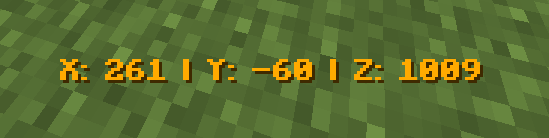
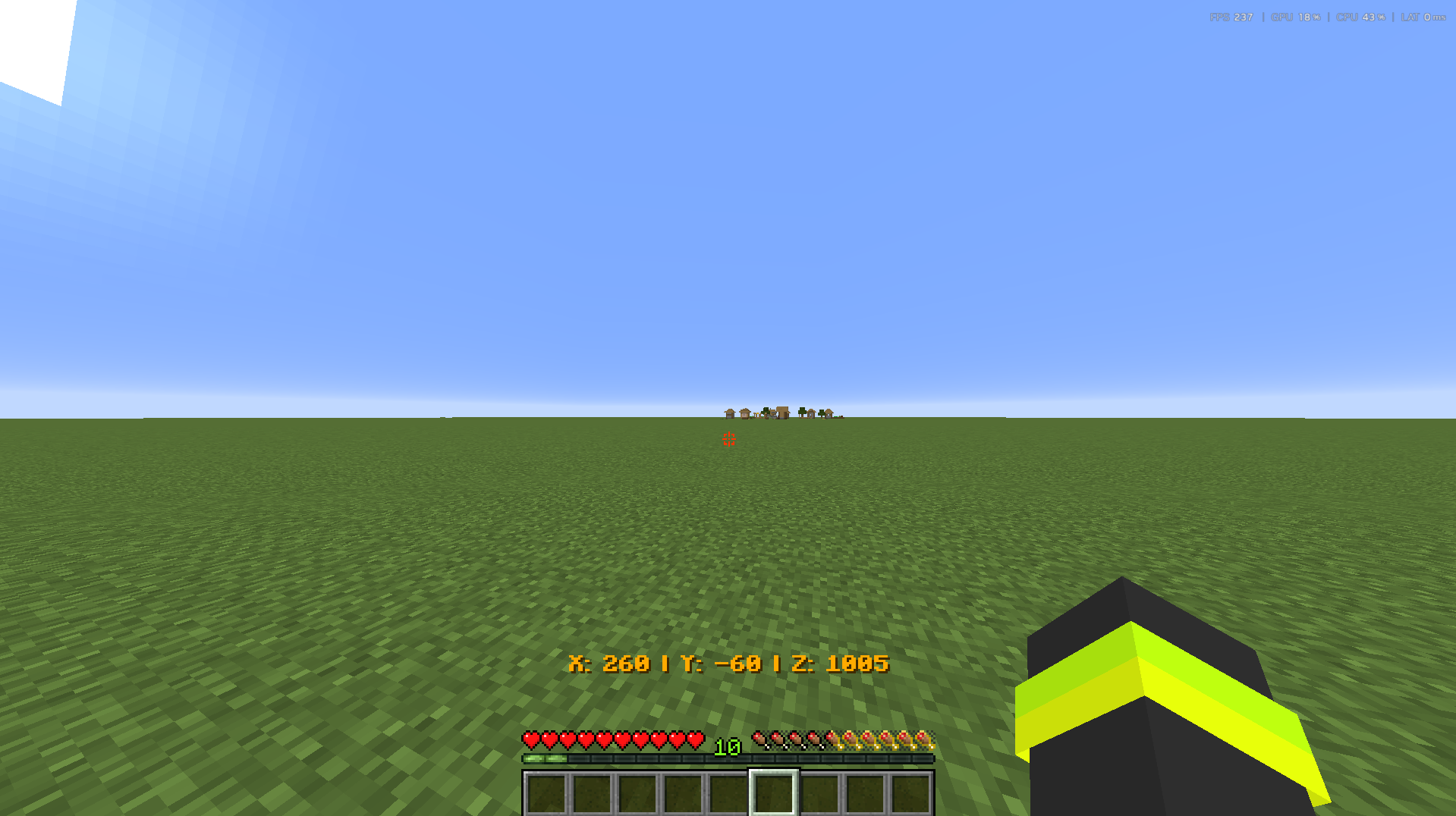
/displaycoords – Toggles a live coordinate display above the hotbar.
/displayangle – Toggles a live yaw and pitch display above the hotbar.
/nethercoords – Toggles a display showing your coordinates converted to Nether coordinates.~~~~
常见问题
Vmvr’s Utiliities 支持哪些 Minecraft 版本?
Vmvr’s Utiliities 支持 Minecraft Java 版 26.1.2,可用的加载器:Fabric。下载时注意选择和你游戏版本一致的文件。
Vmvr’s Utiliities 怎么安装?
先用 PCL2 或 HMCL 启动器安装对应版本的 Fabric,再把下载的 .jar 文件放进游戏目录的 mods 文件夹,重新启动游戏即可。开启了版本隔离的,mods 文件夹在 versions/版本名 下面。运行环境:仅客户端。
评论
登录后评论和评分