
截图
介绍
中文介绍正在准备中,下面暂时显示原文。
SMP Atlas
================
This is a Map Atlas mod that’s fully server-side (client doesn’t need to install it).
Uses Polymer by Patbox!
Features
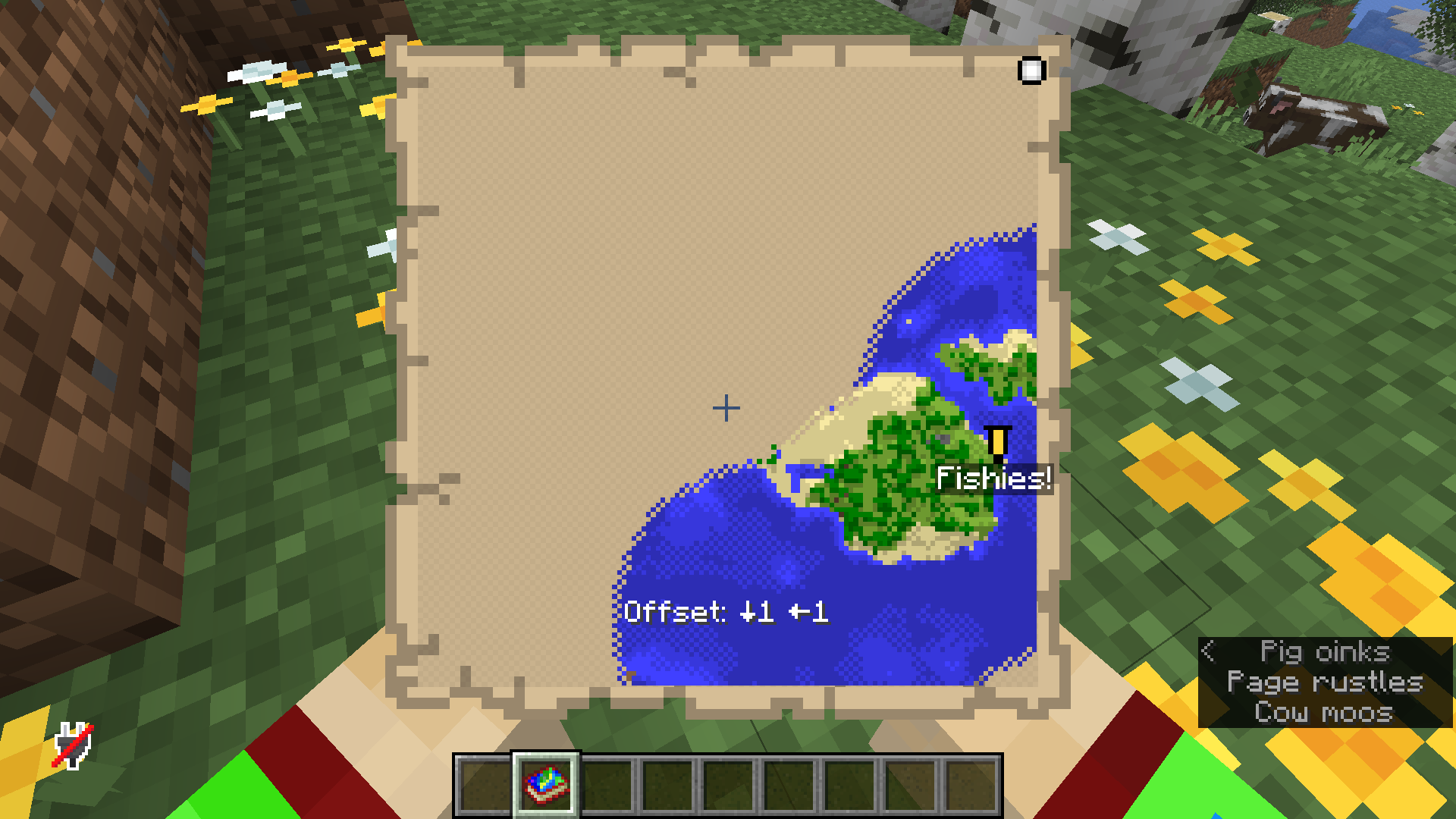
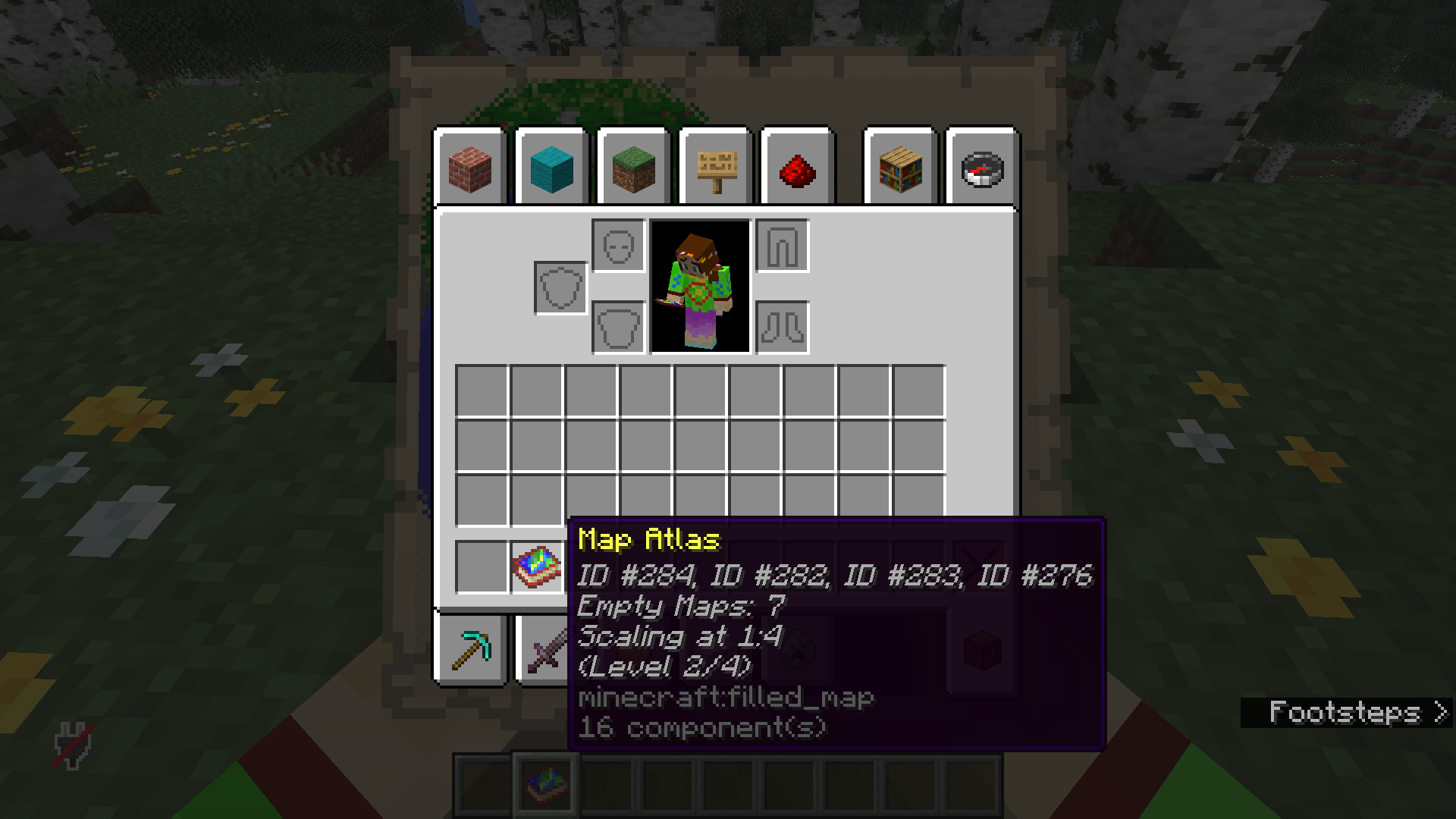
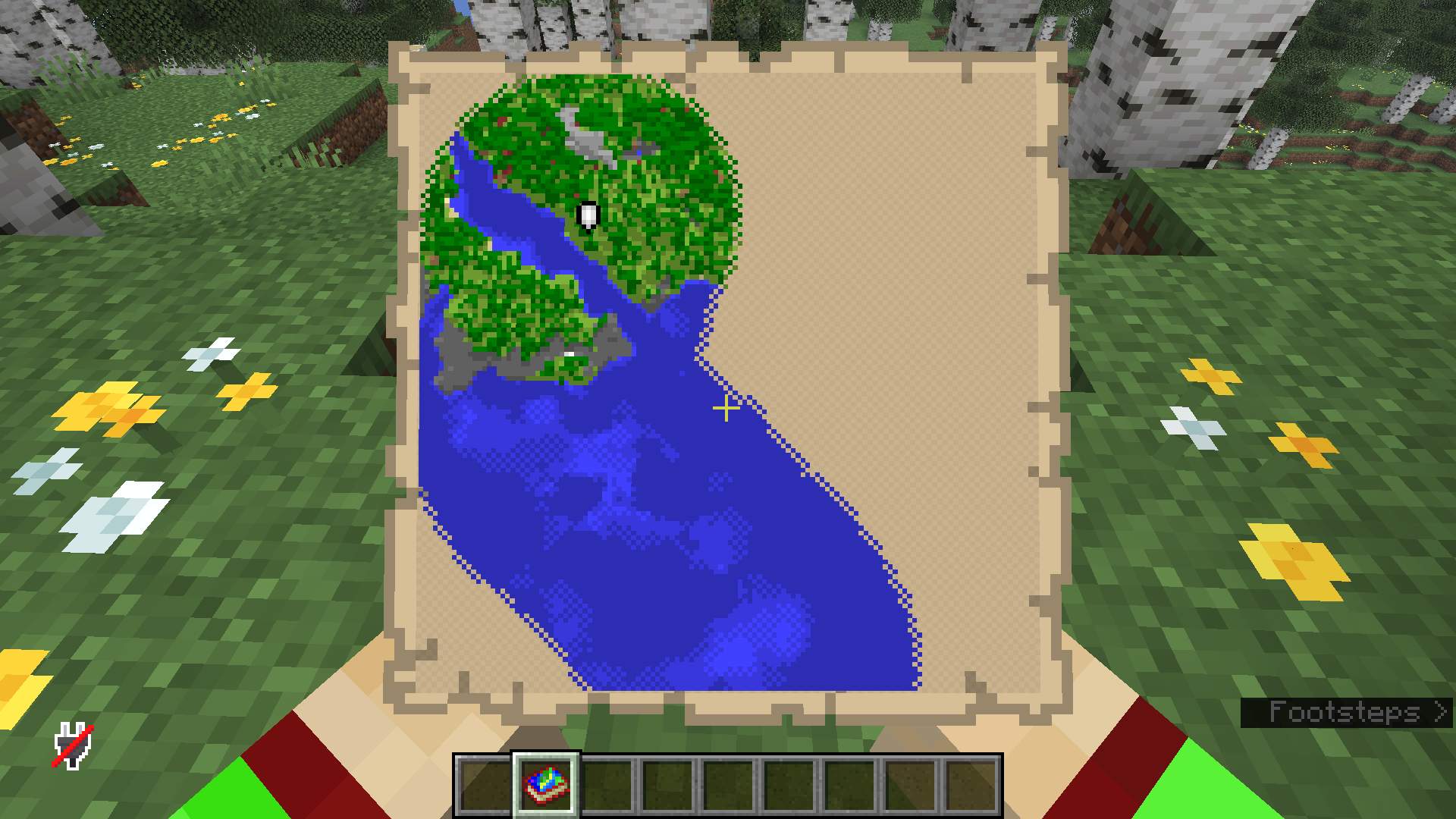
- Map Atlas item: The Map Atlas works like a Bundle, but it can only hold up to 64 maps of the same scale. Looking at the Atlas shows you the map you’re currently in.
- Atlases are currently not craftable. You find them in chiseled bookshelves in Strongholds and Woodland Mansions, so they’re a rare item by default. Feel free to change this using a datapack 🙂
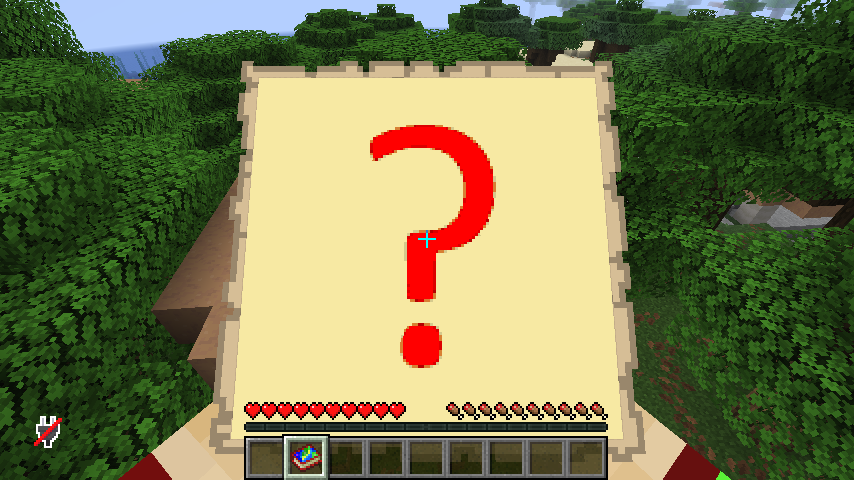
- The Atlas shows a big ? when you’re not currently in one of its maps.
- You can add new maps by inserting maps of the same scale, or by inserting empty maps and then right-clicking while the ? map is shown. This will automatically create a new map on the Atlas’ scale level.
- To look at other maps in an Atlas, hold shift and use WASD+right click to flip through your maps.
- Zooming upgrade: Cartography Tables have received some extra functionality.
- When zooming out, a map will now retain existing data.
- You can now zoom in by combining Shears with a map. This will only work when you’re inside the map, and will zoom in on the quadrant of the map that you’re in. The rest of the data is lost!
Known Issues (I hope I’ll get to them at some point!)
- Zooming in and out isn’t perfect; map coloring will look slightly different from normal exploration data.
- You can’t currently insert maps into the Atlas while in Creative Mode.
- The Atlas has visual glitches in the inventory.
Disclaimer
I’m a fairly new modder. I needed this for a server I’m working on and made it as a learning opportunity. Therefore the code is quite messy, and there could be bugs or crashes. But I still figured it might be useful to some others. Feel free to use the code as you please, and improvement suggestions are welcome!
Known issues:
常见问题
SMP Atlas 支持哪些 Minecraft 版本?
SMP Atlas 支持 Minecraft Java 版 26.2,可用的加载器:Fabric。下载时注意选择和你游戏版本一致的文件。
SMP Atlas 怎么安装?
先用 PCL2 或 HMCL 启动器安装对应版本的 Fabric,再把下载的 .jar 文件放进游戏目录的 mods 文件夹,重新启动游戏即可。开启了版本隔离的,mods 文件夹在 versions/版本名 下面。运行环境:仅服务端。

评论
登录后评论和评分