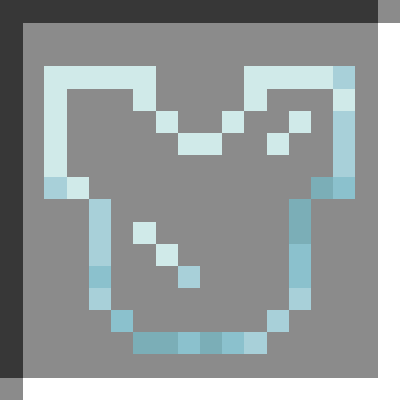
截图

介绍
View yours and others’ skins through armor.
When toggled (with v by default) your armor will stop rendering.
If you shift and press the toggle key (V by default) all player armor will stop rendering.
This mod is only client-side and won’t affect the rendering of armor on other clients.
Configuration
The configuration file is located at .minecraft/config/armor_visibility.json. It can also be edited through in-game UI (using Mod Menu on Fabric and Quilt).
Default Config File
{
  "version": 3,
  "keep_elytra_visible": false,
  "keep_cape_visible": true,
  "players_only": true
}
Config Option Descriptions
keep_elytra_visible: When true, elytra will remain visible.keep_cape_visible: When true, capes will remain visible.players_only: When true, armor rendering on other entities (zombies, armor stands, etc.) won’t be toggle-able.
Report any issues on GitHub. Chat on Discord in the #armor-visibility channel.
Support the development of my mods on Ko-fi.

常见问题
Armor Visibility 支持哪些 Minecraft 版本?
Armor Visibility 支持 Minecraft Java 版 1.15–1.21.5,共 28 个版本,可用的加载器:Fabric / Forge / NeoForge / Quilt。下载时注意选择和你游戏版本一致的文件。
Armor Visibility 怎么安装?
先用 PCL2 或 HMCL 启动器安装对应版本的 Fabric / Forge / NeoForge / Quilt,再把下载的 .jar 文件放进游戏目录的 mods 文件夹,重新启动游戏即可。开启了版本隔离的,mods 文件夹在 versions/版本名 下面。运行环境:仅客户端。
Trikzon 的其他作品
查看全部 →
Transparent
允许资源包让特定实体支持透明效果。
Ash API
Fabric 与 NeoForge 之间的抽象层

🔨 Crumbs (Forge)
Building mod which adds various blocks tuned to fit with vanilla minecraft.

Snow Variants
Allows Snow Layer Placement On Stairs And Slabs
评论
登录后评论和评分