
截图

介绍
中文介绍正在准备中,下面暂时显示原文。
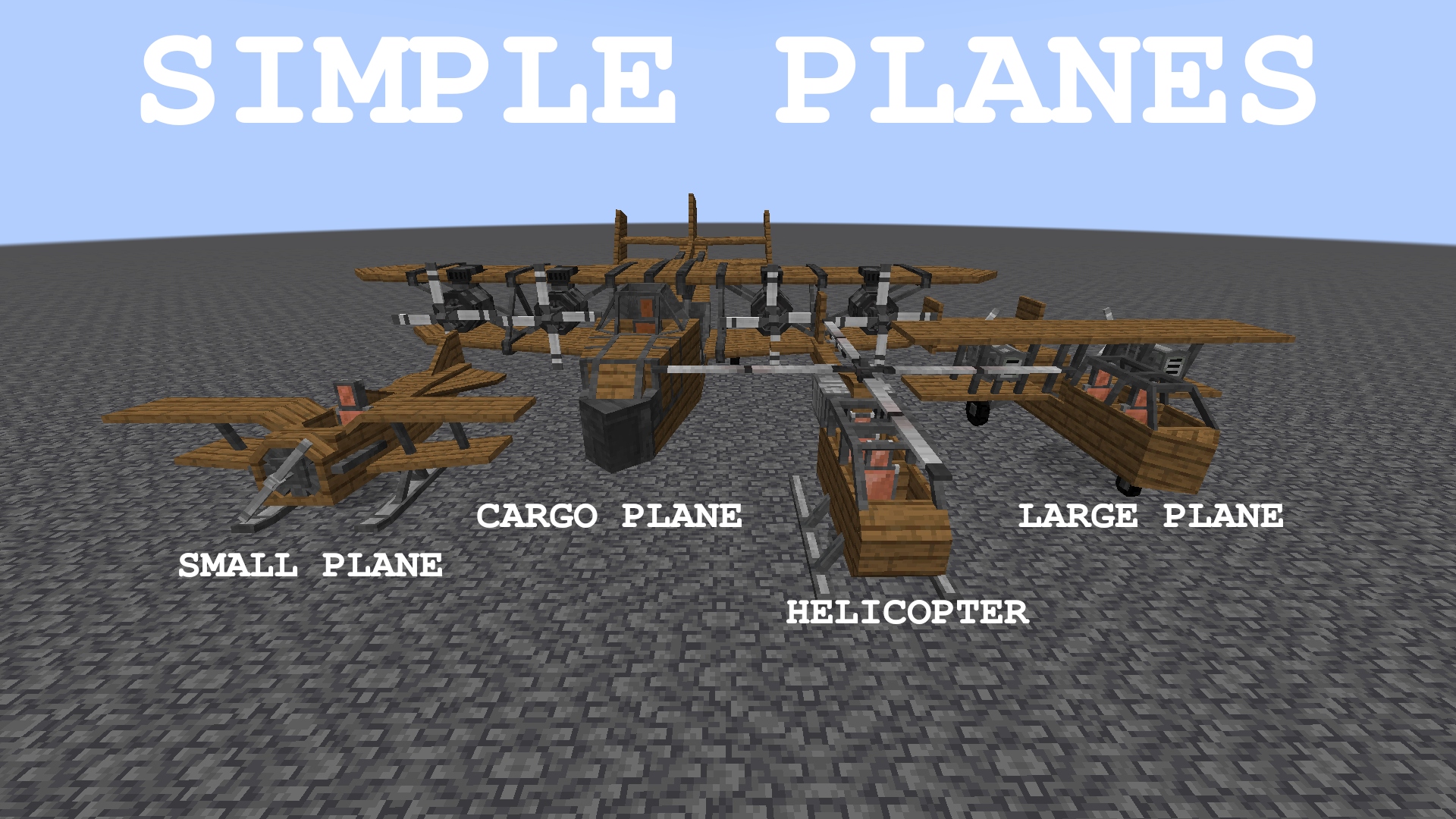
Simple Planes adds four types of aircraft:
- Small plane – uses the least amount of fuel, flies the fastest, but can only fit one player.
- Large plane – uses up more fuel, but can fit two players and allows for large upgrades and can be used to drop payloads.
- Cargo plane – uses up a lot of fuel, but fits multiple players and large upgrades
- Helicopter – similar to large plane, but can be maneuvered with much more precision.
The aircraft needs to be powered to fly, you can choose one of the following engines:
- Furnace engine – powered with solid fuel
- Liquid engine – powered with liquid fuel (lava, immersive petroleum fuels and more)
- Electric engine – powered with forge energy/redstone flux
You can turn the engine on and change its throttle with the up/down arrow keys
Aircraft can be upgraded with:
- Floaty bedding – allows the aircraft to float on water
- Booster – changes maximum engine throttle
- Armor – can be enchanted
- Folding upgrade – when leaving the aircraft you instantly get it as an item in your inventory
- Additional seats – allowing two more players to fly with you
- Shooter – can shoot arrows, fire charges and CGM ammo
- Banner – decorative
Planes specifically can be upgraded with:
- Solar panel – charges up the electric engine
Large planes and helicopters can be upgraded with:
- Chest – including iron chests
- Supply crate – could be dropped mid-flight
- TNT – could also be dropped mid-flight
- Jukebox
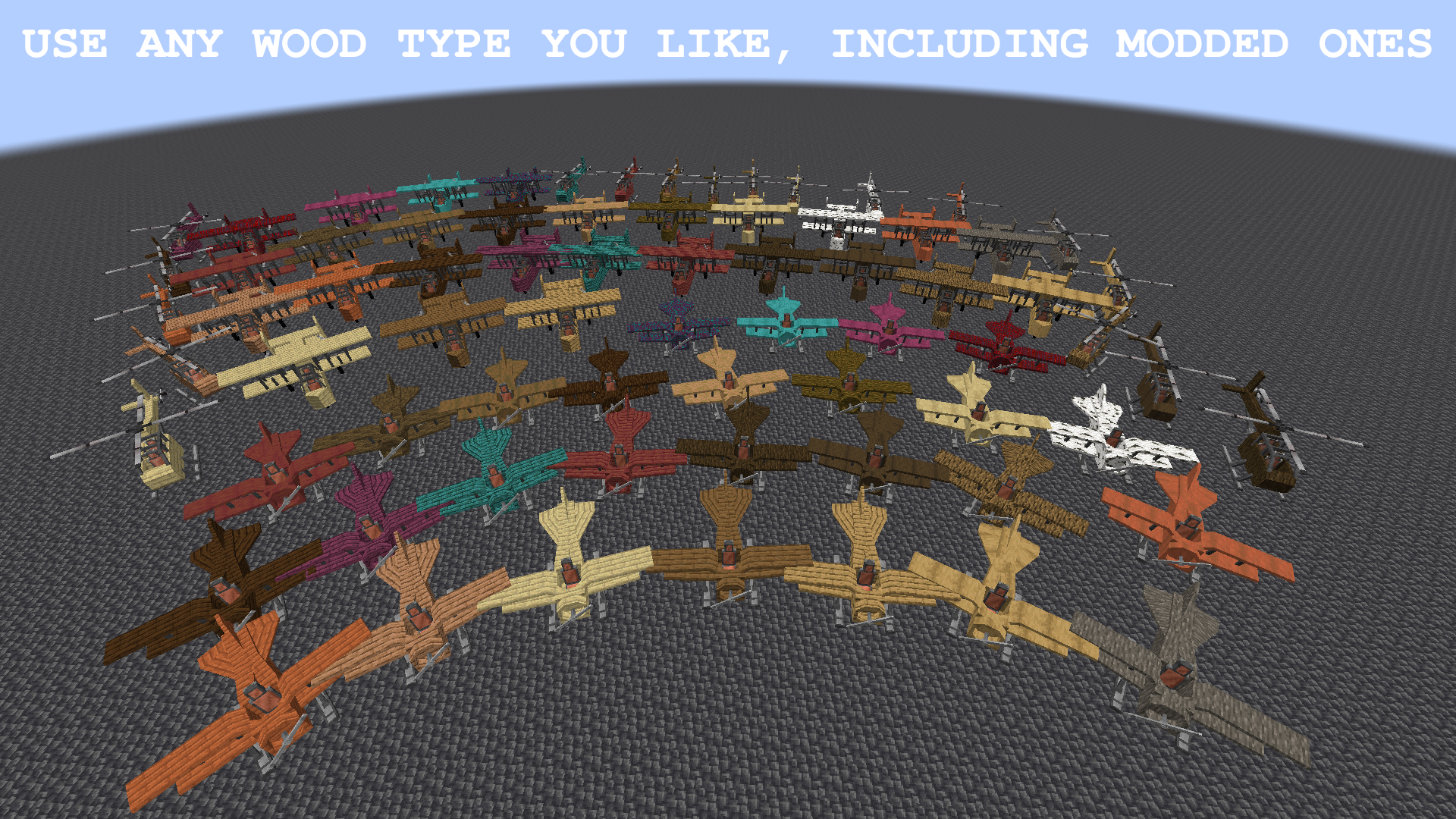
You can use any wood you like to craft an aircraft, including modded ones. You can make it fireproof by using the nether planks.

常见问题
Simple Planes 支持哪些 Minecraft 版本?
Simple Planes 支持 Minecraft Java 版 1.19.2–1.21.1,共 3 个版本,可用的加载器:Forge / NeoForge。下载时注意选择和你游戏版本一致的文件。
Simple Planes 怎么安装?
先用 PCL2 或 HMCL 启动器安装对应版本的 Forge / NeoForge,再把下载的 .jar 文件放进游戏目录的 mods 文件夹,重新启动游戏即可。开启了版本隔离的,mods 文件夹在 versions/版本名 下面。运行环境:客户端和服务端都要装。
评论
登录后评论和评分