
QuickQuit
Adds hotkeys to instantly quit your world/server to the main menu (or close the game entirely), with an optional confirmation step and a client-side /quickquit command to schedule a quit after a delay.
截图
介绍
QuickQuit
QuickQuit is a mod that lets you leave your world or server instantly with a single keypress — no more digging through the pause menu when you need to log off fast.
Found bugs or have questions? Join our Discord server!

✨ Features
- Instant Quit hotkey (default
F8) — press it while in a world/server and you’re immediately back at the title screen (or the game closes entirely, depending on your settings). - Mod menu hotkey (default
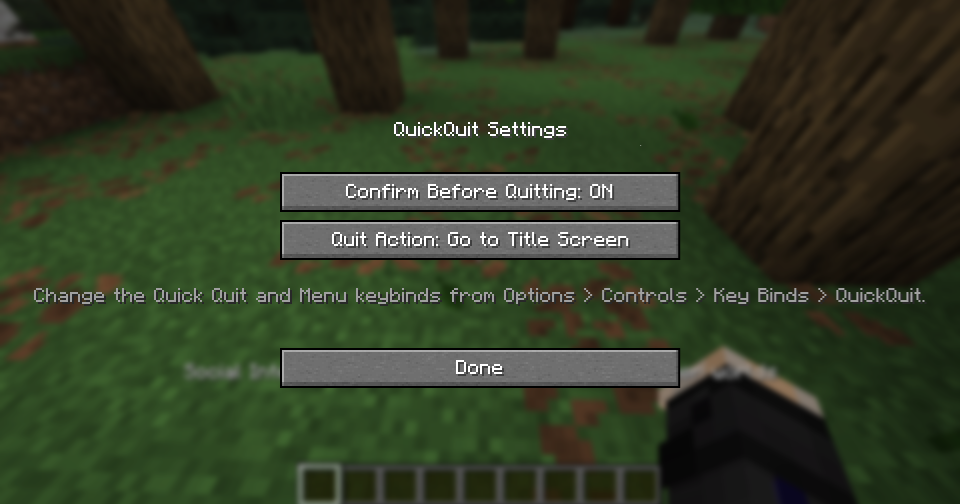
P) — opens QuickQuit’s own settings screen from anywhere in-game. - Optional confirmation — turn on “Confirm Before Quitting” in the settings if you’d rather press the Quit key twice (within a few seconds) instead of quitting instantly. Off by default.
- Choose what “quit” means — pick whether the Quit key sends you to the Title Screen or fully closes the game.
/quickquitcommand — a client-side command that works on any server, even without operator permissions:/quickquit <amount> seconds|minutes|hours— schedule a quit after a delay./quickquit cancel— cancel a scheduled quit./quickquit status— check whether a quit is currently scheduled.- Fully localized — available in English and Russian, following your game’s language automatically.
📖 How to use
- Change the keybinds (optional). Go to
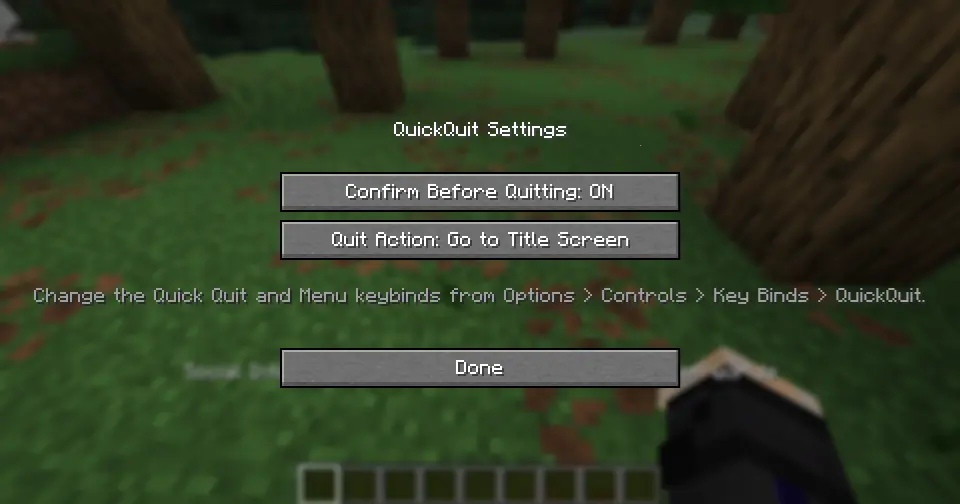
Options > Controls > Key Binds > QuickQuitto rebind the Quit key (defaultF8) and the Menu key (defaultP) to whatever you like. - Open the settings screen. Press the Menu key (
Pby default) at any time — in a world, in a menu, doesn’t matter — to open QuickQuit’s settings. - Configure your quit behavior.
- Toggle Confirm Before Quitting on if you want a safety check before you leave.
- Set Quit Action to either return to the Title Screen or Close the Game completely.
- Quit instantly. While in a world or on a server, press the Quit key (
F8by default). If confirmation is off, you’re out immediately. If confirmation is on, you’ll see a message in chat — press the key again within a few seconds to confirm. - Schedule a delayed quit. Type a command like:
   /quickquit 5 minutes
   /quickquit 30 seconds
   /quickquit 2 hours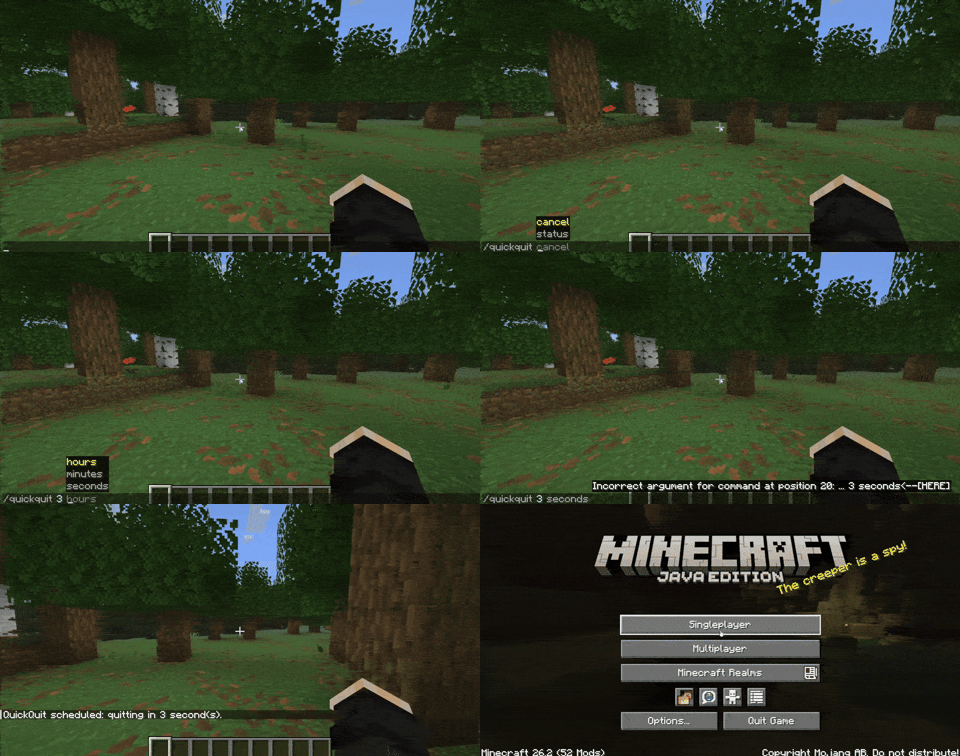
QuickQuit will automatically quit for you once the timer runs out. Use /quickquit status to check the countdown, or /quickquit cancel to call it off.
ℹ️ Notes
- No configuration file editing needed — everything is adjustable from the in-game settings screen.
常见问题
QuickQuit 支持哪些 Minecraft 版本?
QuickQuit 支持 Minecraft Java 版 26.2,可用的加载器:Fabric。下载时注意选择和你游戏版本一致的文件。
QuickQuit 怎么安装?
先用 PCL2 或 HMCL 启动器安装对应版本的 Fabric,再把下载的 .jar 文件放进游戏目录的 mods 文件夹,重新启动游戏即可。开启了版本隔离的,mods 文件夹在 versions/版本名 下面。运行环境:仅客户端。
Mr_Lan123 的其他作品
查看全部 →
Auto Totem
Automatically moves a Totem of Undying from your inventory to your offhand. Toggled on/off via a hotkey (default: O, For 26.2+ = J). Settings menu (key B or via Mod Menu): statistics HUD and totem usage notification HUD. PvP helper. QoL. Fabric
Fullbright (Night Vision)
Fullbright. See in the dark on any server, no permissions or potions needed. Press G to toggle a real client-side night vision - not the vanilla effect. Night Vision Gamma

[KSE] Keyboard Sound Effects
This mod adds sound effects to key presses and mouse clicks, featuring pleasant built-in sounds. You can also load your own sound files directly from the in-game settings menu.

Just Auto Totem
Automatically moves a Totem of Undying from the inventory to the off-hand. Toggled on/off via a hotkey (default: O)
评论
登录后评论和评分