
McChatBridge
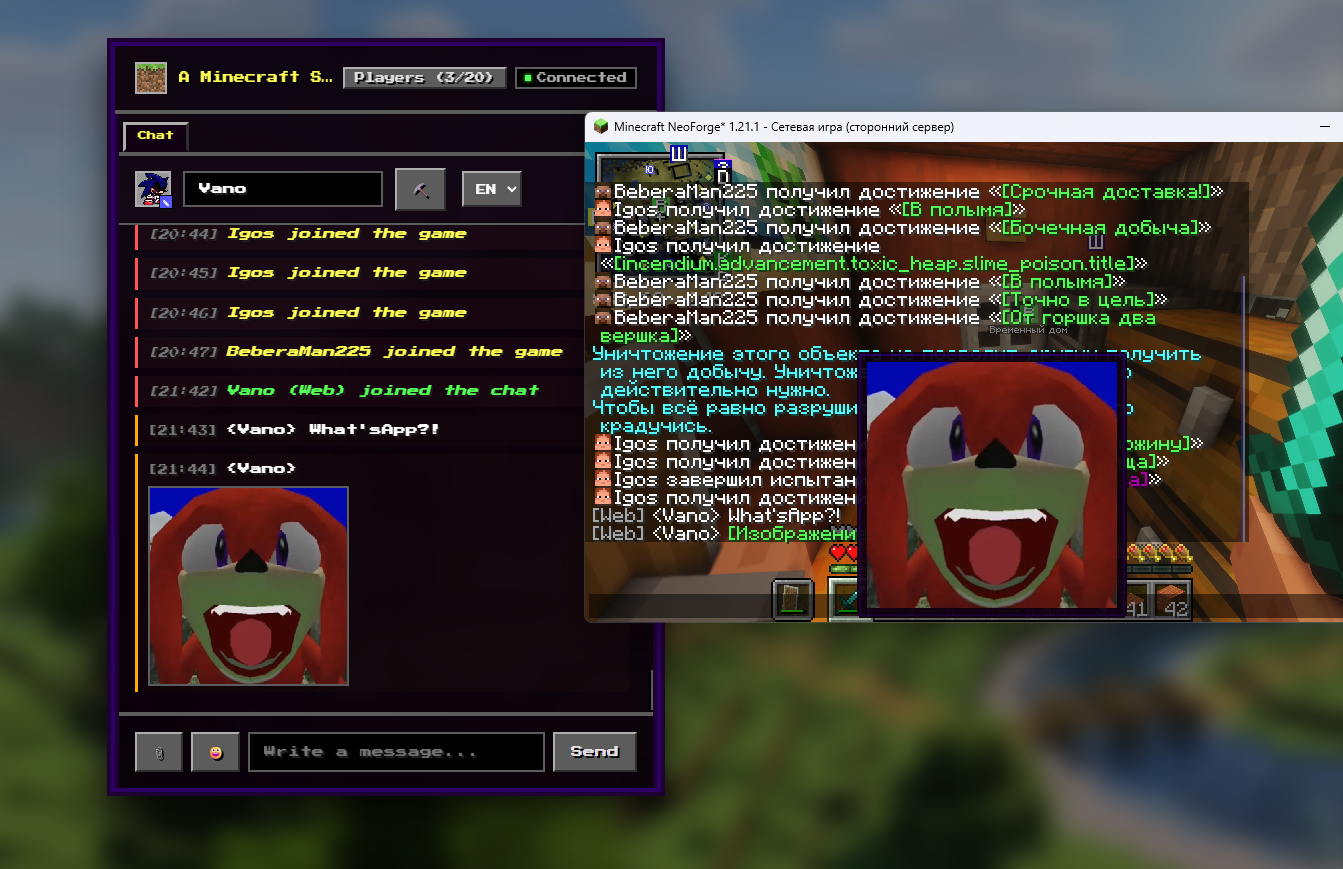
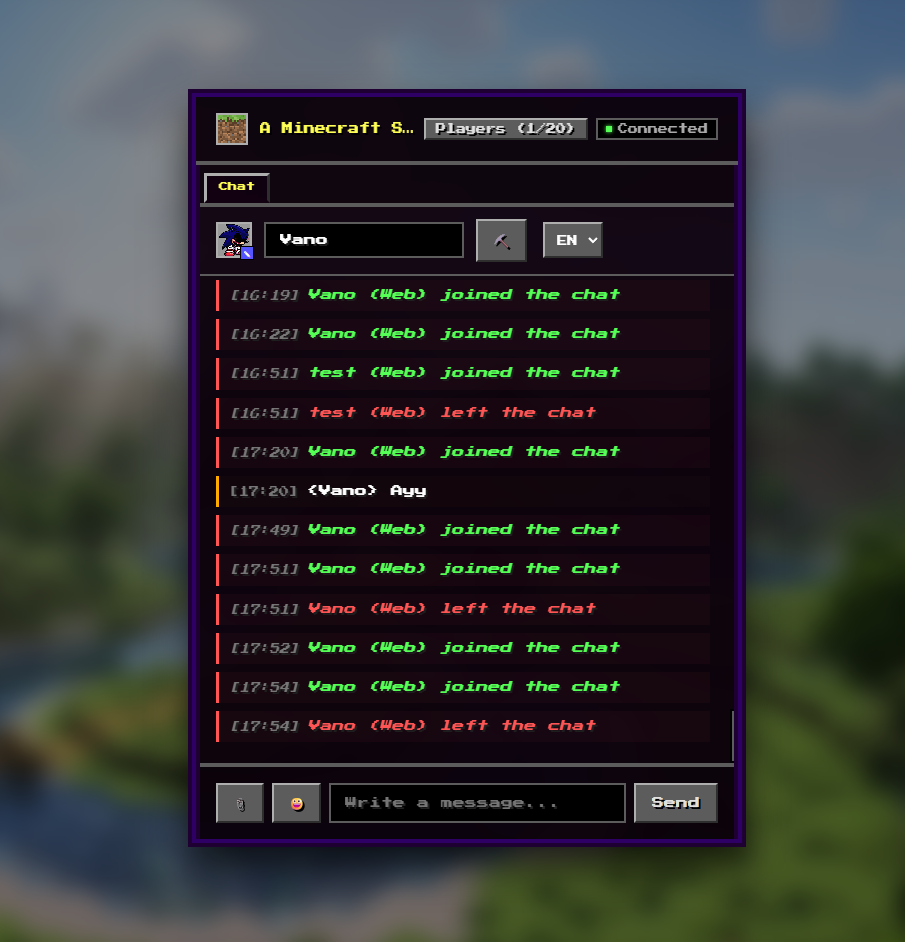
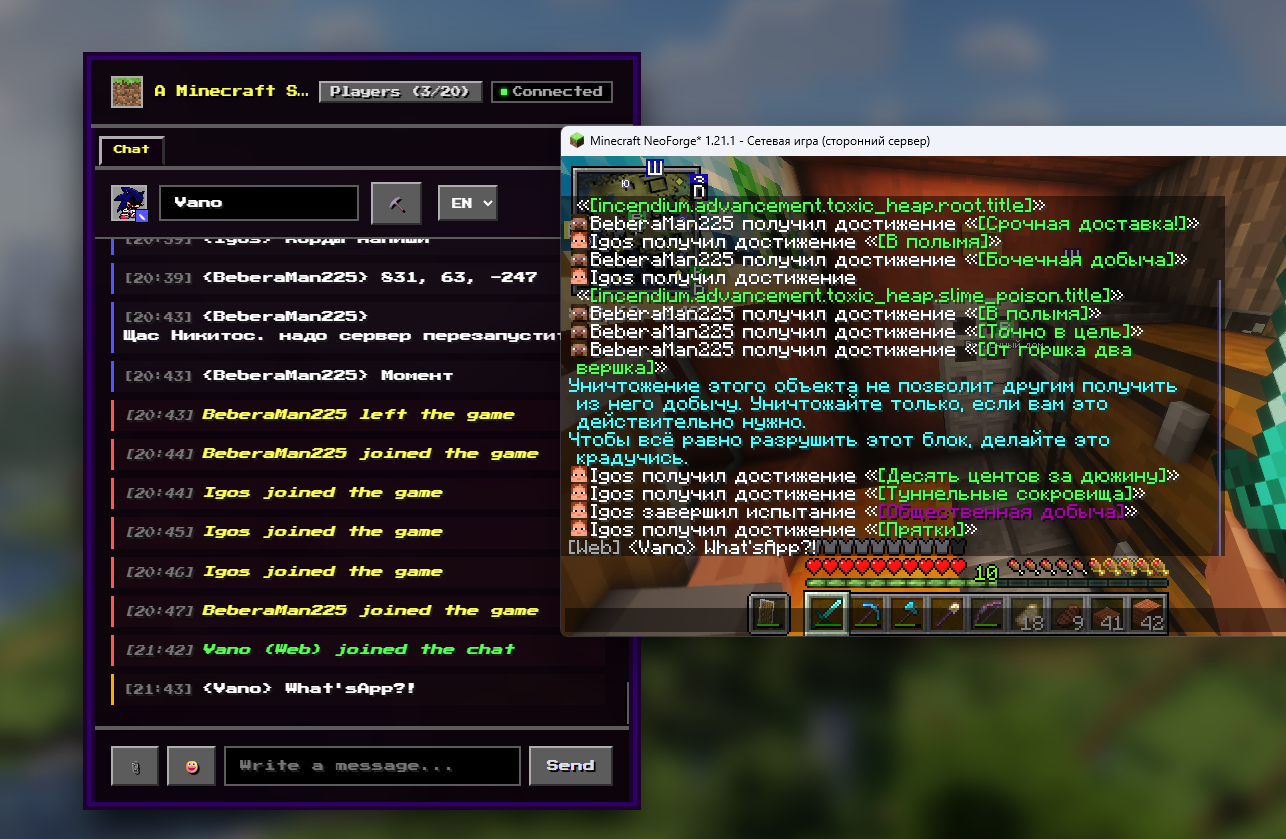
Simple communication for players (and others) on the server via a web interface, with a variety of different features that I found useful.
截图
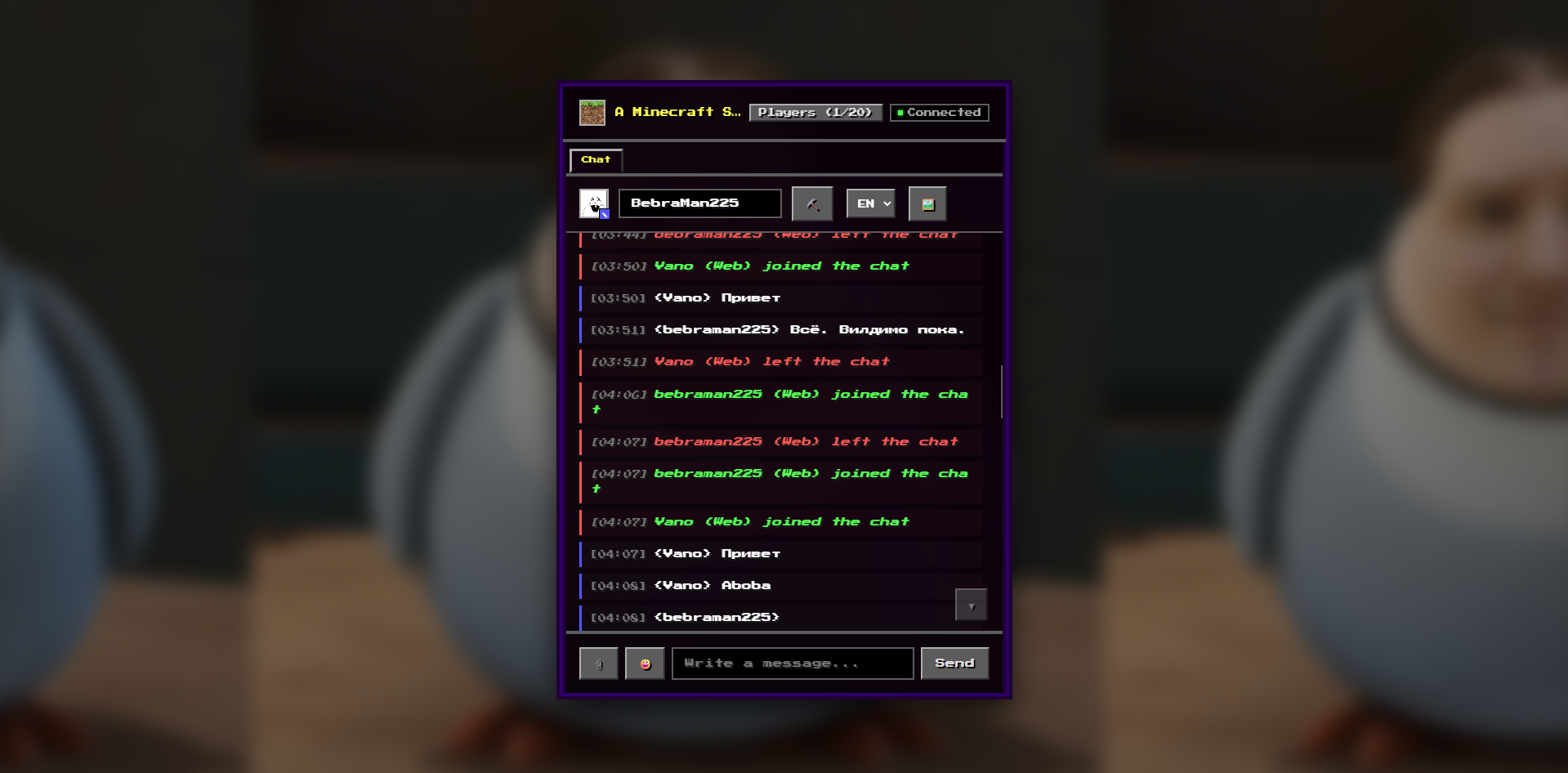
介绍
This is a simple mod for Minecraft 1.21.1 NeoForge. I just had an idea and decided to implement it with the help of AI (Antigravity Gemini 3.5 Flash), and Claude Opus 4.8 (I didn’t like Gemini).
I am unlikely to update this mod further, as I made it just for myself and my friends. However, I will leave the source code available (hopefully, I can figure out how to do that).
This is a server-side mod. To see images sent to the game chat via McChatBridge, install the ChatImage mod by kituin on your game client.
Do whatever you want with this project.
McChatBridge launches a built-in HTTP web server directly within the Minecraft server. Through a browser, players (and others) can:
- Read and write to the global chat: Messages are synchronized in both directions—from web to game and from game to web.
- Send Private Messages (PMs): Direct messages to specific players on the server; PM history is encrypted using AES-256-GCM.
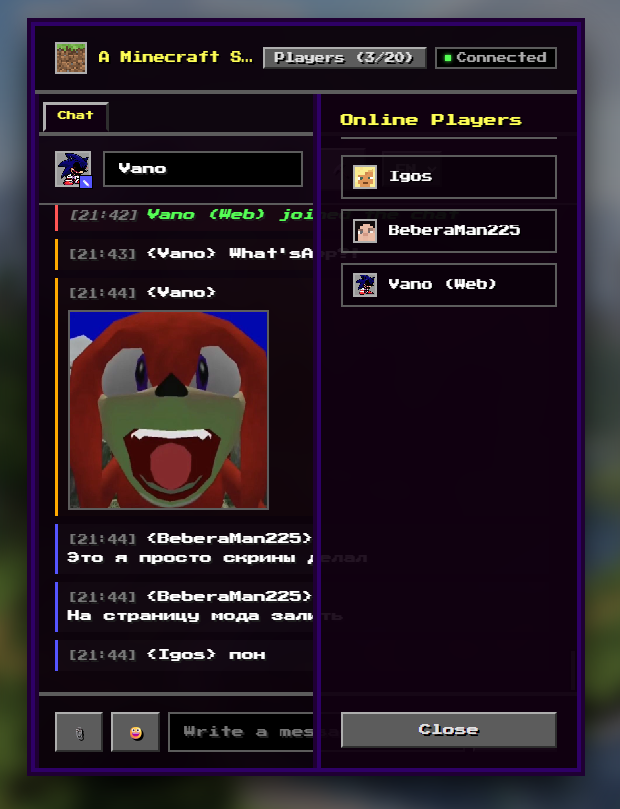
- Upload and send images: Pictures are displayed in the web chat, while a clickable link appears in the game.
- Play a “Clicker” mini-game: Mine ore through clicks, receive resources in your inventory, and transfer them to players on the server.
- View online players in real-time: See who is online along with their avatars.
Receive system notifications: Get alerts for player logins/logouts and deaths.
All settings are handled via configuration files. They are located in your server’s config folder.
You can change the port, disable the mini-game, or disable image uploads by users.
How can users and you access the web interface?
- After adding the modification to your server, start it and enter http://your_ip:your_port (default is 8080) into your browser.
常见问题
McChatBridge 支持哪些 Minecraft 版本?
McChatBridge 支持 Minecraft Java 版 1.21.1,可用的加载器:NeoForge。下载时注意选择和你游戏版本一致的文件。
McChatBridge 怎么安装?
先用 PCL2 或 HMCL 启动器安装对应版本的 NeoForge,再把下载的 .jar 文件放进游戏目录的 mods 文件夹,重新启动游戏即可。开启了版本隔离的,mods 文件夹在 versions/版本名 下面。运行环境:仅服务端。
评论
登录后评论和评分