
截图
介绍
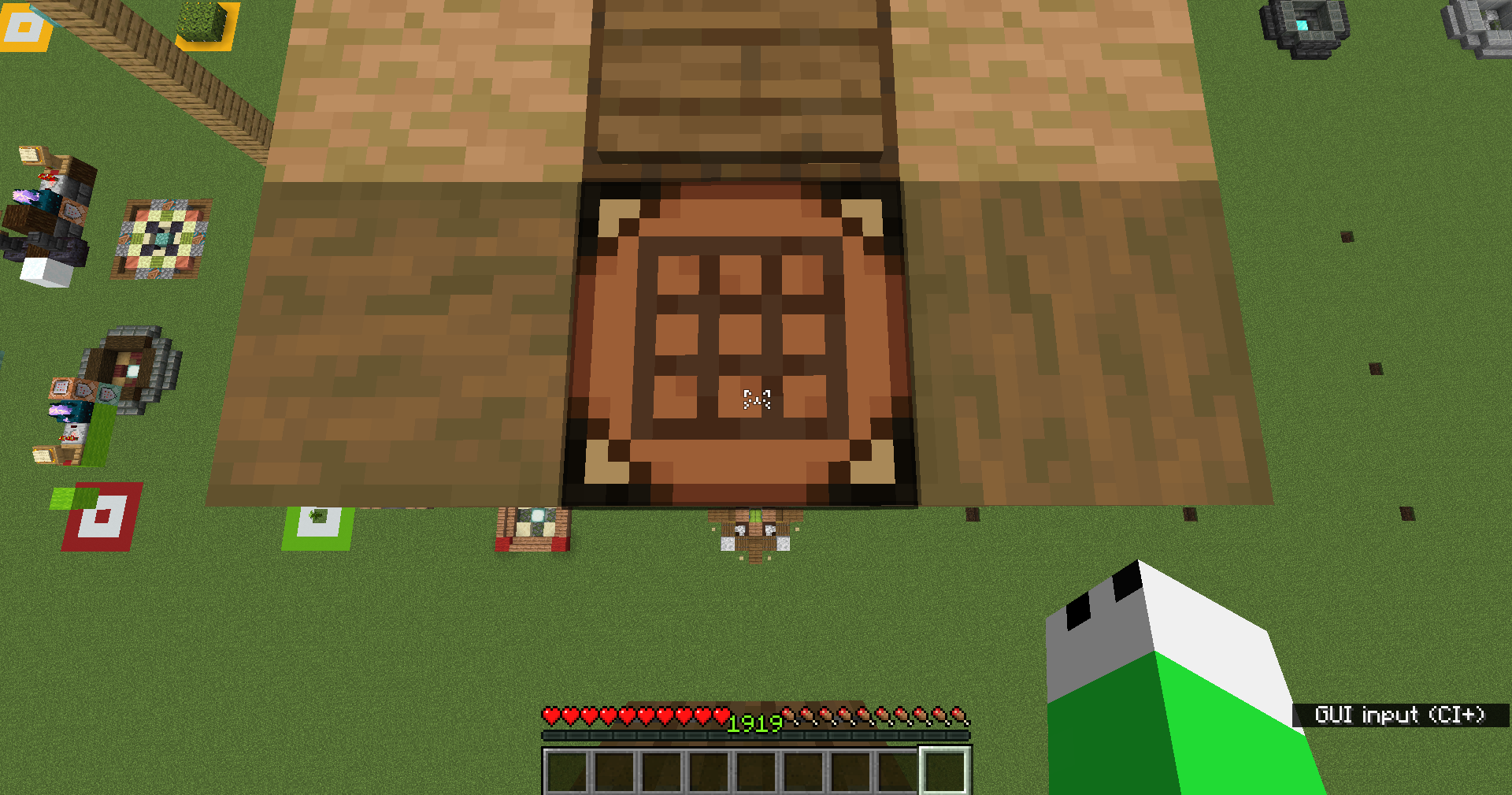
When you click or press the assigned hotkey, the configured .wav file will play.
Just like in the rhythm game osu!, you’ll hear customizable hit sounds every time you click or press a key!!
There’s absolutely no lag or stuttering, so you can use it with confidence!
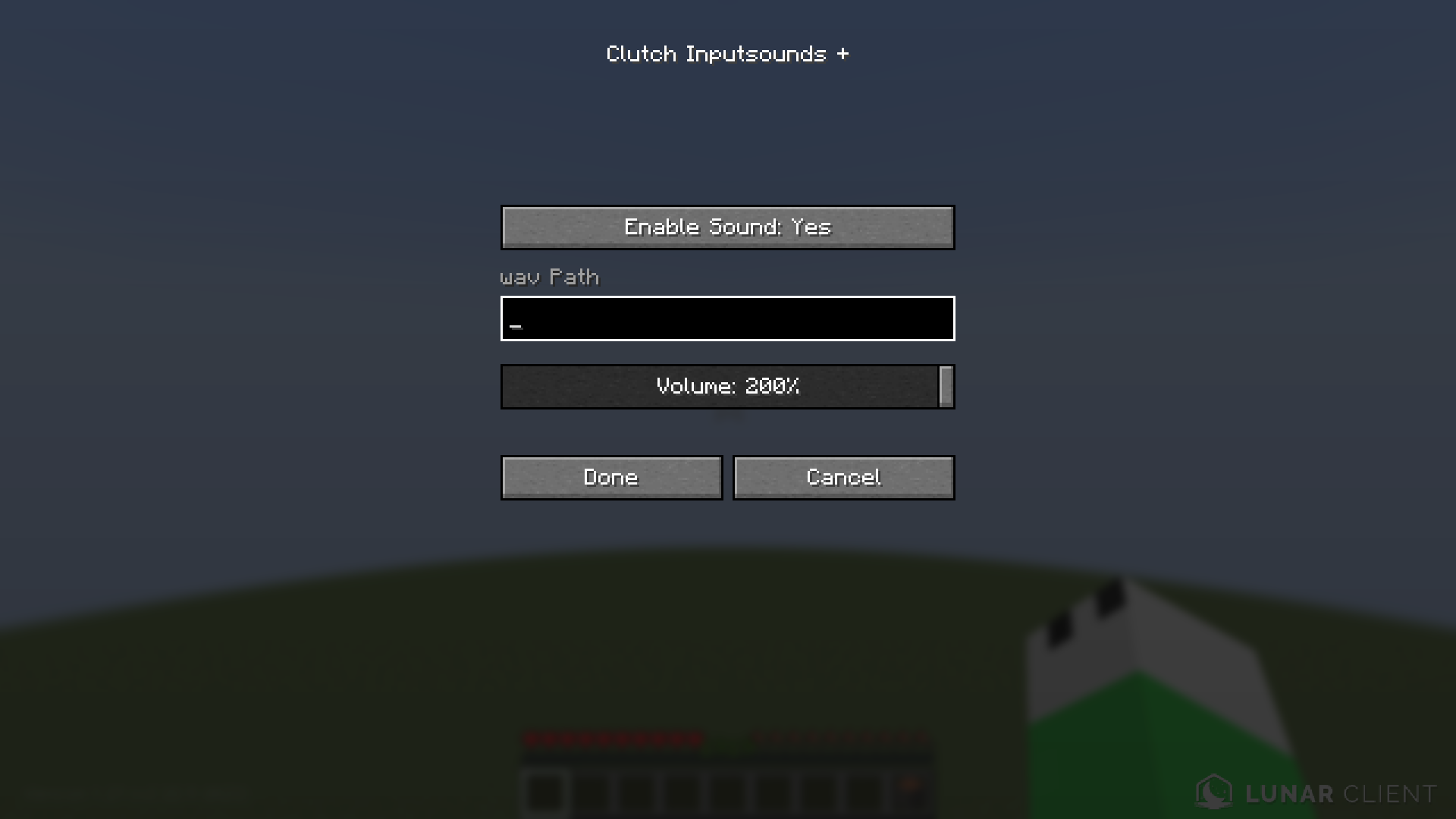
All you have to do is enable sound in the mod settings within ModMenu and enter the path to the WAV file you want to play—and you’re all set! Easy, right?
Just copy and paste the path to the WAV file you want to play.
If you’re not sure how to use it, contact me on Discord. “10_yum1_n”
Prerequisite mod(Probably)
- Fabric API
- Mod Menu
- Text Placeholder API
まあ、abyssal_mcって人が作ったclutchっていうmodの
GUI input soundsっていう機能の音変えれる版
再生したいwavファイルのパスをコピーして貼り付けるだけです。
使い方がわからない場合は、Discordで私に連絡してください。「10_yum1_n」
前提モッド(たぶん)
- Fabric API
- Mod Menu
- Text Placeholder API
常见问题
Custom Clutch Inputsounds 支持哪些 Minecraft 版本?
Custom Clutch Inputsounds 支持 Minecraft Java 版 1.21,可用的加载器:Fabric。下载时注意选择和你游戏版本一致的文件。
Custom Clutch Inputsounds 怎么安装?
先用 PCL2 或 HMCL 启动器安装对应版本的 Fabric,再把下载的 .jar 文件放进游戏目录的 mods 文件夹,重新启动游戏即可。开启了版本隔离的,mods 文件夹在 versions/版本名 下面。运行环境:仅客户端。

评论
登录后评论和评分