
截图
介绍
中文介绍正在准备中,下面暂时显示原文。
LunarMusic
LunarMusic is a lightweight client-side NeoForge mod for Minecraft 1.21.1 that adds a custom in-game music player.
If you are tired of hearing the same default Minecraft soundtracks over and over again, LunarMusic lets you enjoy your own custom soundtracks seamlessly without needing external media players. Plus, whenever you add new music files to your folder, the mod automatically detects them the next time you open the player menu.
No game restart required!
What does this Mod do?
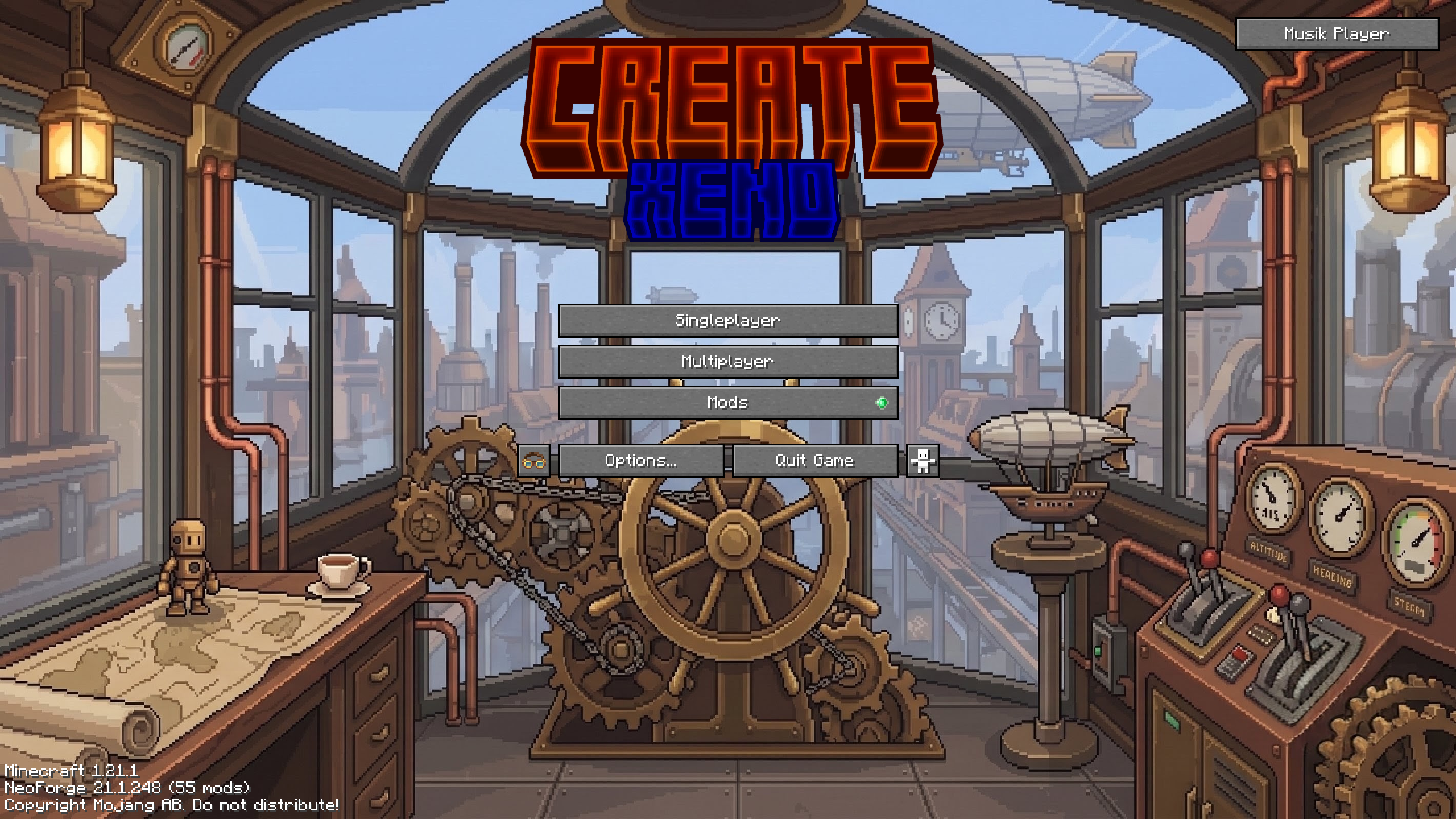
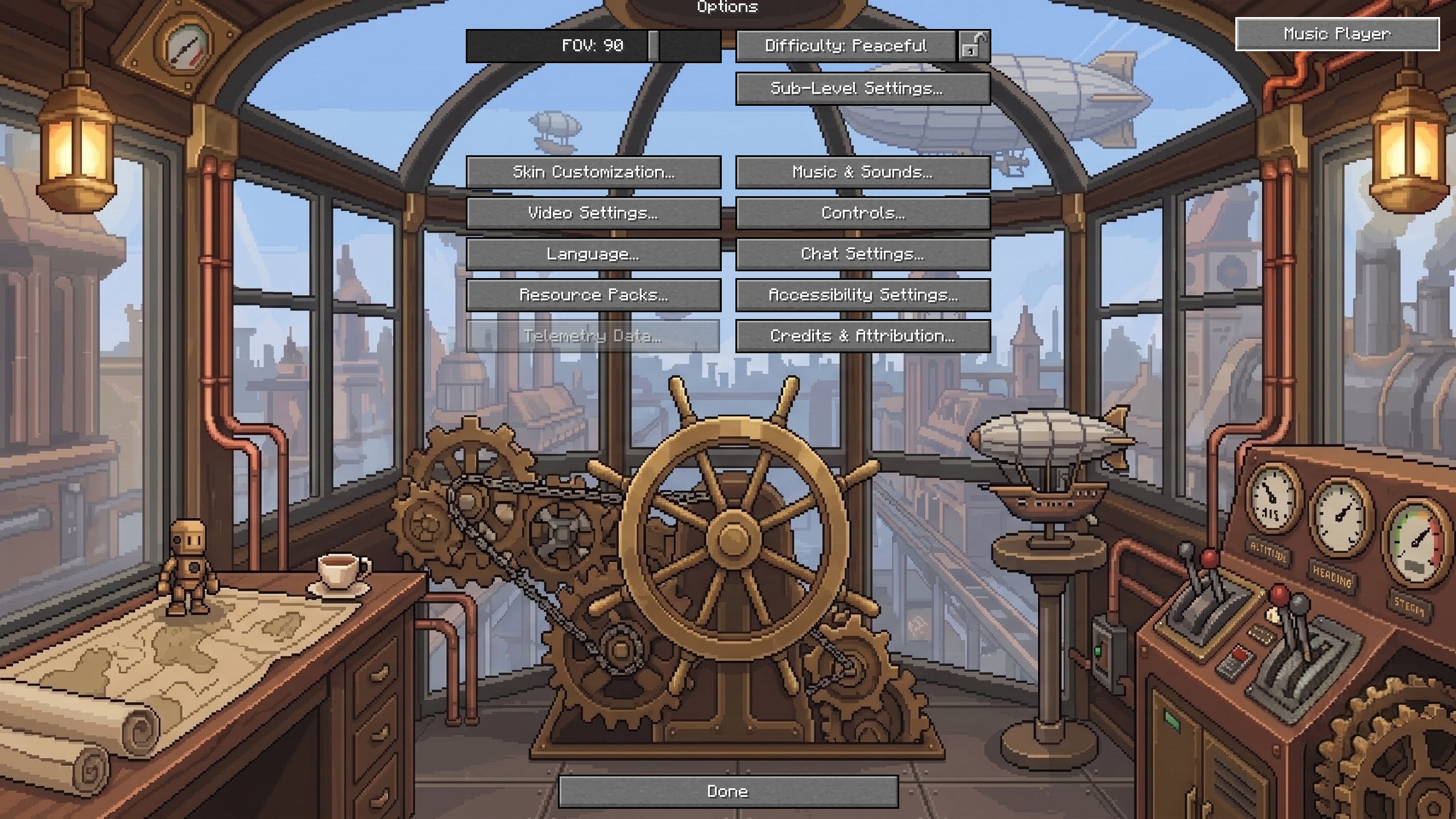
- Adds a discrete music player button to the top-right corner of the Main Menu and Options Screen.
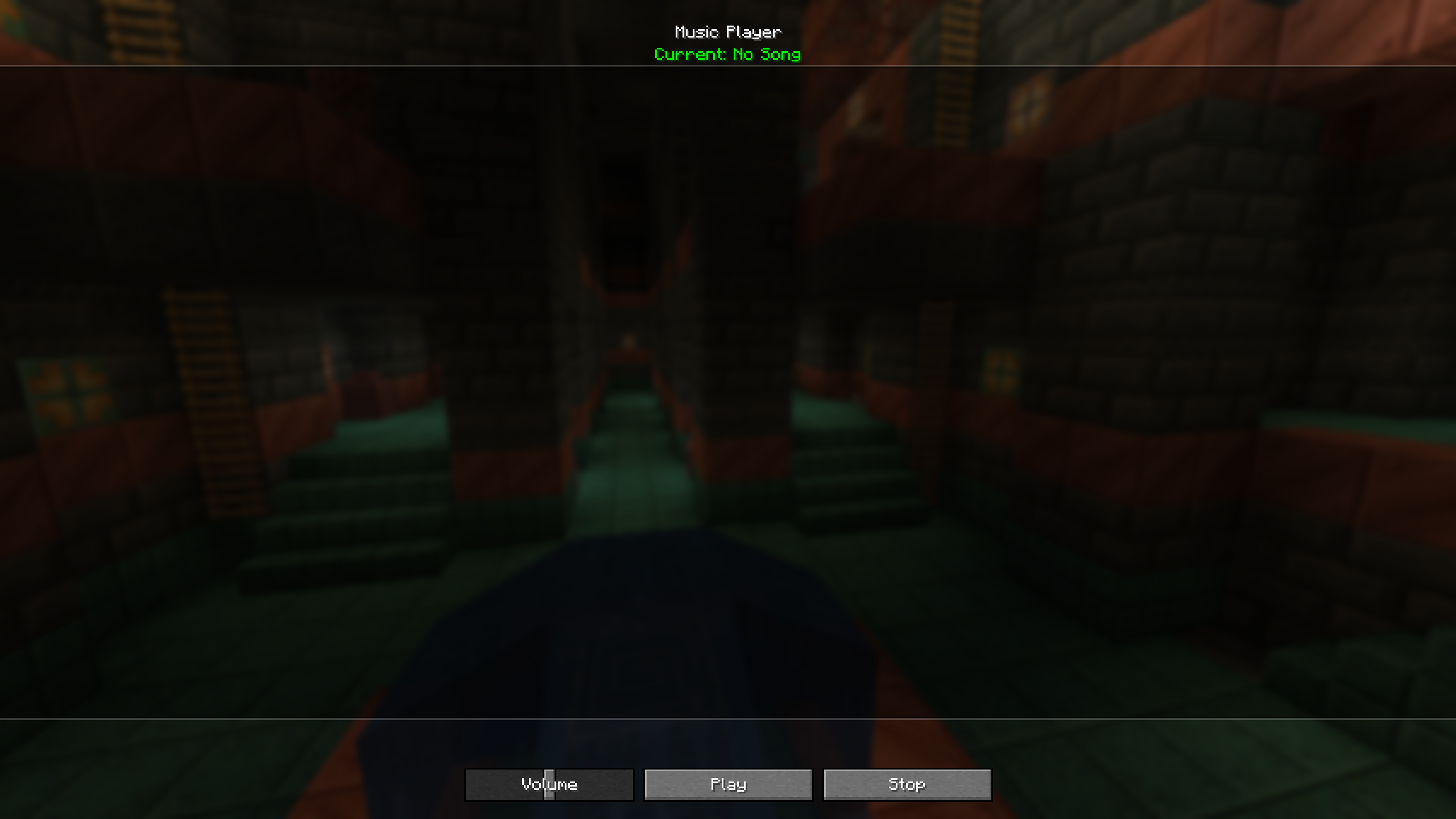
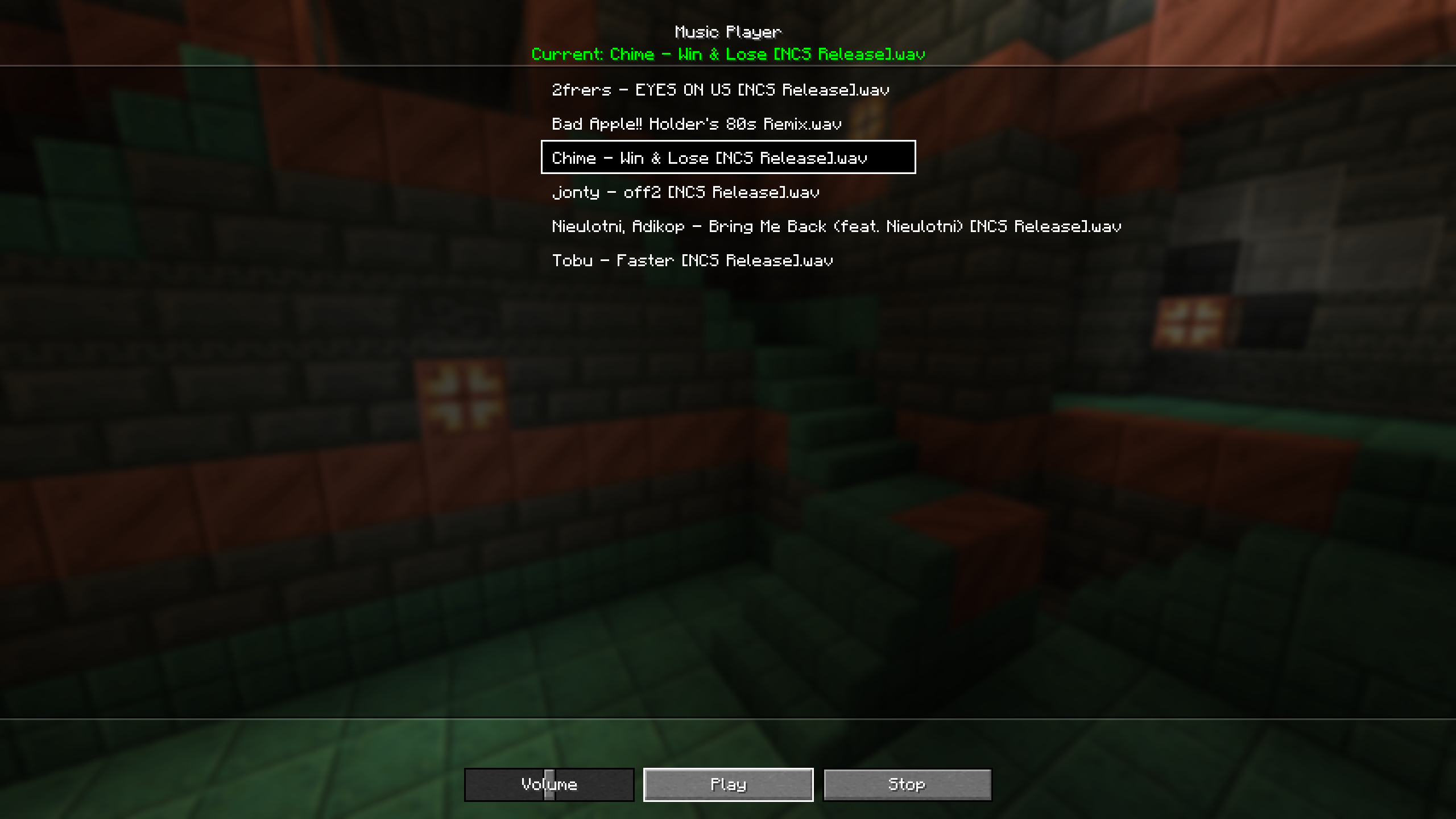
- Opens a dedicated user interface with a full, auto-updating playlist of your local music files.
- Includes playback controls (Play, Stop) and a Volume Slider.
- Automatically mutes Minecraft’s vanilla background music while your custom music is playing.
- Includes an Auto-Play feature to start a random track right when launching the game.
How to Use
- Music Folder: Upon launching the mod for the first time, a folder named
musicplayerwill be automatically created inside your.minecraftdirectory (.minecraft/musicplayer/).
- Place your audio files (currently only
.wavfiles) directly into this folder.
常见问题
Lunar Music 支持哪些 Minecraft 版本?
Lunar Music 支持 Minecraft Java 版 1.21.1,可用的加载器:NeoForge。下载时注意选择和你游戏版本一致的文件。
Lunar Music 怎么安装?
先用 PCL2 或 HMCL 启动器安装对应版本的 NeoForge,再把下载的 .jar 文件放进游戏目录的 mods 文件夹,重新启动游戏即可。开启了版本隔离的,mods 文件夹在 versions/版本名 下面。运行环境:仅客户端。
评论
登录后评论和评分