Custom-chat-mod
Customizable centered chat with player heads, custom nicknames and colored names
截图
介绍
Custom Chat Mod
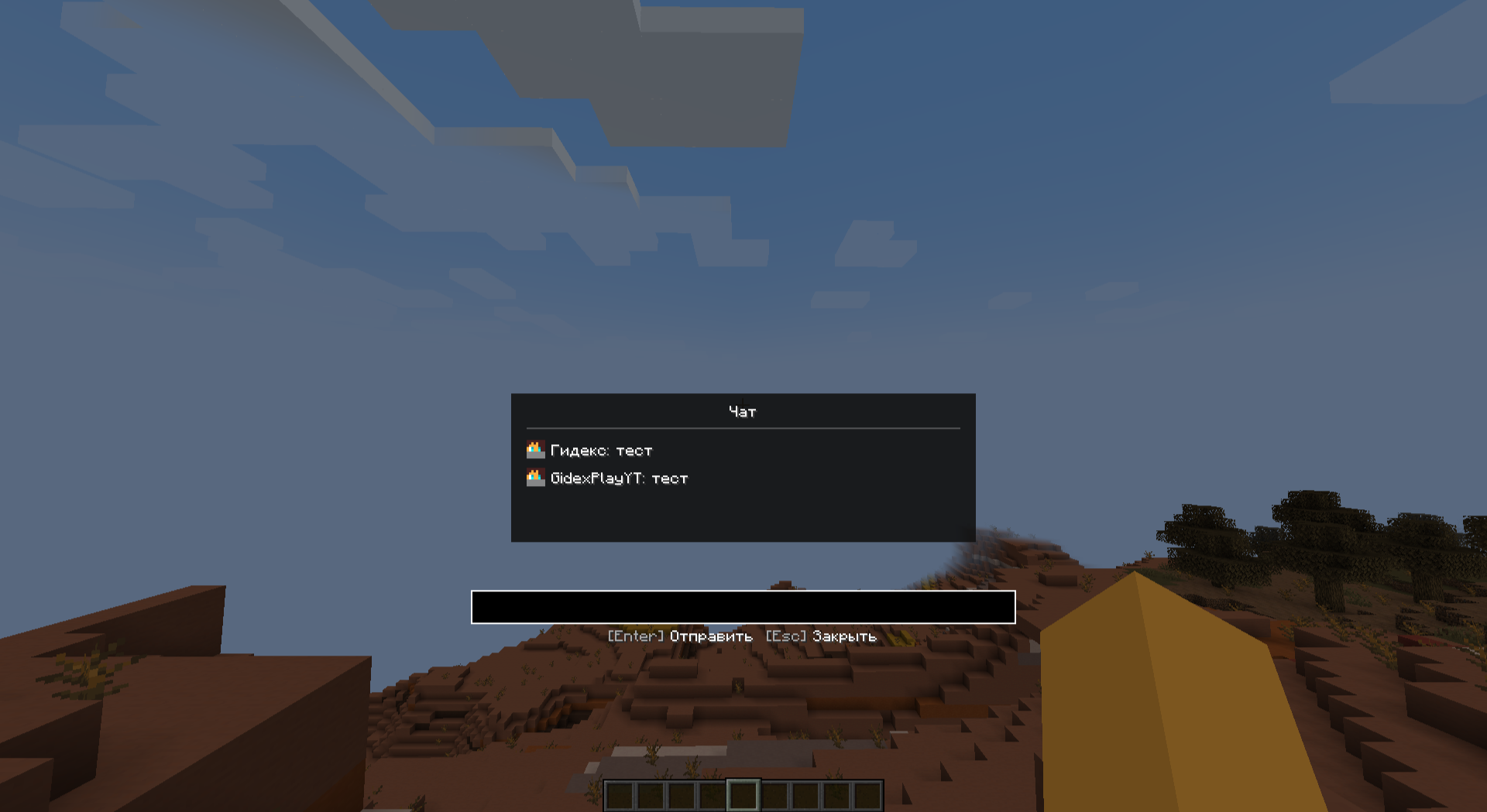
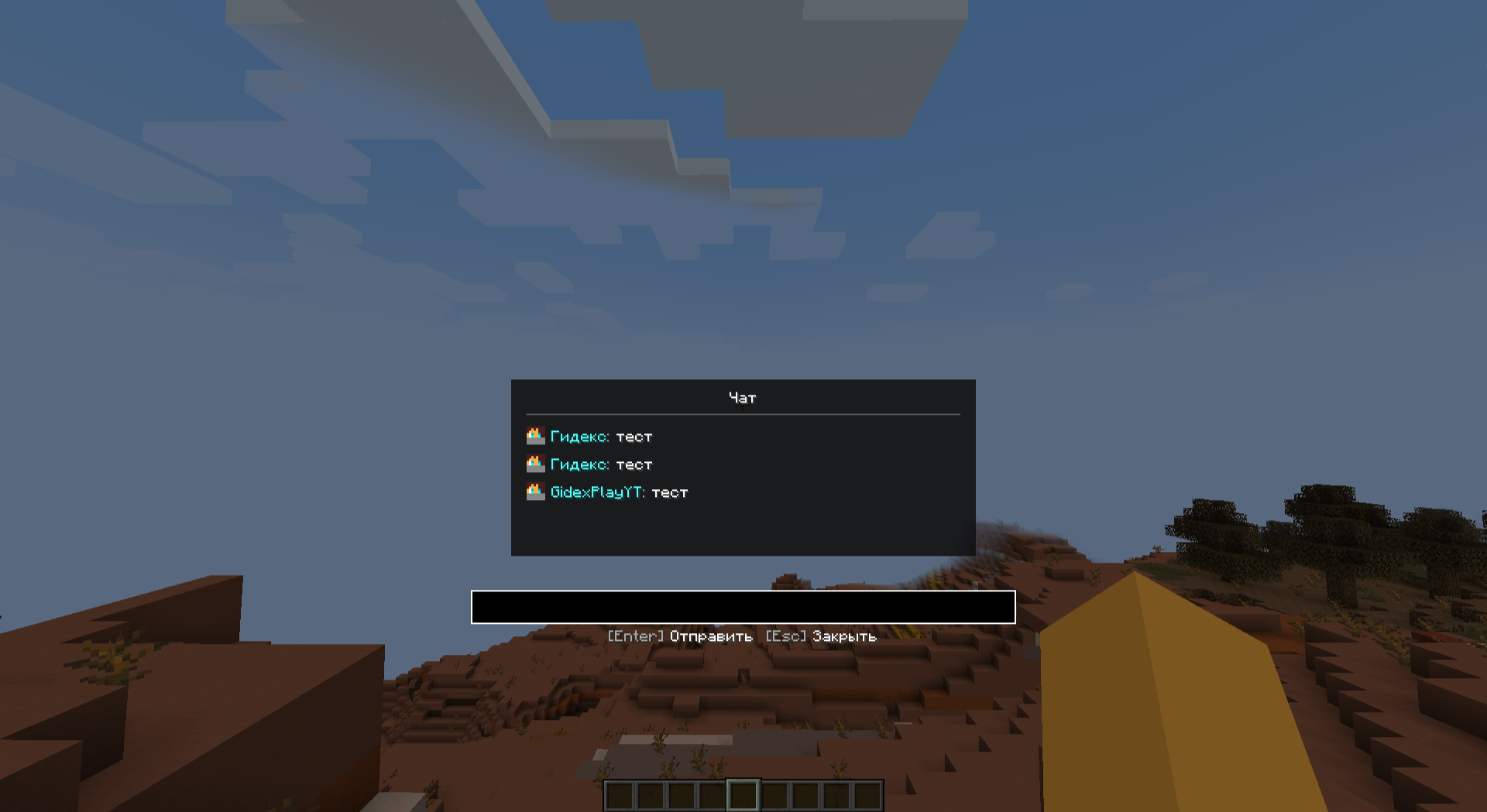
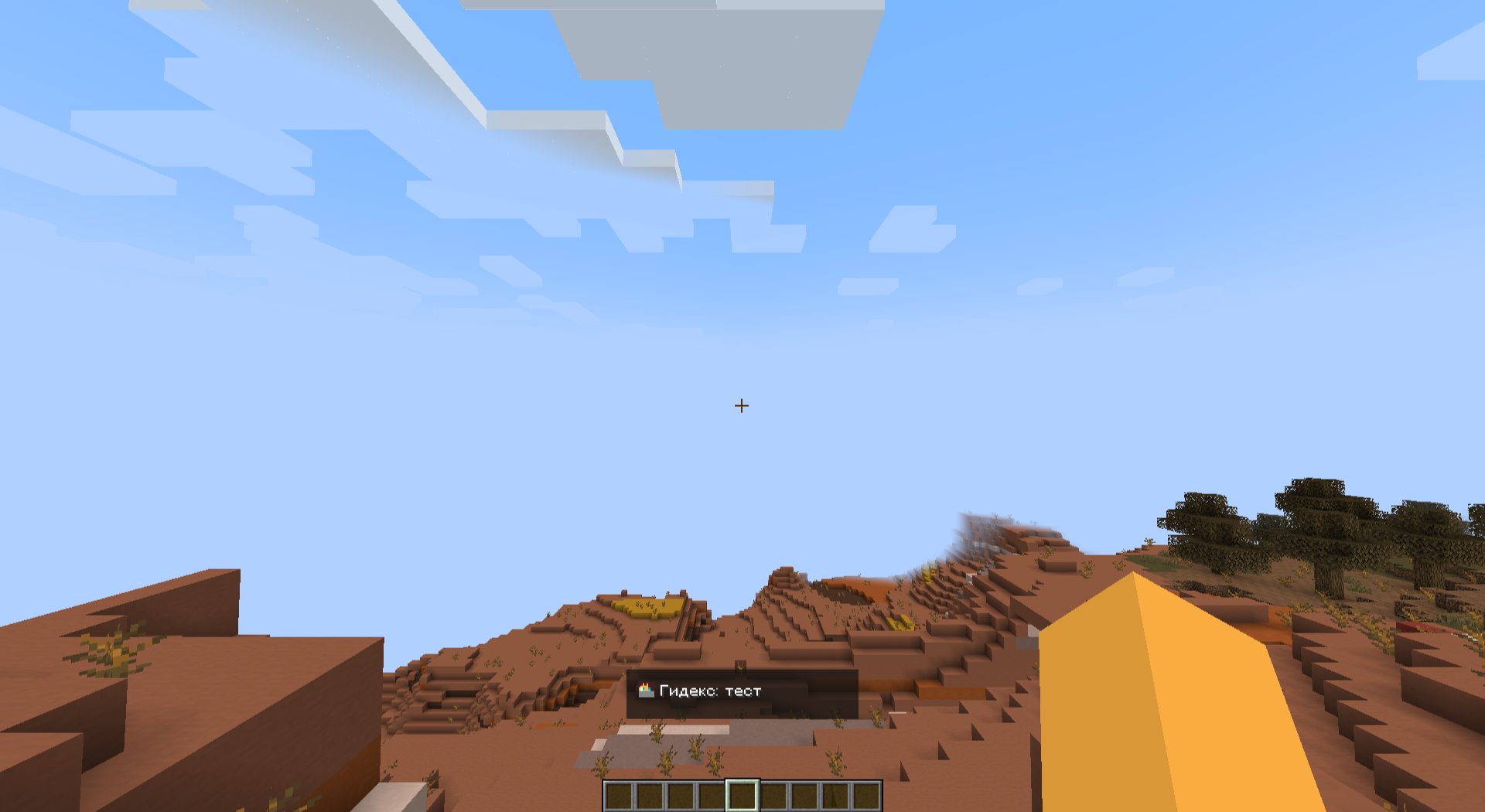
A clean and customizable chat mod that displays messages in the center of your screen with player heads and colored nicknames.
✨ Features
💬 Centered Chat
Messages appear in the center of your screen instead of the bottom-left corner. Clean, modern and easy to read!
🖼️ Player Heads
Shows player heads next to each message for better visibility and a nicer look.
✏️ Custom Nicknames
Change your display name in chat without changing your actual username.
🎨 Colored Names
Customize your nickname color with 14 available colors to stand out in chat.
📐 Dynamic Width
Chat box automatically adjusts its width based on message length.
🎮 Commands
| Command | Description |
|———|————-|
| /chatname <name> | Set your custom nickname |
| /chatname reset | Reset to default nickname |
| /chatcolor <color> | Change your name color |
| /clearchat | Clear chat history |
🎨 Available Colors
- Red:
red,dark_red - Blue:
blue,aqua - Green:
green,dark_green - Yellow:
yellow,gold - Purple:
purple,light_purple - Gray:
gray,dark_gray - Other:
white,black
💡 Perfect For
- Roleplay servers – Custom NPC names and colors
- Story maps – Clean centered dialogue
- Streamers – Better chat visibility for viewers
- Everyone – Cleaner chat experience
📦 Installation
- Install Forge 1.19.2
- Download the mod
- Place the
.jarfile in your.minecraft/mods/folder - Launch the game and enjoy!
🔗 Links
- Source Code: GitHub
- Issues: Report a Bug
Author: GidexPlayYT
常见问题
Custom-chat-mod 支持哪些 Minecraft 版本?
Custom-chat-mod 支持 Minecraft Java 版 1.19.2,可用的加载器:Forge。下载时注意选择和你游戏版本一致的文件。
Custom-chat-mod 怎么安装?
先用 PCL2 或 HMCL 启动器安装对应版本的 Forge,再把下载的 .jar 文件放进游戏目录的 mods 文件夹,重新启动游戏即可。开启了版本隔离的,mods 文件夹在 versions/版本名 下面。运行环境:仅客户端。
评论
登录后评论和评分