playtime-goal
作者:frezzeblood
Set daily playtime goals and track your progress with an in-game HUD progress bar.
截图
介绍
中文介绍正在准备中,下面暂时显示原文。
Playtime Goals
Set a daily playtime goal and track your progress directly in-game with a clean HUD.
Features
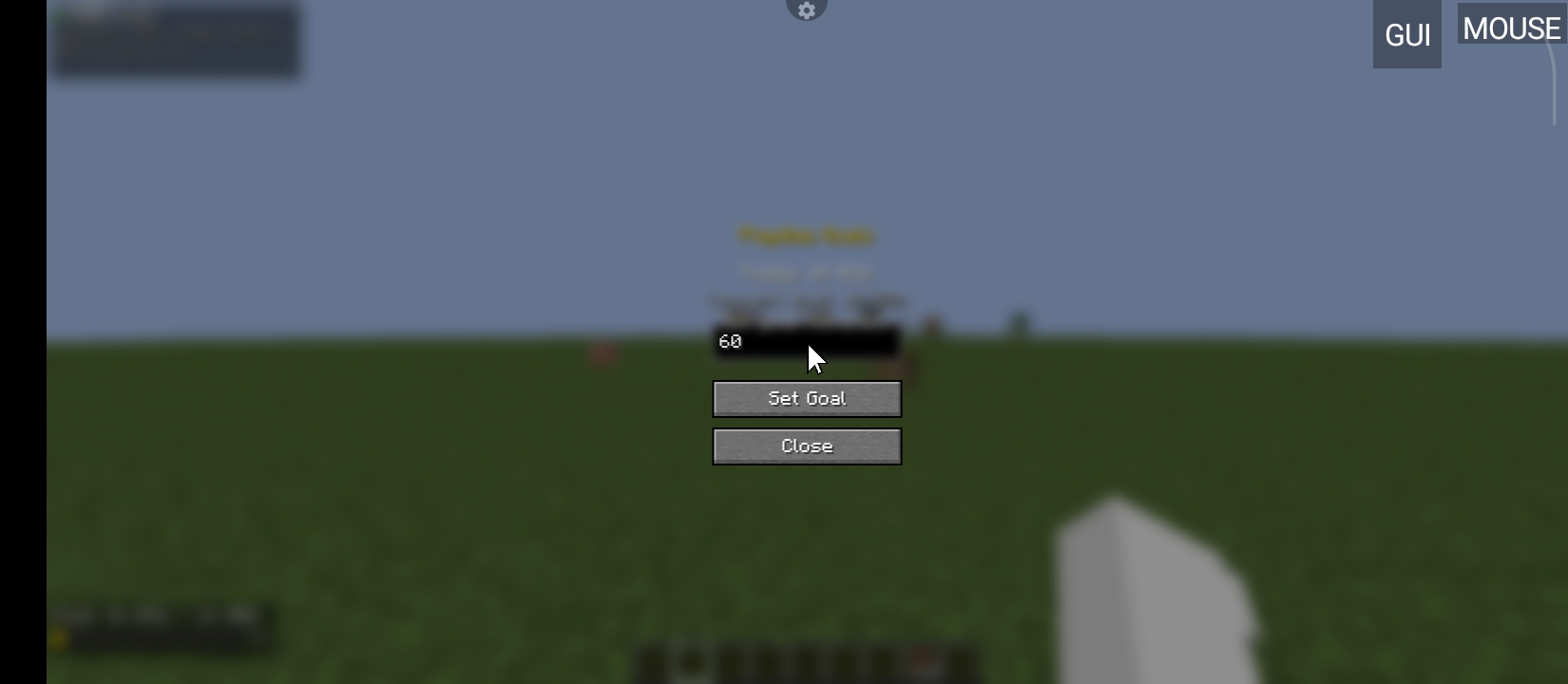
- Daily goal — set how long you want to play today (in minutes)
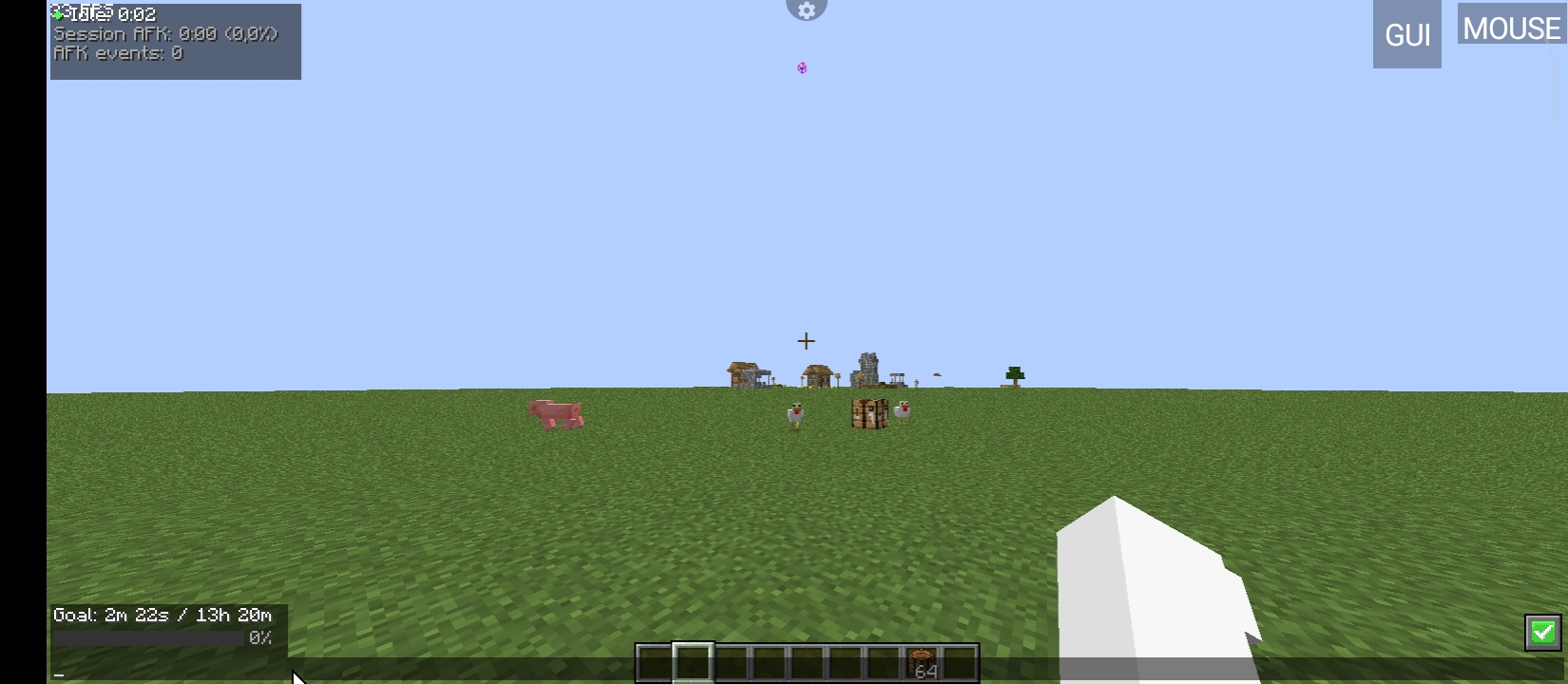
- Progress bar HUD — shows time played vs goal with a color bar
- Goal reached alert — pulsing ★ overlay when you hit your goal
- Saves progress — tracks playtime across sessions, resets daily
- Simple menu — press G to open the goals screen
How it works
The mod tracks how long you’ve been playing today. When you hit your goal, a celebration overlay appears. Progress saves automatically when you quit.
Keybinds
| Key | Action |
|—–|——–|
| G | Open goals menu |
Installation
- Install Fabric Loader
- Install Fabric API
- Drop the jar into your
modsfolder
常见问题
playtime-goal 支持哪些 Minecraft 版本?
playtime-goal 支持 Minecraft Java 版 1.20.1–1.21.4,共 2 个版本,可用的加载器:Fabric。下载时注意选择和你游戏版本一致的文件。
playtime-goal 怎么安装?
先用 PCL2 或 HMCL 启动器安装对应版本的 Fabric,再把下载的 .jar 文件放进游戏目录的 mods 文件夹,重新启动游戏即可。开启了版本隔离的,mods 文件夹在 versions/版本名 下面。运行环境:仅客户端。
评论
登录后评论和评分