
[OUTDATED – Use Stoneborn – Modded Compatibility!] Stoneborn: Missing Mods
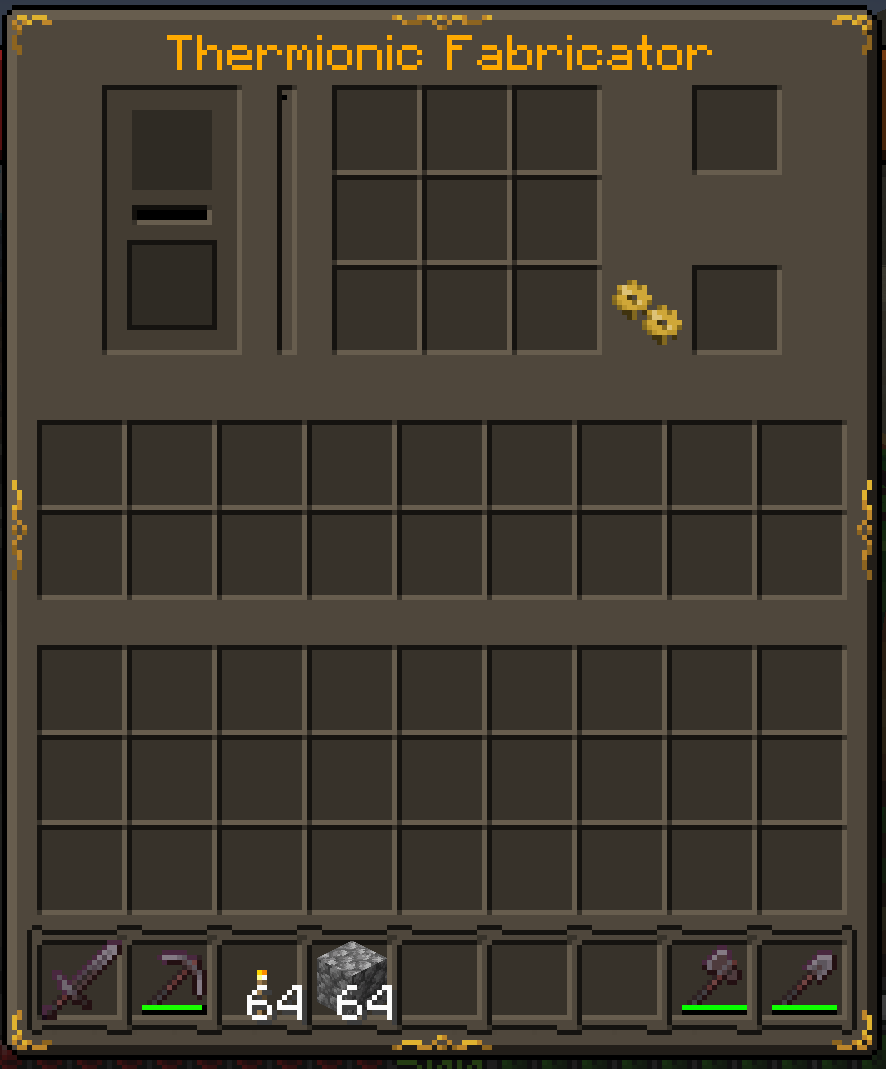
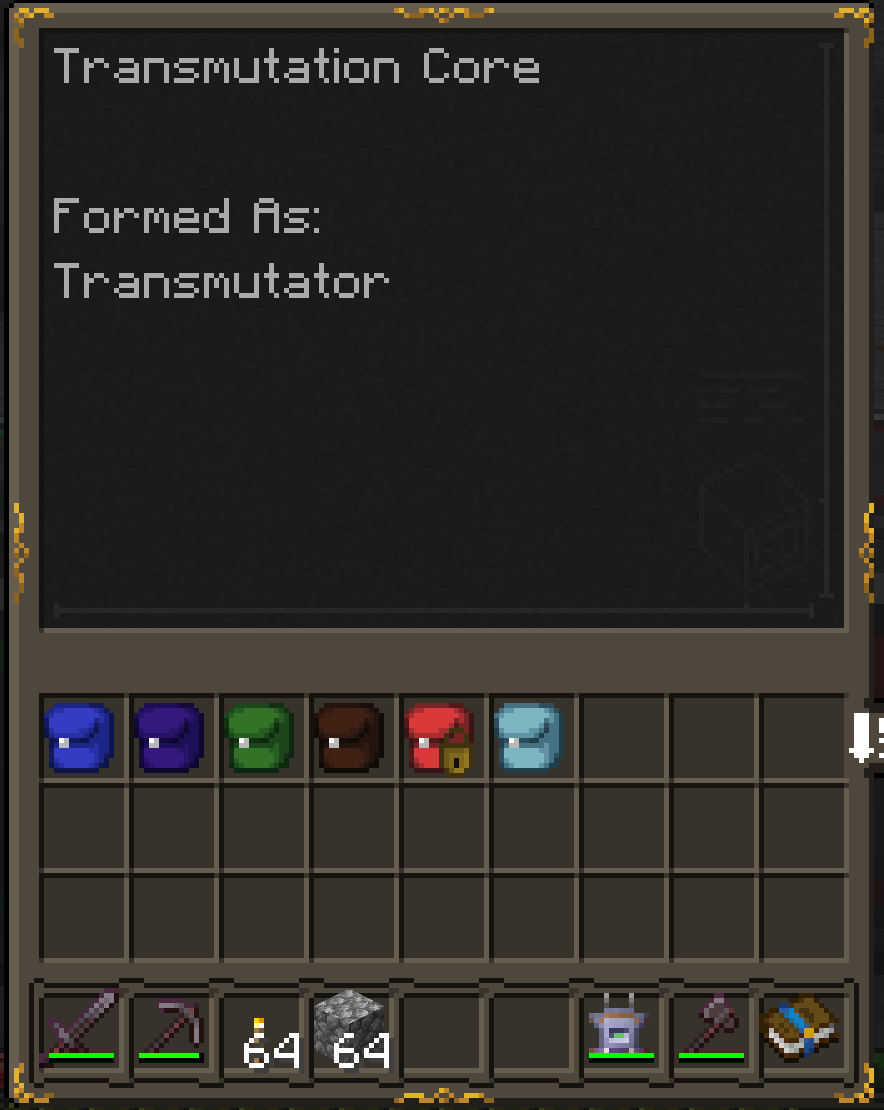
Adds Stoneborn UIs to a few mods other add-ons don't cover.
截图
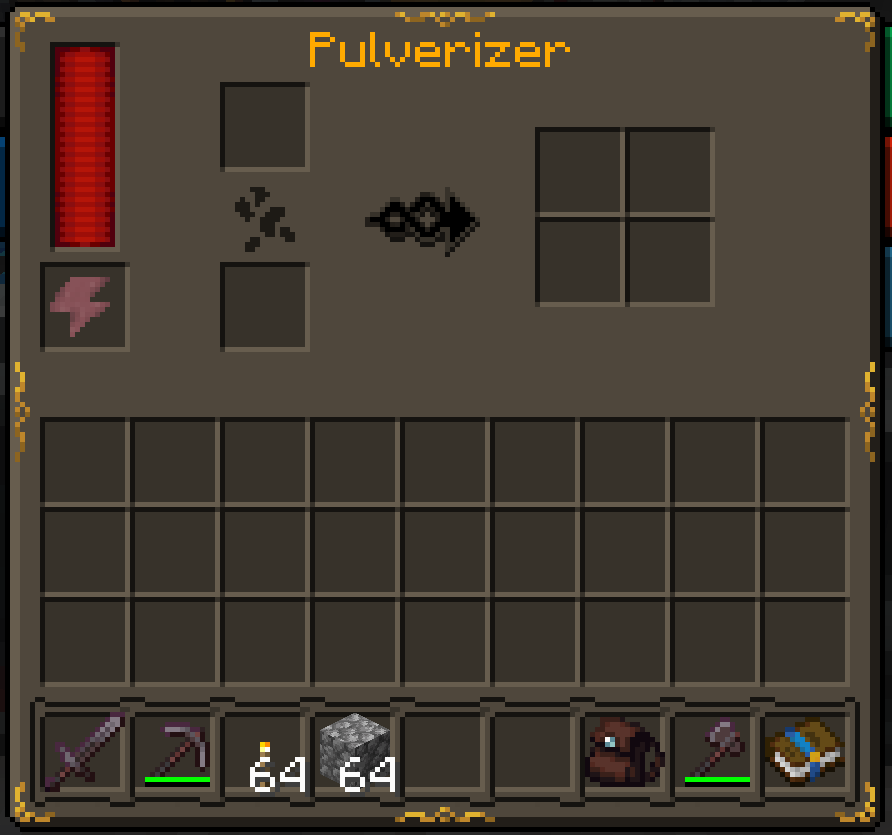
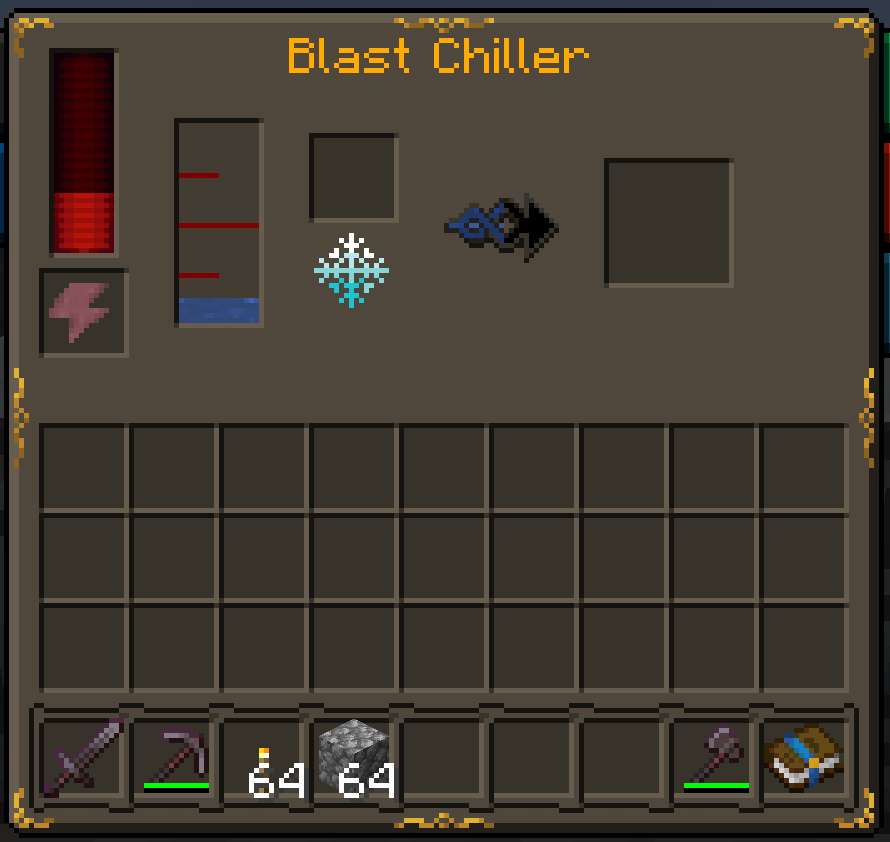
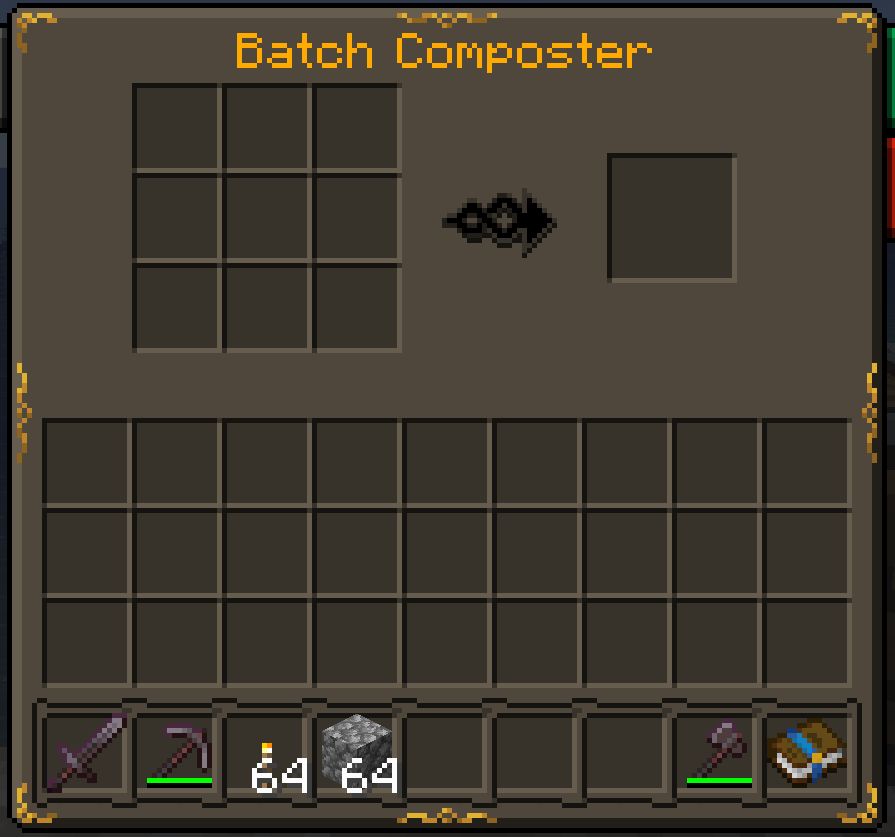
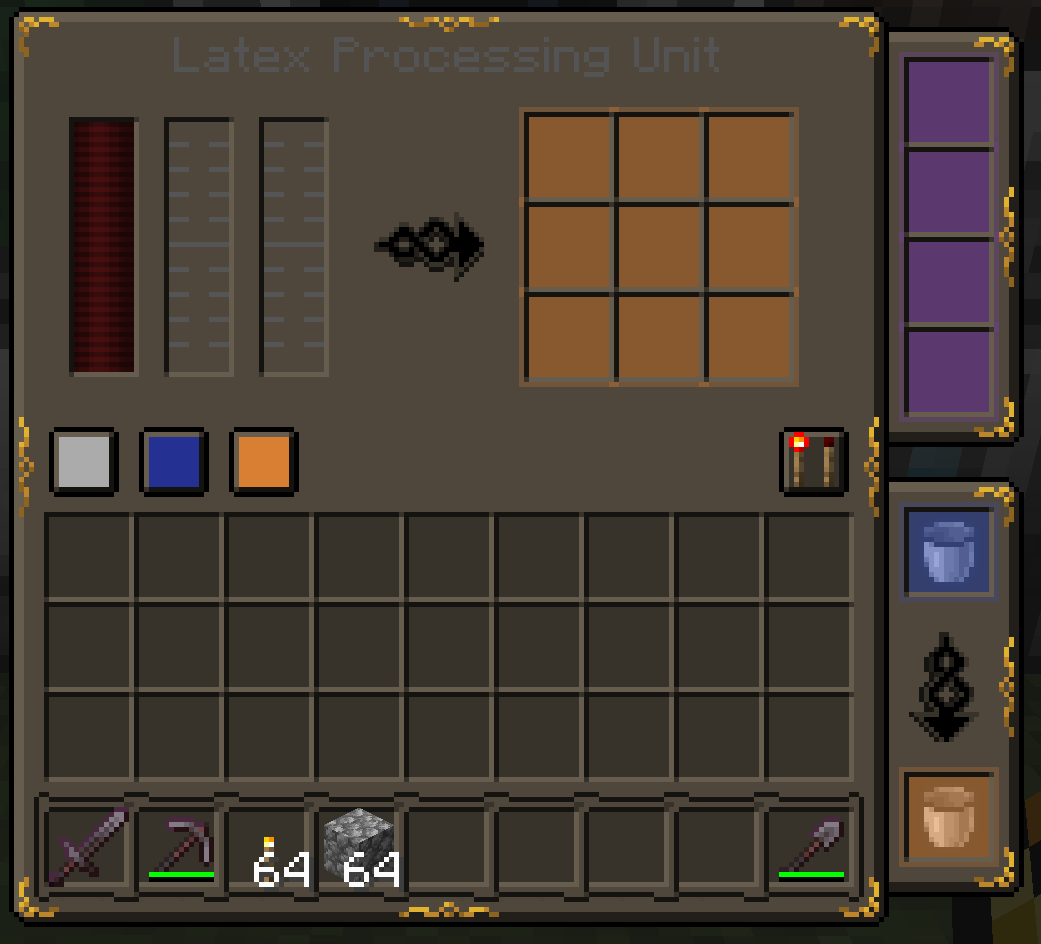
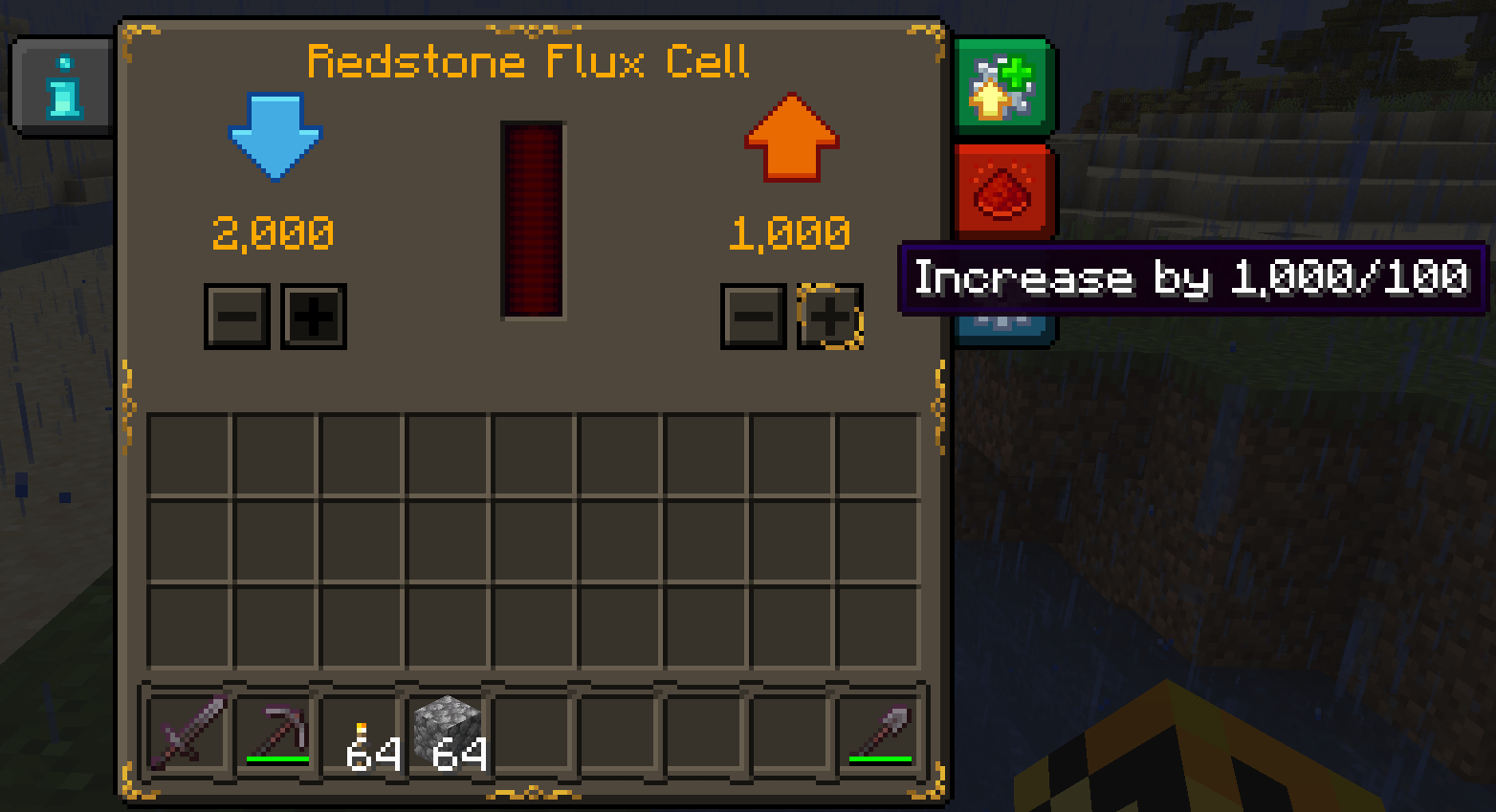
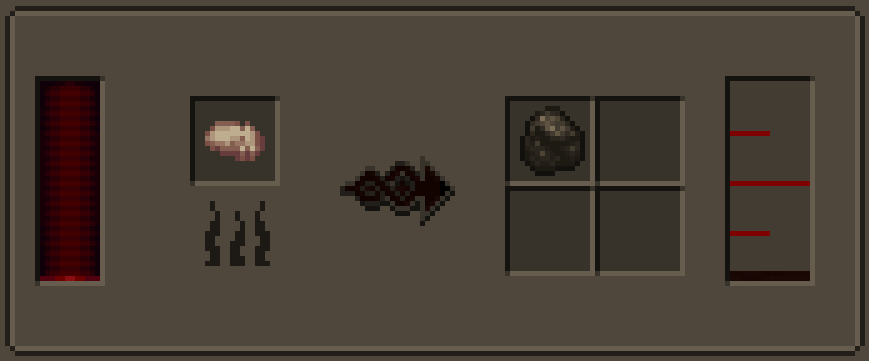
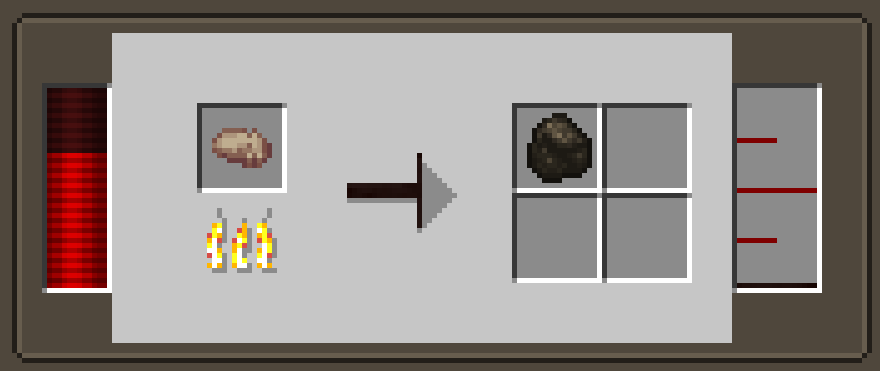
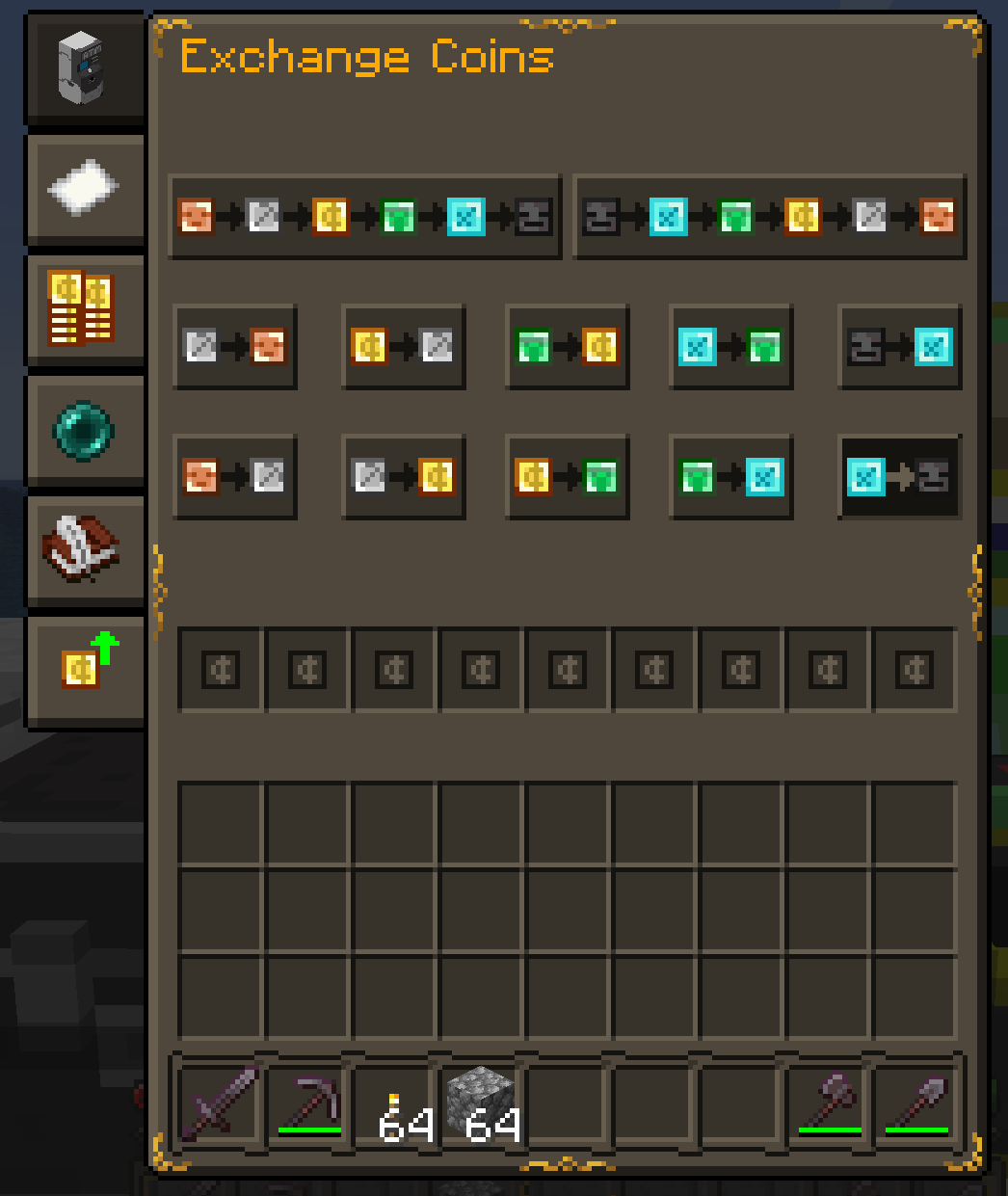
介绍
2026-8-18 update: I’ve been able to take over Fr_z_n’s modded compatibility add-on, and as such this pack will is now unsupported.
It’s easier to maintain a single pack instead of 2 similar ones, but I’ll leave this up for older MC versions (at least until i get around to backporting modded compat lol).
Feel free to continue suggesting mod support I should add – just know that it’ll be added to modded compat instead.
I made this for my modpack (well, all of them really) because none of the mod compat add-ons I found for Stoneborn supported the mods this one does, or they have a few broken implementations (e.g. all of Botania’s JEI categories are fine except for the Botanical Brewery if you’ve got the Modded Compatibility add-on).
I’m hoping someone else adds support for these mods and does it better (as I can’t texture for the life of me), but until then we’re stuck with this add-on.
Due to this, I highly recommend installing Modded Compatibility GUI and Stoneborn – Extended (or Meï’s Additions for Modded GUIs if you’re on 1.20.1+) and any other mod support add-ons you can find (as they’d do a much better job than I ever could).
Feel free to suggest support I should add in the comments, on the issue tracker, or in the discord server.
(This also fixes the incorrect pixel in the bottom-left of the inventory UI and incorrect arrow in the Anvil’s UI – just make sure to load it above base Stoneborn)
Supported Mods
For legacy support (pre-3.0), head here.
常见问题
[OUTDATED – Use Stoneborn – Modded Compatibility!] Stoneborn: Missing Mods 支持哪些 Minecraft 版本?
[OUTDATED – Use Stoneborn – Modded Compatibility!] Stoneborn: Missing Mods 支持 Minecraft Java 版 1.18.2–1.20.6,共 8 个版本。下载时注意选择和你游戏版本一致的文件。
[OUTDATED – Use Stoneborn – Modded Compatibility!] Stoneborn: Missing Mods 怎么安装?
把下载的 .zip 文件(不用解压)放进游戏目录的 resourcepacks 文件夹,进游戏后在「选项 → 资源包」里把它移到右边启用。
vizthex 的其他作品
查看全部 →
STONEBORN – Modded Compatibility GUI (SBMC)
Stoneborn 的模组 GUI 兼容附加模组,支持超过 250 个模组。
Hostile Neural Networks: Extra Data Models
为超过50个模组的生物添加数据模型和制造机战利品。

Vertical Nuggets
Changes nugget textures to be vertical. Includes the iron nugget, and nuggets from various mods.
The Cyborg Runner
You're a cyborg on the run from the law, stranded on a hostile alien planet. Can you survive?
评论
登录后评论和评分