
Villager Contract Book
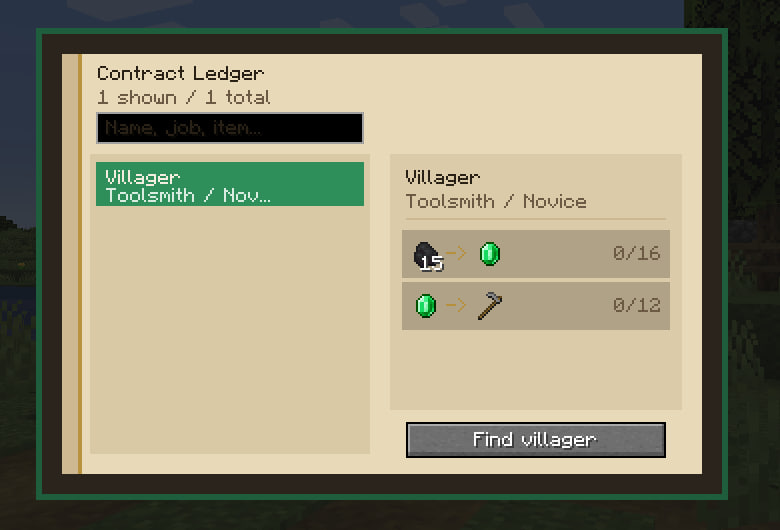
Record villager trades into a book, browse them in a ledger UI, and mark a villager in the world to find them.
截图
介绍
Villager Contract Book
Store villager trades in a reusable contract book.
Craft the book, right-click a villager to save their trades, then use the book to browse saved villagers and locate them.
Features
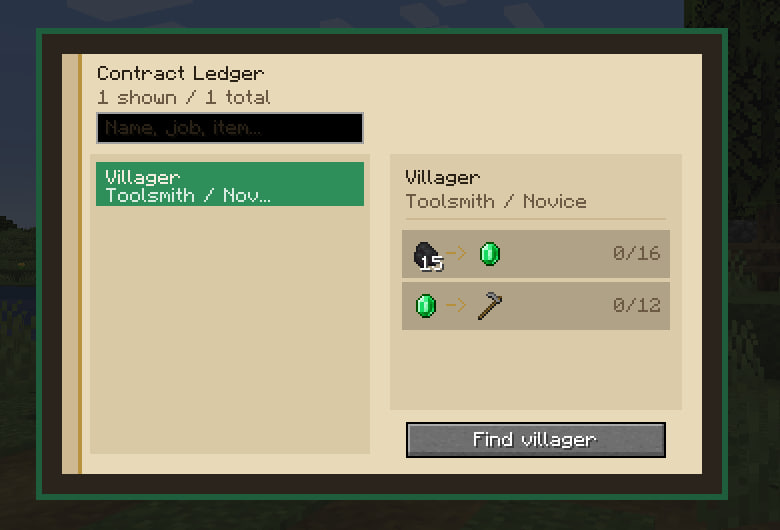
- Save villager trades
- Browse saved villagers
- Search by villager, profession, or trade item
- Highlight nearby saved villagers
- Updating a villager refreshes the existing entry
Usage
- Craft the book using a Book and an Emerald.
- Right-click a villager to save their trades.
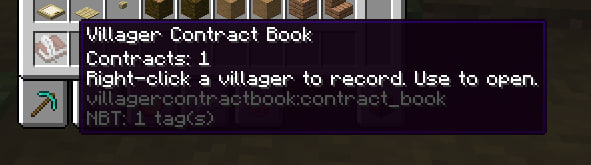
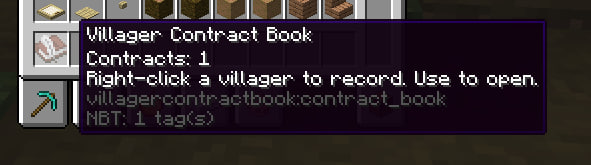
- Use the book to open the trade list.
Requirements
- Minecraft Forge 1.20.1
- Install on both client and server
⚠️ Find bug or issue? – Please, send it on my official discord server.
常见问题
Villager Contract Book 支持哪些 Minecraft 版本?
Villager Contract Book 支持 Minecraft Java 版 1.20.1–1.20.6,共 6 个版本,可用的加载器:Forge。下载时注意选择和你游戏版本一致的文件。
Villager Contract Book 怎么安装?
先用 PCL2 或 HMCL 启动器安装对应版本的 Forge,再把下载的 .jar 文件放进游戏目录的 mods 文件夹,重新启动游戏即可。开启了版本隔离的,mods 文件夹在 versions/版本名 下面。运行环境:客户端和服务端都要装。
ha4zyk 的其他作品
查看全部 →
Chest Preview
Peek chest boat and chested animal inventories under the crosshair.

Death Compass
On respawn after death, get a compass that points to your death location, with coordinates and cause in the tooltip.

Instant Sleep Mod
Lie in a bed - night skips instantly. Singleplayer & open LAN only.

Jukebox Now Playing
Shows the playing disc and remaining time when looking at a jukebox.
评论
登录后评论和评分