
截图
介绍
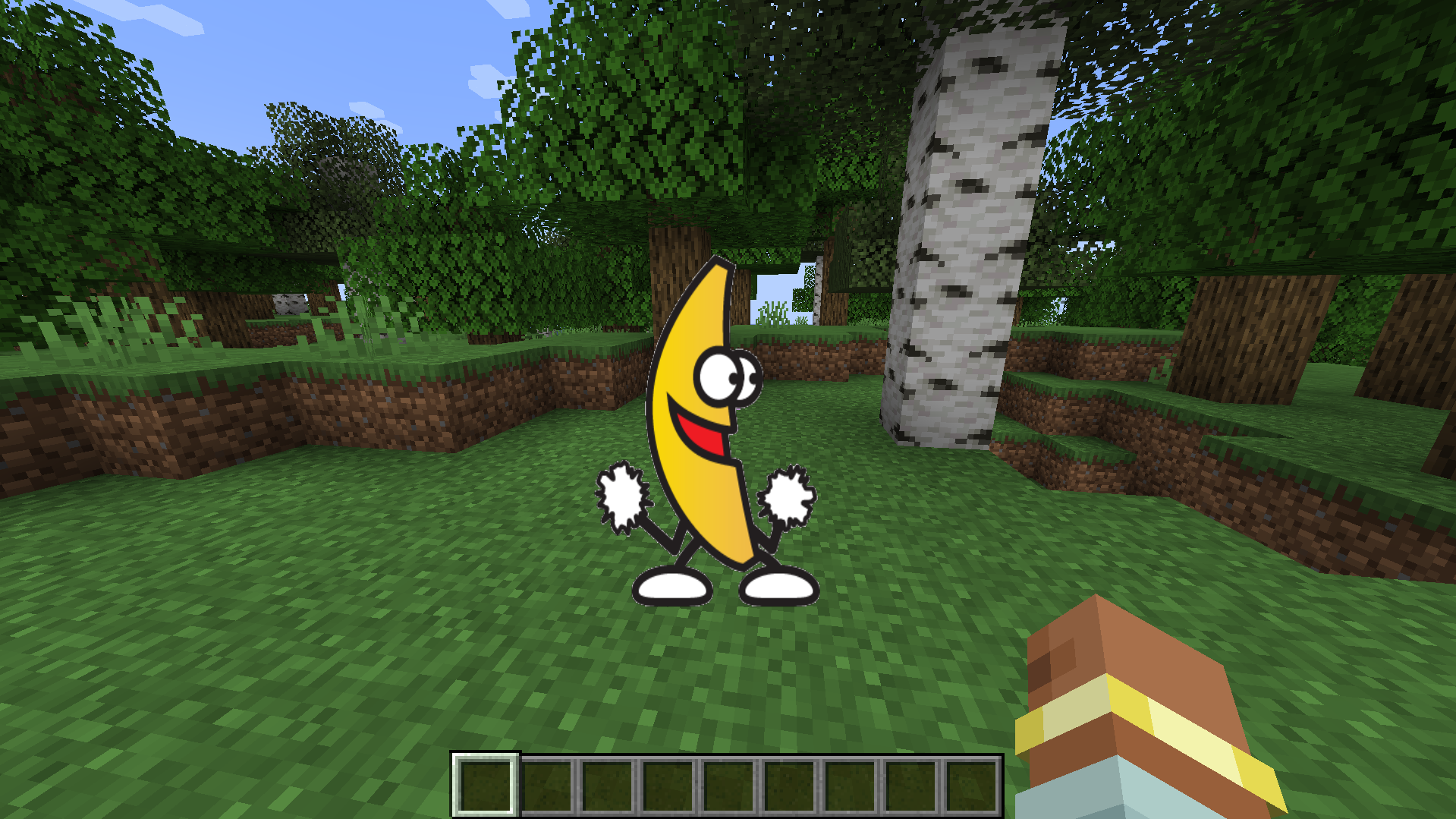
Minecraft mod that renders animated GIFs directly in the overlay. Includes an in-game screen to download GIFs by pasting a URL, with no external tools required, and displays/updates them in real time on the UI (you don’t even need to save the world when exiting Minecraft). Keep in mind that the GIF renders above almost any other overlay
- Press G to open the download screen
- Paste a URL and download
- That’s it, if your URL is correct, the GIF should download and render almost instantly
Usages
- Drag GIFs in your screen
- Right Click to hide/show, remove or rename the GIF
- Resize by holding a corner and dragging
Saves
The GIFs and the .json save file are located in the _MCGifs_ folder inside the .minecraft directory
Warning
Normally, copying a GIF link from a web page does not give a direct downloadable file. The link usually points to a web page that returns HTML or redirects, not the actual GIF file, so if your GIF is not downloading, that’s the reason. To fix it:
- Open the GIF on the page (Google Images, Tenor, Giphy, etc).
- Right-click the GIF.
- Click “Open image in new tab”.
- Copy the new tab URL.
- If it contains “media/images/etc” in the URL, it’s the real link.
A FEW GIFs may render/play way faster than the one you saw in Internet, I don’t know fully why, but it’s probably because of how it was uploaded to the internet (it’s not a bug)
常见问题
MCGifs 支持哪些 Minecraft 版本?
MCGifs 支持 Minecraft Java 版 1.20.1,可用的加载器:Forge。下载时注意选择和你游戏版本一致的文件。
MCGifs 怎么安装?
先用 PCL2 或 HMCL 启动器安装对应版本的 Forge,再把下载的 .jar 文件放进游戏目录的 mods 文件夹,重新启动游戏即可。开启了版本隔离的,mods 文件夹在 versions/版本名 下面。运行环境:仅客户端。
评论
登录后评论和评分