Arlecchino: Customize armor/weapon’s colours!
Arlecchino is a customization mod that allows players to permanently recolor equipment through a dedicated workbench.
截图
介绍
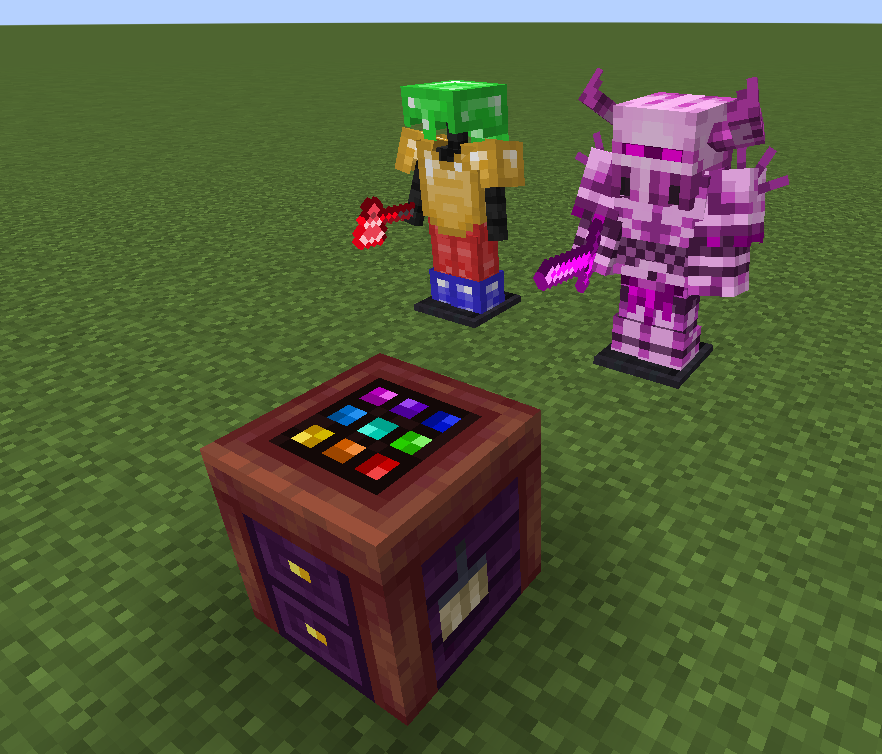
Arlecchino is a customization-focused mod that lets players give their equipment a truly personal look. Using the Arlecchino Workbench, weapons, tools, and armor can be recolored to create unique visual variants while preserving their original functionality.
Rather than relying on predefined skins or fixed color options, Arlecchino allows players to freely adjust the appearance of their gear, making it possible to match equipment to a character, faction, build theme, or personal style. Recolored items retain their customized appearance wherever they are used, allowing players to build a consistent visual identity throughout their adventures.
Rather than relying on predefined skins or fixed color options, Arlecchino allows players to freely adjust the appearance of their gear, making it possible to match equipment to a character, faction, build theme, or personal style. Recolored items retain their customized appearance wherever they are used, allowing players to build a consistent visual identity throughout their adventures.
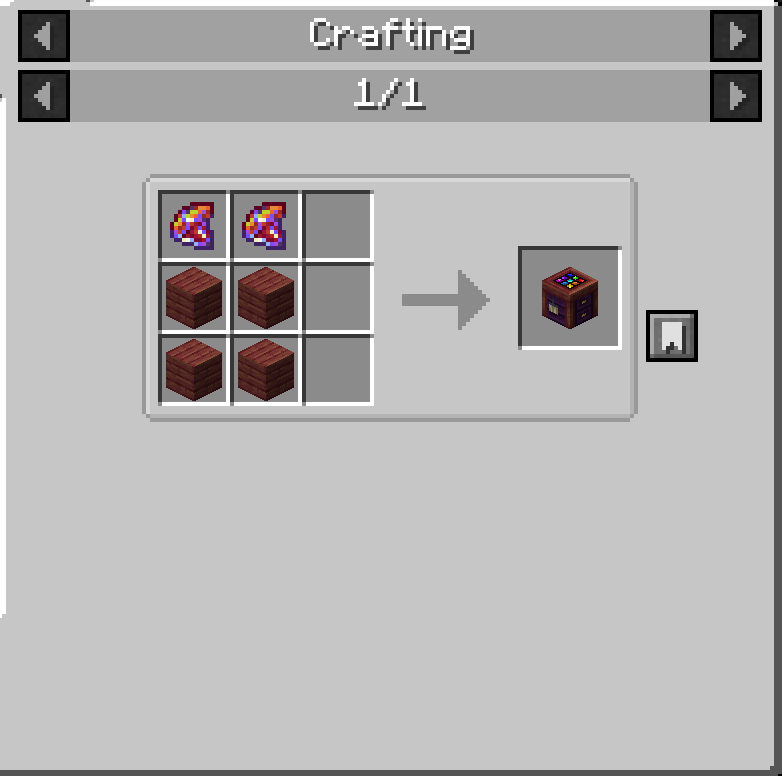
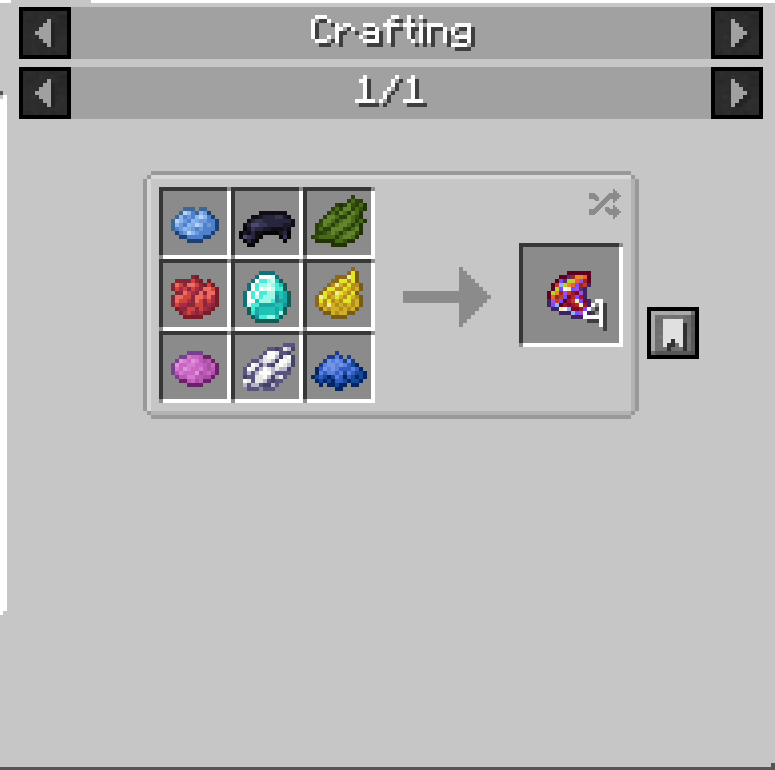
To recolor an item, place a piece of equipment and a Chroma inside the Arlecchino Workbench, then open the color editor. Select the color you want to modify, adjust the desired color settings, and apply the changes. Once satisfied with the result, finalize the customization to create the modified item. Multiple recoloring passes can be performed on the same piece of equipment, allowing for increasingly refined designs.
Whether you want subtle adjustments, themed equipment sets, or completely new color schemes, Arlecchino provides a flexible way to make your gear stand out without changing gameplay balance.
常见问题
Arlecchino: Customize armor/weapon’s colours! 支持哪些 Minecraft 版本?
Arlecchino: Customize armor/weapon’s colours! 支持 Minecraft Java 版 1.20.1,可用的加载器:Forge。下载时注意选择和你游戏版本一致的文件。
Arlecchino: Customize armor/weapon’s colours! 怎么安装?
先用 PCL2 或 HMCL 启动器安装对应版本的 Forge,再把下载的 .jar 文件放进游戏目录的 mods 文件夹,重新启动游戏即可。开启了版本隔离的,mods 文件夹在 versions/版本名 下面。运行环境:客户端和服务端都要装。
Vivideru 的其他作品
查看全部 →
Goety – The Dark Arts
利用灵魂之力施展死灵法术和黑暗仪式。高度可配置。

Goety Cataclysm
Goety与L_Ender's Cataclysm的兼容模组

Structure Generation Improver (SGI: Foundations!)
通过动态调整结构周围的地形,生成自然的坡面,让建筑与周边景观无缝融合,从而改善世界生成效果。

Goety: gotta summon em all! + Compatibility with Apotheosis!
An addon for Goety that extends summoning mechanics while ensuring compatibility with other mods. In its current version, it introduces dedicated summoning focuses specifically for mobs from Born In Chaos.
评论
登录后评论和评分