
截图

介绍
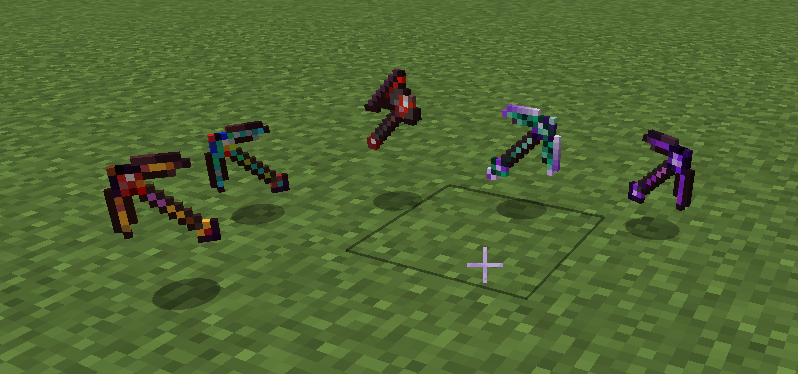
Maikura Mining Tools
Specialized mining and exploration tools designed for late-game progression.
Included Tools
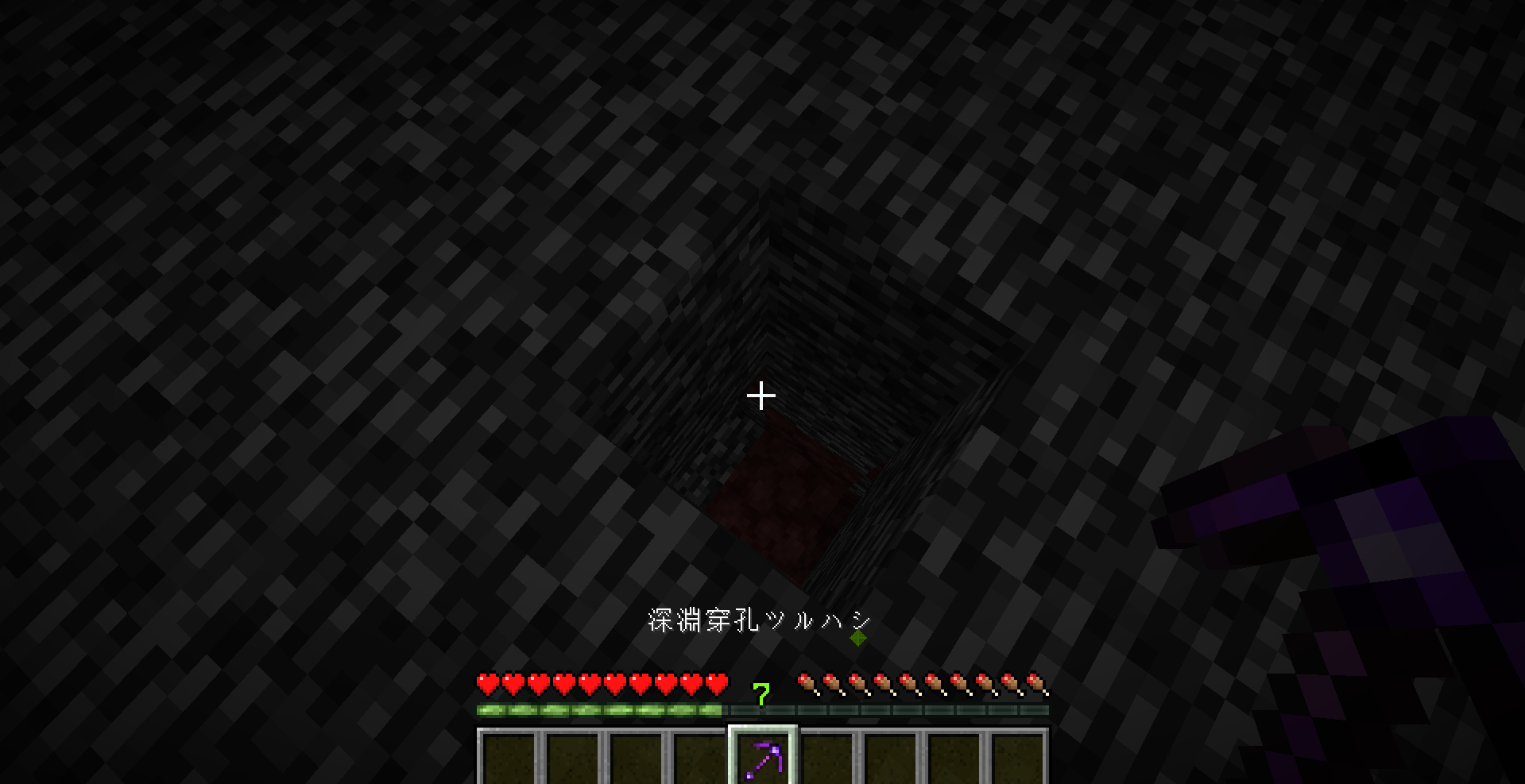
Deep Abyss Pickaxe
A powerful pickaxe capable of breaking bedrock and efficiently mining obsidian-based blocks.
Ancient Debris Detector Pickaxe
Detect nearby Ancient Debris hidden within the Nether.
Ore Detector Pickaxe
Search for nearby ore deposits while mining underground.
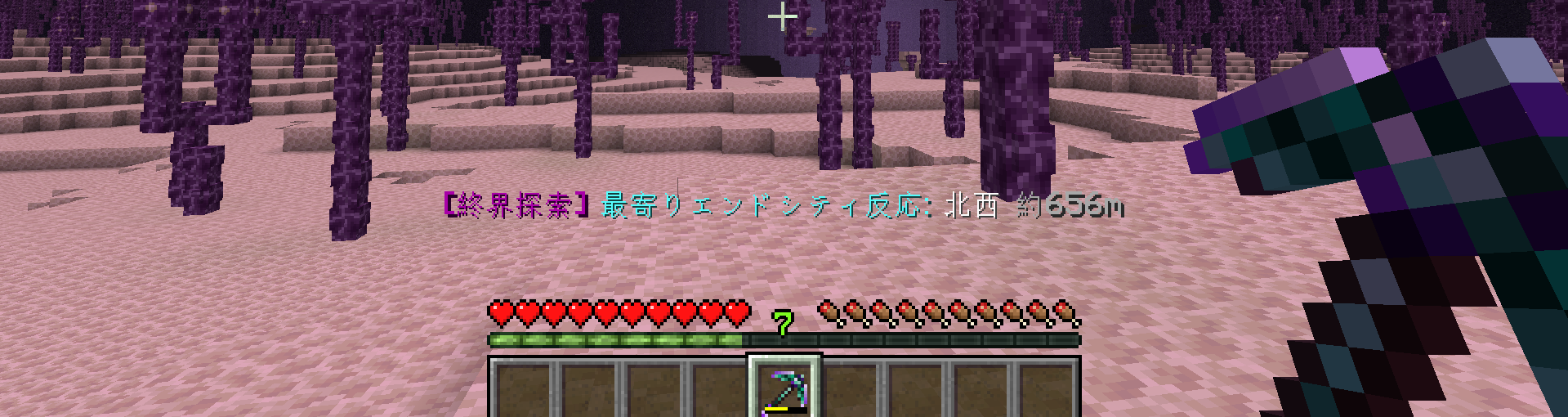
End Explorer Pickaxe
Locate the nearest End City or End Gateway from anywhere in the End.
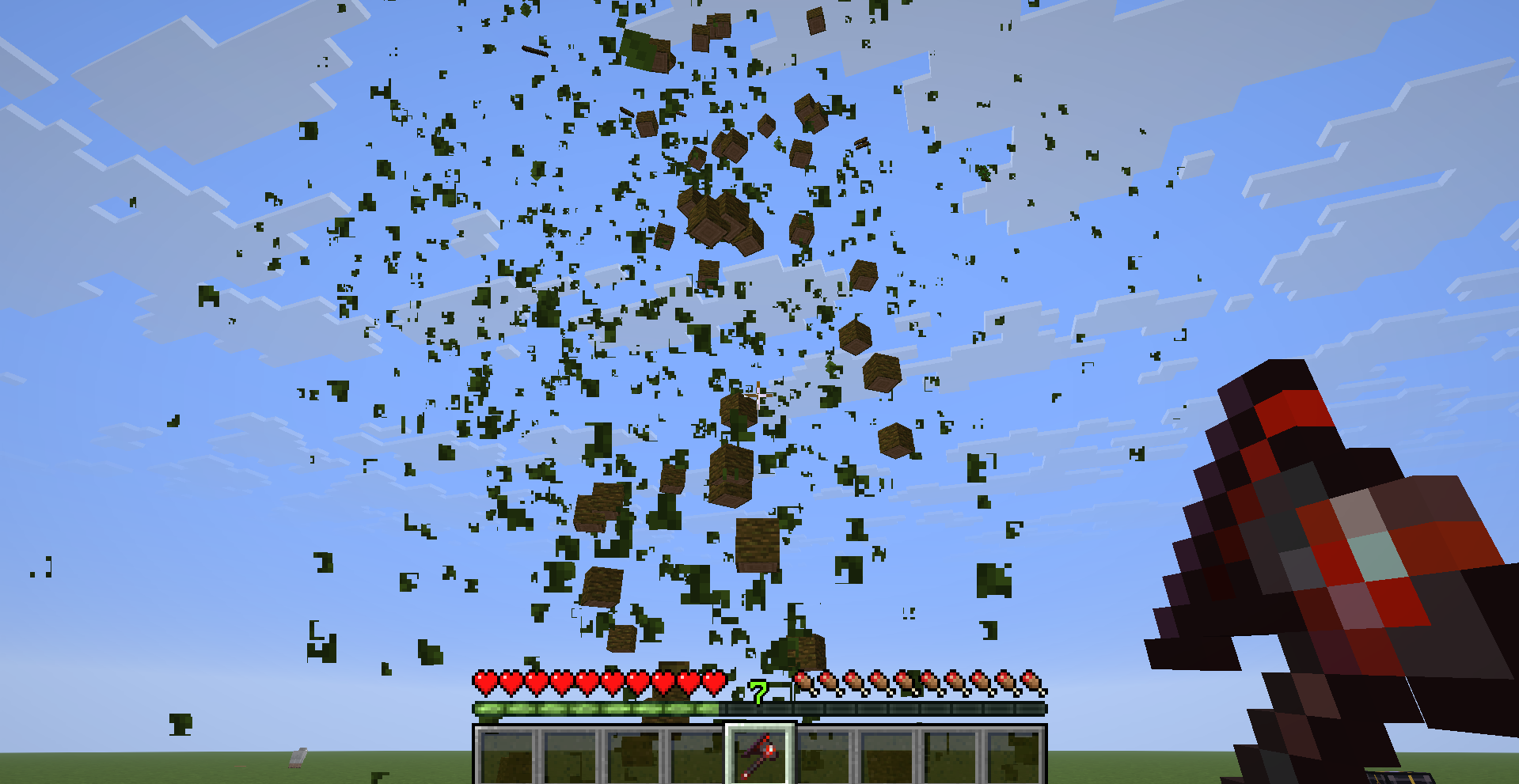
Giant Tree Felling Axe
Fell entire trees with a single tool and simplify large-scale wood collection.
Features
- Bedrock breaking support
- Ancient Debris detection
- Ore detection
- End City detection
- End Gateway detection
- Giant tree felling
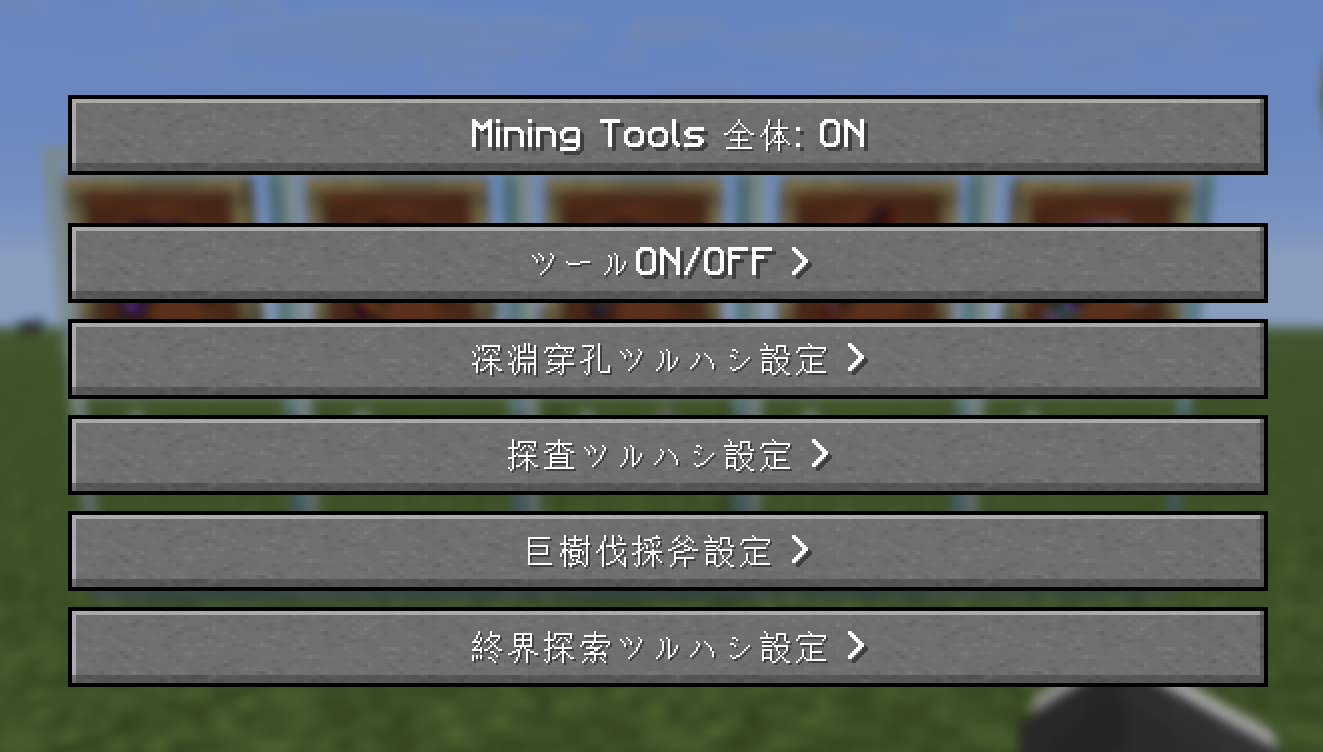
- Mod Menu configuration support
- Individual tool enable/disable settings
- Adjustable detection ranges
- Adjustable durability costs
Configuration
Every tool can be individually enabled, disabled, and adjusted through Mod Menu.
Server owners and modpack creators can customize the balance to fit their gameplay.
Included Tools
- Deep Abyss Pickaxe
- Ancient Debris Detector Pickaxe
- Ore Detector Pickaxe
- End Explorer Pickaxe
- Giant Tree Felling Axe
Crafted for Minecraft.
MAIKURA KOBO
常见问题
Maikura Mining Tools 支持哪些 Minecraft 版本?
Maikura Mining Tools 支持 Minecraft Java 版 1.21.11,可用的加载器:Fabric。下载时注意选择和你游戏版本一致的文件。
Maikura Mining Tools 怎么安装?
先用 PCL2 或 HMCL 启动器安装对应版本的 Fabric,再把下载的 .jar 文件放进游戏目录的 mods 文件夹,重新启动游戏即可。开启了版本隔离的,mods 文件夹在 versions/版本名 下面。运行环境:客户端和服务端都要装。
MaikuraKobo 的其他作品
查看全部 →
Maikura Stack Expansion
Configurable stack limits and potion duration accumulation for Minecraft Fabric.

Maikura Inventory Expansion
Adds configurable extra inventory space with customizable size up to 54 slots.

Maikura Blueprint
In-game blueprint system with previews, builder anchors, storage, hopper input, and WorldEdit .schem support.

Auto Sorting Machine
Automatically sorts items into nearby containers.
评论
登录后评论和评分