
Optimum Loading Screens
Resource packs restyle every loading screen: custom art, animated backgrounds, progress bars, percent readouts, status lines, and rotating tips.
截图
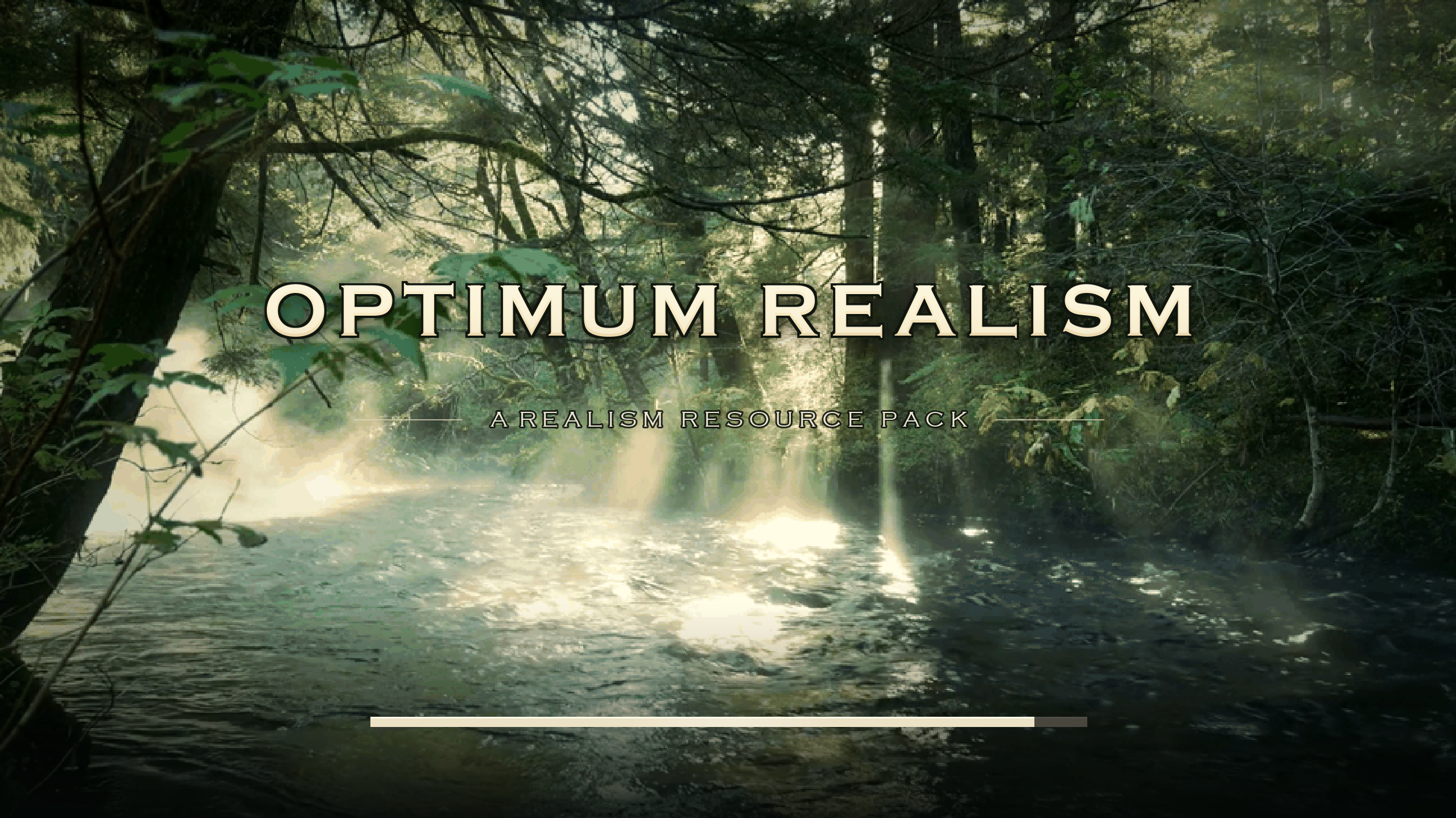
介绍
Customizable Loading Screens for Minecraft Texturepacks
Manifold lets texturepacks use their own custom loading screens with a manifold.json that takes over the boot menu, world loading screen, world upgrades, server connects, and the rest of the loading screens.
What packs can do:
- Full-screen customizable art
- Animated backgrounds (using vanilla
.mcmetaframe-strip format.) - Animated progress bars
- Rotating tips
Screens without a progress bar (connecting to a server,) get a looping bar instead of a percentage, by default.
Default Themes
Three official themes are available: Neo-Glitch, Cinematic Dawn, and Badlands Edition (fully animated: a minecart rolling into a badlands sunset).
Making your own theme is really simple; it’s a folder with a JSON file and some PNGs. The complete guide: PACK\_AUTHORS.md.
Notes
- Fabric API is not required. Client-side only;
- Conflicts: Mods that fight for the same screens (Puzzle’s splash module, Remove Reloading Screen).
Credits
Inspired by icehunter. Provenance record: attribution.
常见问题
Optimum Loading Screens 支持哪些 Minecraft 版本?
Optimum Loading Screens 支持 Minecraft Java 版 26.1.2–26.2,共 2 个版本,可用的加载器:Fabric。下载时注意选择和你游戏版本一致的文件。
Optimum Loading Screens 怎么安装?
先用 PCL2 或 HMCL 启动器安装对应版本的 Fabric,再把下载的 .jar 文件放进游戏目录的 mods 文件夹,重新启动游戏即可。开启了版本隔离的,mods 文件夹在 versions/版本名 下面。运行环境:仅客户端。
AtmosphereOfTech 的其他作品
查看全部 →
Optimum Realism
真实风格 64x Minecraft 资源包,支持 PBR、POM 和自定义模型,全平台下载量超 300 万

Make it Grassy
An extensive addon for Optimum Realism

Advanced Grass Foliage
A lighter alternative to the Make it Grassy Addon.

Ultimate PBR Essentials
Enhanced visuals with PBR, POM, colormap support, and legacy OptiFine features.
评论
登录后评论和评分