
Painter Mod
作者:leonidlikeow
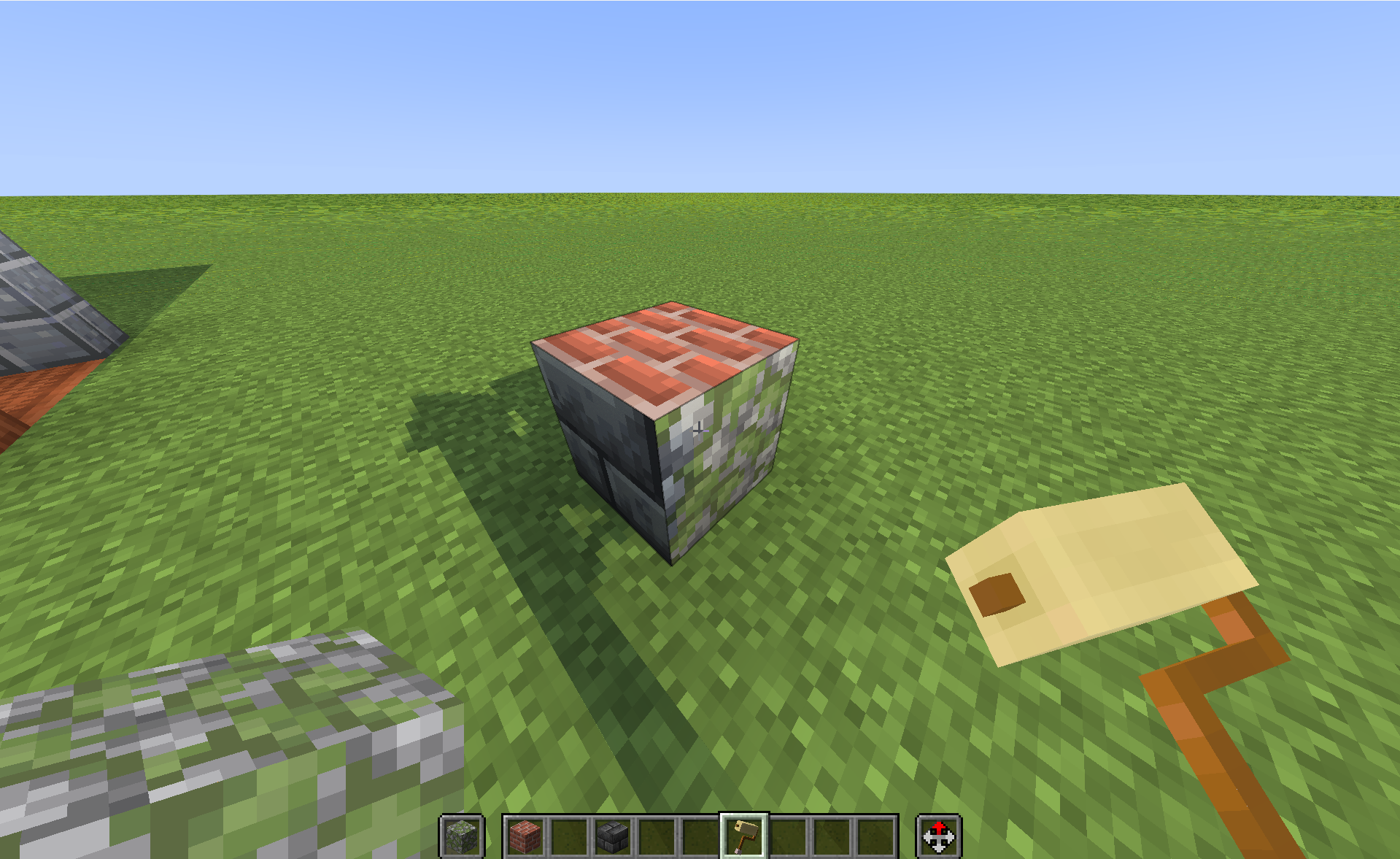
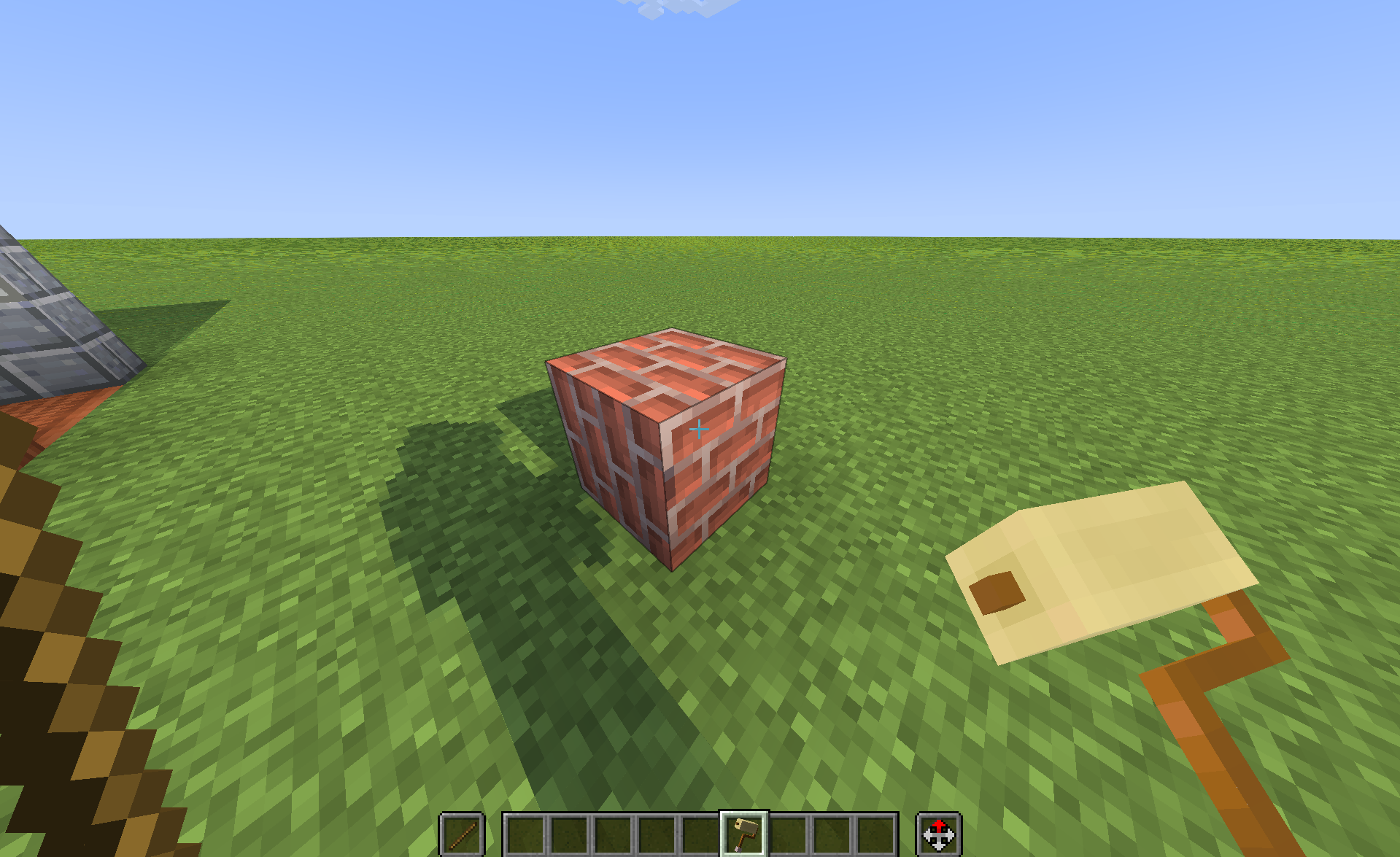
Tired of having the same texture on all sides of a block? Painter Mod introduces an intuitive, vanilla-friendly way to paint individual faces of blocks using any full block in the game!
截图
介绍
中文介绍正在准备中,下面暂时显示原文。
🖌️ Painter Mod — Ultimate Block Customization!
Tired of having the same texture on all sides of a block? Painter Mod introduces an intuitive, vanilla-friendly way to paint individual faces of blocks using any full block in the game!
✨ Features:
- 🖌️ Paint Individual Faces: Hold a Paint Roller in your main hand and any full block in your off-hand. Right-click any face to instantly apply the texture!
- 🔄 Rotate Textures: Hold a Stick in your off-hand and right-click with the roller to rotate the face texture by 90° clockwise.
- 🧩 Full CTM & Rechiseled Support: Seamlessly connects connected textures and modded blocks.
- 📦 Pick Block & Inventory Preview: Using Middle-Click (Pick Block) gives you the exact painted block with a real-time 3D item preview in your inventory.
- ⚡ Zero Lag & Instant Sync: Highly optimized for Fabric, Sodium, and Iris shaders.
🎮 How to Use:
- Grab the Paint Roller from the Tools tab.
- Put the desired block in your off-hand (e.g., Oak Planks, Polished Andesite, Rechiseled block).
- Right-click on any face of a block to paint that specific side.
- Put a Stick in your off-hand and right-click to rotate the texture!
常见问题
Painter Mod 支持哪些 Minecraft 版本?
Painter Mod 支持 Minecraft Java 版 1.21.1,可用的加载器:Fabric。下载时注意选择和你游戏版本一致的文件。
Painter Mod 怎么安装?
先用 PCL2 或 HMCL 启动器安装对应版本的 Fabric,再把下载的 .jar 文件放进游戏目录的 mods 文件夹,重新启动游戏即可。开启了版本隔离的,mods 文件夹在 versions/版本名 下面。运行环境:客户端和服务端都要装。
评论
登录后评论和评分