
Click To Move
Click to Move is a challenge mod that completely removes the standard controls
截图

介绍

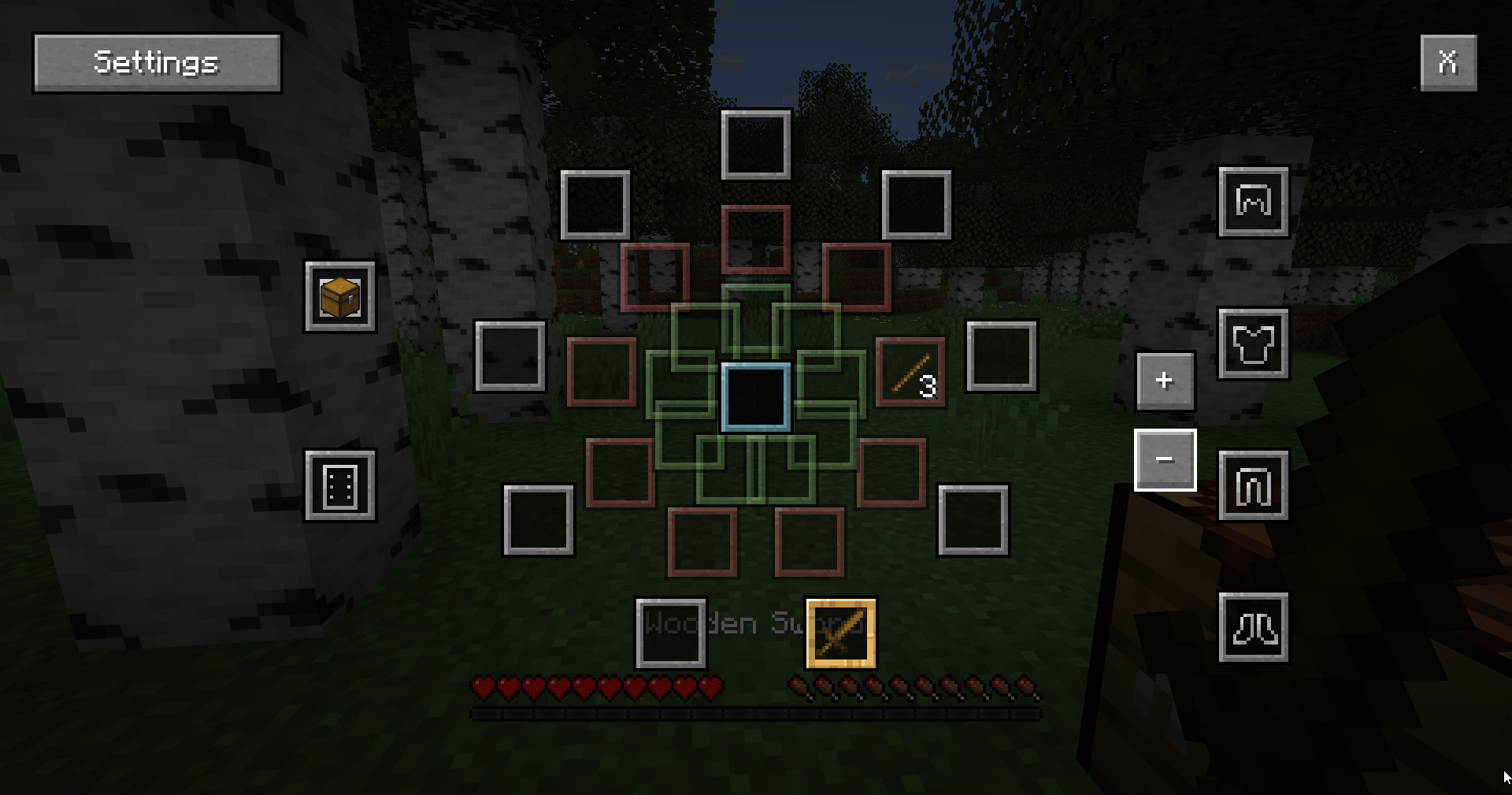
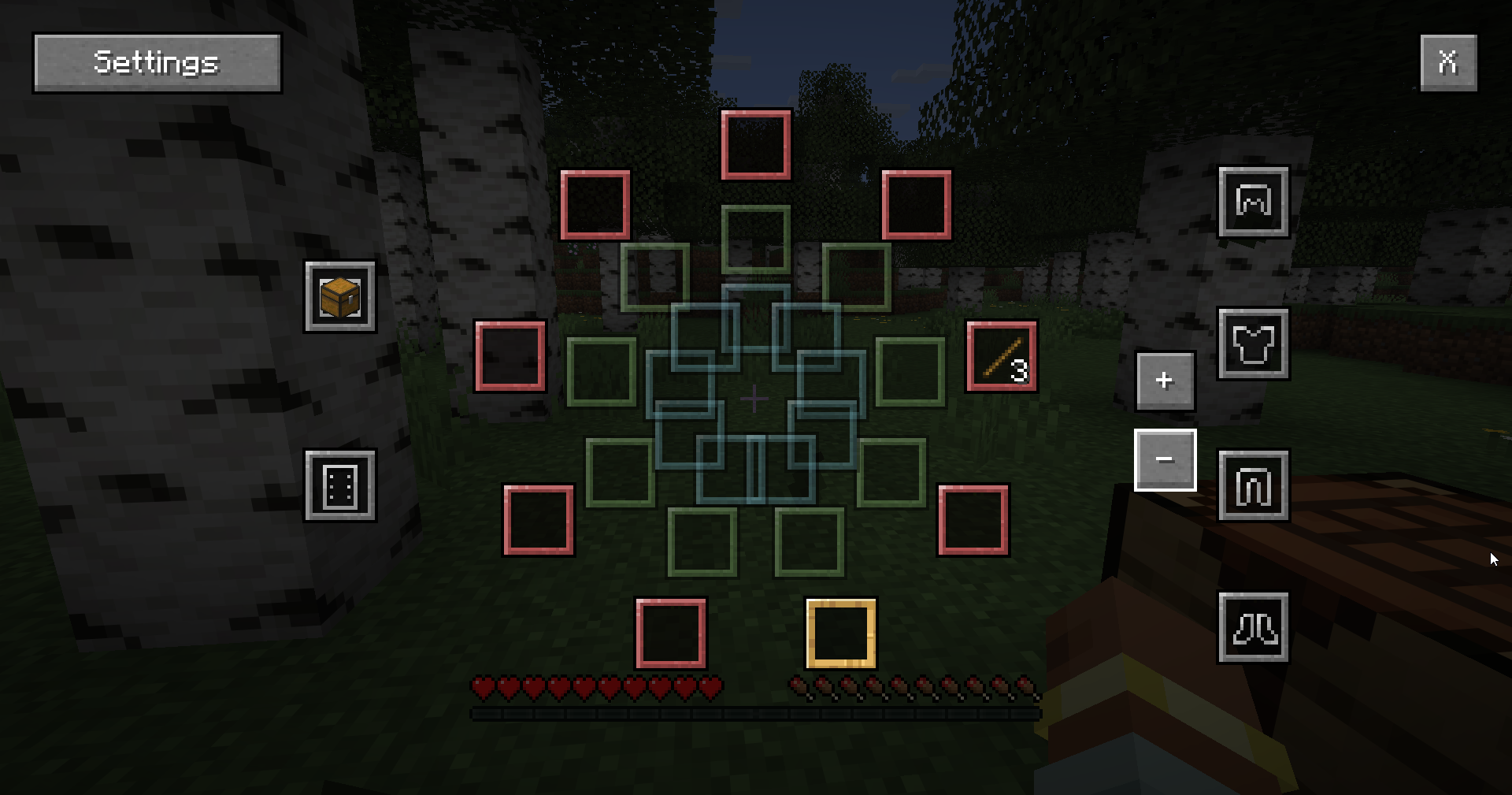
Click to Move – is a _challenge mod_ that completely removes the standard controls, replacing nearly all functions with mouse controls.
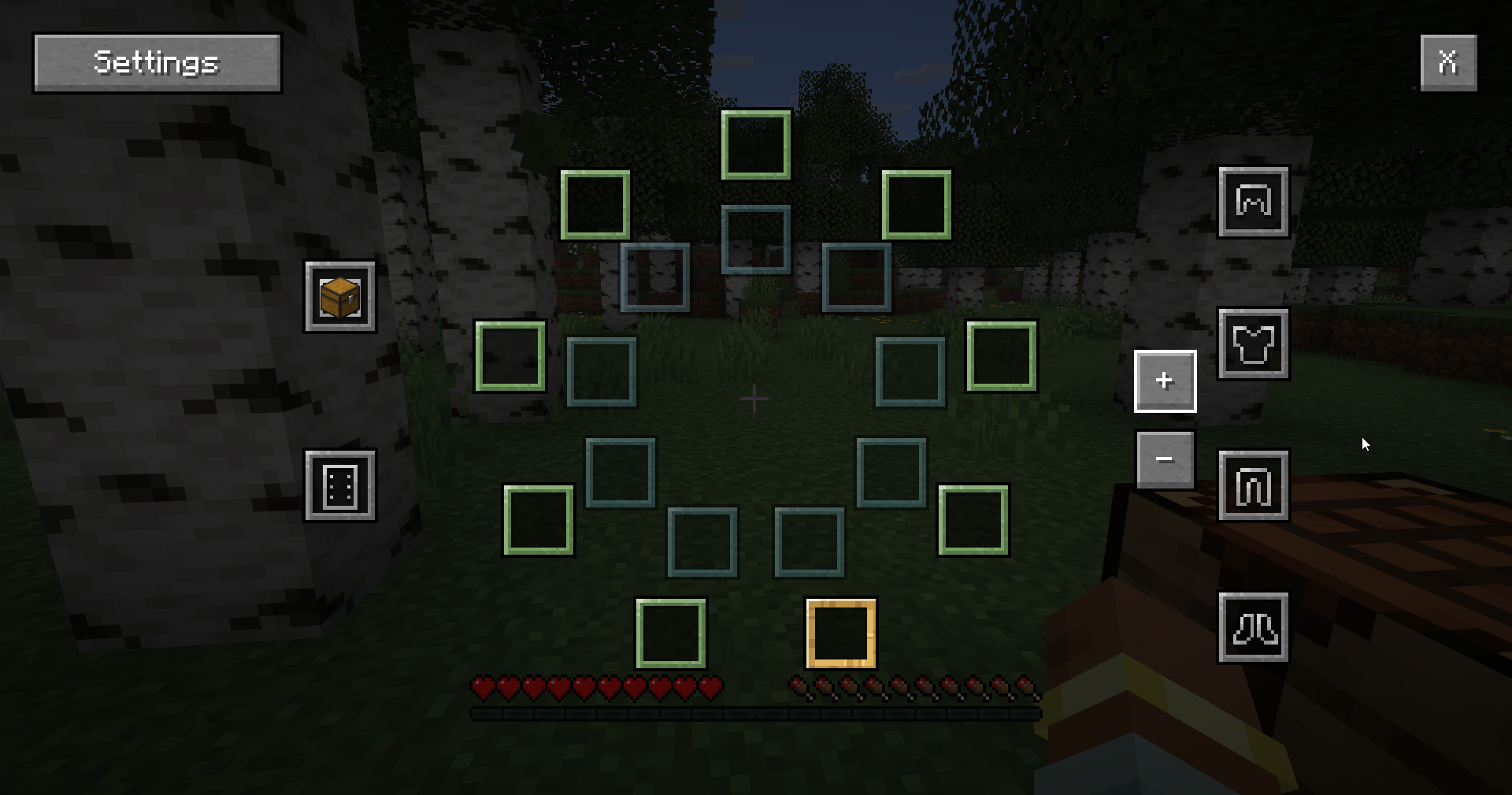
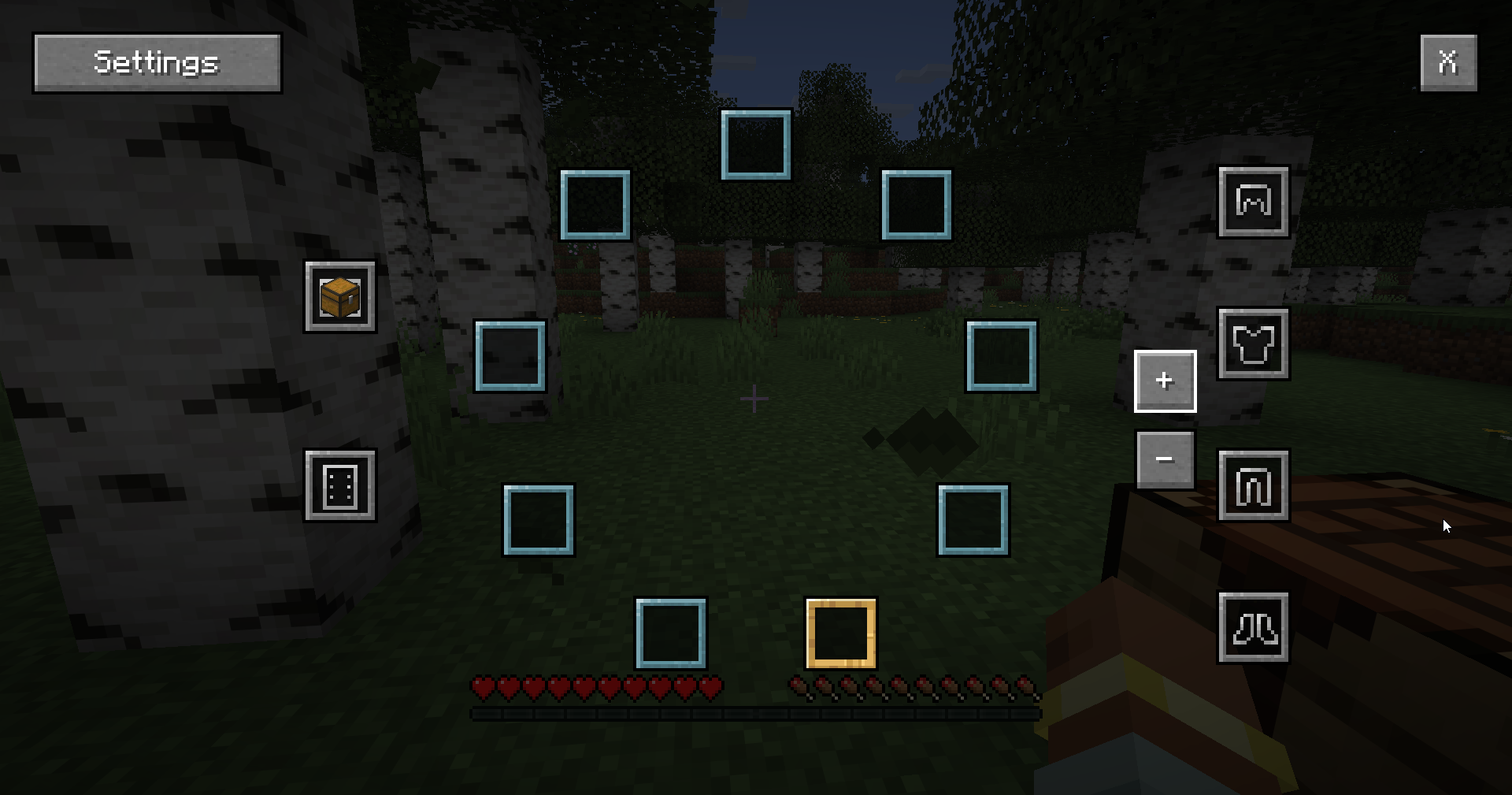
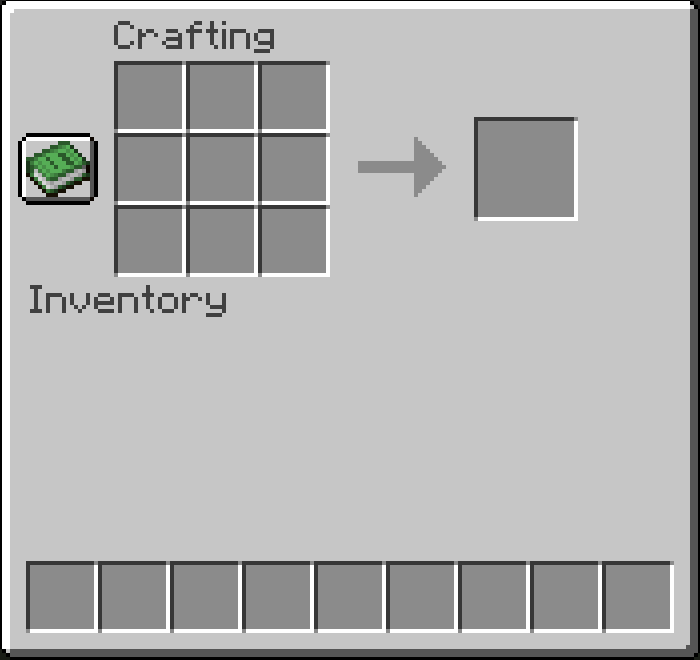
The inventory mechanics have also been completely revamped.
Now the inventory appears as a series of rings, with 9 slots initially available, plus slots for your off-hand and armor. However, if you place a chest in the appropriate slot, you’ll gain 3 additional rings that you can switch between to cycle through items!
How do you get a workbench if there’s no crafting window in the inventory? Just chop down any tree and use any type of log to hit another log, and you’ll get a workbench

Controls:
- Movement – Hold down the right mouse button (you will move in the direction you are facing)
- Jump – Double-click the left mouse button
- Sneak – Double-click the right mouse button
- Open inventory – Middle mouse button
常见问题
Click To Move 支持哪些 Minecraft 版本?
Click To Move 支持 Minecraft Java 版 26.1–26.1.1,共 2 个版本,可用的加载器:NeoForge。下载时注意选择和你游戏版本一致的文件。
Click To Move 怎么安装?
先用 PCL2 或 HMCL 启动器安装对应版本的 NeoForge,再把下载的 .jar 文件放进游戏目录的 mods 文件夹,重新启动游戏即可。开启了版本隔离的,mods 文件夹在 versions/版本名 下面。运行环境:客户端和服务端都要装。
Benj1kus 的其他作品
查看全部 →
Cult of Azazel
一个在下界添加豪宅状结构的模组

Sniffer Overhaul
Adding interaction with the Sniffers

Sulfur Depths
This mod adds a new biome boiling caves and a new mob - sulfur slime with unique mechanics and items to the game

Mahoraga Warden
Eight-Handled Sword Divergent Sila Divine General Mahoraga
评论
登录后评论和评分