
介绍
Standby
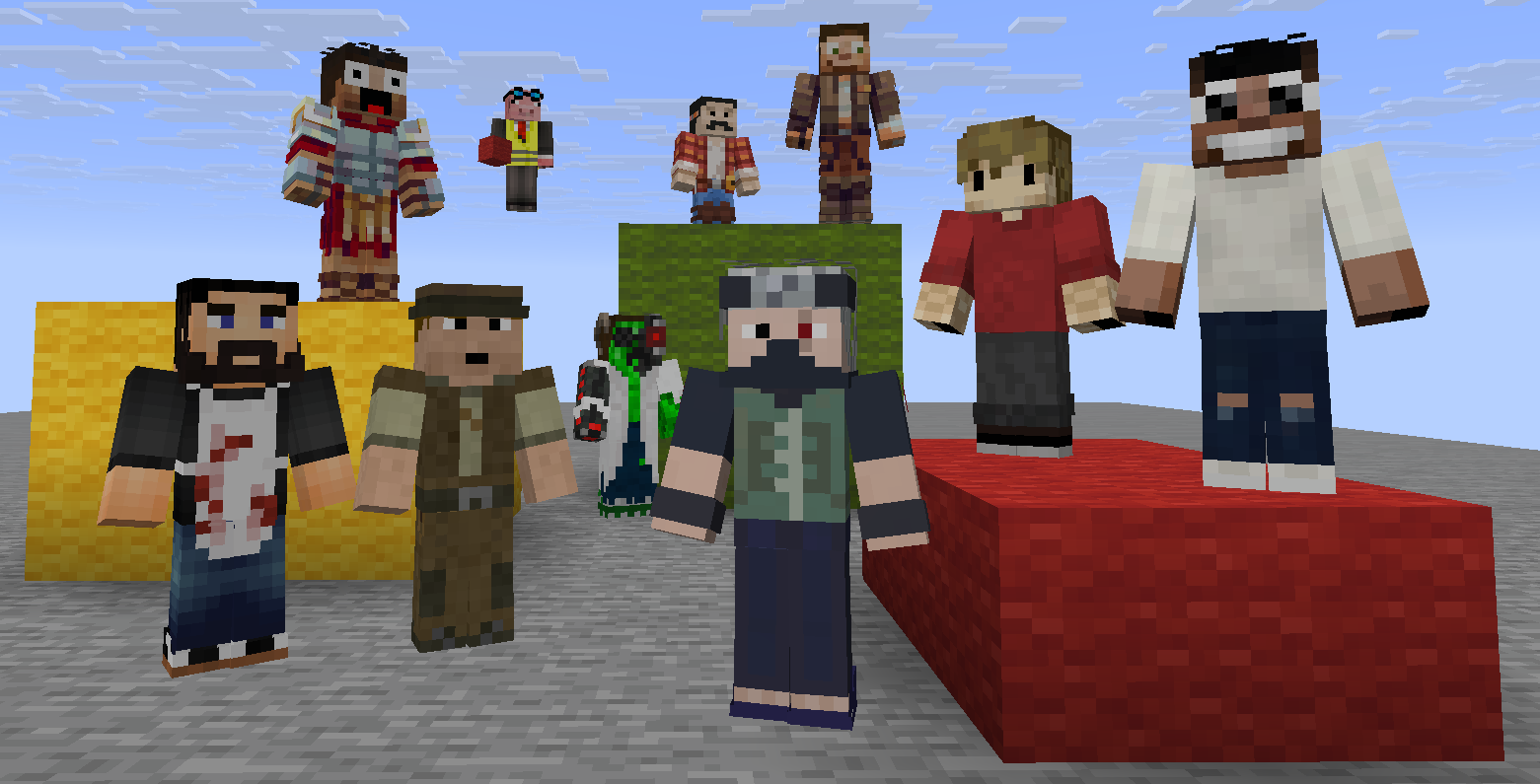
Switch between personas and leave an avatar waiting at each one’s last location.
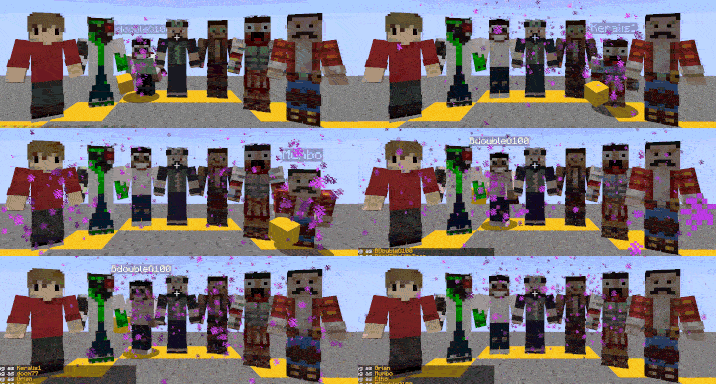
When you swap, your previous persona stays standing exactly where you left — ready for you to return.

How it works
Register a persona with /standby new <name>. When you switch to it, your skin changes and you’re teleported to where that persona last stood. When you leave, a statue of them is placed at your position.
Your real identity is never lost — /standby off always brings you back.
Controls
| Action | Keybind | Command |
|—|—|—|
| Next persona | . | /standby next |
| Previous persona | , | /standby previous |
| Return to self | ; | /standby off |
| Switch directly | — | /standby set <name> |
| New persona | — | /standby new <name> |
| Remove persona | — | /standby delete <name> |
| List all | — | /standby list |
Works in survival, on servers, without OP.
Requirements
常见问题
Standby 支持哪些 Minecraft 版本?
Standby 支持 Minecraft Java 版 1.21–26.3,共 17 个版本,可用的加载器:Fabric。下载时注意选择和你游戏版本一致的文件。
Standby 怎么安装?
先用 PCL2 或 HMCL 启动器安装对应版本的 Fabric,再把下载的 .jar 文件放进游戏目录的 mods 文件夹,重新启动游戏即可。开启了版本隔离的,mods 文件夹在 versions/版本名 下面。运行环境:客户端和服务端都要装。

评论
登录后评论和评分