截图
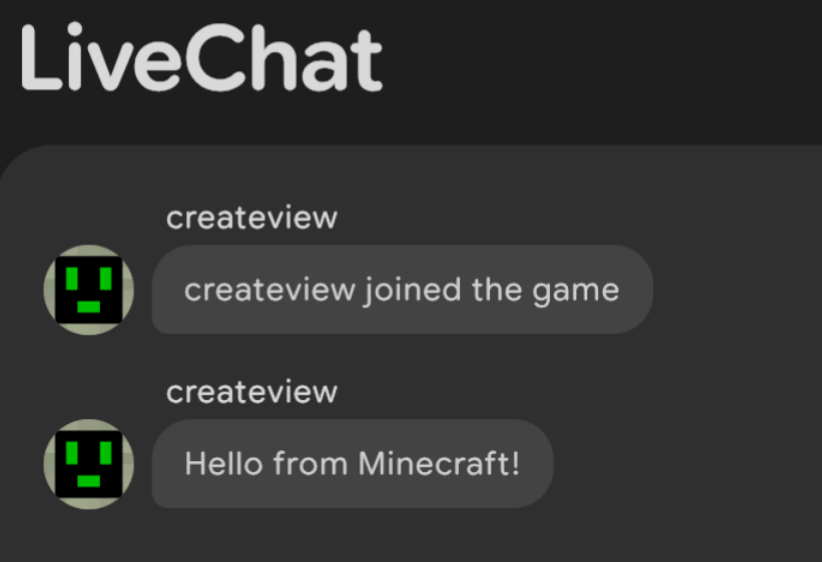
介绍
LiveChat
Realtime in-browser chat viewer, with integrated HTTP server.
API
| Endpoint | Description |
|————-|————————————|
| GET / | Serves the built-in web UI |
| GET /chat | Returns the last 100 messages as JSON |
Response format
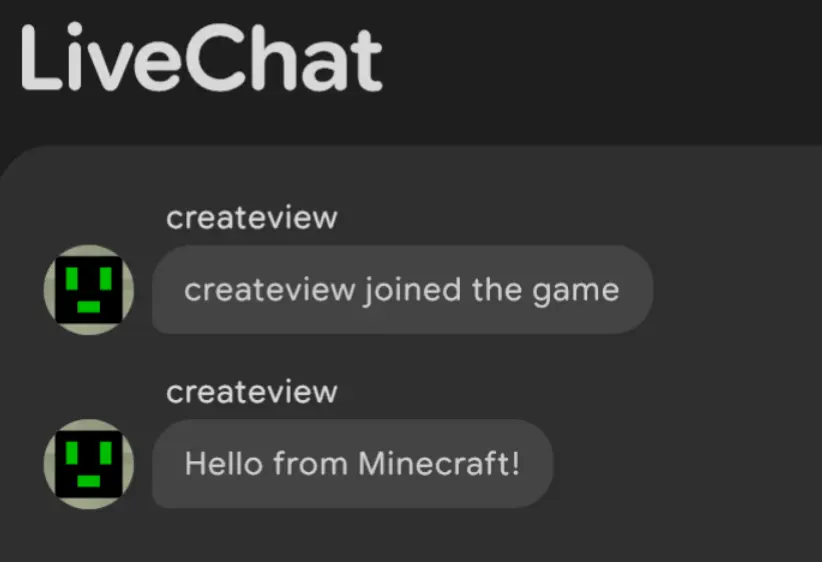
[
  {
    "player": "createview",
    "message": "createview joined the game",
    "timestamp": "2026-07-18T10:58:20.829697577Z"
  },
  {
    "player": "createview",
    "message": "Hello from Minecraft!",
    "timestamp": "2026-07-18T10:58:32.655965627Z"
  }
]
Changing the builtin web UI
To use a custom web interface, place the files in <server>/livechat_web directory, with index.html being the main one.
常见问题
LiveChat 支持哪些 Minecraft 版本?
LiveChat 支持 Minecraft Java 版 1.21.1–1.21.11,共 11 个版本,可用的加载器:Fabric / NeoForge / Paper。下载时注意选择和你游戏版本一致的文件。
LiveChat 怎么安装?
先用 PCL2 或 HMCL 启动器安装对应版本的 Fabric / NeoForge / Paper,再把下载的 .jar 文件放进游戏目录的 mods 文件夹,重新启动游戏即可。开启了版本隔离的,mods 文件夹在 versions/版本名 下面。运行环境:仅服务端。
pavle.012 的其他作品
查看全部 →GUI admin utils
This project adds GUIs that add utilities for admins on servers. It uses dialogs to show the GUIs, so only versions 1.21.6 and above.

Forever Wet
Permanently locks farmland moisture at maximum level (7). Soil will never dry out or revert to dirt, even without nearby water.

QOL Create modpack
A Create-focused modpack with addons, QOL improvements, and a few extra mods.
Pokreate
A NeoForge 1.21.1 tech and creature-collection experience merging the physics-based automation of Create: Aeronautics with the fully animated world of Cobblemon.
评论
登录后评论和评分