
ColorBiome
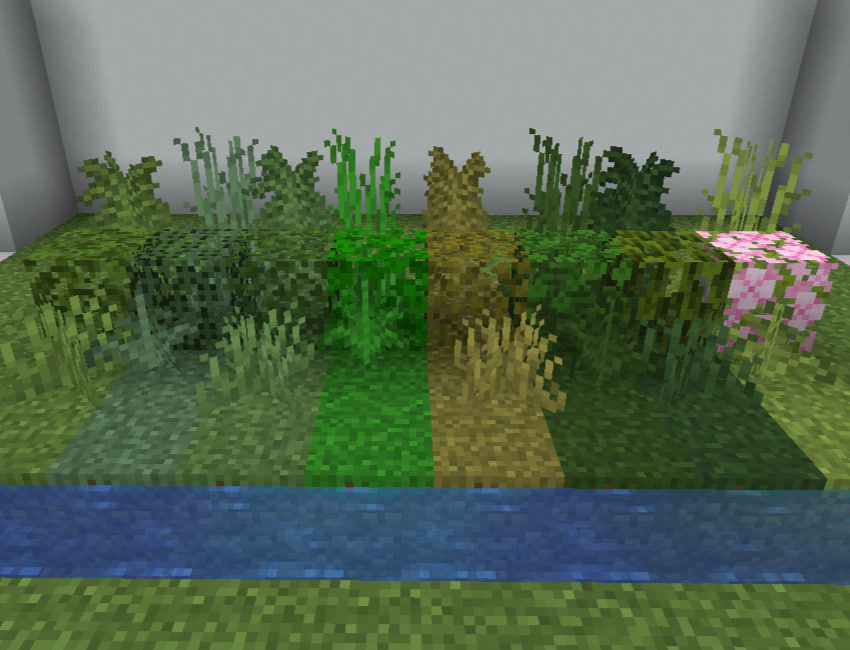
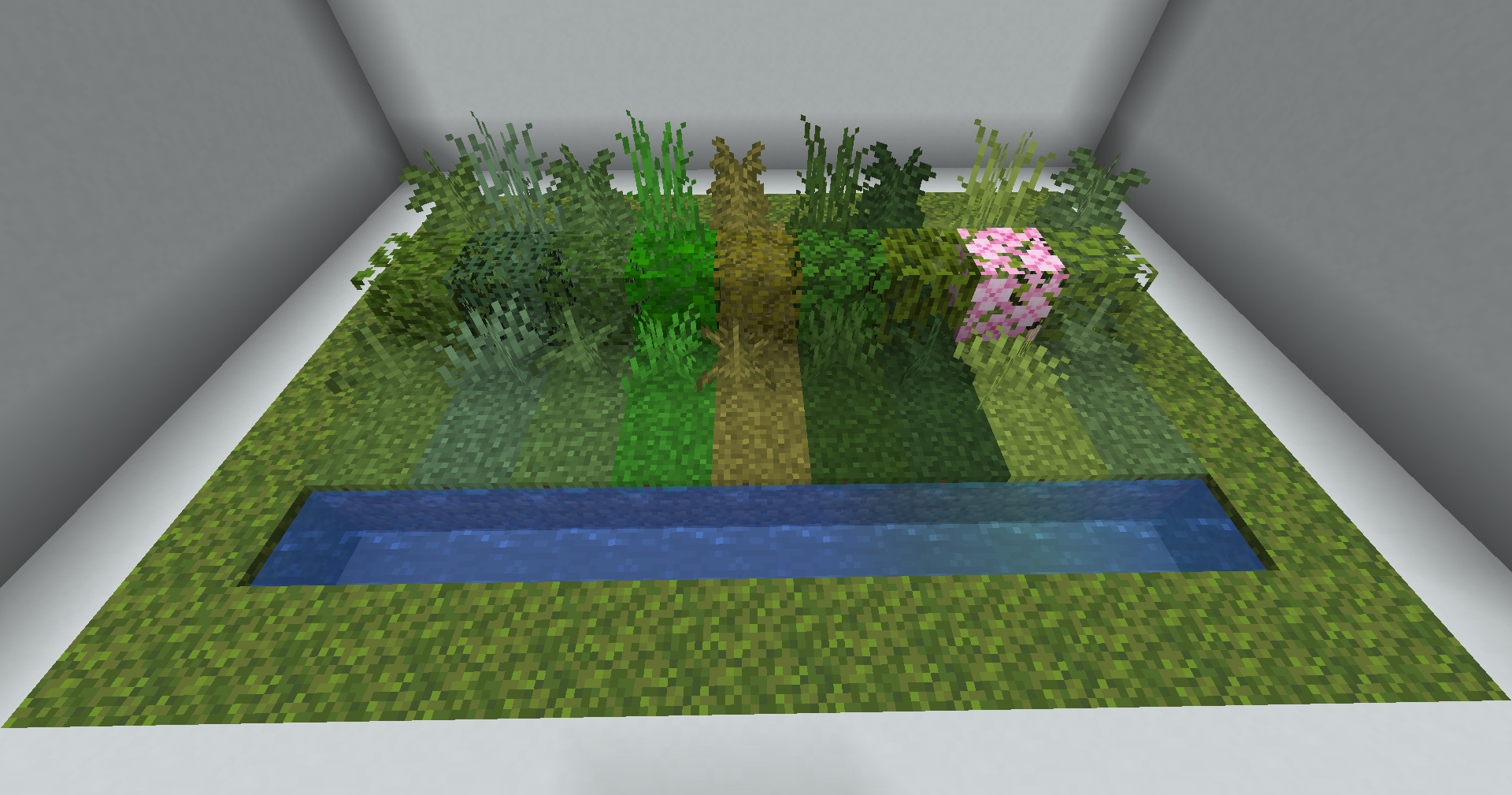
ColorBiome lets you customize vegetation and water colors in selected Minecraft areas using palettes from any biome, including modded ones.
截图


介绍
_ColorBiome gives you control over the visual atmosphere of your builds without changing the actual biome underneath them._
With the Palette Brush, you can select an area and apply the vegetation and water colors of any available biome. Build on a Mushroom Fields island while using the deep greens of a Dark Forest, create a warmer oasis in a cold landscape, or give separate levels of a large build their own atmosphere.
Features
- Apply biome color palettes to selected areas.
- Choose vegetation and water palettes separately.
- Use palettes from vanilla biomes and installed biome mods.
- Search the complete biome list by name or ID.
- Control the vertical range of each area.
- Extend an area to the world ceiling or world floor when needed.
- Keep the original biome, terrain, structures, mob spawning, and generation unchanged: only the visual colors are affected.
Performance
How It Works
- Hold the Palette Brush and use _Ctrl + mouse wheel_ to switch between box and cylinder selection.
- For a box: left-click to set the first corner and right-click to set the second. For a cylinder: left-click to set the center.
- Right-click in the air to open the brush menu.
- Choose separate biome palettes for vegetation and water. For a cylinder, also set the radius.
- Set how far the effect should extend above and below the selection, or extend it to the world’s ceiling and floor.
- Confirm to apply your palettes.
常见问题
ColorBiome 支持哪些 Minecraft 版本?
ColorBiome 支持 Minecraft Java 版 1.21.1–26.1.2,共 2 个版本,可用的加载器:NeoForge。下载时注意选择和你游戏版本一致的文件。
ColorBiome 怎么安装?
先用 PCL2 或 HMCL 启动器安装对应版本的 NeoForge,再把下载的 .jar 文件放进游戏目录的 mods 文件夹,重新启动游戏即可。开启了版本隔离的,mods 文件夹在 versions/版本名 下面。运行环境:客户端和服务端都要装。
评论
登录后评论和评分