
截图
介绍
ReviveToken
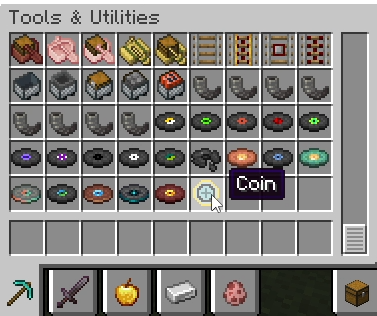
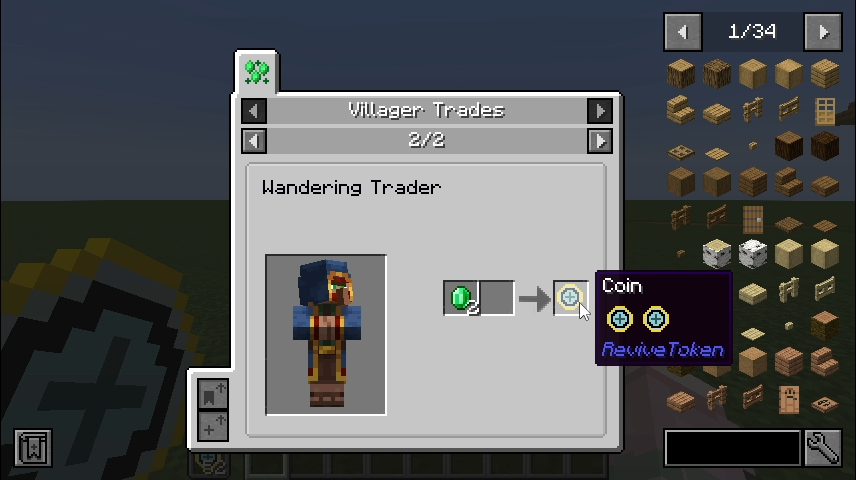
Revive Token – Coin 
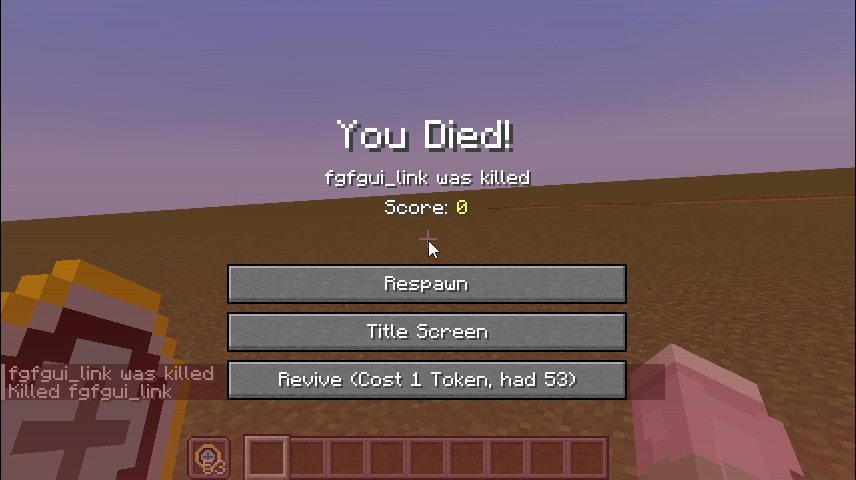
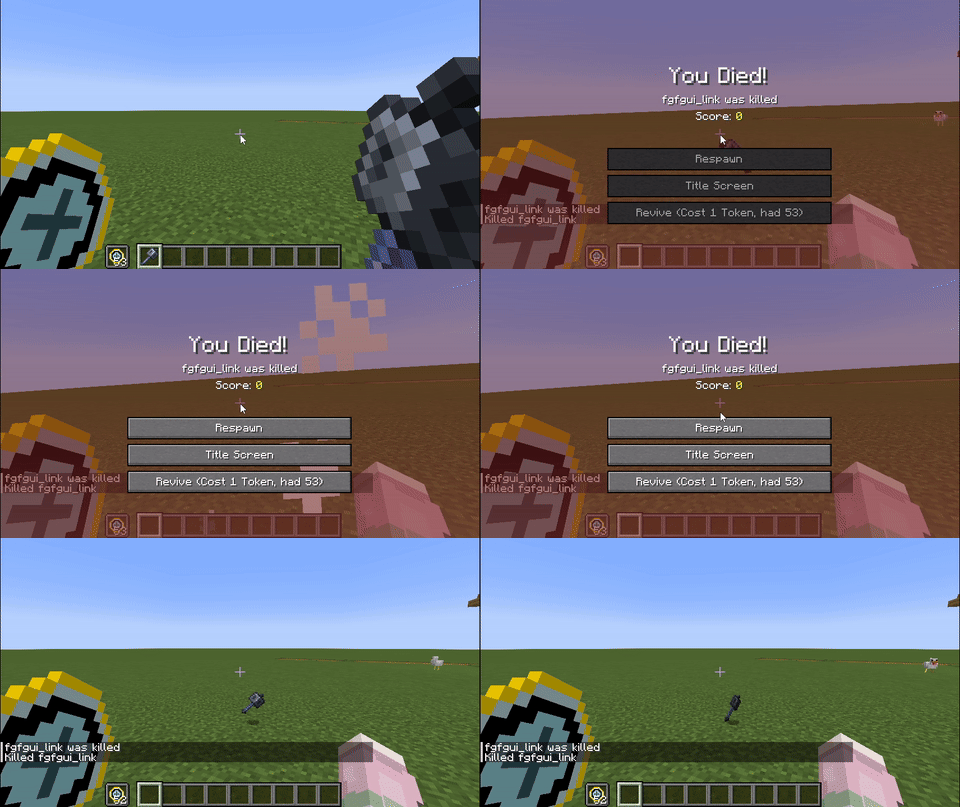
Consuming 1 Revive Token allows you to respawn on the spot. Tokens will not drop on death.
gif:
New Features
- Item: Revive Token
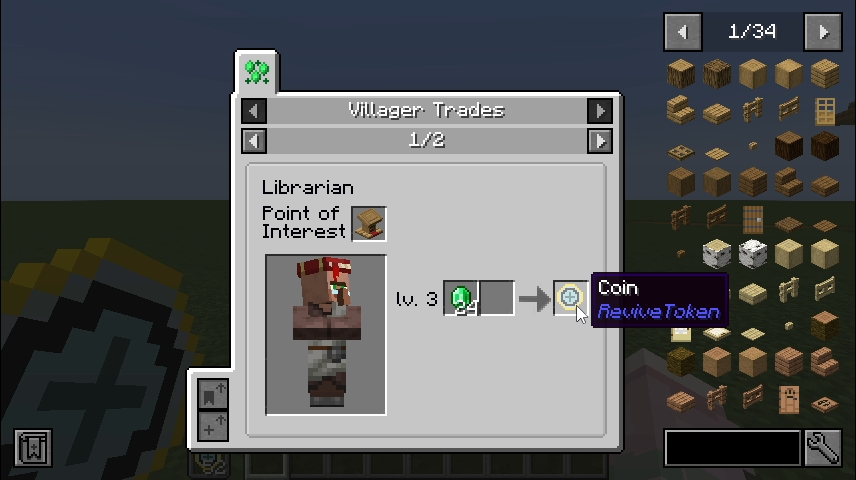
- Trades:
- Librarian
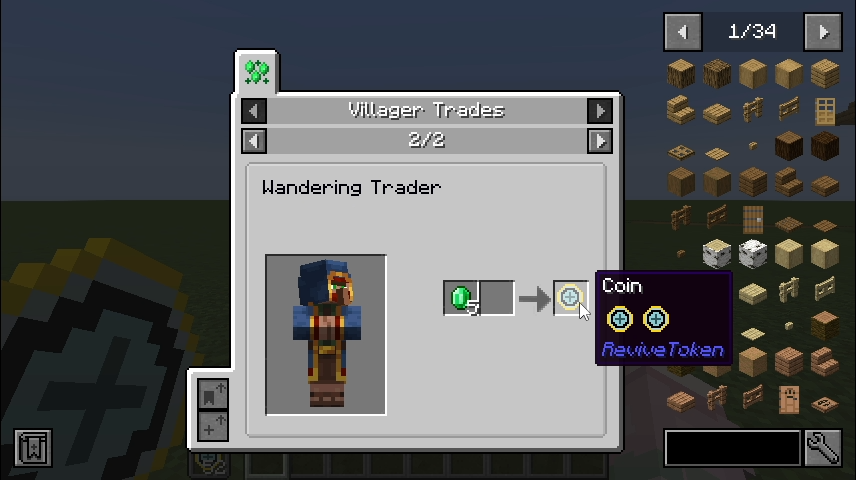
- Wandering Trader – Common Trade
- Wandering Trader – Rare Trade
- “Revive” button
Customizable Settings
Sample configuration file:
#Specify the Token item to consume
token = "revivetoken:coin"
#Specify the Item count to consume
# Default: 1
# Range: > 0
cost = 1
#Disable the trade recipes of Coin
notrade = false
Changing token lets you define which item is consumed upon revival (non-droppable items will also change accordingly).
Changing cost lets you set how many tokens are consumed when reviving.
Set notrade to true to disable the added trade recipes.
FAQ
Q: Why doesn’t the respawn button appear even though I have tokens in my inventory?
A: Not enough tokens / tokens don’t match the item defined in the config file.
Q: Fabric / Forge / 1.20.1 support?
A: Not implemented. PRs are welcome.
常见问题
ReviveToken 支持哪些 Minecraft 版本?
ReviveToken 支持 Minecraft Java 版 1.21.1,可用的加载器:NeoForge。下载时注意选择和你游戏版本一致的文件。
ReviveToken 怎么安装?
先用 PCL2 或 HMCL 启动器安装对应版本的 NeoForge,再把下载的 .jar 文件放进游戏目录的 mods 文件夹,重新启动游戏即可。开启了版本隔离的,mods 文件夹在 versions/版本名 下面。运行环境:客户端和服务端都要装。
link-fgfgui 的其他作品
查看全部 →
EMI Patternizer
Automatically Encoding Patterns from the EMI Recipe Tree.
JEI++–
A client-side mod that bridges JEI and EMI, syncing their behavior and adding QoL tweaks.

MCLLM
MCLLM is a fork of MCChatGPT for players who want to use non-OpenAI LLM servers. You are not locked into OpenAI's service and can use alternatives like DeepSeek, Claude, Gemini, among others.

CompactMachinesPOR
Pack massive assembly lines into a compact machine, assess their production yield, and convert them into a single Factory Block.
评论
登录后评论和评分