
截图
介绍

AutoReconnect (Reforged)
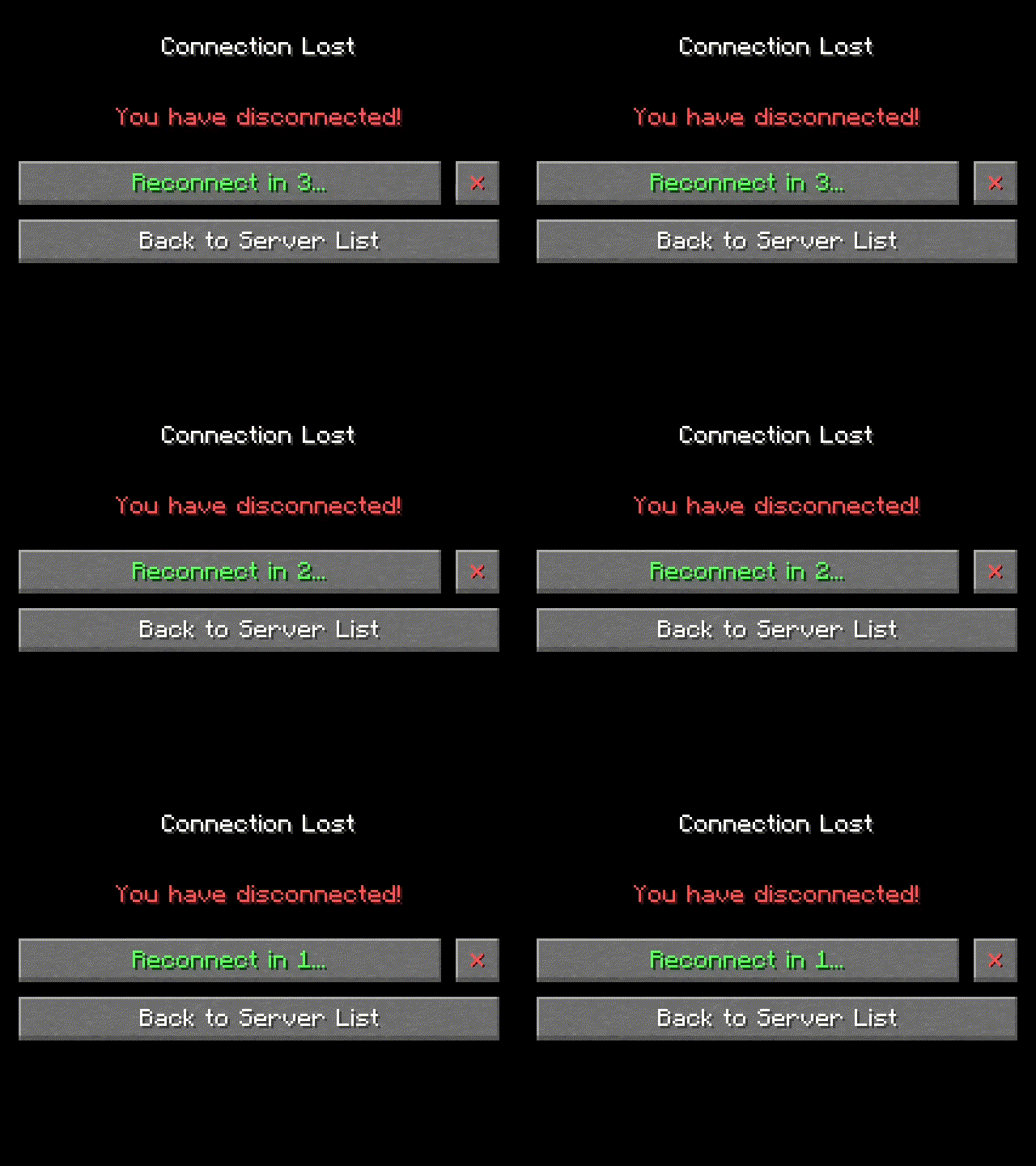
Automatically reconnect to servers after unintentional disconnection.
Based on AutoReconnect by Bstn1802.
[





About
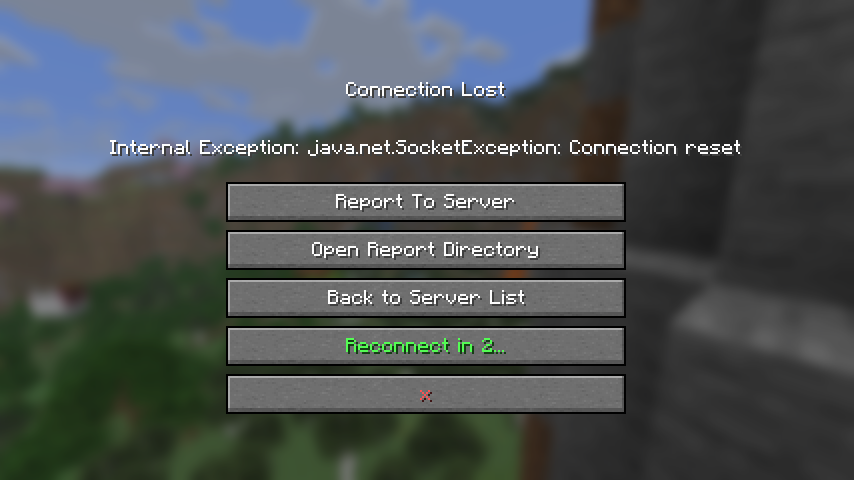
If you get disconnected from a world or server without clicking the disconnect button (such as if
your internet briefly drops out), this mod will attempt to reconnect you.
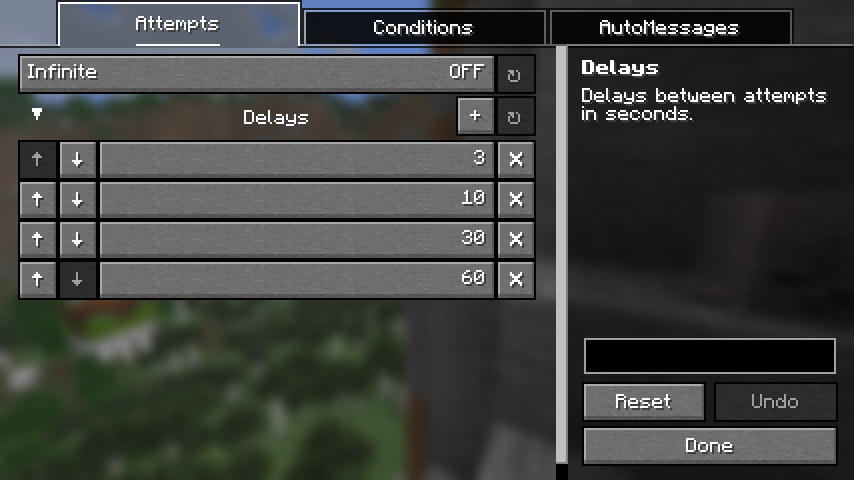
By default, it will make 4 attempts after 3, 10, 30 and 60 seconds respectively. The number and
timing of attempts is fully configurable.
You can also configure messages or commands to be sent upon successful automatic reconnect to a
particular world or server.
 |
 |
Dependencies
Fabric
NeoForge
Credits
AutoReconnect (Reforged) is based on AutoReconnect by
Bstn1802 (discontinued), and includes code reused under license.
- For MC versions
1.16.2-1.20.1, refer to the original mod on GitHub, Modrinth or CurseForge. - For MC versions
1.20.2-1.20.6, refer to the original fork on GitHub.
Contact



常见问题
Auto Reconnect Reforged 支持哪些 Minecraft 版本?
Auto Reconnect Reforged 支持 Minecraft Java 版 1.21–26.3,共 17 个版本,可用的加载器:Fabric / NeoForge / Quilt。下载时注意选择和你游戏版本一致的文件。
Auto Reconnect Reforged 怎么安装?
先用 PCL2 或 HMCL 启动器安装对应版本的 Fabric / NeoForge / Quilt,再把下载的 .jar 文件放进游戏目录的 mods 文件夹,重新启动游戏即可。开启了版本隔离的,mods 文件夹在 versions/版本名 下面。运行环境:仅客户端。
TerminalMC 的其他作品
查看全部 →
Client Sort
多功能且易用的物品栏整理。

Xaero Zoomout
将 Xaero's World Map 的最小缩放比例从 0.0625x 降低至 0.0025x,让你一览无余!

Command Keys
强大的命令宏模组。

Chat Notify
Plays a ping sound when your name is mentioned, with options to create custom alerts.
评论
登录后评论和评分