
截图
介绍
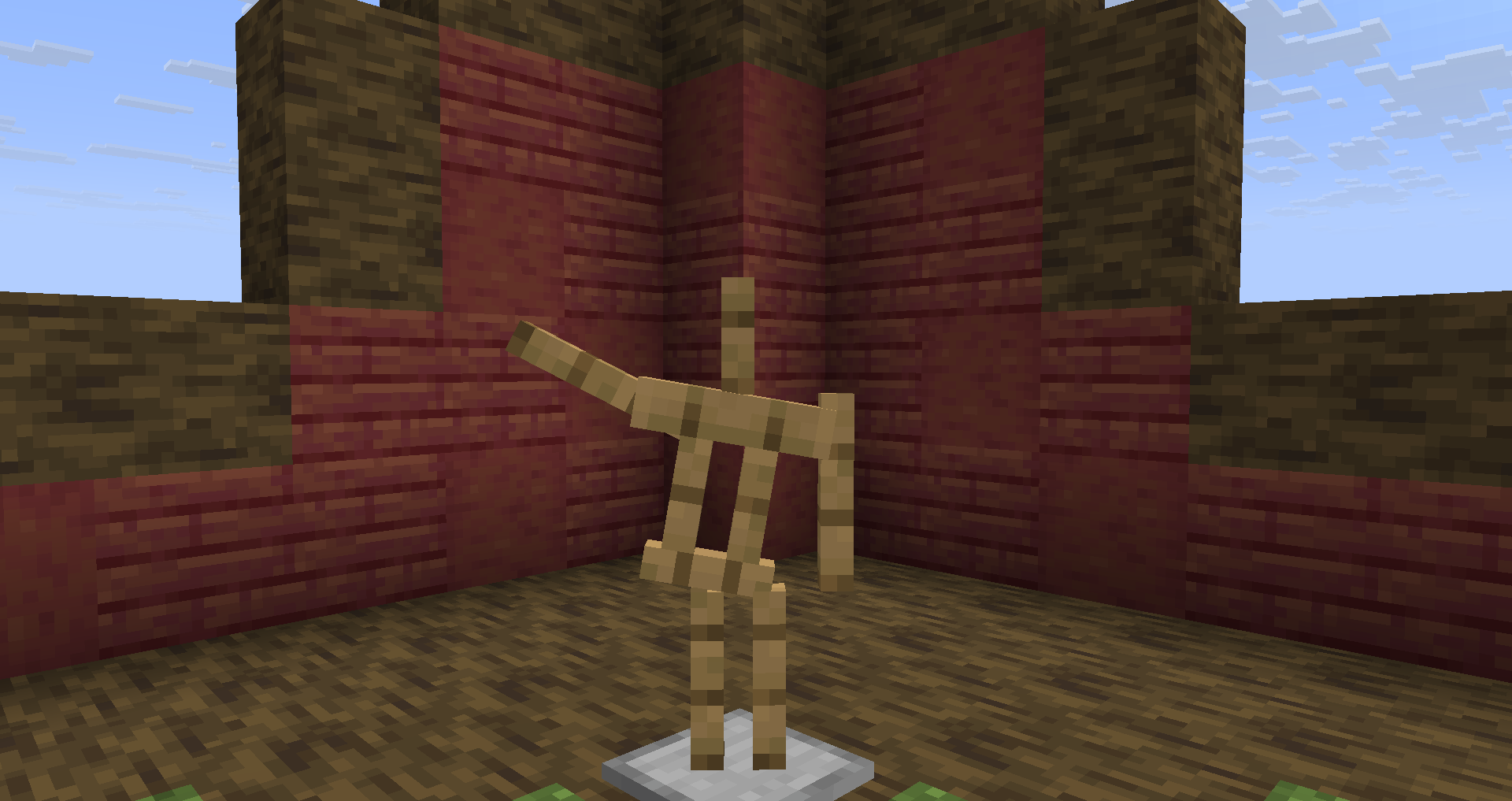
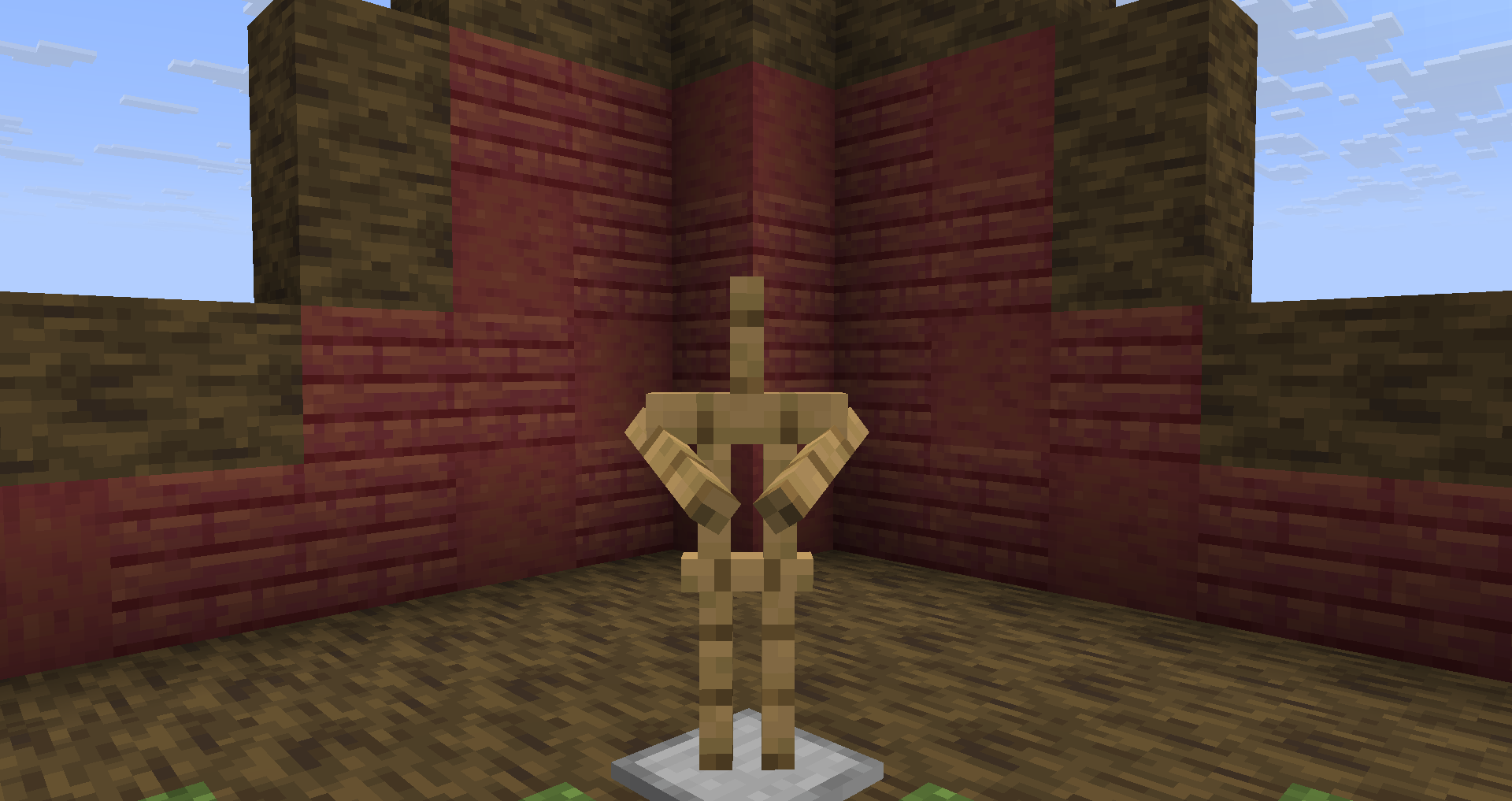
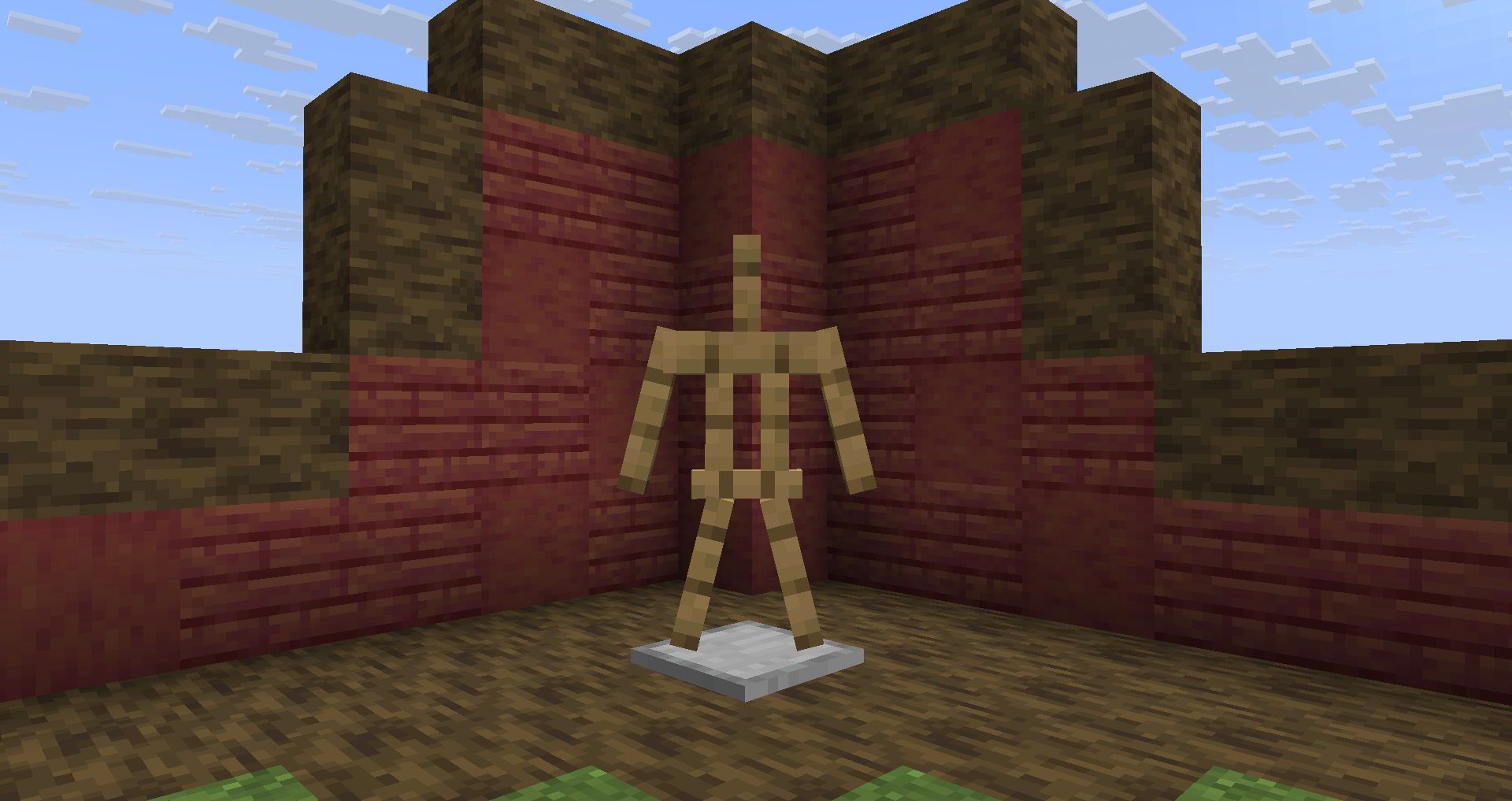
Armor Poser addon for Twitch integration
How To Use
- Load the game with the mod and its dependencies installed.
- Open Cloth Config menu through
Mod Menuor with a notepad in.minecraft/config/twas.json - Enter your credentials for twitch integration (reload game if using notepad).
- Join any world/server with Armor Poser to start the integration!
Twitch Armor Stand provides following commands:
/twas bound twitch_nickname
By executing this command while looking at an armor stand, you will bound it to a twitch user with specified nickname.
/twas unbound twitch_nickname
By executing this command you will unbound any existing armor stands that were previously bounded to this twitch username.
You can also write /twas unbound without specifying the twitch username, but then you will have to look at the specific armor stand you want to unbound from its twitch user.
/twas simulate twitch_nickname chat message with a lot of words
This command will simulate a message from specified user.
For example: /twas simulate funnyperson !s hello will simulate FunnyPerson’s chat message “!s hello”.
To interact with bounded armor stand your viewers will need to write following commands:
- !s hello
- !s twerk
- !s clap
Those are emotes that will not break nor stop any action
- !s jump
Bounded armor stand starts to jump infinitely until stopped by another action
- !s follow
By entering (for example, Player Name or some entitie’s nametag) the bounded stand will start following specified entity. If the name was wrong, the stand will stop the following action.
- !s stop
Simply stops any action that was executing before.
Dependencies
You have to install following mods to play with Twitching Armor Stand:
License
This mod is available under the MIT license. Feel free to learn from it and incorporate it in your own projects.
常见问题
Twitching Armor Stand 支持哪些 Minecraft 版本?
Twitching Armor Stand 支持 Minecraft Java 版 1.21.10,可用的加载器:Fabric。下载时注意选择和你游戏版本一致的文件。
Twitching Armor Stand 怎么安装?
先用 PCL2 或 HMCL 启动器安装对应版本的 Fabric,再把下载的 .jar 文件放进游戏目录的 mods 文件夹,重新启动游戏即可。开启了版本隔离的,mods 文件夹在 versions/版本名 下面。运行环境:仅客户端。
JustS-js 的其他作品
查看全部 →
Survival Debug Stick
This mod provides players the ability to craft and use Debug Stick in Survival Mode. You also can easily customize its abilities and restrictions!

Possessive
A client addon for Armor Poser mod which allows you to possess the Armor Stand.

World Days
See the number of days you have survived in your Minecraft World via HUD! Highly customizable

Just Spawn Me There
This mod rewrites logic behind vanilla respawning system, so players would not spawn on top of buildings.
评论
登录后评论和评分