
CodeClaim
A server-side Fabric mod for Minecraft 1.21.1 that allows players to redeem codes for rewards. No client mod required. No database required
截图
介绍
CodeClaim
A server-side Fabric mod for Minecraft 1.21.1 that allows players to redeem codes for rewards.
No client mod required. No database required.




Overview
CodeClaim lets server administrators create redeemable codes that reward players with any server command — give items, Pokemon, broadcast titles, and more. Each player can only redeem each code once, and each code can have a global usage limit. All data is stored in simple JSON files with no external database setup required.

Features
- Any player can use
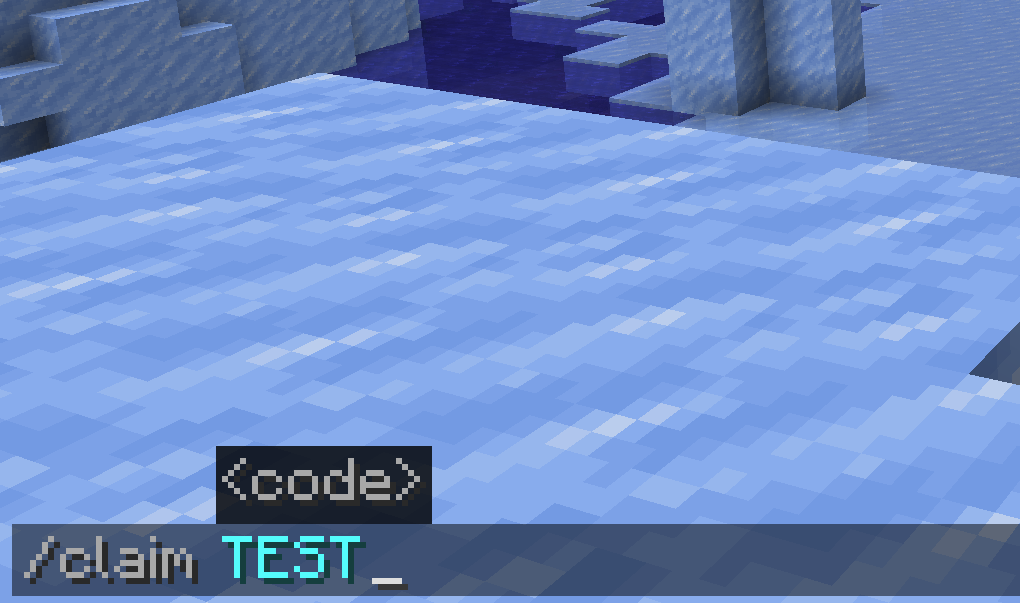
/claimwithout operator permissions - Each player can only redeem each code once, enforced by UUID
- Per-code global usage limit via
max_uses - Set
max_uses: -1for unlimited redemptions - Execute any server command as a reward using
%player%as a placeholder - All data auto-saves to a local JSON file
- Hot-reload config and data without restarting the server
- Server-side only — players do not need to install anything
Requirements
- Minecraft 1.21.1
- Fabric Loader 0.15.0 or later
- Fabric API 0.102.0+1.21.1
- Java 21
Installation
- Download
codeclaim-1.0.0.jarfrom the Releases page - Download all required dependencies: Fabric Language Kotlin, Fabric API
- Place the file in your server’s
mods/folder alongside Fabric API - Start the server — the config file will be automatically generated at
config/codeclaim.json - Edit the config to define your codes and rewards
- Use
/claimadmin reloadto apply any changes without restarting
Commands
| Command | Permission | Description |
|———|————|————-|
| /claim <code> | All players | Redeem a code and receive its reward |
| /claimadmin reload | OP level 2 | Reload config and player data from disk |
| /claimadmin info <code> | OP level 2 | View usage statistics for a code |
Configuration
Config file location: config/codeclaim.json
{
  "messages": {
    "invalid_code":    "&cCode '&4{code}&c' does not exist!",
    "already_claimed": "&cYou have already redeemed '&4{code}&c'!",
    "max_uses":        "&cCode '&4{code}&c' has reached its usage limit!",
    "success":         "&aSuccessfully redeemed code '&2{code}&a'!",
    "reloaded":        "&aCodeClaim config reloaded!"
  },
  "codes": {
    "WELCOME2024": {
      "max_uses": -1,
      "commands": [
        "give %player% minecraft:bread 16"
      ]
    },
    "SHINY_EVENT": {
      "max_uses": 100,
      "commands": [
        "givepokemonother %player% moltres form=galarian",
        "title @a title {\"text\":\"A player claimed SHINY_EVENT!\",\"color\":\"gold\"}"
      ]
    },
    "GRAND_PRIZE": {
      "max_uses": 1,
      "commands": [
        "give %player% minecraft:netherite_ingot 3",
        "say %player% claimed the Grand Prize!"
      ]
    }
  }
}
Field Reference
| Field | Description |
|——-|————-|
| max_uses | Maximum total redemptions across all players. -1 means unlimited. |
| commands | List of server commands to execute when the code is successfully redeemed. |
| %player% | Placeholder replaced with the redeeming player’s username at runtime. |
| {code} | Placeholder replaced with the entered code in message strings. |
| &a, &c | Standard Minecraft color codes supported in all message fields. |
Data Storage
Player redemption history is automatically saved to:
data/codeclaim_data.jsonThis file tracks which players have redeemed which codes, and the total usage count per code. Back up this file regularly to preserve redemption history across server migrations.
Building from Source
Requirements: JDK 21, Gradle 8.8 or later
git clone https://github.com/YOUR_USERNAME/codeclaim
cd codeclaim

# Linux / macOS
./gradlew build

# Windows
gradlew.bat build
The compiled jar will be output to build/libs/codeclaim-1.0.0.jar.
Compatibility
| Mod | Status |
|—–|——–|
| Cobblemon | Compatible — use givepokemonother %player% |
| LuckPerms | Compatible |
| Any server-side command mod | Compatible |
License
This project is licensed under the MIT License. See LICENSE for details.
常见问题
CodeClaim 支持哪些 Minecraft 版本?
CodeClaim 支持 Minecraft Java 版 1.21.1–1.21.11,共 11 个版本,可用的加载器:Fabric。下载时注意选择和你游戏版本一致的文件。
CodeClaim 怎么安装?
先用 PCL2 或 HMCL 启动器安装对应版本的 Fabric,再把下载的 .jar 文件放进游戏目录的 mods 文件夹,重新启动游戏即可。开启了版本隔离的,mods 文件夹在 versions/版本名 下面。运行环境:仅服务端。
评论
登录后评论和评分