
Debug Block Collision Overlay Reloaded
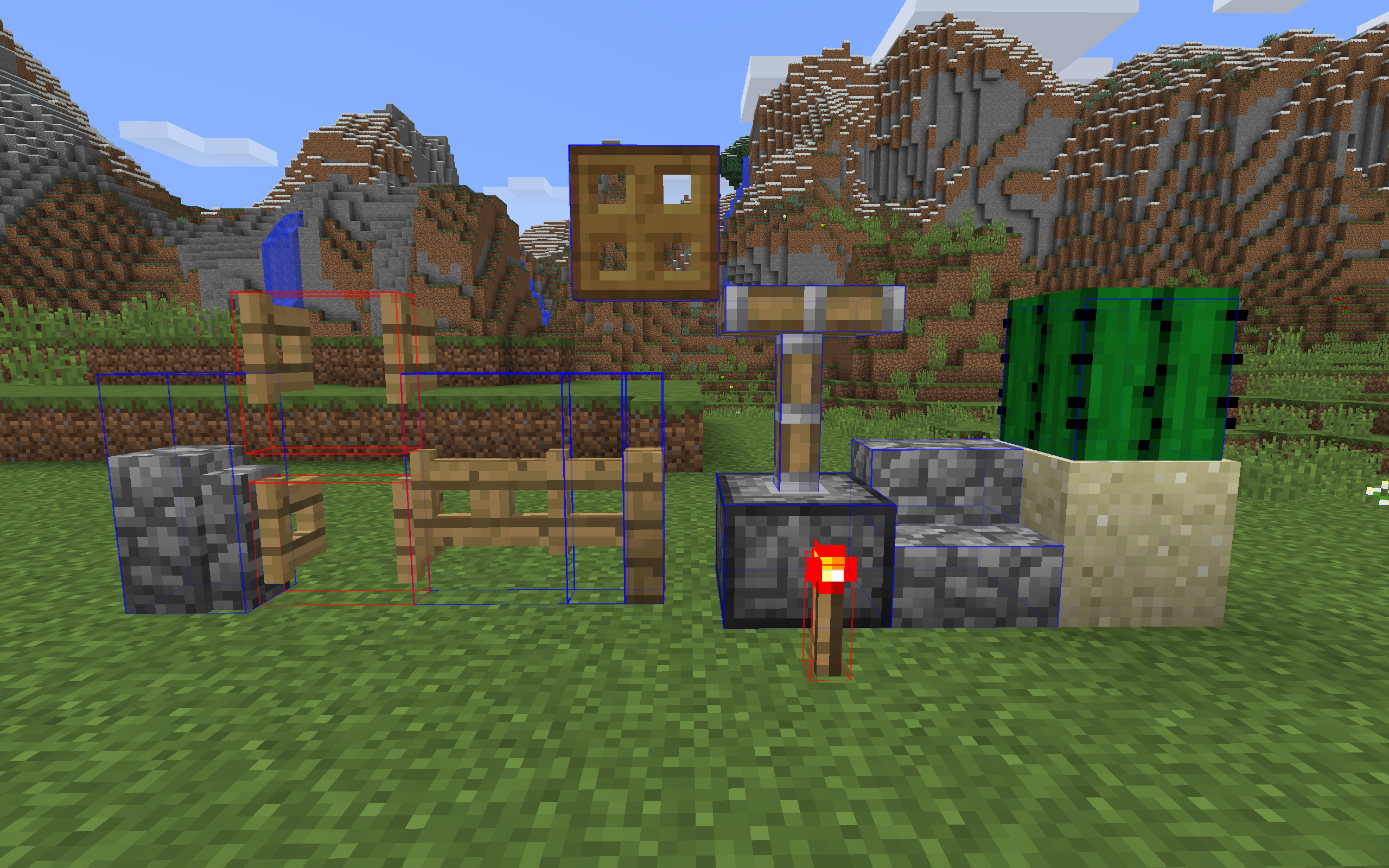
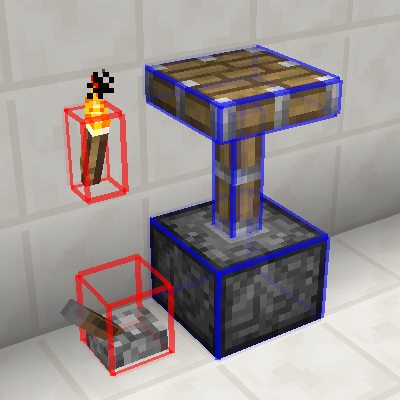
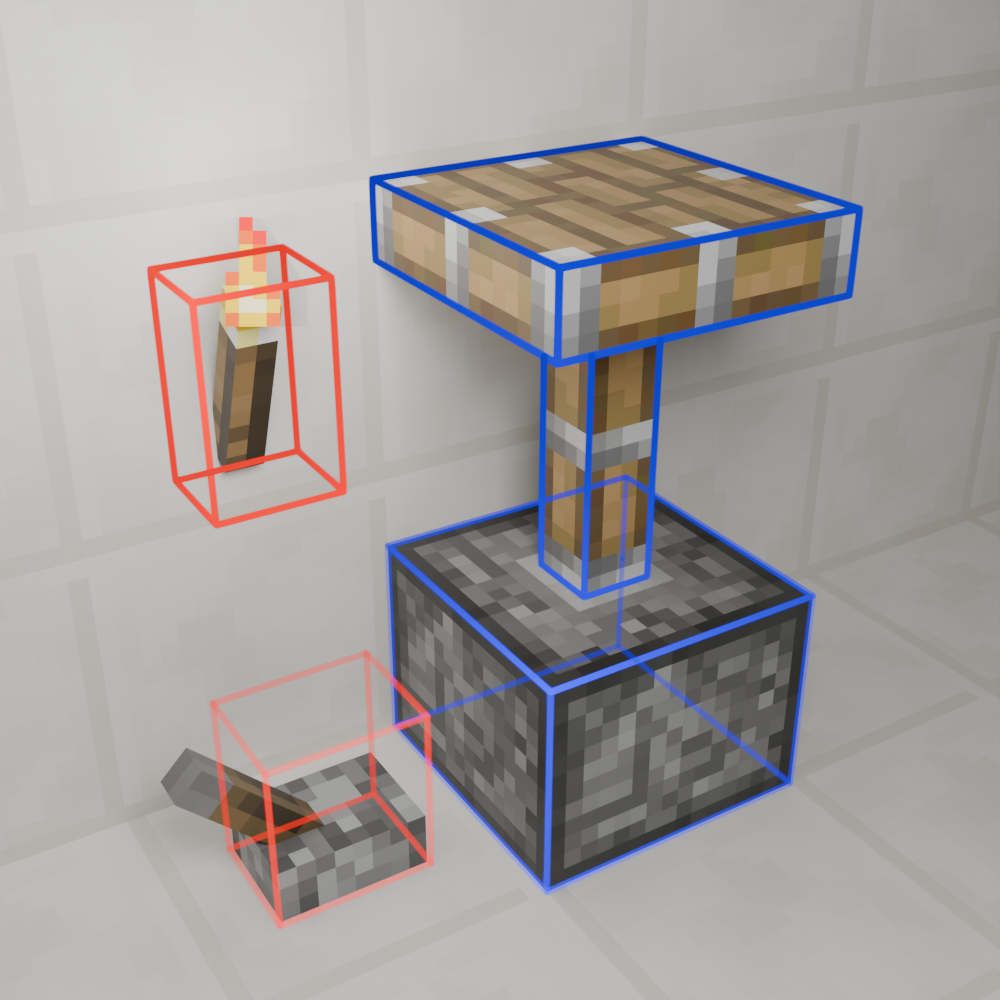
A client-side mod that adds a new F3 debug overlay showing you exact block collisions, for 1.12.2.
截图
介绍
Debug Block Collision Overlay Reloaded

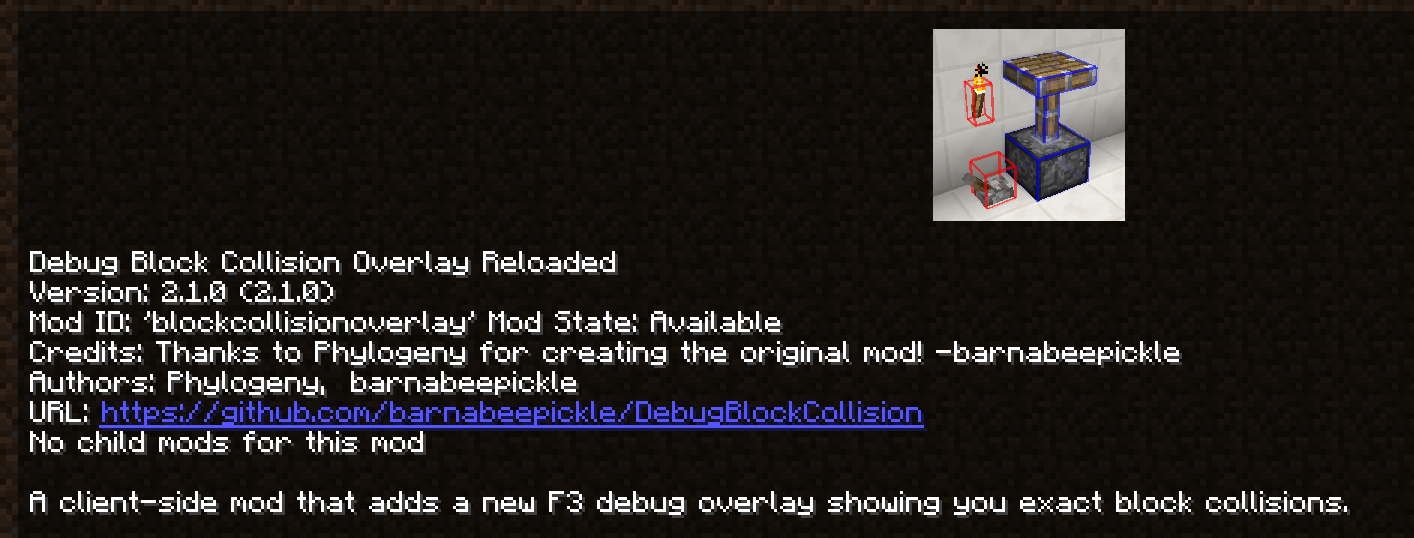
A client-side mod that adds a new F3 debug overlay showing you exact block collisions.
About
Original Mod’s Github – Original Mod’s Curseforge
Features
- Toggleable overlay, default keybind
F3 + O. - Multiple overlay modes, default keybind
F3 + I. - Config file which allows you to set the overlay mode, the level of chat feedback and line rendering settings.
- In-game configuration through Forge that is dynamicly reloaded.
- Has been tested with Cleanroom Loader (0.4.2-alpha) and Celeritas.
Usage
The main way to interact with this mods is by using the F3 + KEY keybinds which by default are F3 + O to toggle the overlay on/off and F3 + I to change the overlay mode.
There is also a config file which is dynamicly reloaded and can be edited in game or on the main menu.
Why
Well working on ProjectE-Charms I had to create some custom collision for a block but was having trouble visualizing the boxes so I looked on curseforge for mod that would help me do that, I ended up on Debug Block Collision‘s Curseforge so I downloaded it. After I had used it for a little bit on the Cleanroom Mod Loader I noticed a few main issues:
- The keybind handling had broken debouce (actually a Cleanroom issue with modifier keys).
- Toggling modes was clunky since there was only one keybind.
- And the text and formatting could do with some improvement.
All of this inspired me to improve this mod by adding a second keybind, improving Cleanroom compatibility and rewriting the lang file; so I did.
Modpacks
You don’t need to ask permission or anything to use this in your modpack.
Issues
If you notice an issue and want to make me aware please report them on the project’s Github issues tab.
常见问题
Debug Block Collision Overlay Reloaded 支持哪些 Minecraft 版本?
Debug Block Collision Overlay Reloaded 支持 Minecraft Java 版 1.12.2,可用的加载器:Forge。下载时注意选择和你游戏版本一致的文件。
Debug Block Collision Overlay Reloaded 怎么安装?
先用 PCL2 或 HMCL 启动器安装对应版本的 Forge,再把下载的 .jar 文件放进游戏目录的 mods 文件夹,重新启动游戏即可。开启了版本隔离的,mods 文件夹在 versions/版本名 下面。运行环境:仅客户端。
barnabeepickle 的其他作品
查看全部 →
Fabric Key Binding API for 1.14.2
Ports the fabric-key-binding-api-v1 to 1.14.2 as it is missing in that version of the Fabric API.

ProjectE Charms
An experimental ProjectE content addon for Minecraft 1.12.2

ProjectE Charms
An experimental ProjectE content addon for Minecraft 1.12.2

Mod Menu 1.1x
A fixed up version of Mod Menu for older versions of Minecraft that are less supported.
评论
登录后评论和评分