
Music Utilities
作者:Muse
Adds soundtrack-aware music commands and a persistent now-playing popup for Minecraft music.
截图

介绍
中文介绍正在准备中,下面暂时显示原文。

Music Utilities is a mod that significantly improves your Minecraft music experience by adding commands to toggle a music menu, music notifications, artist profiles, and more.
The mod implements all of these features while keeping the vanilla feel, including a toggleable vanilla jukebox-like music notification.
💡 Key Features:
- Music Notifications (Toast)
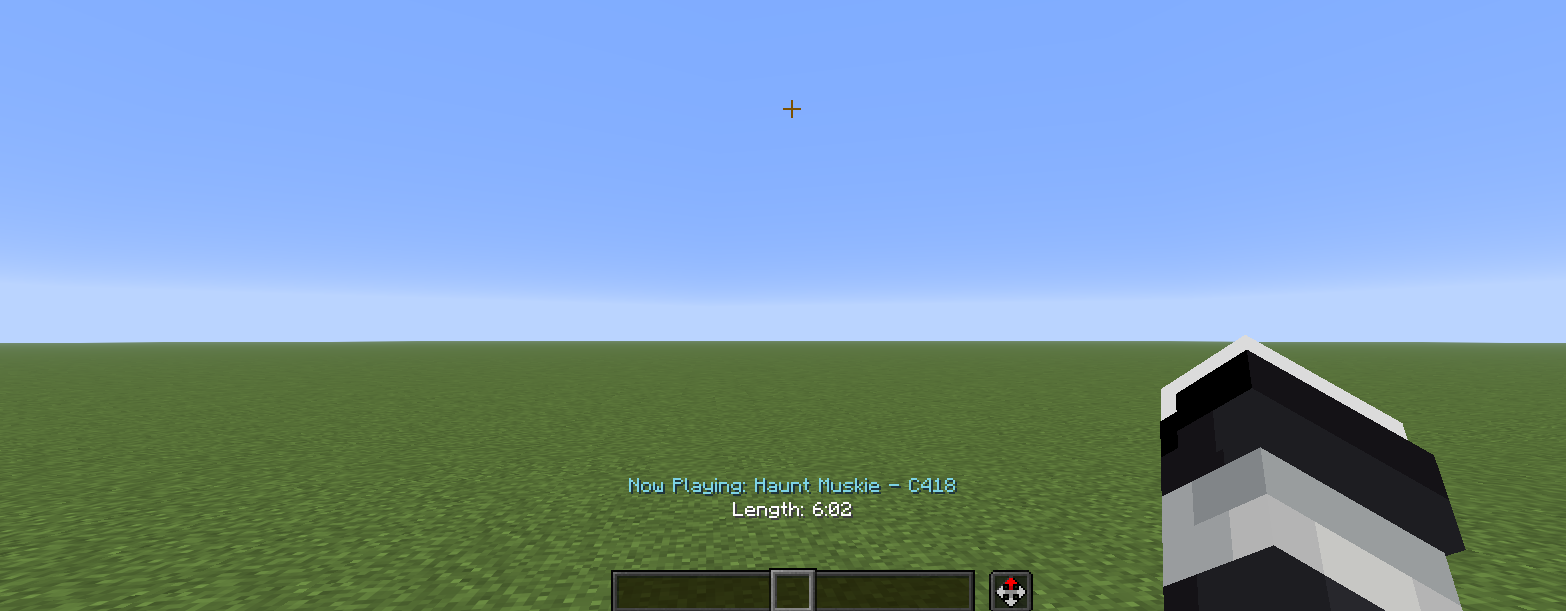
- Music Notifications (Now Playing)
- Music GUI Menu
- Music Toggle/Play Commands
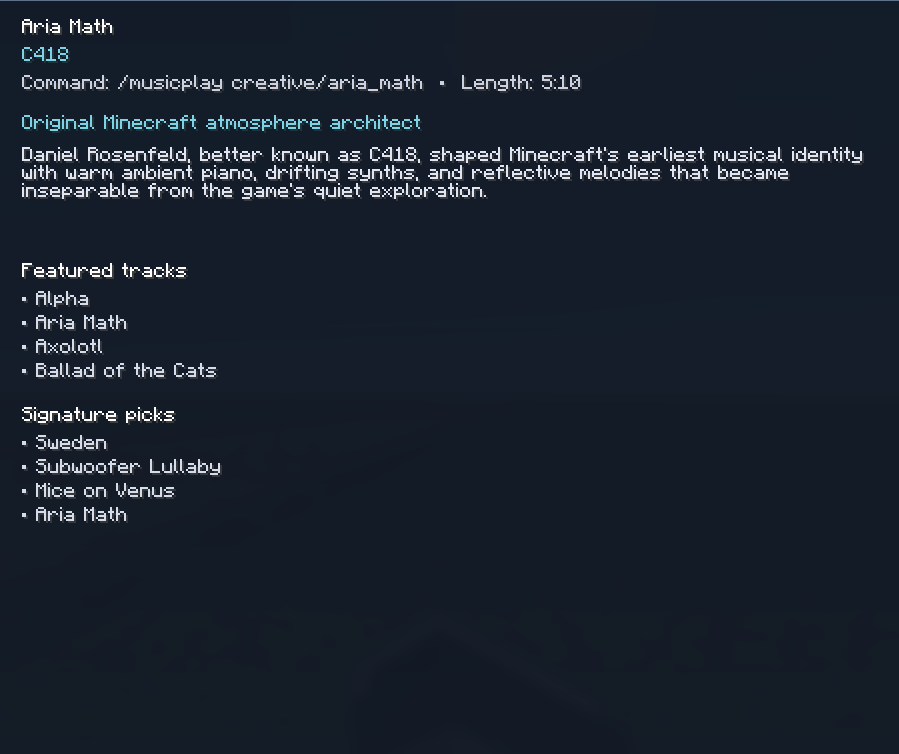
- Music Artist Profiles
📖 Downloading Instructions:
- Download the version you prefer.
- Click the Windows button on the bottom left-hand corner/middle.
- Type %appdata% into the textbox and then click enter.
- Find and open the folder called “.minecraft”.
- Open the mods folder and put the mod in there!
🖼️ Gallery:
Music GUI Menu:

Music Notifications (Now Playing):

Music Notifications (Toast):

Artist Profiles:

常见问题
Music Utilities 支持哪些 Minecraft 版本?
Music Utilities 支持 Minecraft Java 版 1.21.11,可用的加载器:Fabric / Forge / NeoForge。下载时注意选择和你游戏版本一致的文件。
Music Utilities 怎么安装?
先用 PCL2 或 HMCL 启动器安装对应版本的 Fabric / Forge / NeoForge,再把下载的 .jar 文件放进游戏目录的 mods 文件夹,重新启动游戏即可。开启了版本隔离的,mods 文件夹在 versions/版本名 下面。运行环境:仅客户端。
评论
登录后评论和评分