Village Map On Start
作者:Perhanon
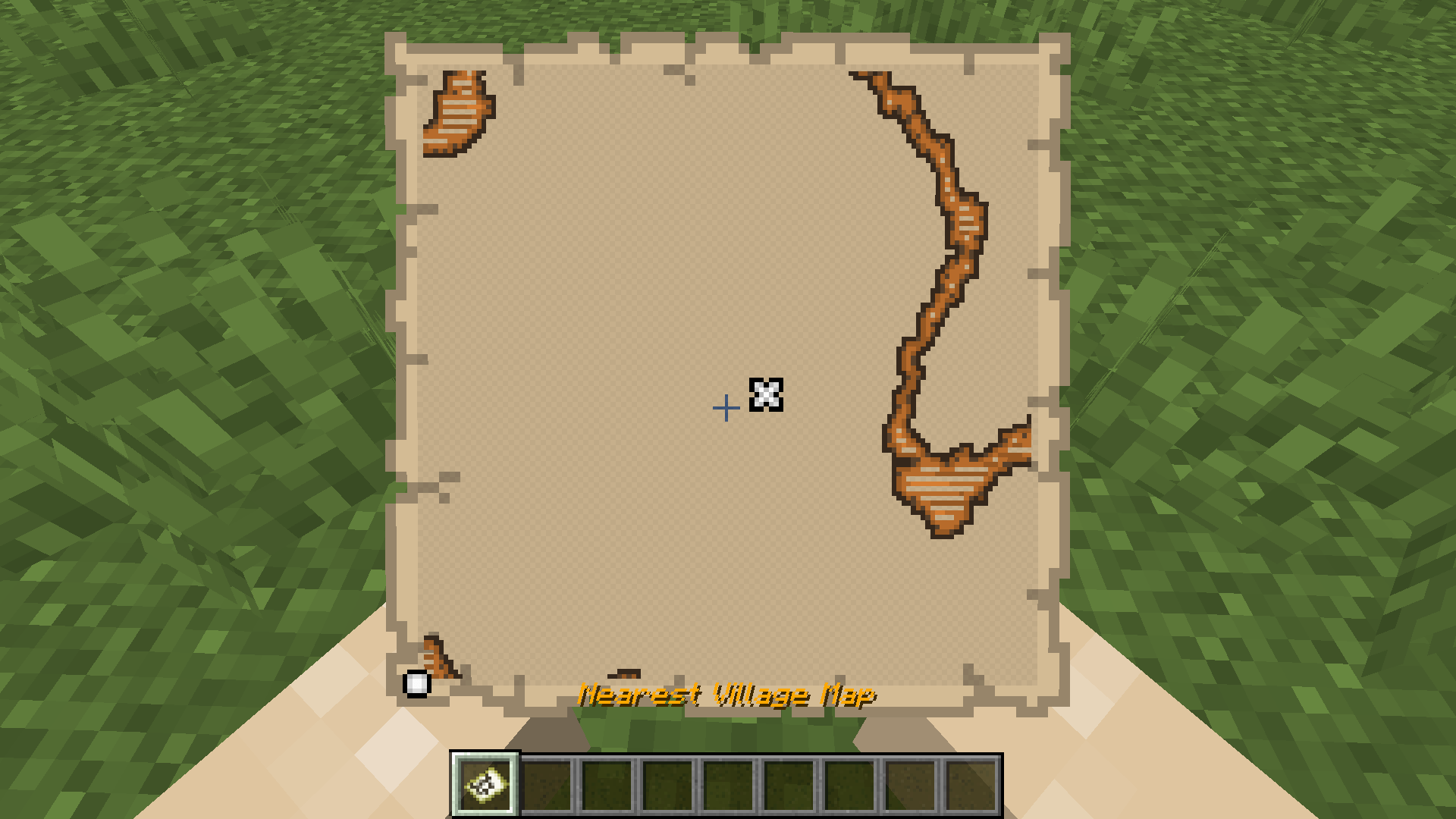
Player receives a map to the nearest village on joining the world for the first time.
截图
介绍
中文介绍正在准备中,下面暂时显示原文。
This datapack gives players a map to the nearest village when they first log into the game.
Installation Instructions:
- Download the datapack file.
- Open your Minecraft world save folder:
C:\Users\<YourUsername>\AppData\Roaming\.minecraft\saves\<YourWorldName>\datapacks - Copy the downloaded datapack file into the
datapacksfolder. - Start your Minecraft world and use
/reloadto load the datapack.
常见问题
Village Map On Start 支持哪些 Minecraft 版本?
Village Map On Start 支持 Minecraft Java 版 1.20–1.20.1,共 2 个版本。下载时注意选择和你游戏版本一致的文件。
Village Map On Start 怎么安装?
新建世界时在「数据包」里把下载的 .zip 拖进去;已有的存档,把文件放进存档目录下的 datapacks 文件夹,进游戏输入 /reload 即可生效。服务器同样放在世界目录的 datapacks 里。
Perhanon 的其他作品
查看全部 →
Village Map on Start
by Perhanon
这款简单的数据包/模组会在玩家首次进入世界时,提供一张前往最近村庄的地图。
1.6万
1 年前
Modrinth

Harder Difficulty
by Perhanon
这是一款数据包/模组,旨在让 Minecraft 的困难难度真正变得困难。越深入洞穴就越危险,图腾也更难获得,大多数生物都会得到强化,而且所有改动都以原版方式实现。
9,947
1 年前
Modrinth · CurseForge

Give Me My XP
by Perhanon
添加全新经验值获取方式的数据包/模组。收割作物、挖矿(可切换)、合成等都能获得经验……
4,862
1 年前
Modrinth

Nforgium
by Perhanon
Client-side forge modpack focused on delivering higher performance, smooth gameplay and better FPS utilizing Nvidium mod.
677
1 年前
Modrinth
评论
登录后评论和评分