
Linked Vanilla Chests
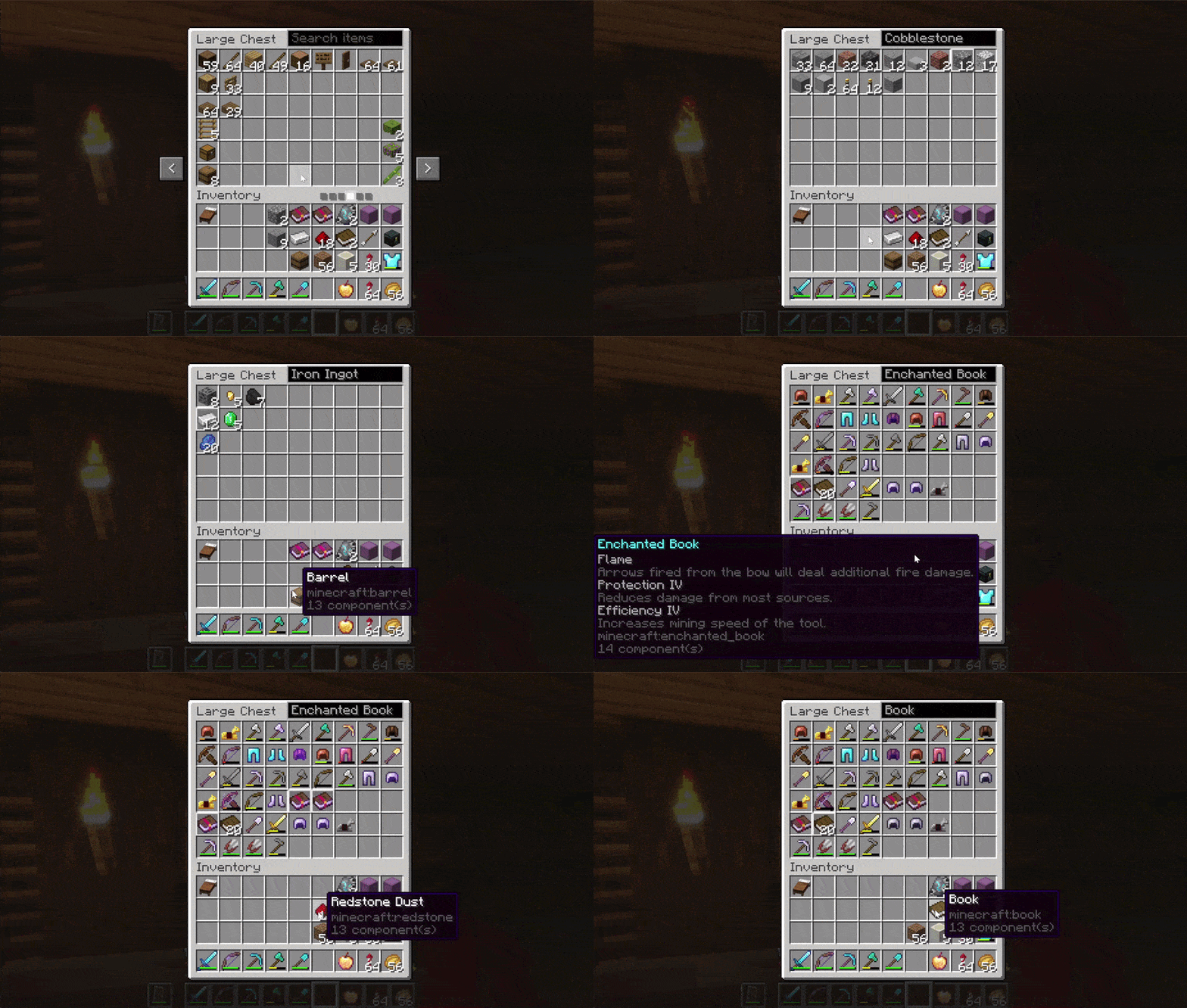
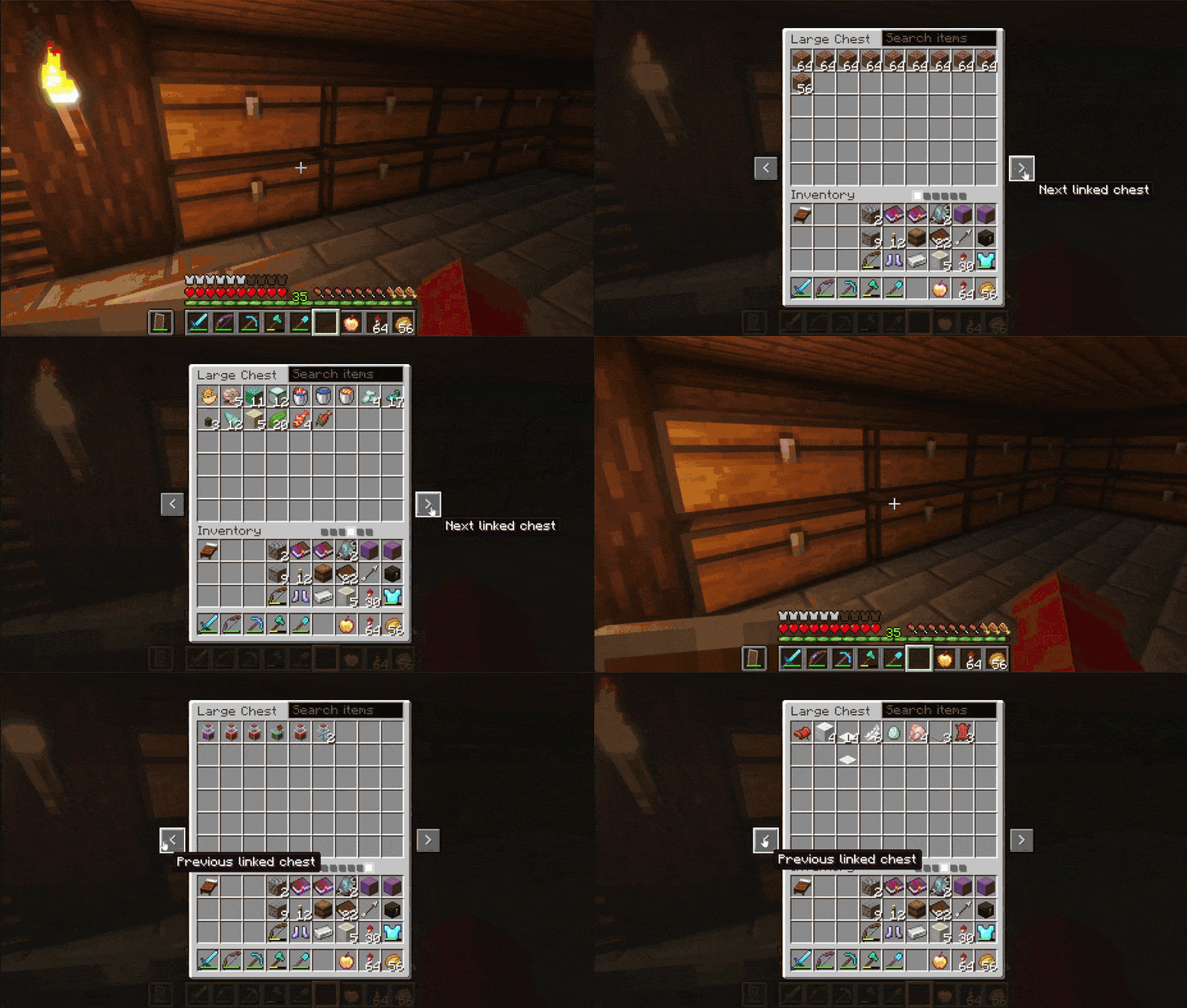
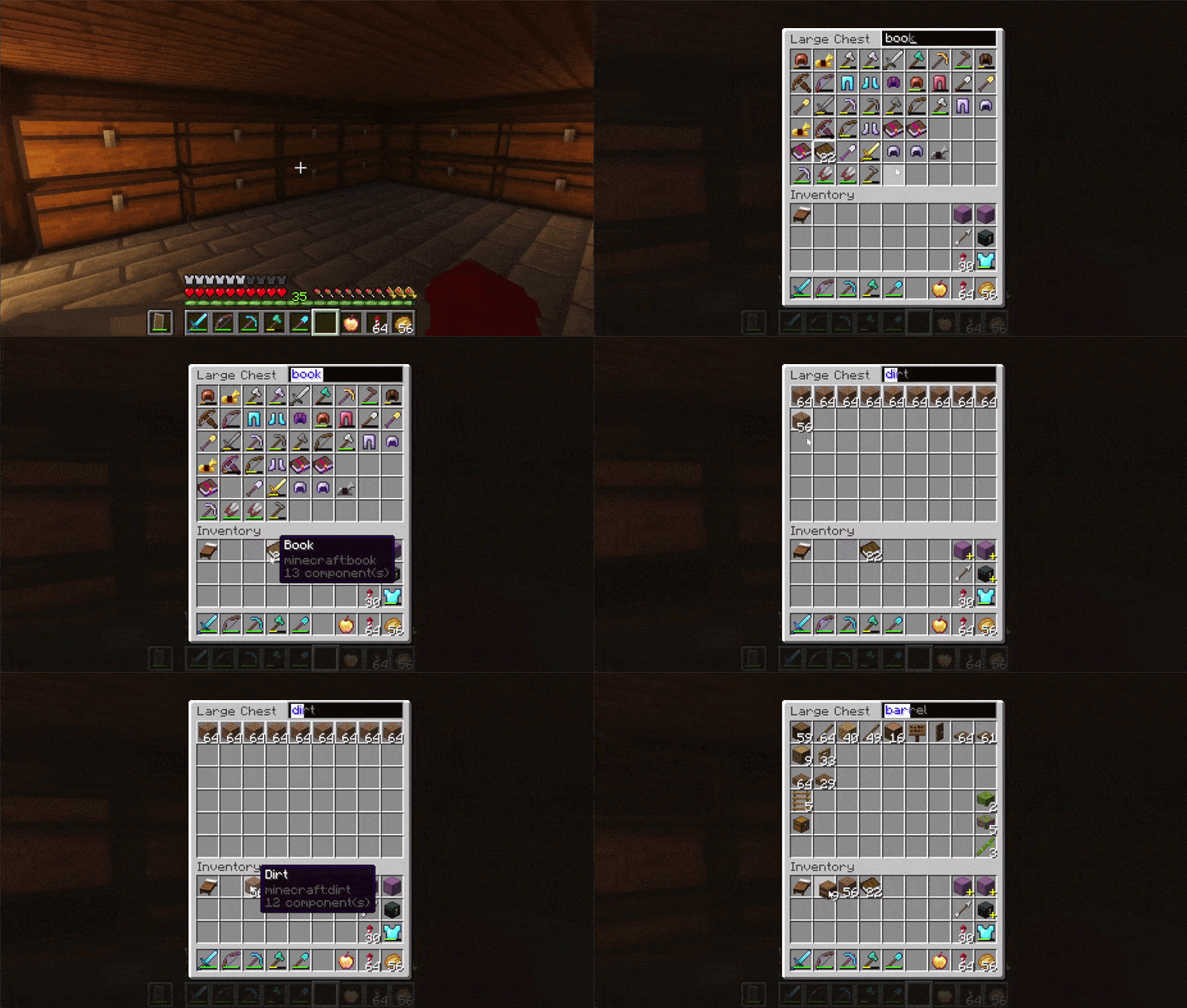
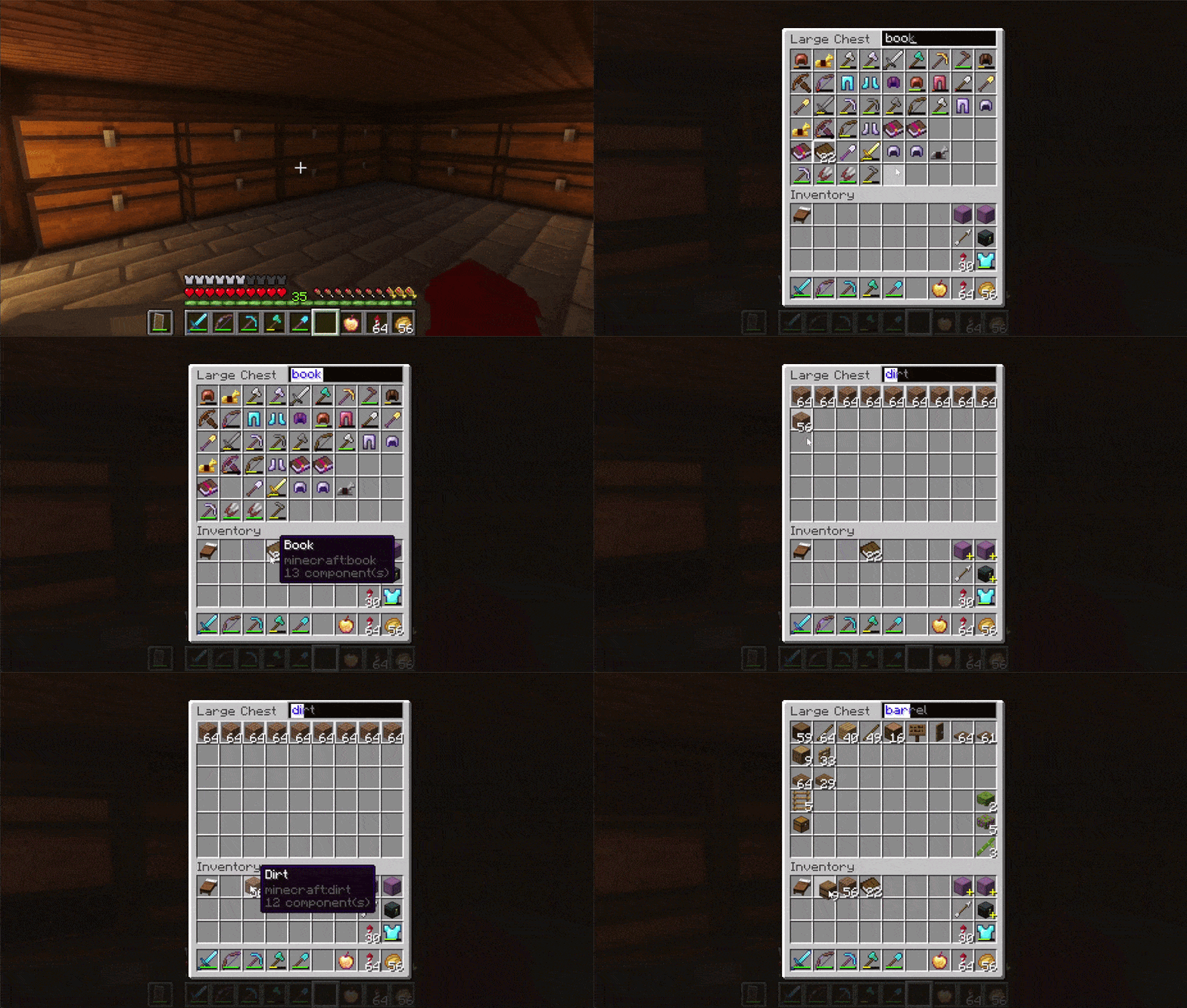
Makes using vanilla wooden chests a lot easier by linking chests that are placed next to each other. Linked chests can be searched together with a search bar and easily switched in between. Only adds UI to vanilla wooden chests, no new blocks.
截图
介绍
Linked Vanilla Chests
Tired of searching through all your chests manually? Or spending hours on a huge sorting system?
Linked Vanilla Chests makes large vanilla storage systems much easier to use while staying true to the vanilla experience.
Chests or barrels placed next to each other in any direction automatically link together.
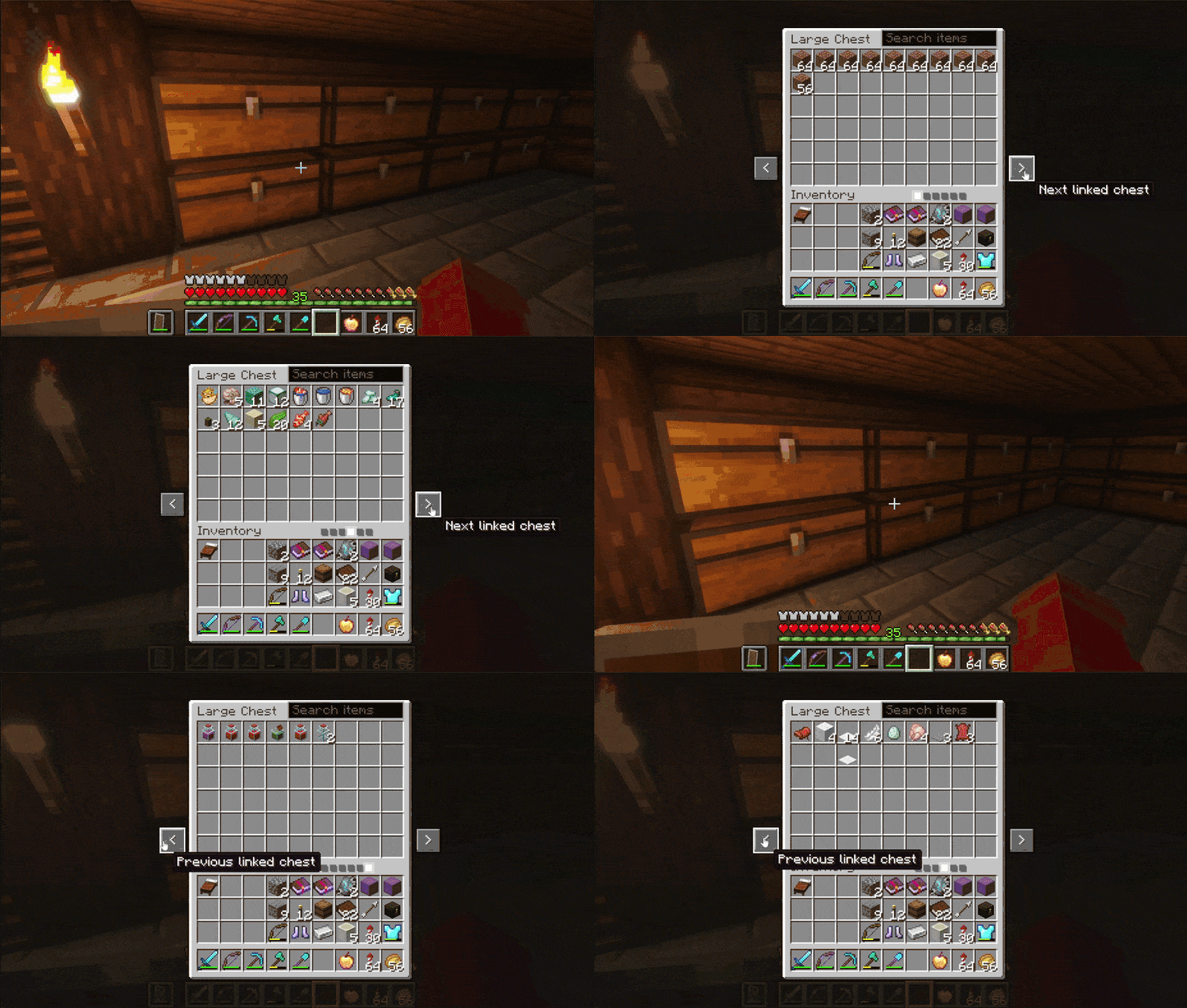
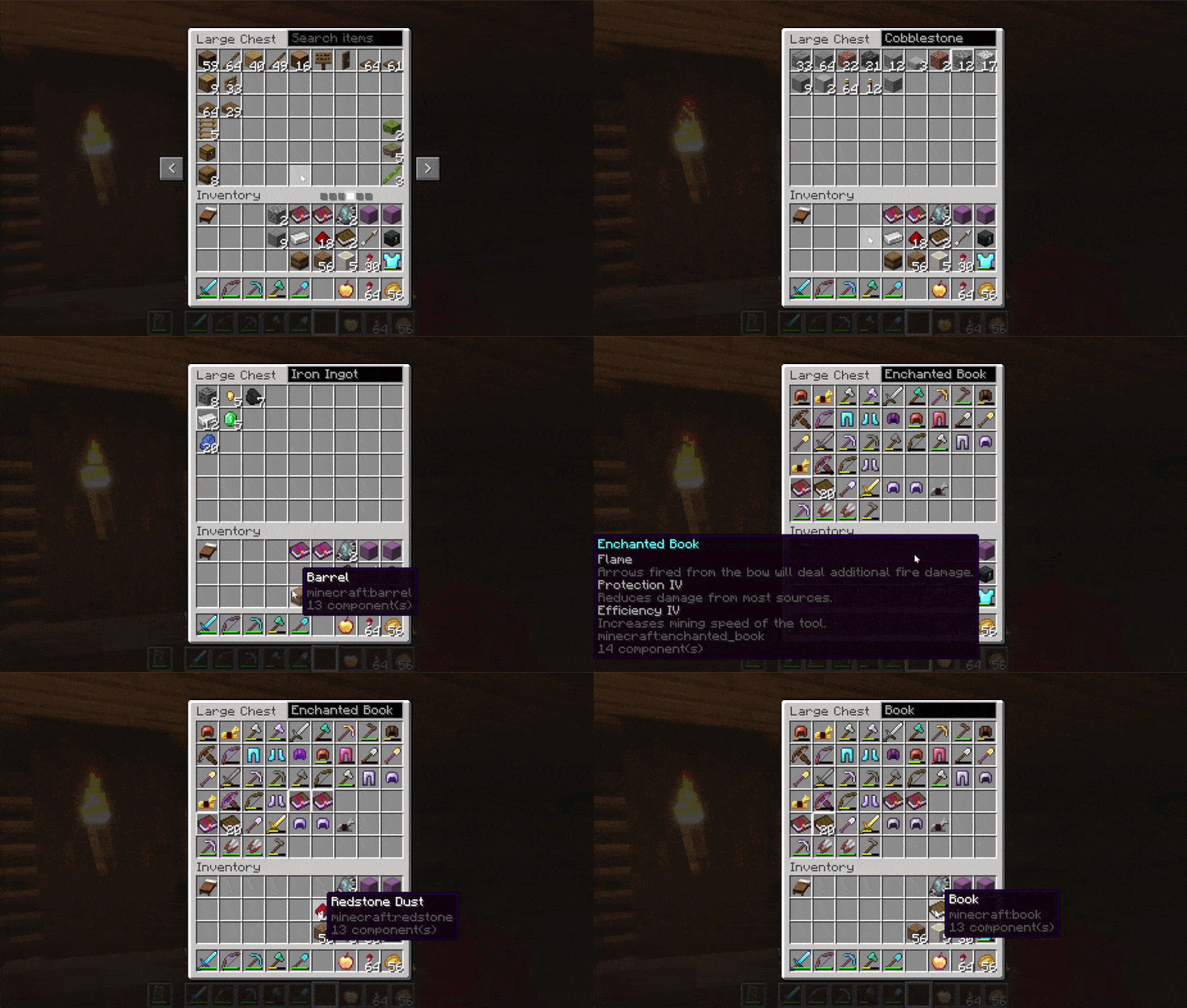
Open any connected chest or barrel and switch between nearby storage blocks without closing and reopening inventories. The search bar lets you quickly find items across the entire connected storage network.
Features
- Navigate between connected chests and barrels using arrow buttons:
- Search for items across all connected storage:
- Easy sorting: Middle mouse click on an item to auto search your chests for it:
- Supports single chests, double chests, and barrels.
- Connected storage works horizontally and vertically.
- Uses the normal vanilla chest interface — adds no custom blocks or inventories.
常见问题
Linked Vanilla Chests 支持哪些 Minecraft 版本?
Linked Vanilla Chests 支持 Minecraft Java 版 26.1.2–26.2,共 2 个版本,可用的加载器:Fabric。下载时注意选择和你游戏版本一致的文件。
Linked Vanilla Chests 怎么安装?
先用 PCL2 或 HMCL 启动器安装对应版本的 Fabric,再把下载的 .jar 文件放进游戏目录的 mods 文件夹,重新启动游戏即可。开启了版本隔离的,mods 文件夹在 versions/版本名 下面。运行环境:客户端和服务端都要装。


评论
登录后评论和评分