
截图


介绍

#
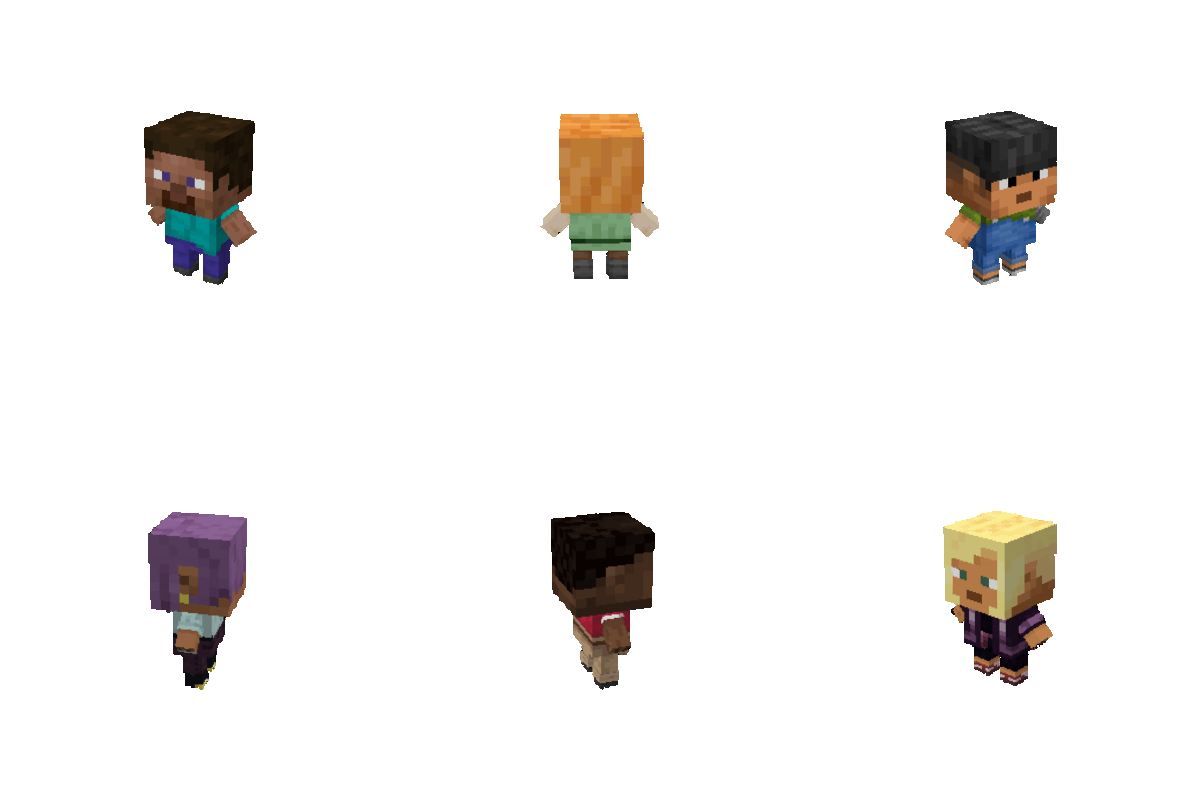
3D Totems adds an easy way for you to make a 3D player skin totem of undying.
The newest version should work in every version, until and including at least 1.16.x
#
#
How to install and use the pack:
#
How to install and use the pack (text):
Spoiler
First unzip the resource pack folder.
Open the unzipped folder.
Then open the “assets” folder.
When inside the assets folder, go minecraft > textures > item.
Once you open the item folder, replace the image file inside of it with the image file of your skin, and rename it to be “totem_of_undying”.
#
If you like 3D totems, please share it with a friend that might also enjoy it. <3
Prefer Curseforge? Check it out here
#
DO NOT REDISTRIBUTE
常见问题
Skaar’s 3D Totems 支持哪些 Minecraft 版本?
Skaar’s 3D Totems 支持 Minecraft Java 版 1.16.2–26.3,共 38 个版本。下载时注意选择和你游戏版本一致的文件。
Skaar’s 3D Totems 怎么安装?
把下载的 .zip 文件(不用解压)放进游戏目录的 resourcepacks 文件夹,进游戏后在「选项 → 资源包」里把它移到右边启用。
评论
登录后评论和评分