
CogTrade [deprecated]
A physical trading and economy mod for Fabric servers and singleplayer worlds.
截图
介绍
CogTrade
CogTrade is a Fabric economy and trading mod for Minecraft 1.20.1, built for survival
servers and automation-focused worlds.
Most economy mods give you a command and a menu. CogTrade gives you a **physical,
world-integrated trading system** — one where stock comes from real chests, prices are set
by real players, and the economy grows from actual gameplay.
⚠️ Alpha Release — Core systems are playable, but bugs and breaking changes may still
occur. Back up your world before installing or updating.
How It Works
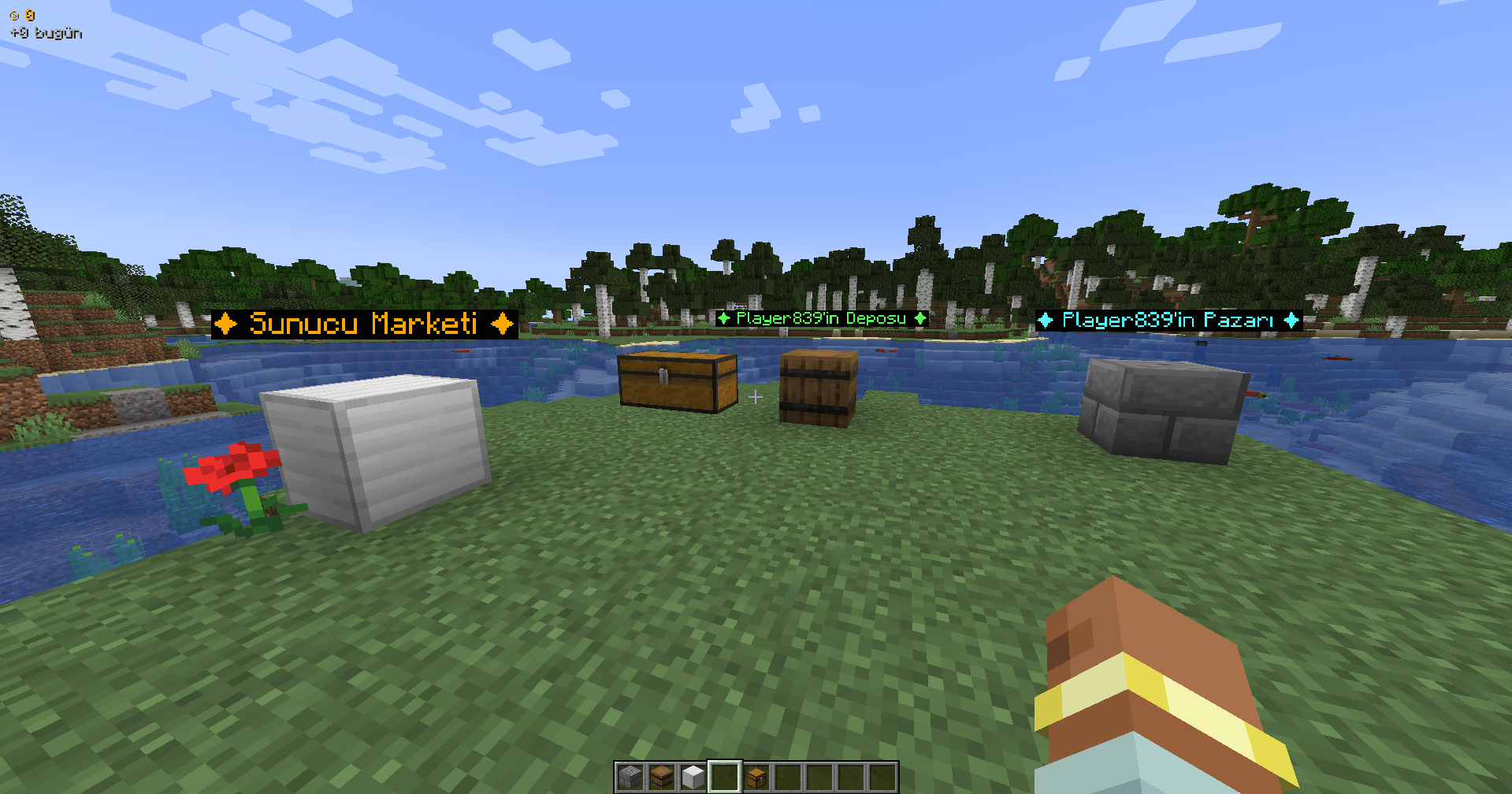
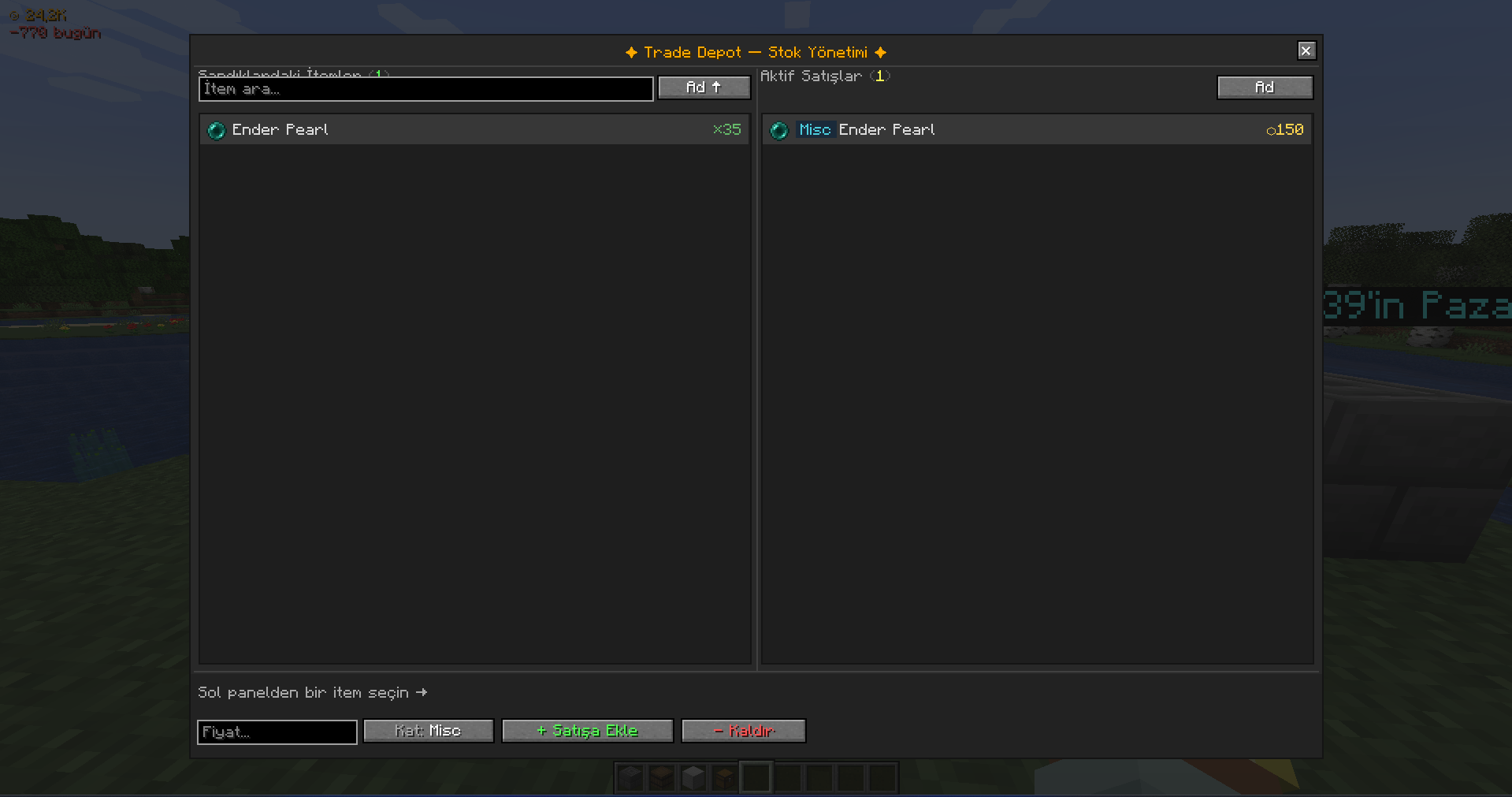
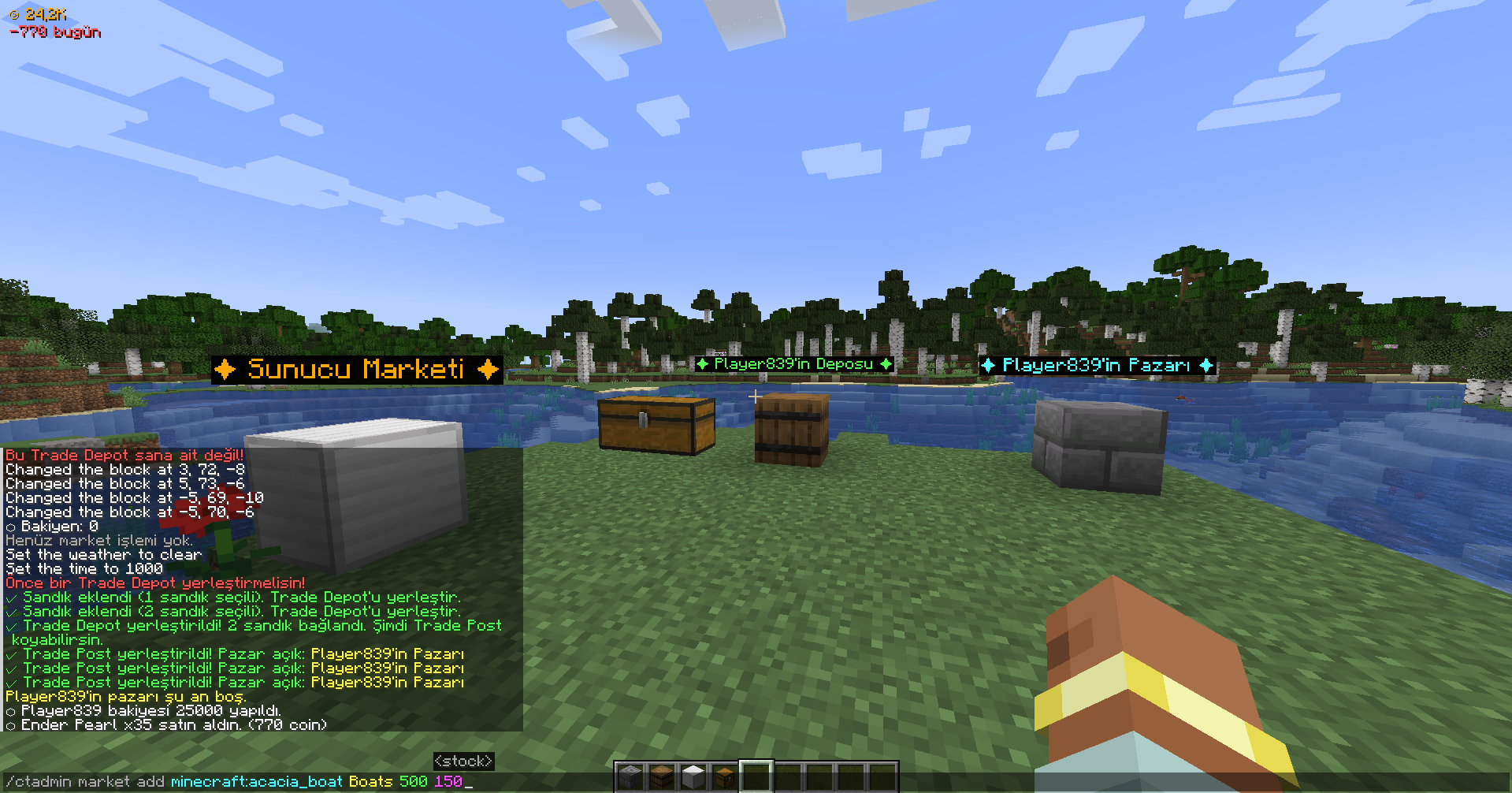
Players place a Trade Depot and connect it to one or more chests. The depot reads real
inventory — no fake stock, no abstract numbers. Then they place a Trade Post, which
customers right-click to browse and buy available items. Everything is physical, visible,
and part of the world.
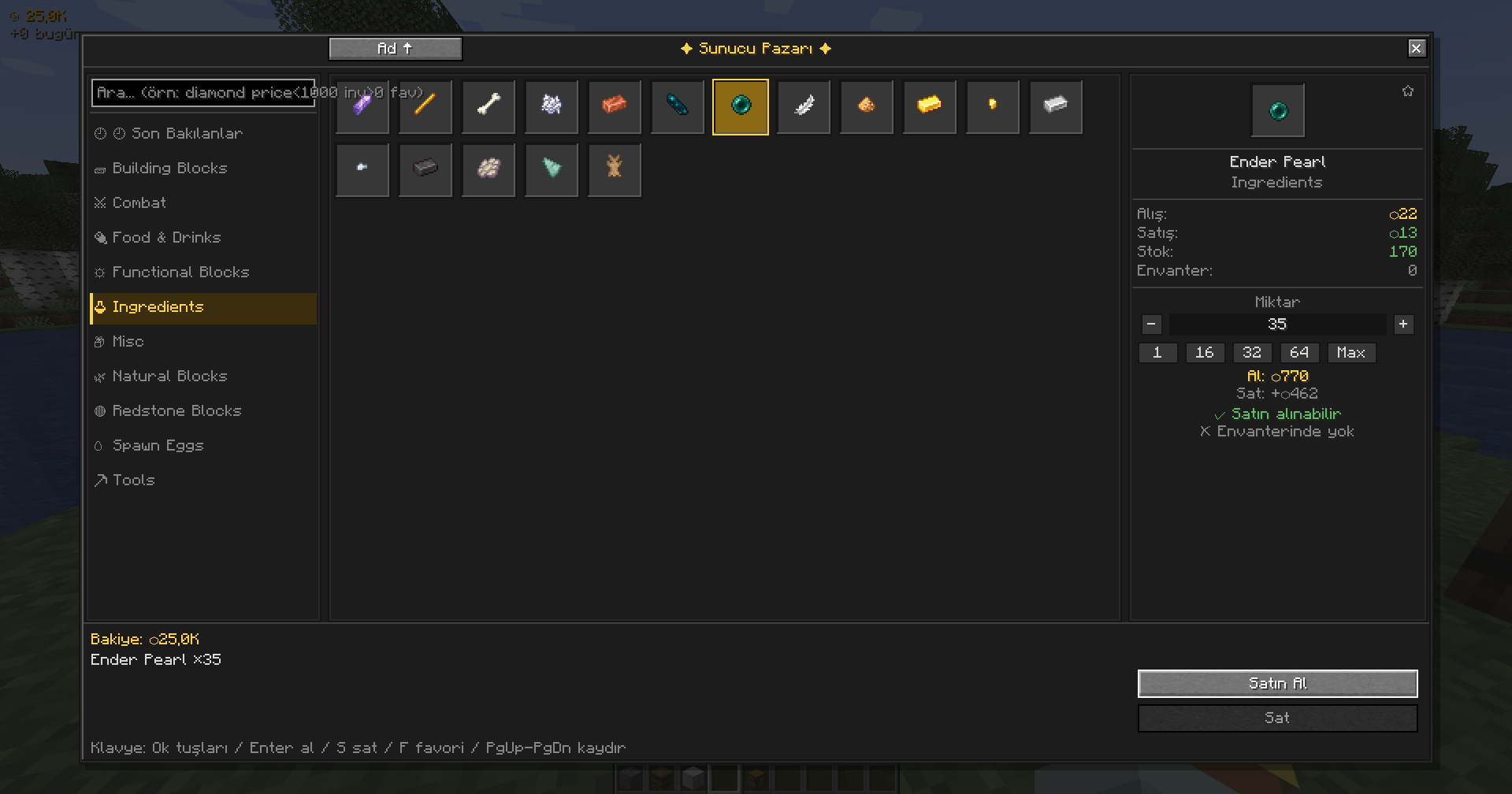
The Server Market sits alongside this as a central admin-controlled marketplace — useful
for seeding the economy with base-level items and giving players a reference point for
pricing.
Players can also trade directly with each other in real time — offering items and coins
through a synchronized live trade interface — or use the BookTrade system built into
the in-game book GUI.
Features
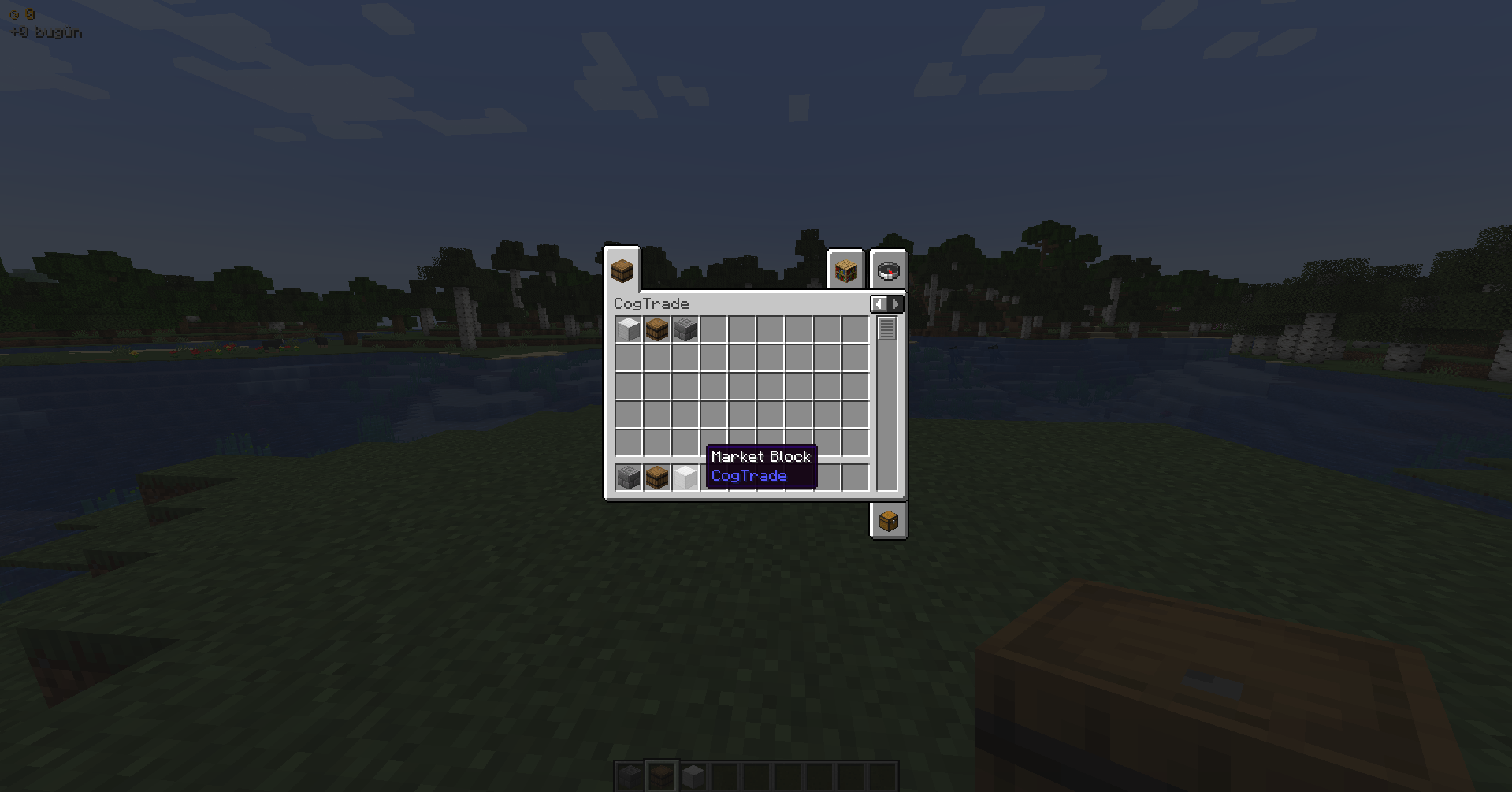
📖 CogTrade Book GUI
- Press L or right-click a Market Block to open the unified CogTrade book
- All major interfaces in one place: Market · Depot · Trade Post · Trade
- Book-themed design with consistent scaling across all screen sizes and resolutions
🏪 Server Market
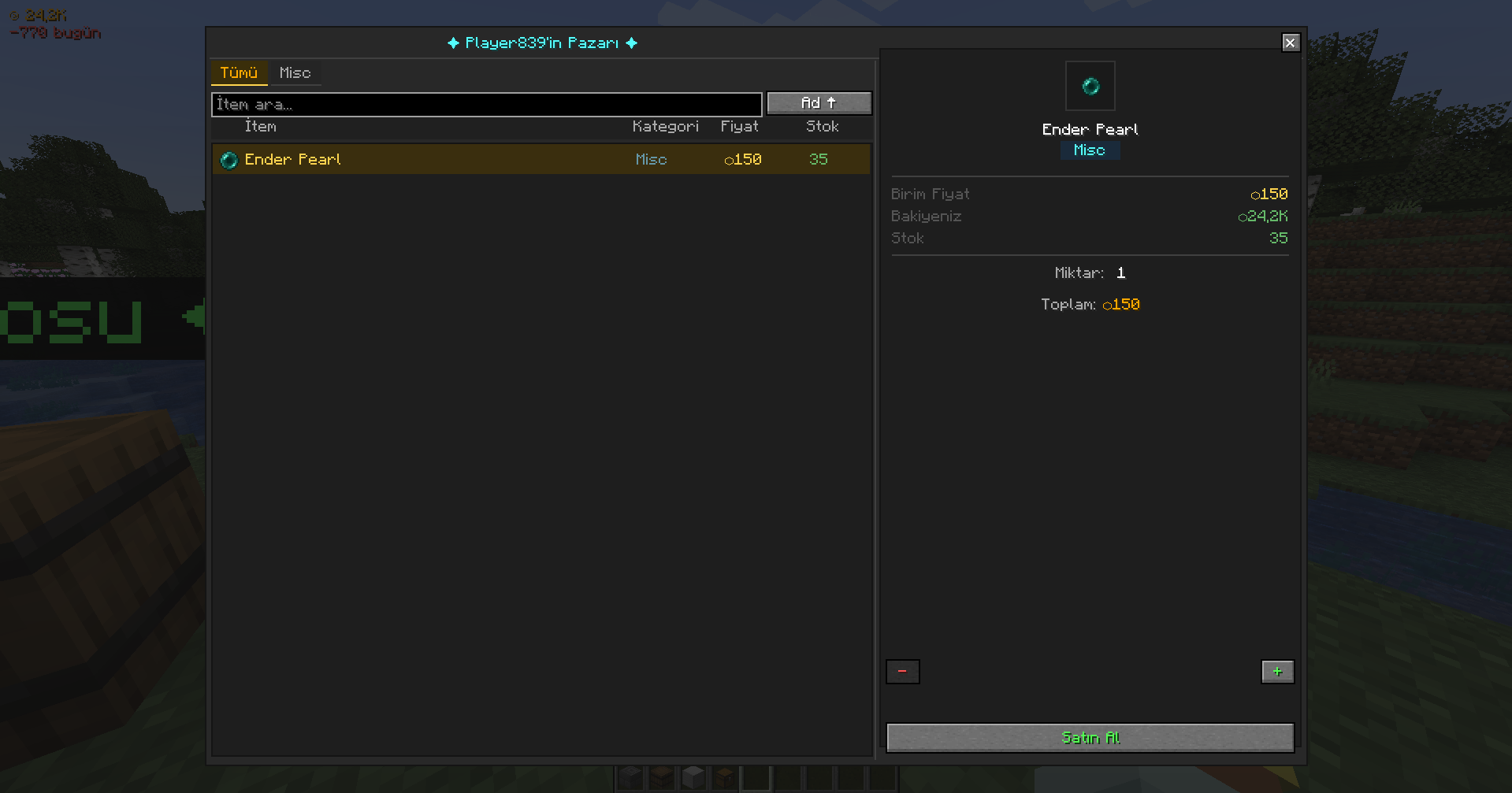
- Buy and sell items through a clean, full-featured market interface
- Search bar, category filters, and sorting (name / price / stock)
- Favorites system and recently viewed items
- Transaction history
- Admin-controlled catalog — add, remove, and price items via commands
🏗️ Player Shop System
- Trade Depot — connects to multiple chests, reads real inventory as stock
- Trade Post — customer-facing shop block, right-click to browse
- Physical stock system: if it’s not in the chest, it can’t be sold
- Floating 3D name labels above trade blocks
- Category tags on listings:
Misc·Block·Food·Tool·Material - Only the owner can break their own blocks
🤝 Direct Player Trading
- Send a live trade request to any online player with
/trade offer <player> - Synchronized real-time GUI — both players see the same offer state instantly
- Each side offers up to 9 item slots and a coin amount
- Dual-confirmation system — trade only completes when both players press READY
- Changing any offer automatically resets ready states (prevents last-second swaps)
- Left-click to move a full stack, right-click for a single item, middle-click for a custom quantity
- Items are always returned safely — offline players receive theirs on next login
- All completed trades are logged to the database
🤜🤛 BookTrade
- Trade items with another player directly from within the Book GUI
- Real-time offer / accept / reject with server-side validation
- No commands needed — everything in one interface
💰 Economy
- Per-player balance with configurable starting funds
- Daily earnings and spending tracker
- Animated balance HUD on screen
/balanceand/paycommands- 100+ items with built-in reference prices (minerals, Nether/End materials, food, tools, armor) to help players set fair rates
Commands
Player Commands
| Command | Description |
|—|—|
| /market | Open the server market |
| /market locate | Highlight the nearest Market Block |
| /market history | View your transaction history |
| /balance | Check your current balance |
| /pay <player> <amount> | Send coins to another player |
| /trade offer <player> | Send a direct trade request |
| /trade accept | Accept an incoming trade request |
| /trade reject | Reject an incoming trade request |
| /trade cancel | Cancel your active trade session |
Operator Commands _(level 2)_
| Command | Description |
|—|—|
| /ctadmin balance add\|remove\|set\|check | Manage player balances |
| /ctadmin market add\|remove\|edit\|price\|stock | Manage the server market catalog |
| /ctadmin config | View and edit mod configuration |
| /placemarket | Place a Server Market block |
Singleplayer & Multiplayer
In Singleplayer
Use the server market as a personal economy layer — trade with the world’s item catalog,
track your spending, and manage your own shop system.
In Multiplayer
CogTrade becomes a full player economy framework:
- Players supply their own stock from real storage
- Sellers compete on price across different categories
- The Trade Post encourages players to visit each other’s bases
- Players can trade directly without needing a shop
- Ideal for SMP servers and automation-heavy modpacks
Design Philosophy
_Economy should come from real storage, real stock, and real player activity._
| ❌ What CogTrade avoids | ✅ What CogTrade does instead |
|—|—|
| Fake infinite shop stock | Stock comes from real chests |
| Abstract markets disconnected from the world | Physical depot and post blocks in the world |
| Command-only trade systems | Live synchronized GUI for both players |
| Selling items you don’t own | No stock = no sale |
Planned Features
The current Alpha focuses on the core trading foundation. Planned additions:
| Feature | Category |
|—|—|
| Player buy orders | Economy |
| Physical coin item | Economy |
| ATM block | Economy |
| Taxes and rent system | Economy |
| Chunk claim integration | World |
| Auctions | Trading |
| Quests and professions | Progression |
| Guild system | Social |
| Deeper Create mod integration | Technical |
| CogDungeon expansion content | Content |
Technical
- SQLite database, stored per world — no external setup required
- SQLite driver bundled inside the JAR
- Fabric 1.20.1 — requires Fabric API
Alpha Notice
This project is in active Alpha development.
- Core features are playable and functional
- UI and balance values may change between versions
- Database schema changes may require a reset on major updates
- Feedback and bug reports are extremely welcome
_If something breaks, please report it — that’s how this mod gets better._
常见问题
CogTrade [deprecated] 支持哪些 Minecraft 版本?
CogTrade [deprecated] 支持 Minecraft Java 版 1.20.1,可用的加载器:Fabric。下载时注意选择和你游戏版本一致的文件。
CogTrade [deprecated] 怎么安装?
先用 PCL2 或 HMCL 启动器安装对应版本的 Fabric,再把下载的 .jar 文件放进游戏目录的 mods 文件夹,重新启动游戏即可。开启了版本隔离的,mods 文件夹在 versions/版本名 下面。运行环境:客户端和服务端都要装。

评论
登录后评论和评分