
YTChatToMinecraft
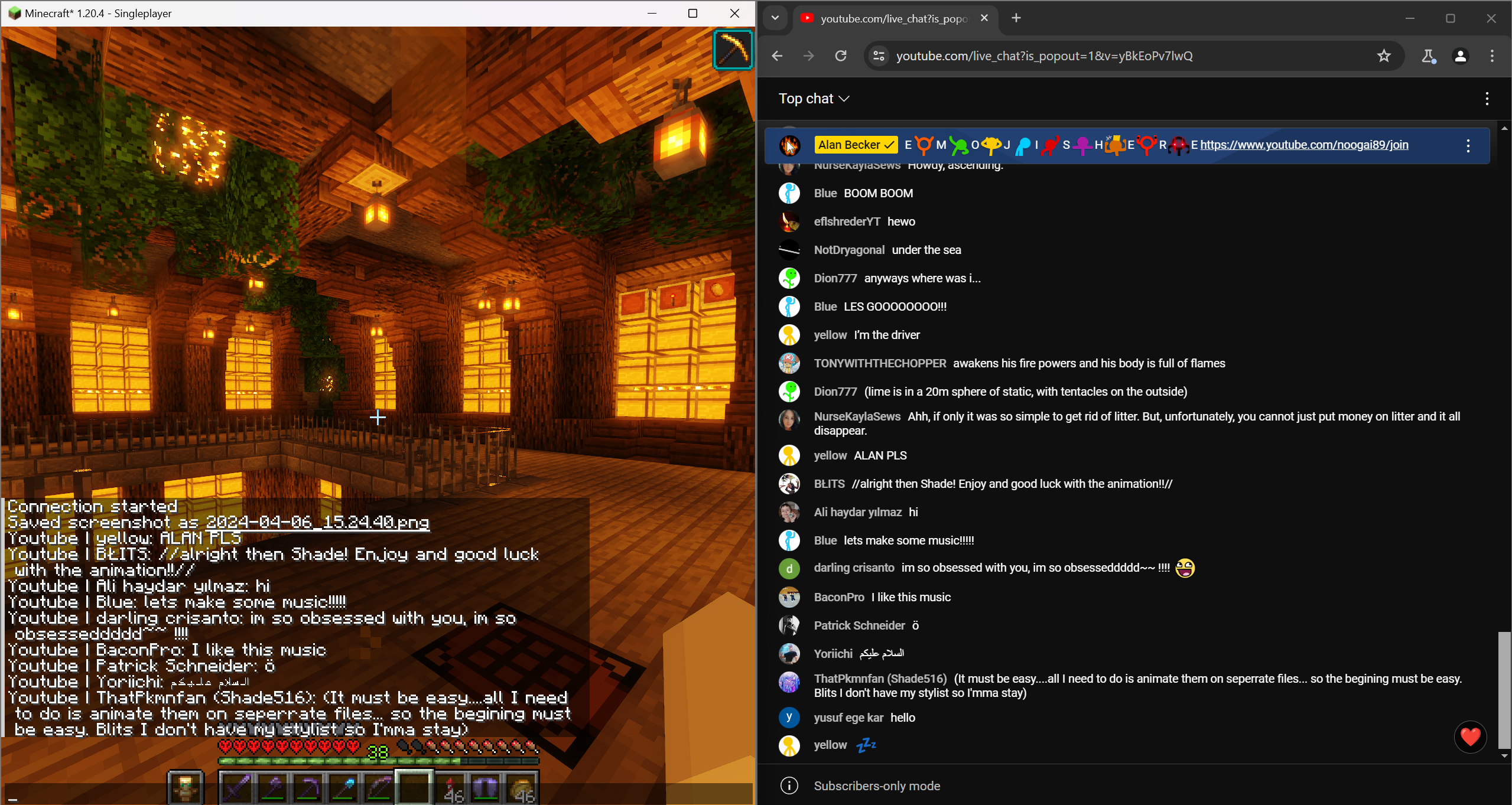
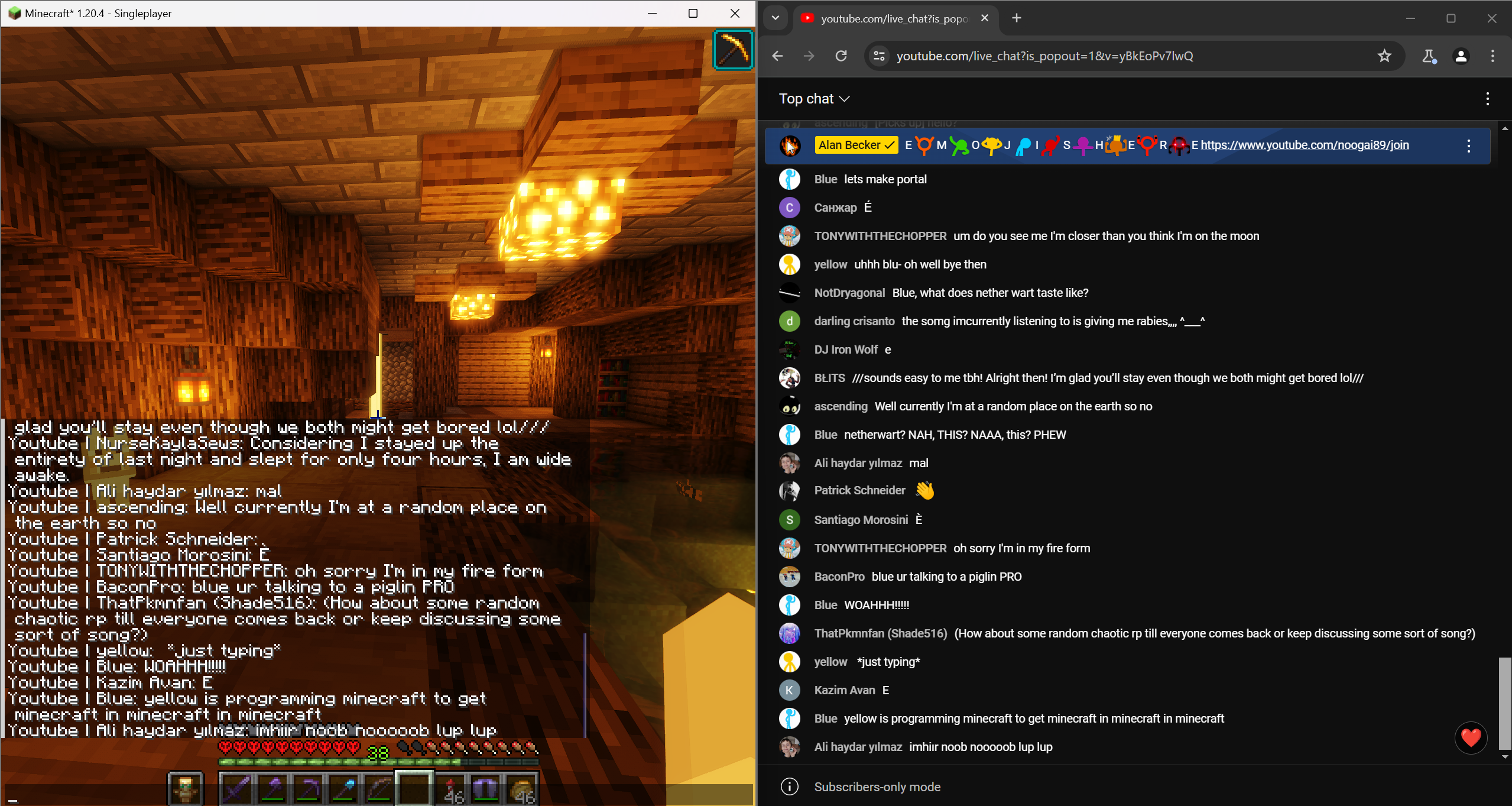
A *mostly* simple to use mod that allows you to put any YouTube chat into your in-game Minecraft chat.
截图
介绍
YT Chat to Minecraft
A mostly simple to use mod that allows you to put any YouTube chat into your in-game Minecraft chat.
How to use
This is a Fabric mod, so you’ll need Fabric installed first. Once you have it installed you’ll need to place the mod in your mod folder.
This is where it gets kinda hard
A video tutorial on this will be released soon
IMPORTANT: THIS ONLY WORKS ON CHROMIUM BASED BROWSERS (idk why). I also suggest you to have Minecraft open for these steps to make sure that everything is working.
Firstly, open your live stream chat, and pop it out. To do this, open your live stream and click the 3 vertical dots on the chat frame and click the box with the arrow on it. Once it’s popped out, you then need to open Dev Tools. You can do this by pressing Ctrl + Shift + I. When Dev Tools open, look for the “Console” tab on there and click it. For this next part you’ll need to copy and paste code into the Dev Tools console, so you’ll need to allow pasting by typing ‘allow pasting’ into the console.
Now all you gotta do to copy and paste this code into your console, and check Minecraft to see if you got the “Connection Started” message. If you do, you are ready! Just make sure to keep the browser open.
If you think you messed up any of the steps above, you can just reload the browser window to try again.
Why?
The normal and intended method of getting a live YouTube Chat isn’t the best, and you’ll hit a limit in the amount of messages you can fetch from your chat. The intended way to fix this is to pay for more API requests. But that isn’t ideal for small streamers that do this for fun, so this is a workaround the intended method to help smaller creators that want this.
常见问题
YTChatToMinecraft 支持哪些 Minecraft 版本?
YTChatToMinecraft 支持 Minecraft Java 版 1.20.4,可用的加载器:Fabric。下载时注意选择和你游戏版本一致的文件。
YTChatToMinecraft 怎么安装?
先用 PCL2 或 HMCL 启动器安装对应版本的 Fabric,再把下载的 .jar 文件放进游戏目录的 mods 文件夹,重新启动游戏即可。开启了版本隔离的,mods 文件夹在 versions/版本名 下面。运行环境:仅客户端。
评论
登录后评论和评分