
nullie’s FPS Benchmark
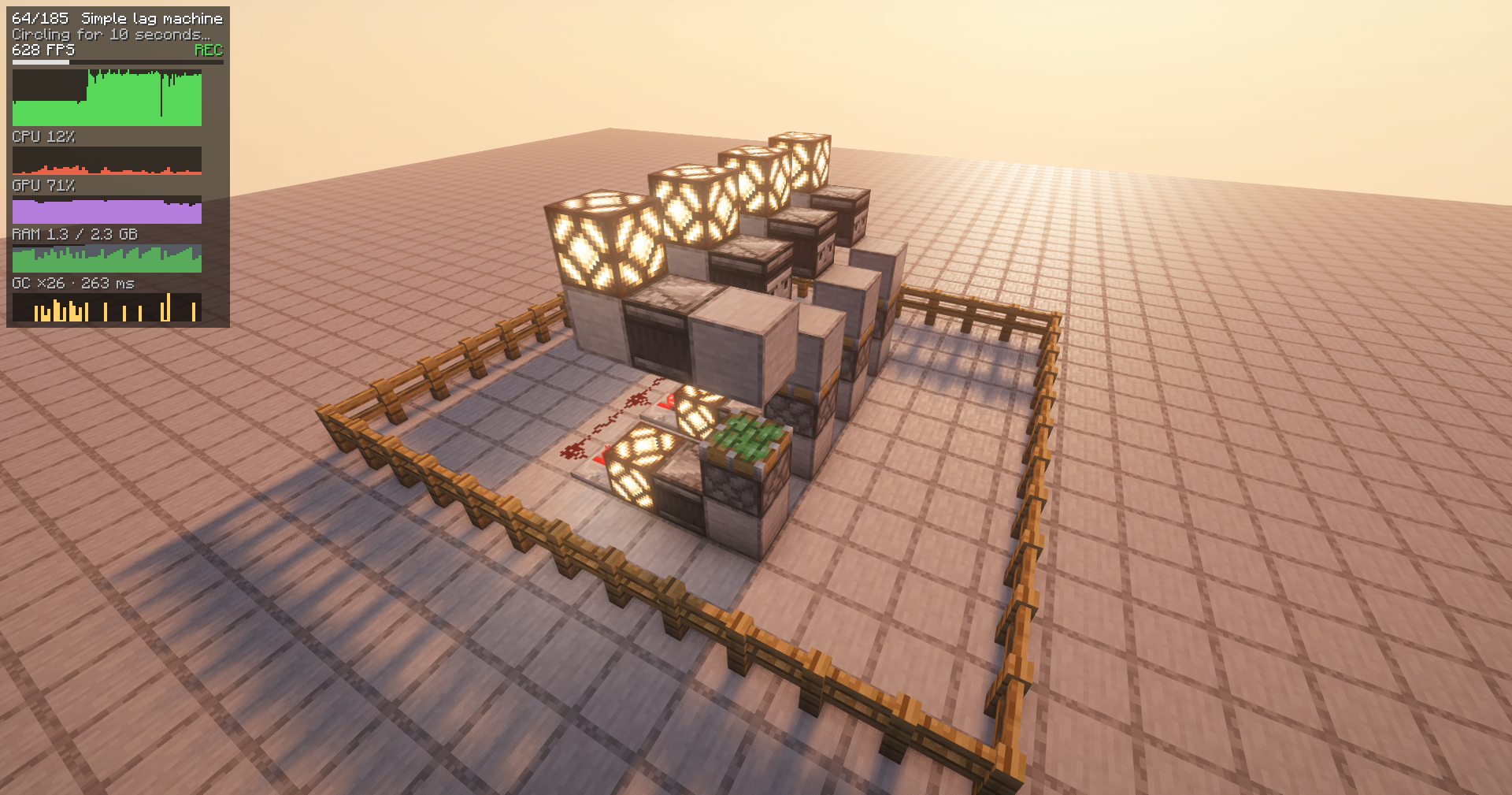
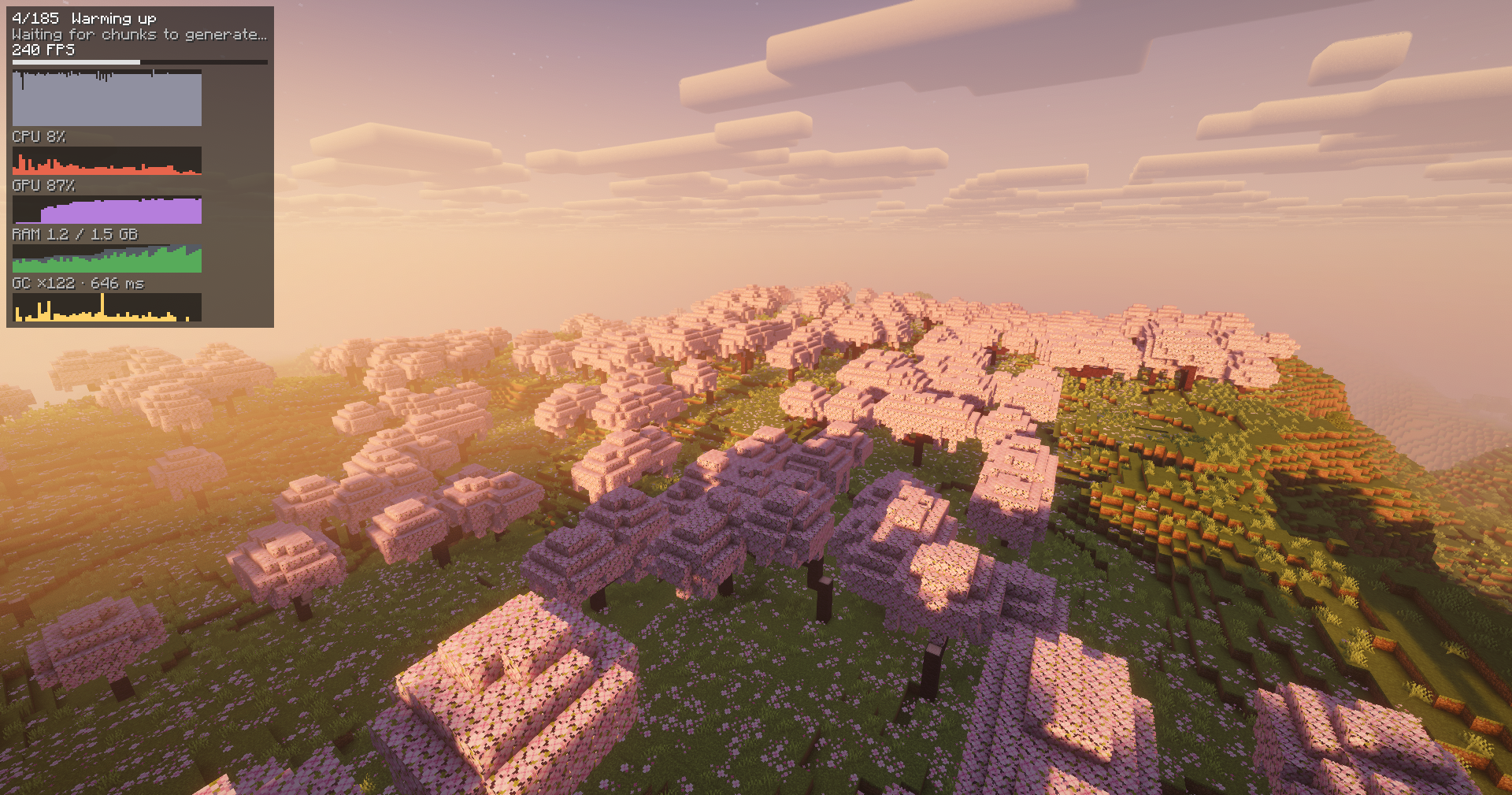
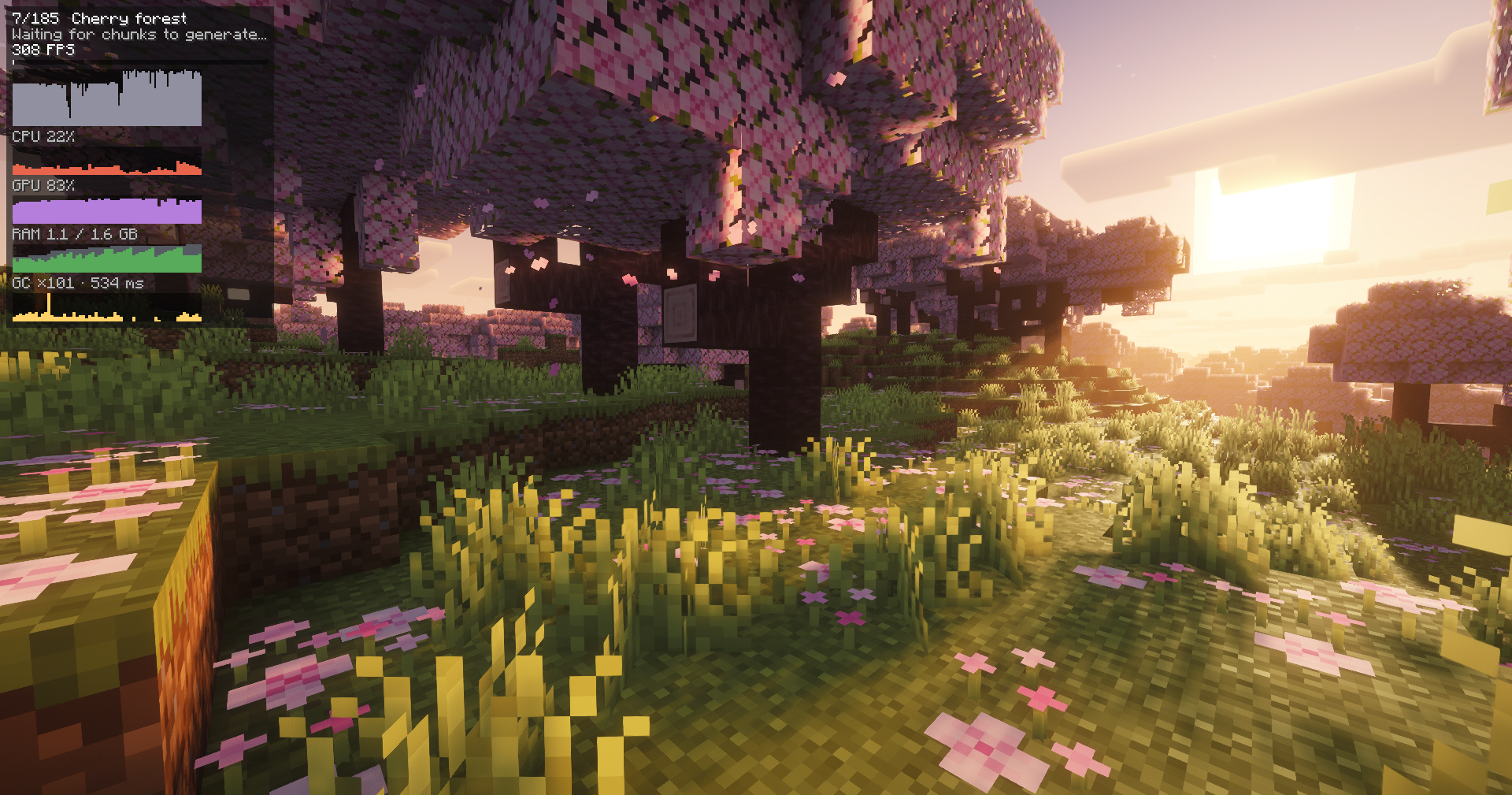
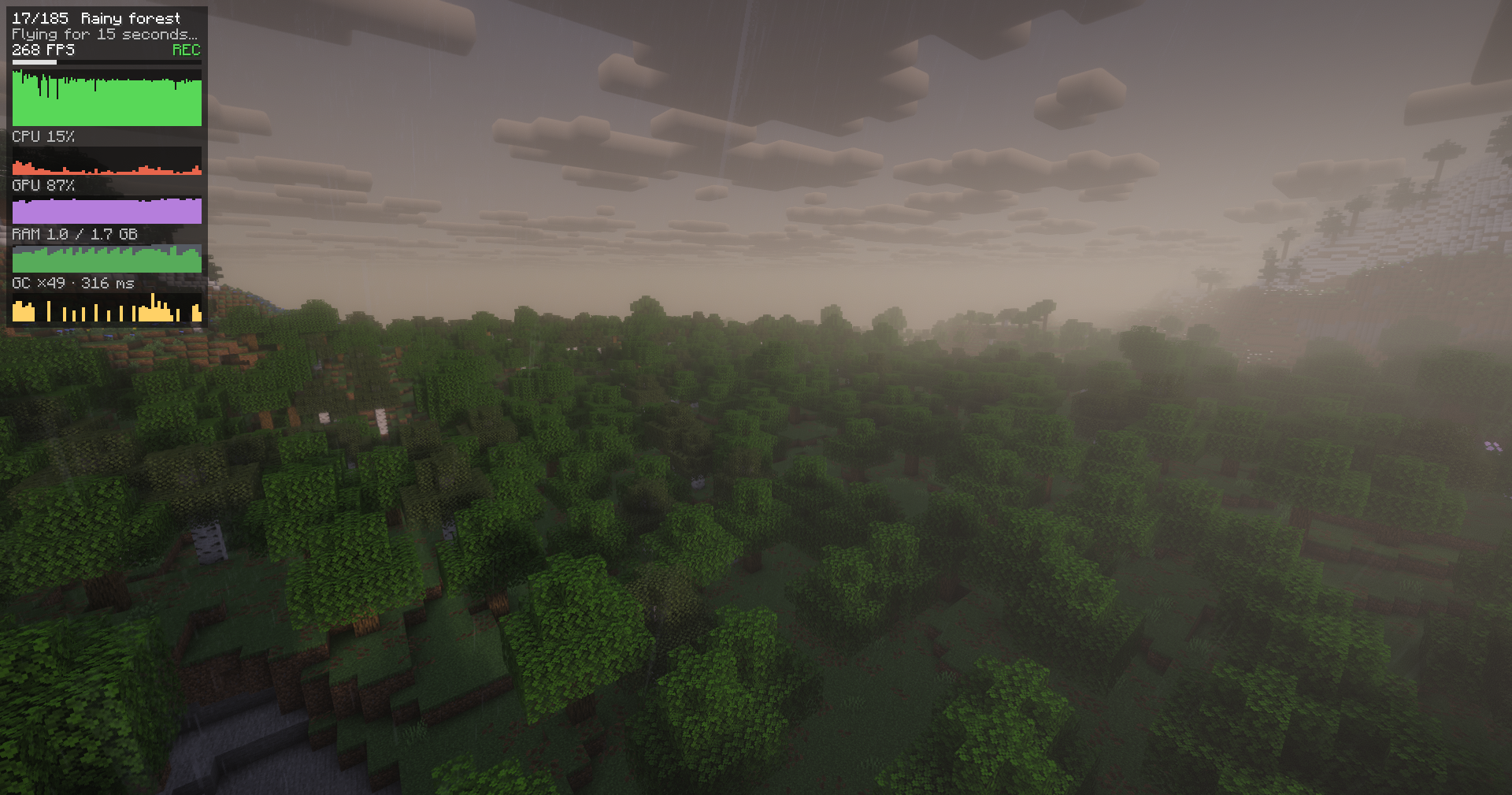
A simple FPS benchmark mod. Includes real-world performance tests as well as synthetic tests.
截图
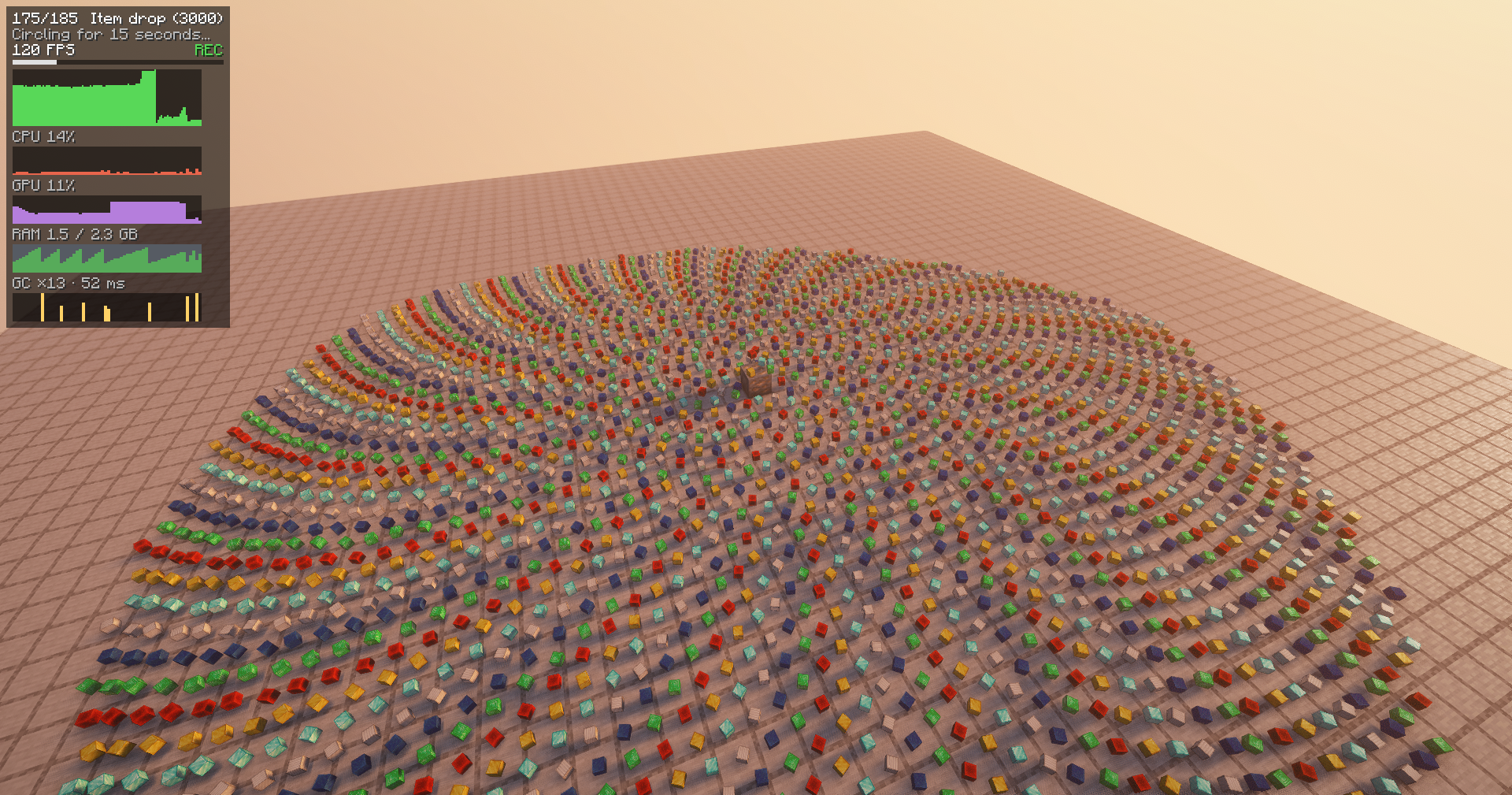
介绍
About
A client-side mod that runs a standardized, reproducible FPS benchmark and
writes a report you can compare across Minecraft versions, hardware, and
settings.
Shaders used to make the screenshots are Complementary Reimagined.
How to begin testing?
- Install the mod
- Open settings menu
- Click
Start FPS testbutton
Reports
Each test produces a set of 2 report files:
- Human-readable HTML file
- Machine-readable JSON file
Search for the button to open reports folder!
Warnings
Mods that alter world generation may break the real-world benchmarking since it depends on a fixed seed.
Issues & code contributions are welcome!
This project source code is hosted on GitHub.
常见问题
nullie’s FPS Benchmark 支持哪些 Minecraft 版本?
nullie’s FPS Benchmark 支持 Minecraft Java 版 1.20.6–26.2,共 13 个版本,可用的加载器:NeoForge。下载时注意选择和你游戏版本一致的文件。
nullie’s FPS Benchmark 怎么安装?
先用 PCL2 或 HMCL 启动器安装对应版本的 NeoForge,再把下载的 .jar 文件放进游戏目录的 mods 文件夹,重新启动游戏即可。开启了版本隔离的,mods 文件夹在 versions/版本名 下面。运行环境:客户端和服务端都要装。
评论
登录后评论和评分