
Integrade Cloudflared Tunnel mod
Create a Cloudflare Tunnel to connect to a Minecraft server
截图
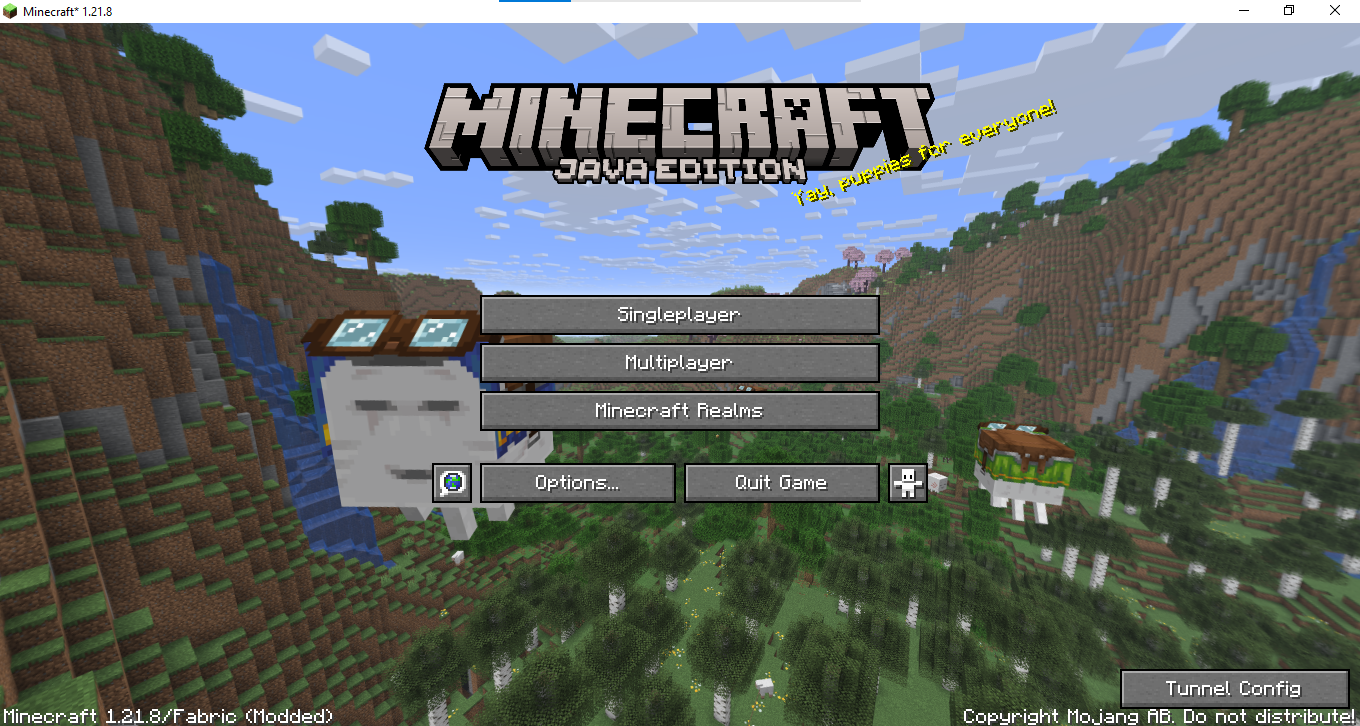
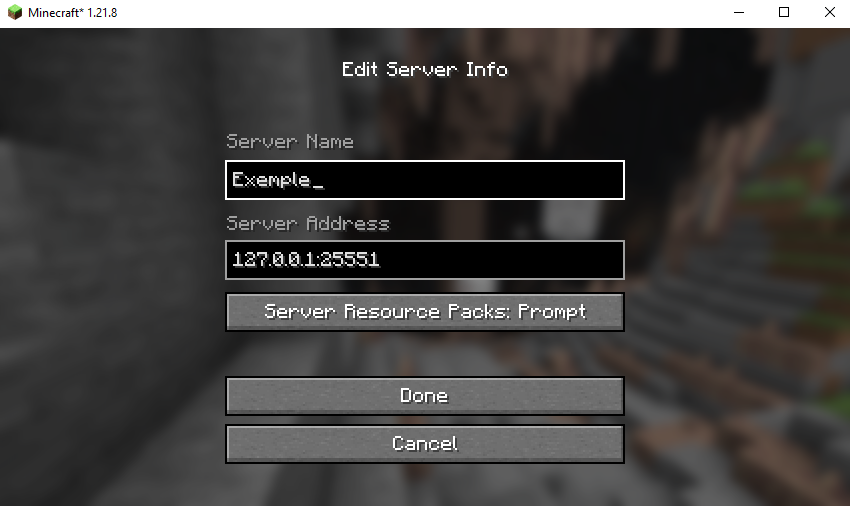
介绍
Cloudflared Tunnel Mod
Table of Contents
- What is the Cloudflared Tunnel Mod?
- How It Works
- Installation
- Configuration
- How to Use
- Requirements
- Troubleshooting
- Contributing
- License
What is the Cloudflared Tunnel Mod?
The Cloudflared Tunnel Mod is a Minecraft Fabric mod that integrates Cloudflare Tunnel (cloudflared) directly into your Minecraft client. It allows you to create tunnels to connect to Minecraft servers without needing port forwarding or dealing with dynamic IPs.
Where did the idea come from?
This solution was inspired by community discussions on how to use Cloudflare tunnels for gaming:
- Running a Minecraft Server – Reddit discussion on hosting Minecraft servers via Cloudflare Tunnel
- Is it possible to use a tunnel? – Official Cloudflare Community thread exploring technical feasibility
- Hosting through Cloudflare – Community experiences with server hosting
The mod automates all the manual steps discussed in these threads, making the solution accessible to all players.
How It Works
Technical Overview
- Automatic Initialization: When you launch Minecraft with the mod installed, it automatically:
- Extracts the
cloudflared.exeexecutable from the JAR to the./data/folder - Starts a Cloudflare tunnel using your configuration
- Connects the tunnel to a specific local port
- Process Management: The mod manages the entire cloudflared process lifecycle:
- Starts the process automatically
- Monitors output and logs
- Stops the process when needed
- Reconnects automatically if the tunnel fails
Network Architecture
[Your Minecraft] ←→ [Local Tunnel] ←→ [Cloudflare Edge] ←→ [Internet] ←→ [Other Players]
     Local Port      cloudflared     Global Network         Public Access
Installation
Prerequisites
- Minecraft 1.21.8
- Fabric Loader 0.16.14+
- Fabric API
- Java 21+
Installation Steps
- Download Required Tools:
- Download the Mod:
- Place the
.jarfile in yourmods/folder
⚙️ Configuration
📁 Configuration File
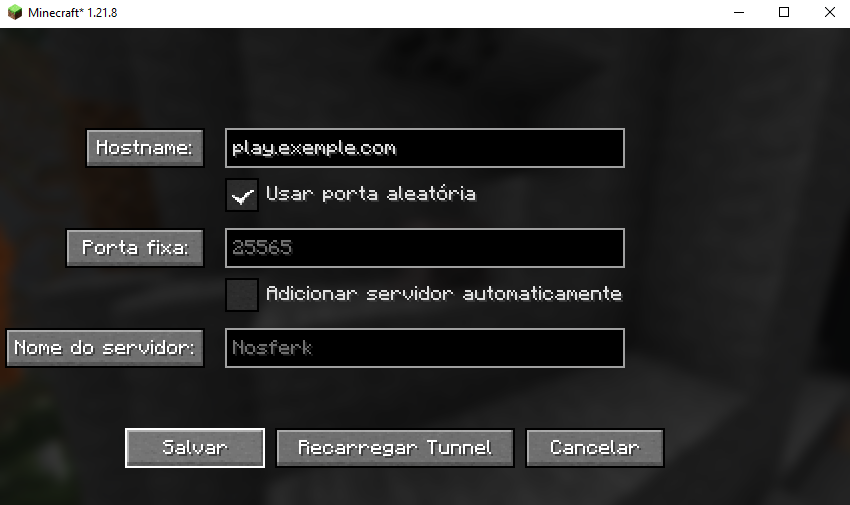
The config/cloudflared-tunnel.properties file is created automatically:
# Use random port (recommended to avoid conflicts with other players)
useRandomPort=true

# Fixed port (if useRandomPort=false)
fixedPort=25565

# Tunnel hostname
hostname=play.exemple.com

# Automatically add to server list
autoAddToServerList=true

# Server name in the list
serverName=Nosferk
In-Menu Configuration
Access the configuration menu via the mod menu to adjust settings.
How to Use
Basic Usage
- Launch Minecraft with the mod installed
- Wait for Initialization: The tunnel will be created automatically
- Check Logs: Confirm that the tunnel has been successfully established
Monitoring
- Logs: Check
logs/latest.logfor detailed info - Process: The mod automatically manages the cloudflared process
Reloading
If you need to change settings:
- Modify the configuration file
- Use the reload function in the mod’s GUI
- The tunnel will restart automatically
Requirements
System
- Windows: Windows 10/11 (native support)
- Linux: Ubuntu 18.04+ / Debian 9+ / CentOS 7+
- macOS: macOS 10.15+
Minecraft
- Version: 1.21.8
- Mod Loader: Fabric 0.16.14+
- APIs: Fabric API
- Java: OpenJDK/Oracle JDK 21+
Network
- Connection: Stable internet connection
- Ports: Outbound access to the internet (HTTPS/80,443)
- Firewall: Allow
cloudflared.exeto run
Troubleshooting
Common Issues
“cloudflared.exe not found”
- Make sure the file is included in the
./data/folder - Check folder permissions
“Failed to start tunnel”
- Check your internet connection
- Ensure there are no firewall blocks
- Try using a different port
“Cannot connect to server”
- Confirm the tunnel is active via logs
- Verify the local port is correct
- Test local connectivity first
Diagnostics
- Check Logs:
logs/latest.log - Test Connectivity: Ping cloudflare.com
- Check Processes: Ensure cloudflared is running
- Test Locally: Try connecting on the local network
Getting Help
- Issues: GitHub Issues
- Docs: Project Wiki
- Website: nosferk.com
Contributing
Contributions are welcome! Please:
- Fork the repository
- Create a branch for your feature
- Commit your changes
- Push the branch
- Open a Pull Request
Guidelines
- Follow existing code conventions
- Add tests where appropriate
- Document significant changes
- Use descriptive commit messages
License
This project is licensed under the Attribution-NonCommercial-NoDerivatives 4.0 International license.
Author
Nosferk
- Website: nosferk.com
- Project: Cloudflared Tunnel
- GitHub: @Nosferk
常见问题
Integrade Cloudflared Tunnel mod 支持哪些 Minecraft 版本?
Integrade Cloudflared Tunnel mod 支持 Minecraft Java 版 1.21.8,可用的加载器:Fabric。下载时注意选择和你游戏版本一致的文件。
Integrade Cloudflared Tunnel mod 怎么安装?
先用 PCL2 或 HMCL 启动器安装对应版本的 Fabric,再把下载的 .jar 文件放进游戏目录的 mods 文件夹,重新启动游戏即可。开启了版本隔离的,mods 文件夹在 versions/版本名 下面。运行环境:仅客户端。

评论
登录后评论和评分