
介绍
Chat Images 
A Fabric mod for Minecraft 1.21.11 that lets you send and view images directly in the chat.
Note: This mod is still rough around the edges — minor bugs may occur.
Features
- Send images in chat — click the image button next to the chat input, select a file, and send it
- Fullscreen viewer — click any image in chat to open it fullscreen with zoom, pan, and drag support
- Server-client detection — the mod automatically detects whether the server supports Chat Images and disables the button if not
Screenshots
Image button in chat input
Image rendered inline in chat messages
Fullscreen image viewer with zoom and drag
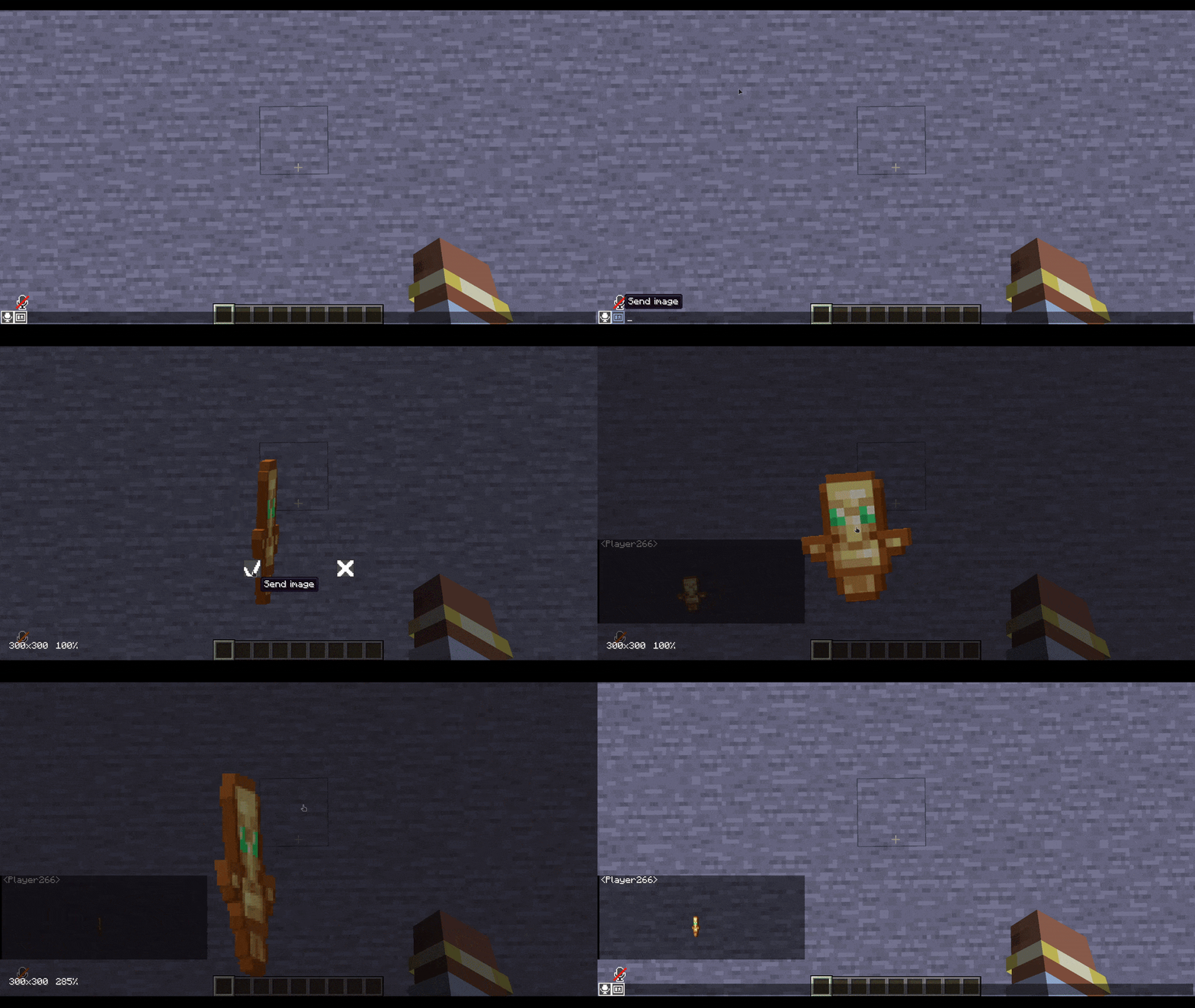
Gif support
Usage
- Install the mod on both the server and client (Fabric API required)
- Join the server — the image button next to the chat input should be active
- Click the button, select an image file, and send it
- Click any image in chat to open it in the fullscreen viewer
Commands
/chatimages test <player>— test if a player has the mod installed/chatimages reconnect <player>— re-send the handshake to a player
Compatibility
- Incompatible with ChatAnimation
- Requires Fabric API
常见问题
Chat images 支持哪些 Minecraft 版本?
Chat images 支持 Minecraft Java 版 1.21.11,可用的加载器:Fabric。下载时注意选择和你游戏版本一致的文件。
Chat images 怎么安装?
先用 PCL2 或 HMCL 启动器安装对应版本的 Fabric,再把下载的 .jar 文件放进游戏目录的 mods 文件夹,重新启动游戏即可。开启了版本隔离的,mods 文件夹在 versions/版本名 下面。运行环境:客户端和服务端都要装。
SurvivalWorld Season 4 的其他作品
查看全部 →
Falling tree
A realistic tree-cutting datapack with physics-based falling animations for Minecraft!

Event Horizon
Event Horizon is a cinematic shader for Minecraft that brings a black hole to the End dimension.

SGL (Super GUI Lib)
Super GUI Lib - A library for creating beautiful GUIs without assets.

Slime craft
DataPack adds slime ball creation.
评论
登录后评论和评分