
Spoutcraft
A client mod that automatically installs custom blocks and items when joining a server.
截图

介绍
Spoutcraft
(Fabric, NeoForge, Quilt)
Automatically downloads and adds modded content
when joining a server

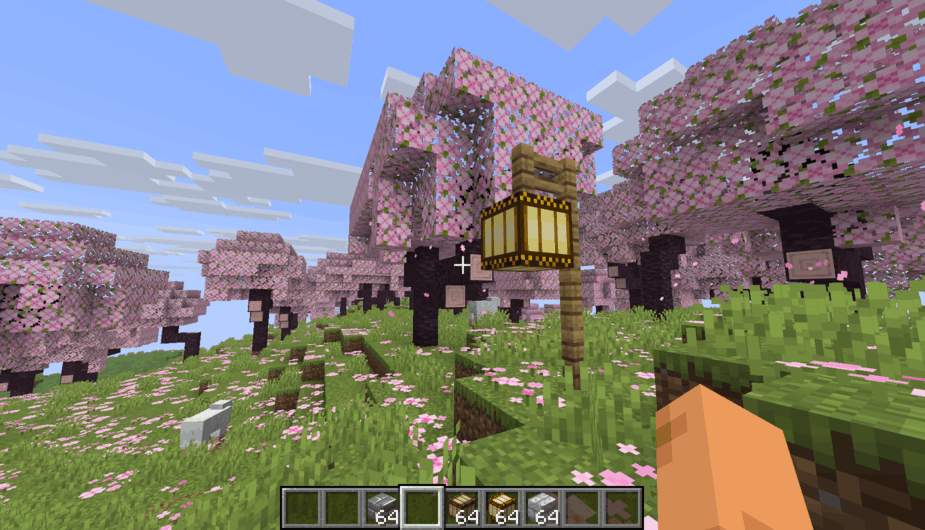
|
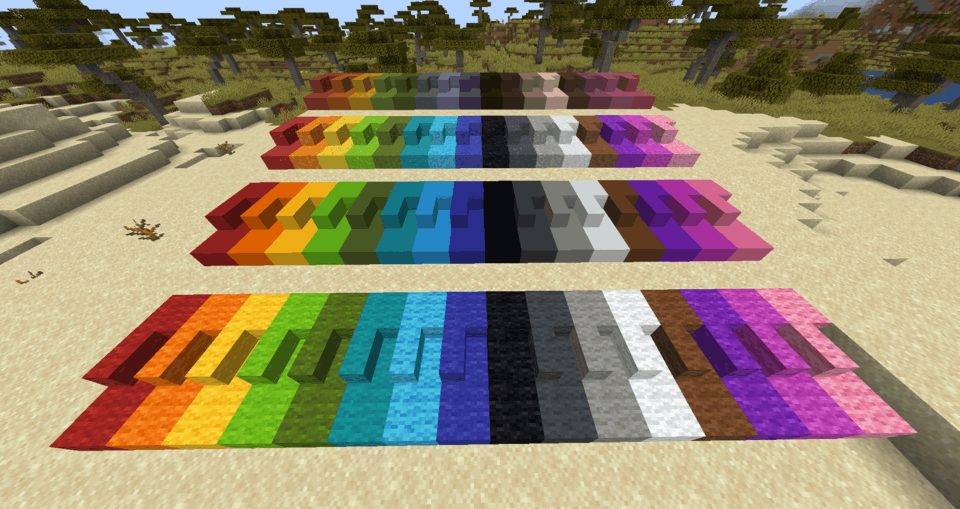
|
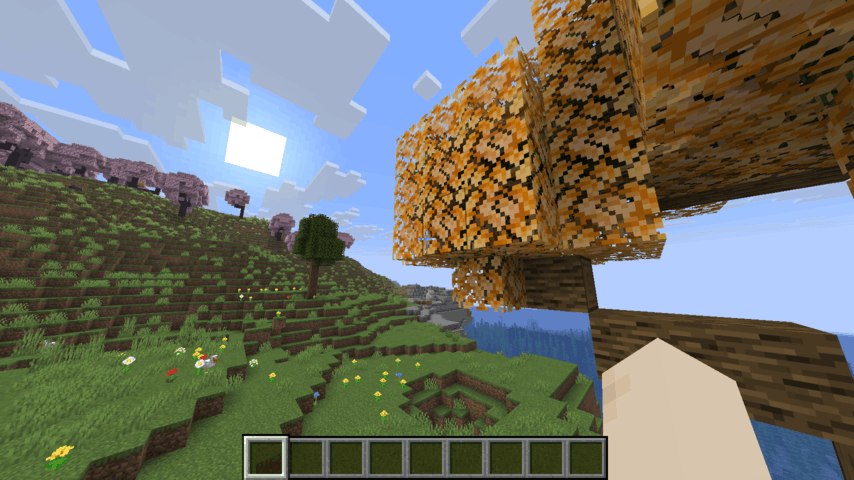
|
Introduction
Spoutcraft works like a per-server modloader: the moment you join a Spout server,
the server’s modded content will be transferred and added client-side automatically.
✓ Supports non-vanilla block shapes, like vertical slabs
✓ Supports all properties, including breaking speed, light level and textures
✓ Auto-completion in commands, such as /give
Because it contains no modded block or items of itself, the Spoutcraft client mod is super lightweight.
It is incredibly fast: a server’s modded content is downloaded and added in less than a second.
The client only accepts a server’s text description of block and item types. No server code is ever transferred or executed.
All custom content is automatically removed the moment you leave a server.
Installation
Place the .jar file into the mods folder (or use the Modrinth App).
Most mods are compatible and integrate with Spoutcraft perfectly.
For example, mods with custom statistics, shulker box tooltips, minimaps, dynamic lights, etc. all support the custom blocks and items.
Installing Spout server-side
- Paper/Spigot/Bukkit: Spout (for Paper)
- Fabric/NeoForge: currently being developed, please let us know on Discord if you are interested!
常见问题
Spoutcraft 支持哪些 Minecraft 版本?
Spoutcraft 支持 Minecraft Java 版 1.21.11–26.3,共 4 个版本,可用的加载器:Fabric / NeoForge / Quilt。下载时注意选择和你游戏版本一致的文件。
Spoutcraft 怎么安装?
先用 PCL2 或 HMCL 启动器安装对应版本的 Fabric / NeoForge / Quilt,再把下载的 .jar 文件放进游戏目录的 mods 文件夹,重新启动游戏即可。开启了版本隔离的,mods 文件夹在 versions/版本名 下面。运行环境:仅客户端。
评论
登录后评论和评分