
Square Border MITE
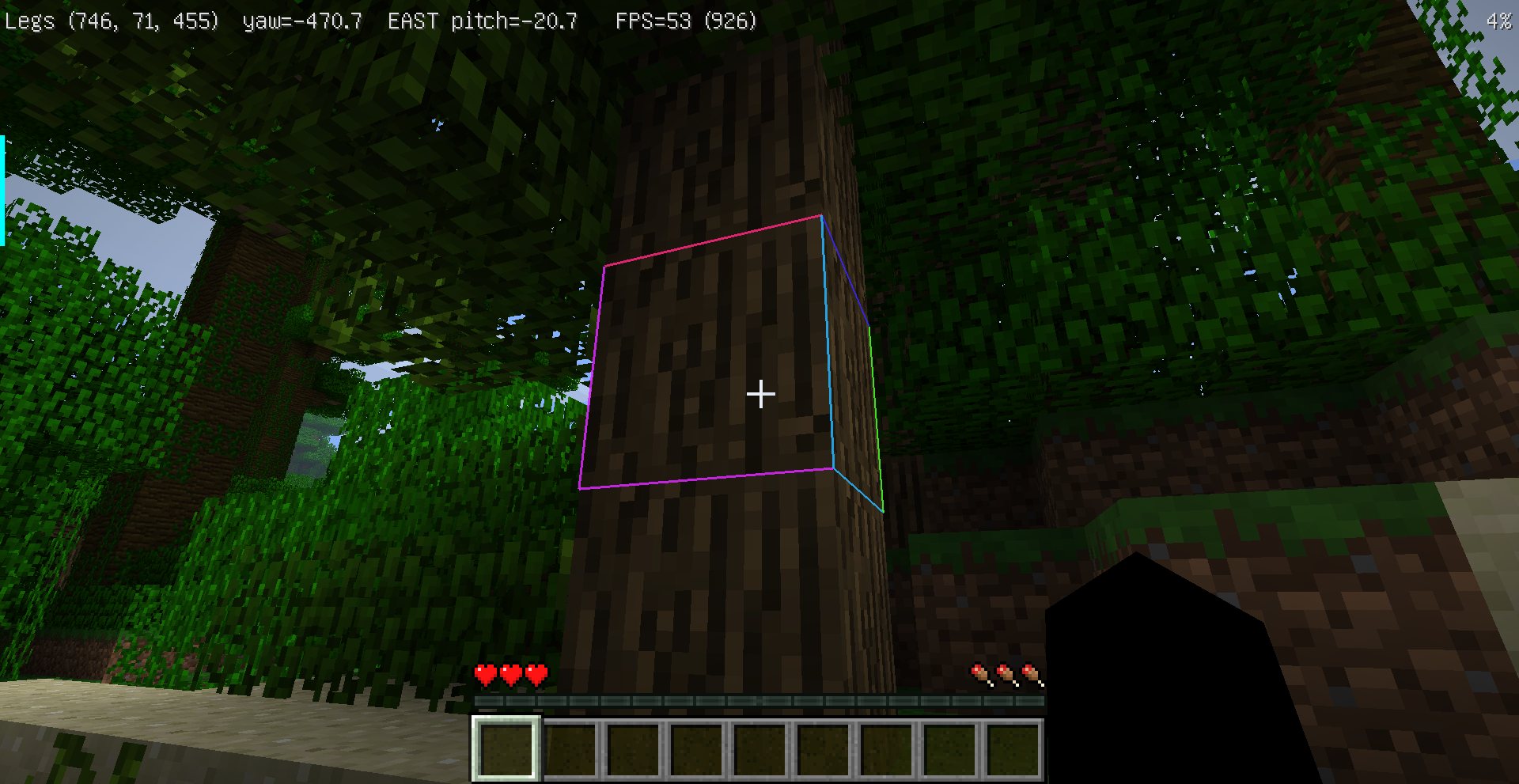
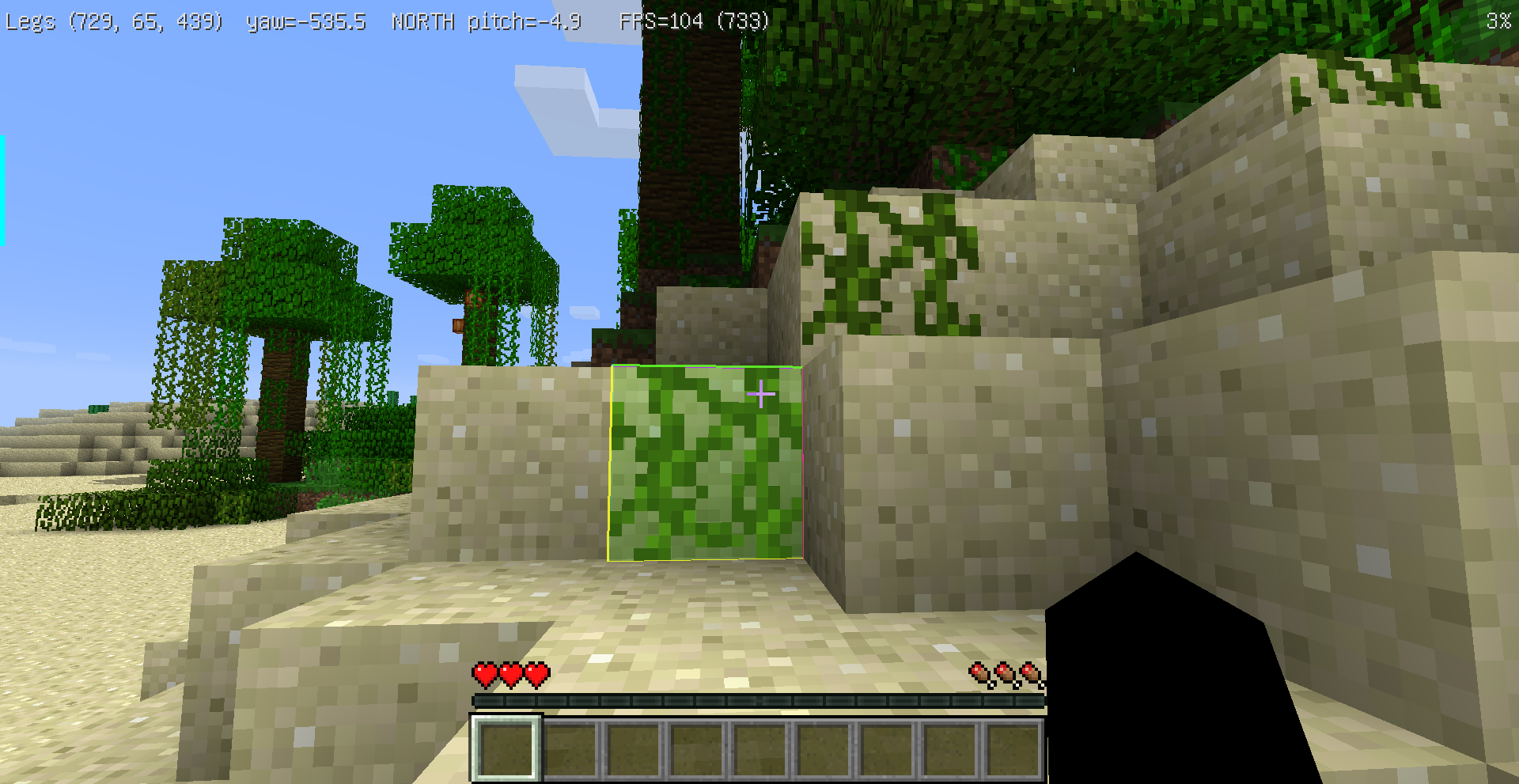
Customize the selected block highlight and F3+B entity hitbox highlight in Minecraft 1.6.4-MITE.
截图
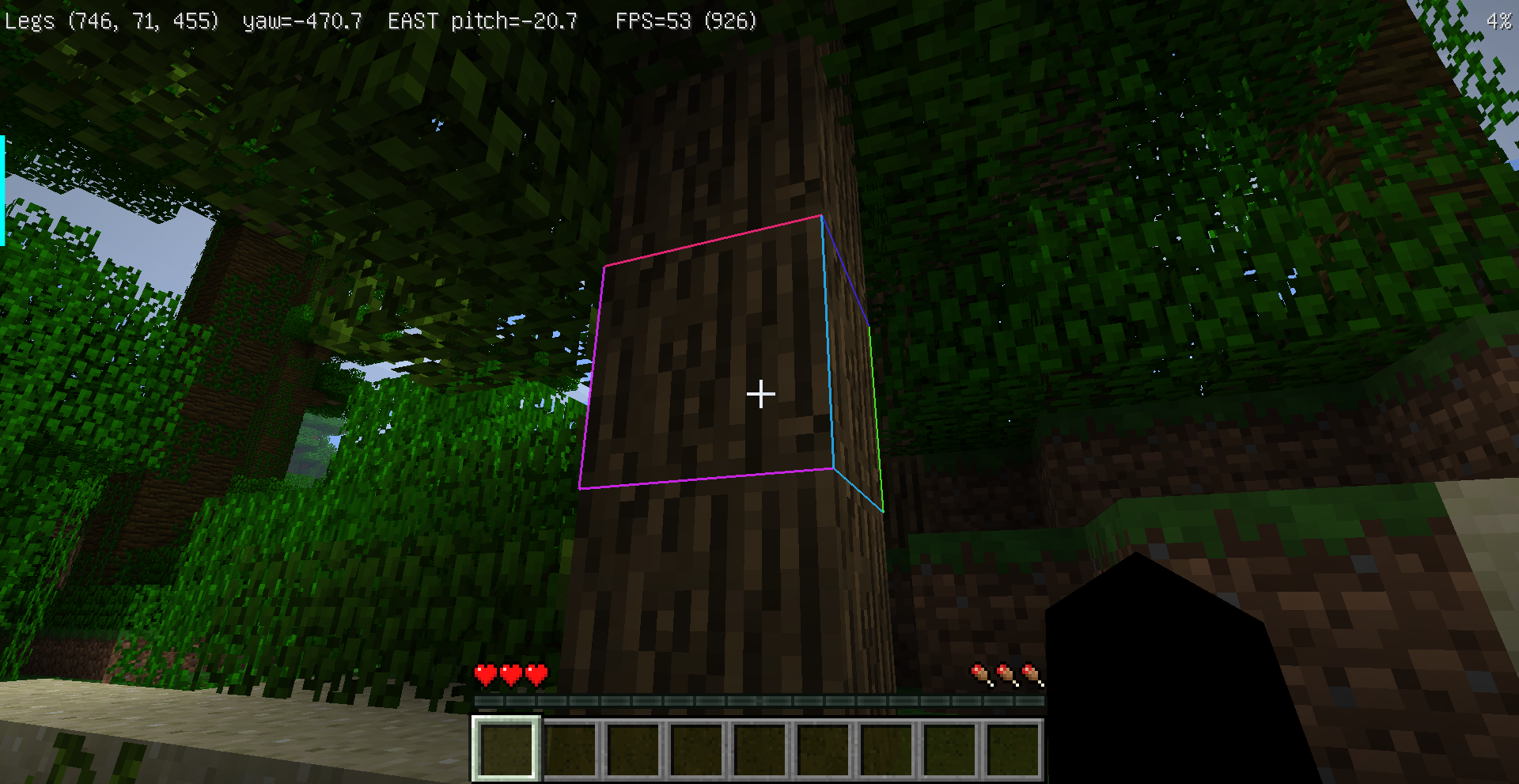
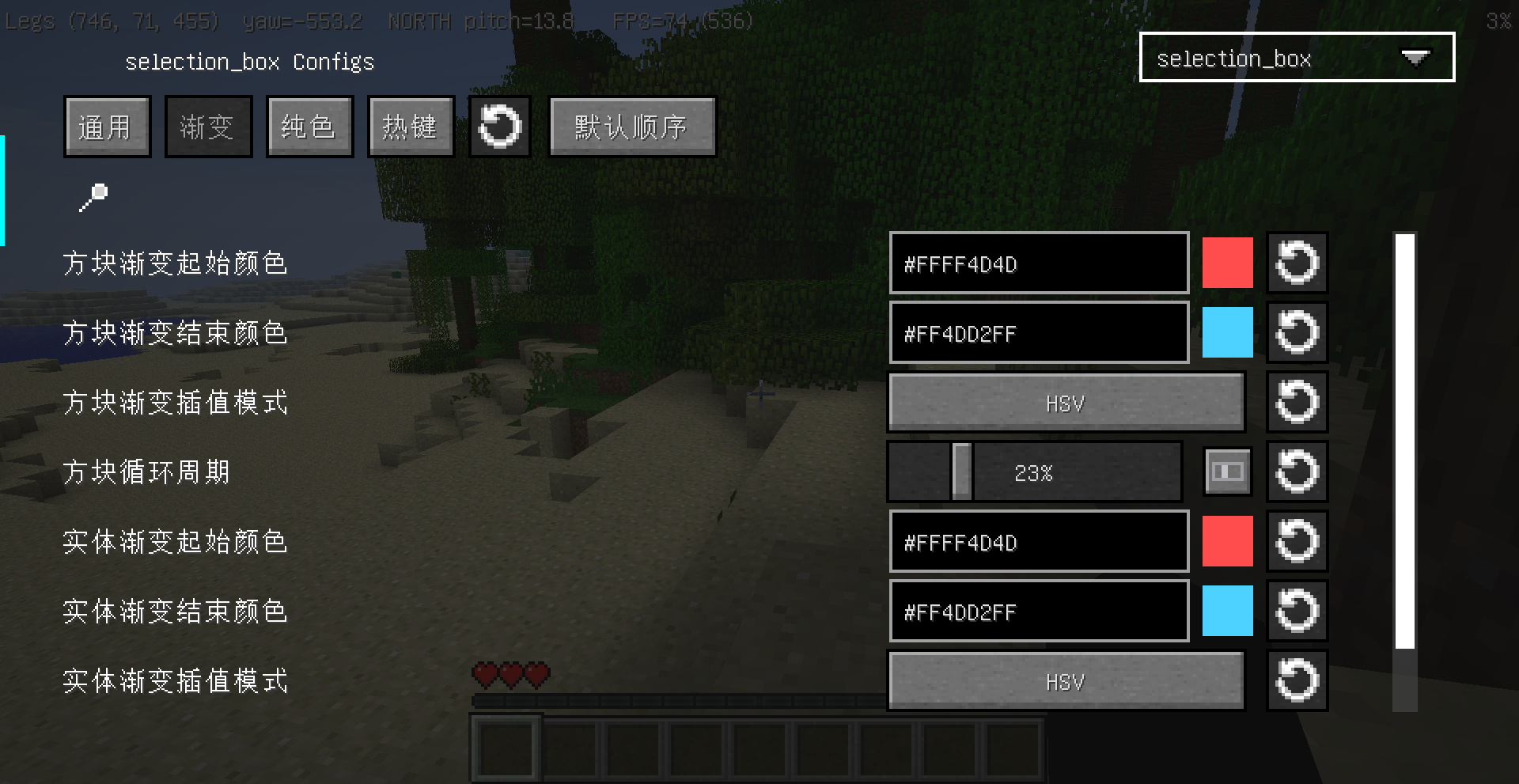
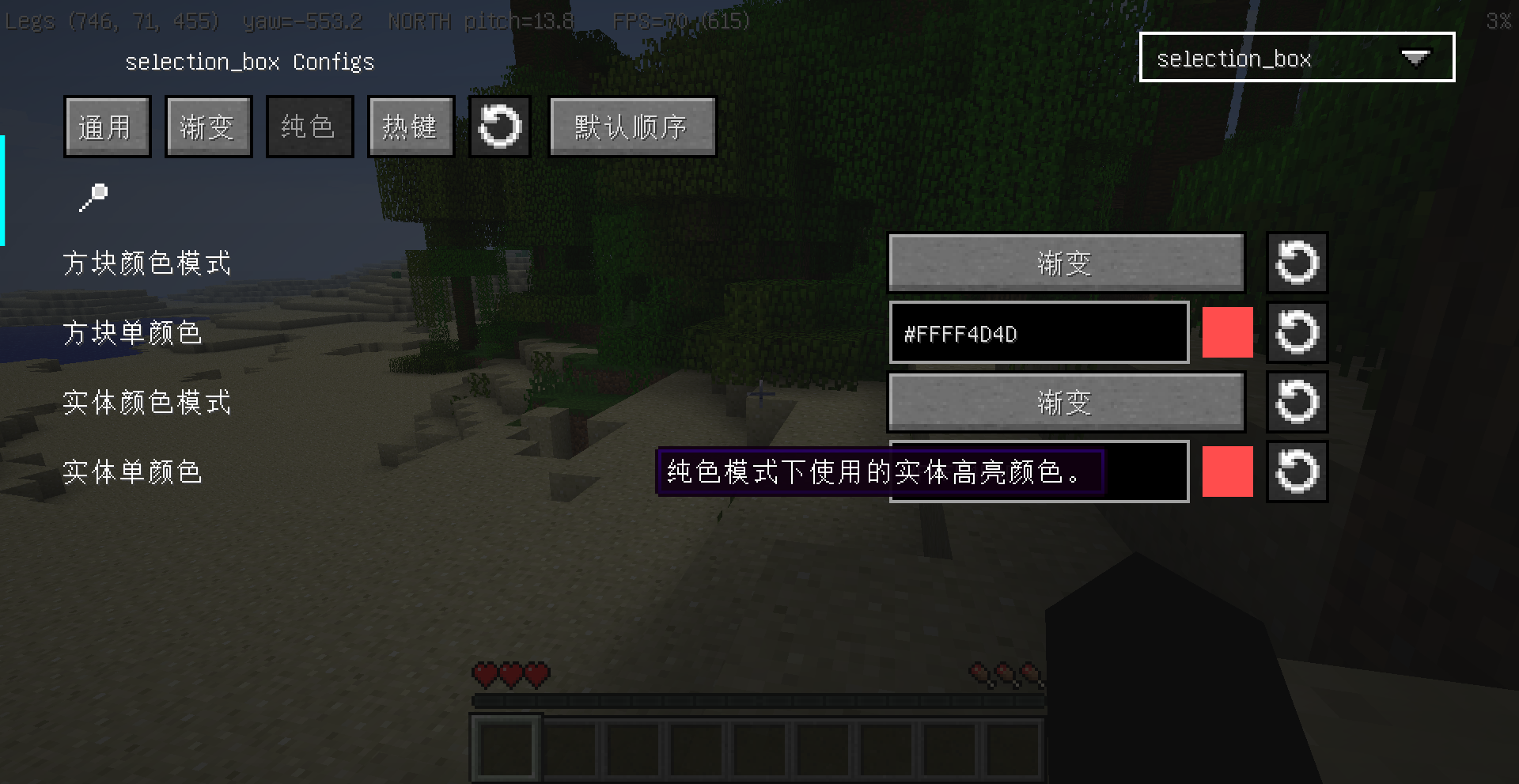
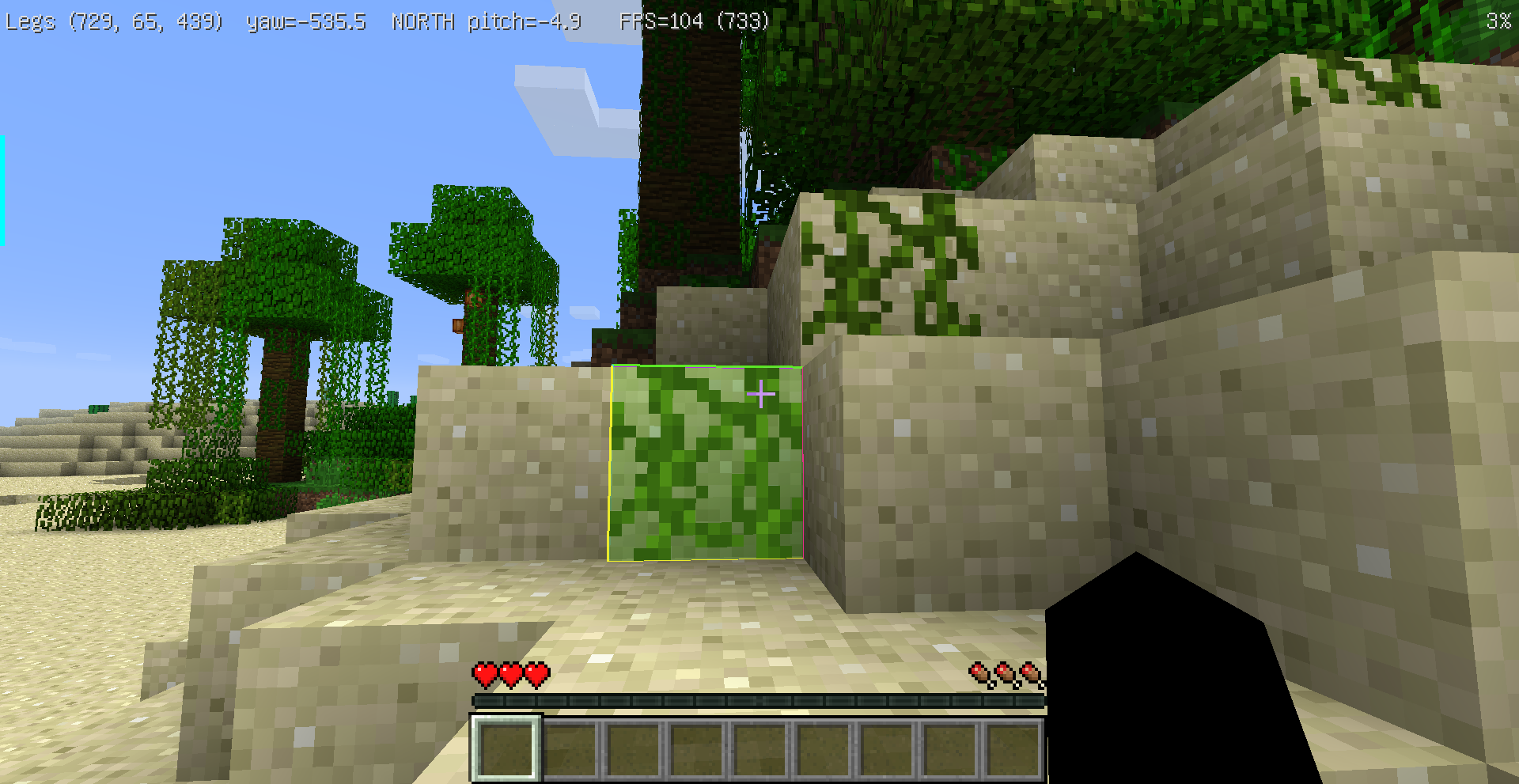
介绍
Selected block highlight border
Customize the selected block highlight and F3+B entity hitbox highlight in Minecraft 1.6.4-MITE.
中文说明
这是一个用于 Minecraft 1.6.4-MITE 的客户端模组,可以自定义方块选中框和 F3+B 实体碰撞箱高亮。
功能
- 方块高亮和实体碰撞箱高亮可以分别设置样式。
- 支持经典黑框、红蓝渐变、彩虹、低透明度和粗边框预设。
- 支持渐变或纯色、RGB 或 HSV 插值、线宽、透明度和循环速度。
- 支持仅描边、仅半透明填充、描边 + 填充三种显示方式。
- 描边和填充可以分别设置正常遮挡或透墙可见。
- 支持动画渐变、静态渐变、呼吸透明度和关闭动画。
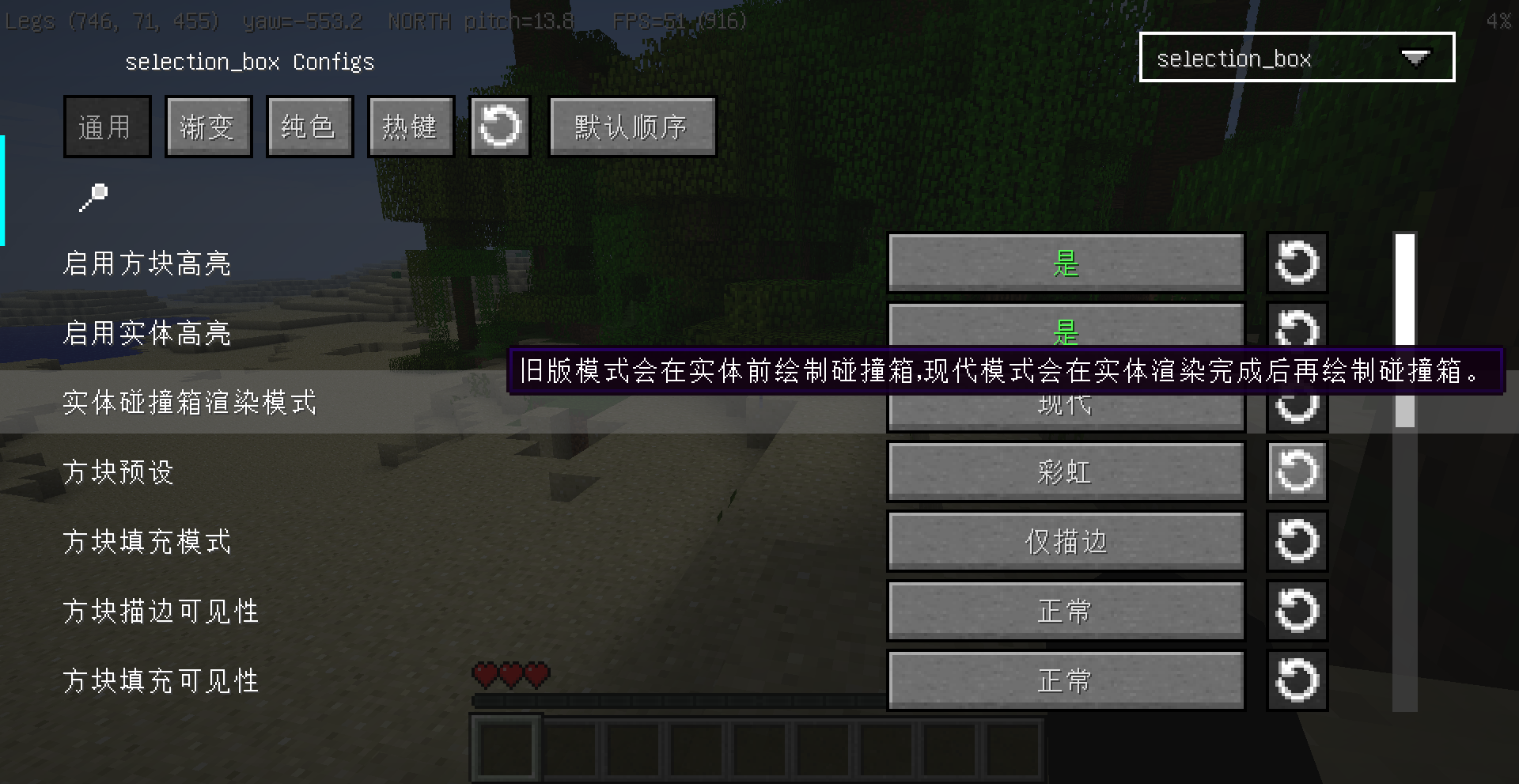
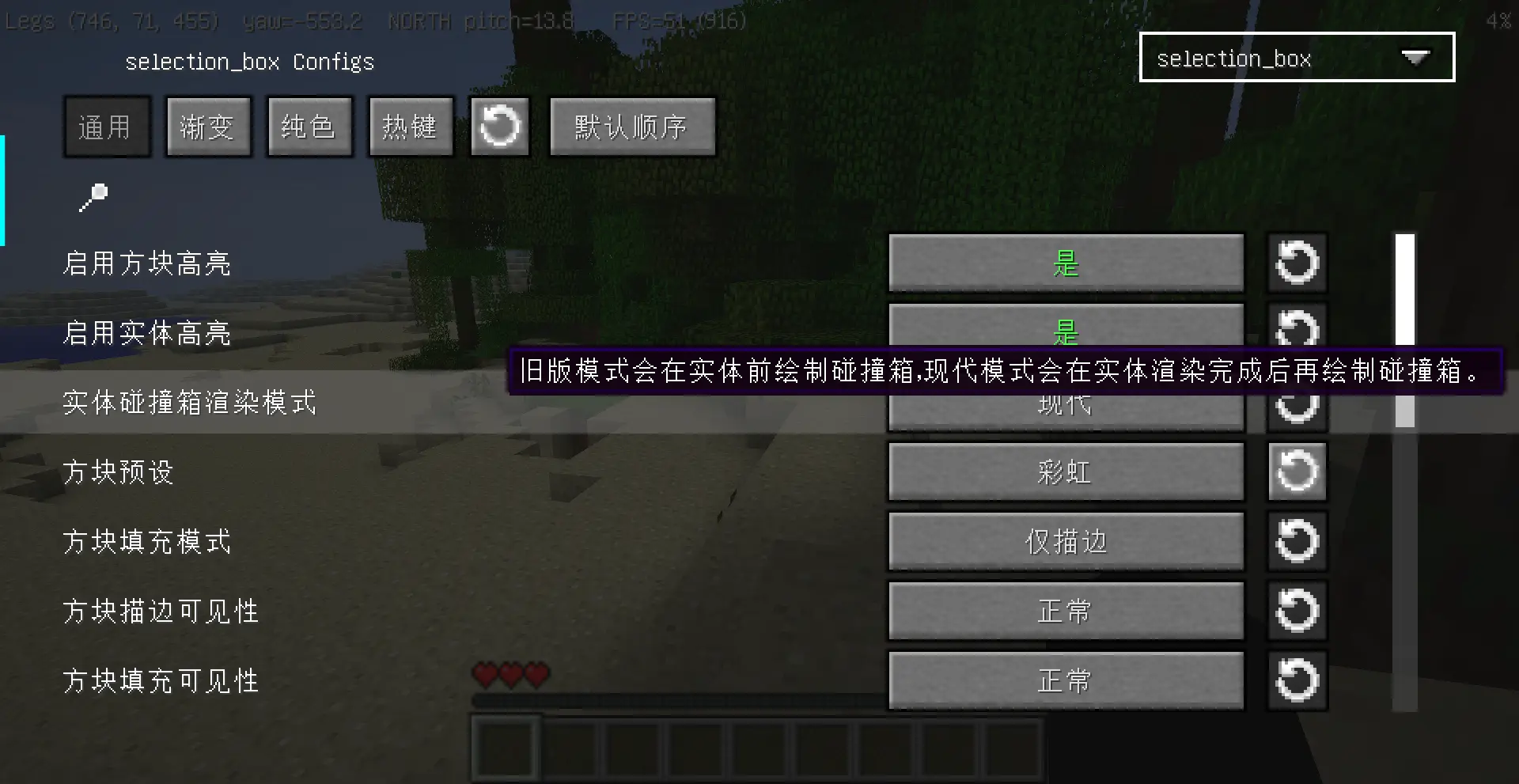
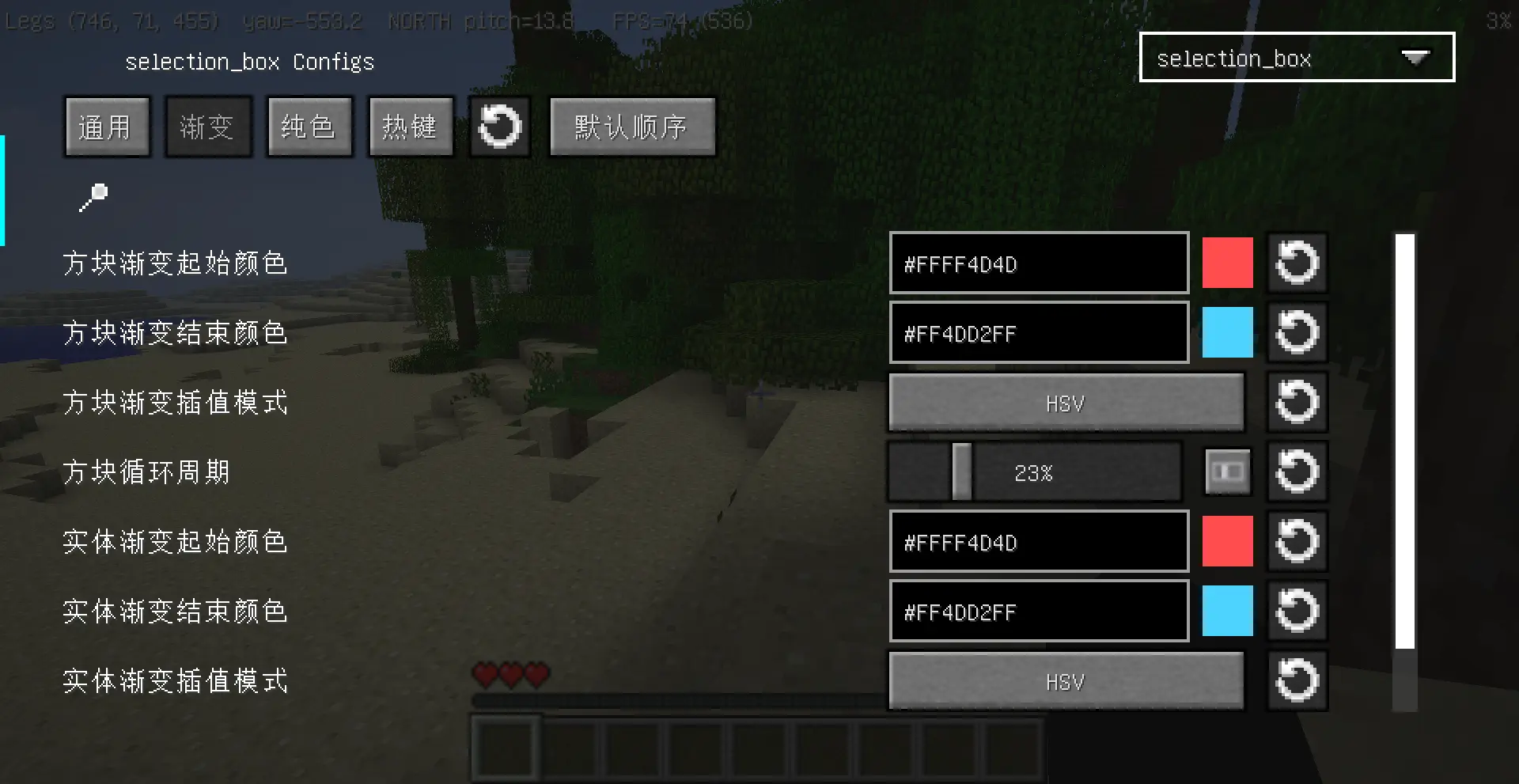
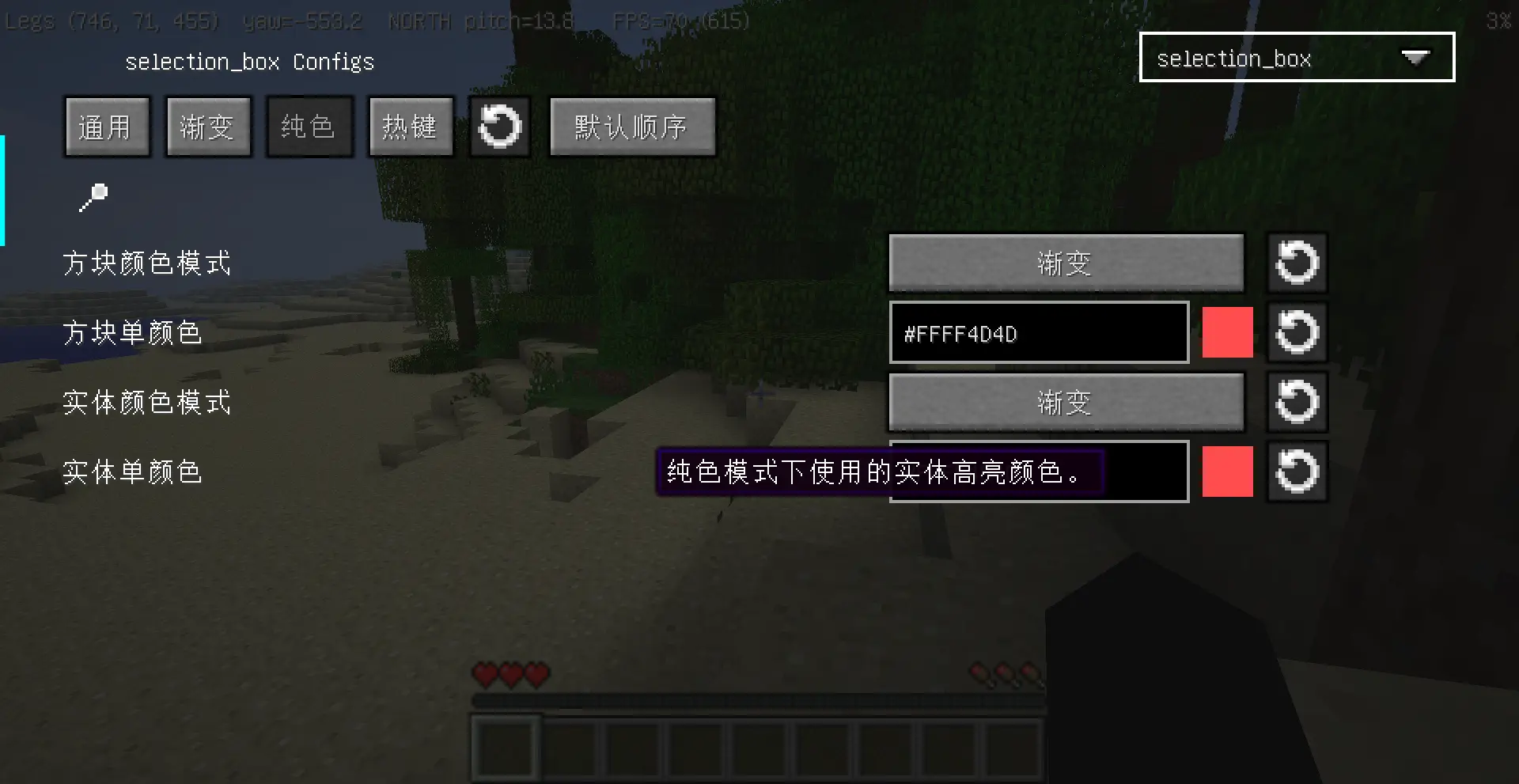
- 配置界面按通用、渐变、纯色、热键分页,方便查找设置。
默认设置会保持原来的视觉效果:动画渐变描边、无填充、正常深度遮挡。
Features
- Separate style settings for block highlights and entity hitbox highlights.
- Presets for classic black, red/blue, rainbow, low alpha, and bold highlights.
- Gradient or solid colors, RGB or HSV interpolation, line width, opacity, and cycle speed.
- Outline-only, fill-only, or outline + translucent fill rendering.
- Separate through-wall visibility controls for outlines and fills.
- Animation modes: animated gradient, static gradient, breathing alpha, or off.
- ManyLib config screen and ModMenu integration.
- Config screen pages split settings into Common, Gradient, Solid, and Hotkey sections.
The default settings keep the original mod behavior: animated gradient outlines, no fill, and normal depth visibility.
Rely
- [MITE]ManyLib
- [MITE]ModMenu
Photo
License
This project is licensed under the MIT License. See LICENSE.
常见问题
Square Border MITE 支持哪些 Minecraft 版本?
Square Border MITE 支持 Minecraft Java 版 1.6.4。下载时注意选择和你游戏版本一致的文件。
Square Border MITE 怎么安装?
先用 PCL2 或 HMCL 启动器安装对应版本的 模组加载器,再把下载的 .jar 文件放进游戏目录的 mods 文件夹,重新启动游戏即可。开启了版本隔离的,mods 文件夹在 versions/版本名 下面。运行环境:仅客户端。
ModdedMITE 的其他作品
查看全部 →
Bread Skin MITE
Display saturation on your MITEmod screen

BetterGameSetting [BTW/MITE]
Ports the game settings screen from 1.7.2+ to Minecraft 1.6.4.

Forge Config [LegacyFabric]
Port config system from forge to legacy Fabric

Rusted Iron Core MITE
A api mod for MITE.This mod is a bridge for many mods compatibility.
评论
登录后评论和评分