
Tab Name Dimmer
Client-side Fabric mod for focusing selected names in the Minecraft Tab player list
截图
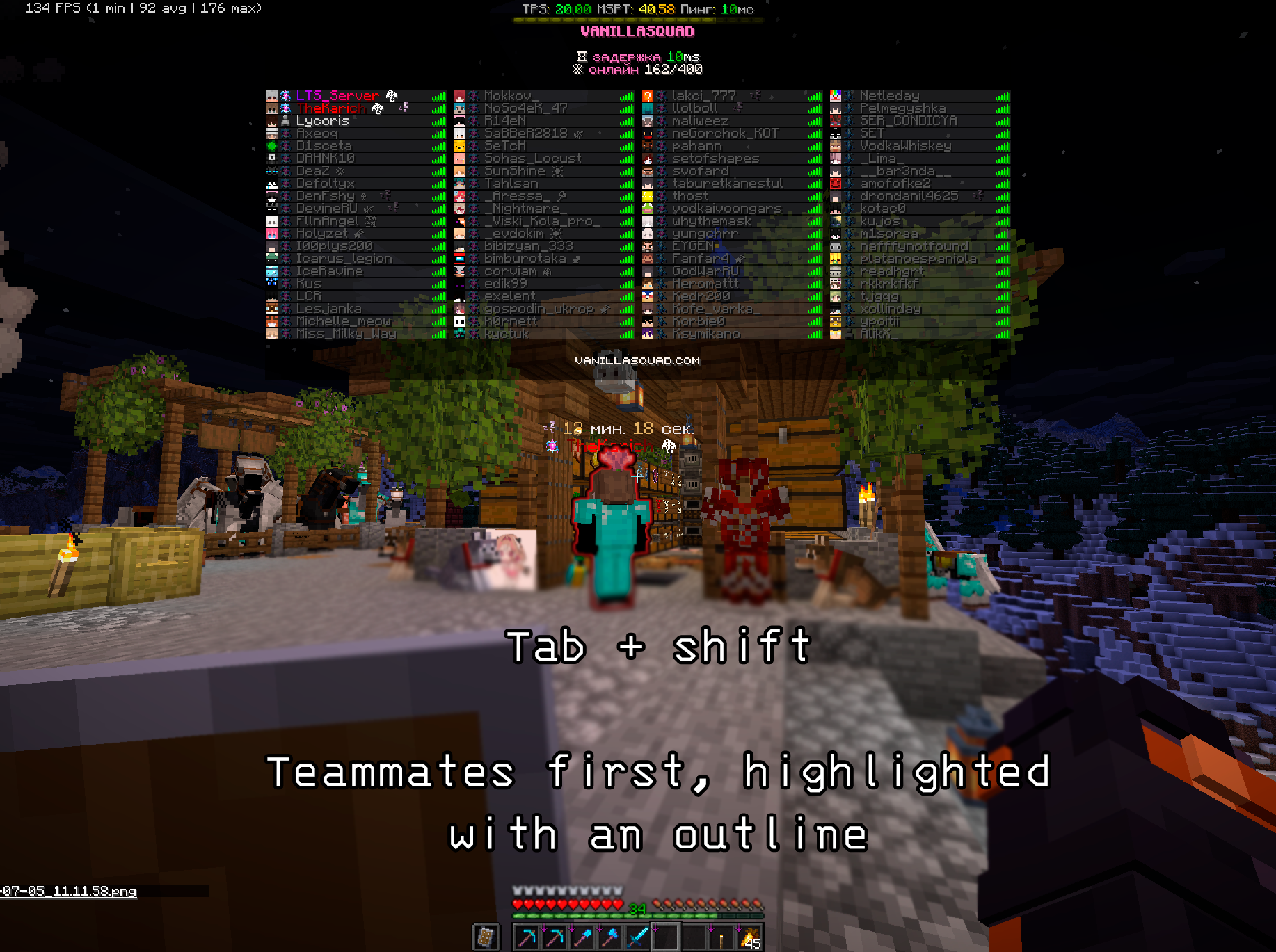
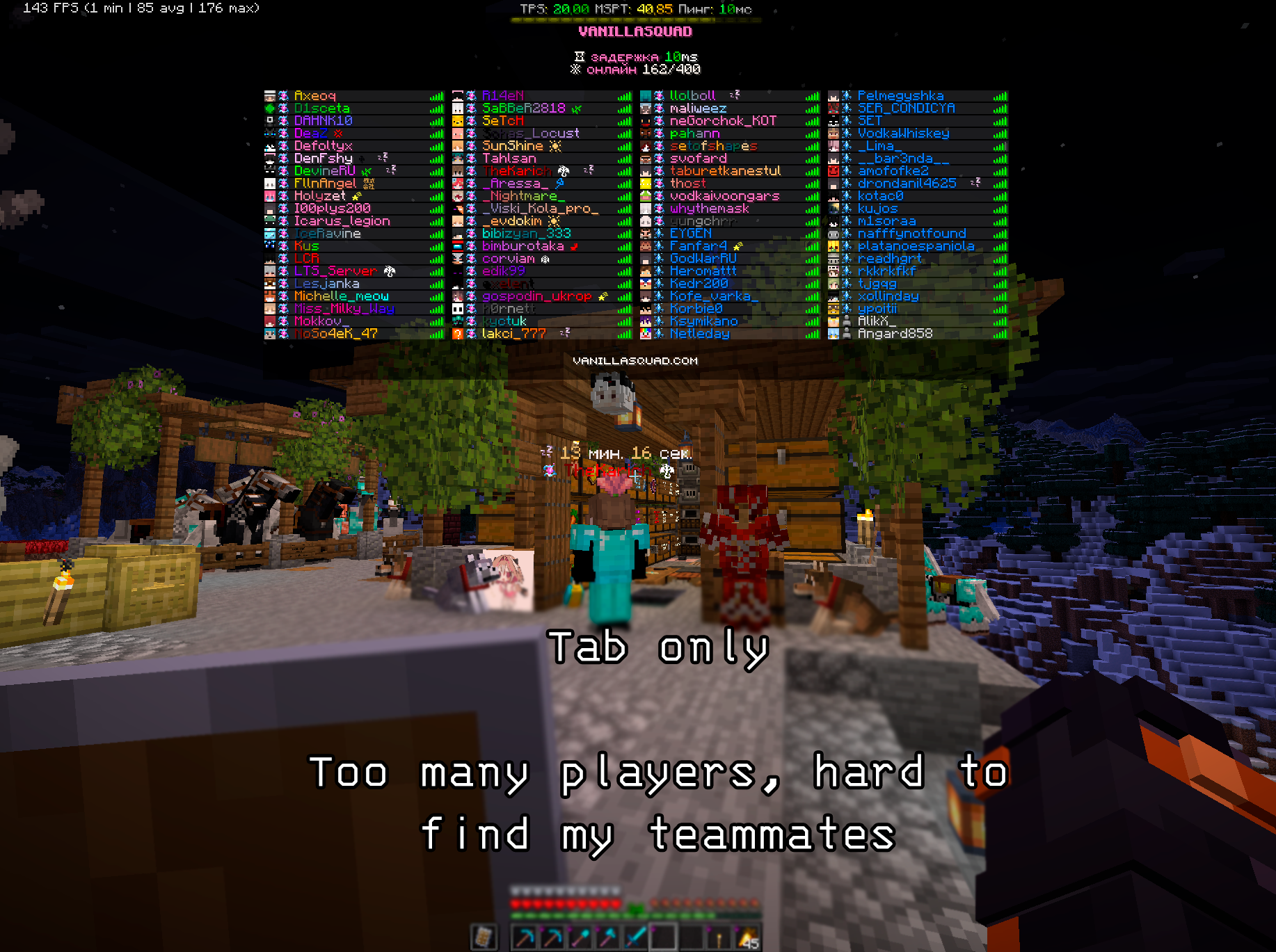
介绍
What It Is
Tab Name Dimmer is a client-side Fabric mod for Minecraft that makes it easier to find important players in the Tab player list on large servers where the full online player list no longer fits on screen.
The mod is activated by holding Shift: while the player list is open, it highlights the names from your allowlist and dims, hides, or moves other players depending on the selected display mode.
The main use case is large multiplayer servers where you want to quickly see which clan members, teammates, or friends are online, even when the normal Tab list is too crowded to show everyone at once.
It is useful when:
- a server has many online players and important names are hard to spot;
- the online player count is larger than the regular Tab list can comfortably display;
- you need to see your clan, team, or group roster while playing;
- you need to track friends, teammates, staff members, or specific players quickly;
- you want to keep the normal Tab list unchanged until you explicitly hold
Shift; - you want to import a prepared player list from a
.txtfile.
What It Adds
Tab Name Dimmer extends the standard Minecraft player list with:
- dimming for every name that is not on your allowlist;
- a list of names that stay bright and easy to spot;
- several display modes for different workflows;
- configurable dim color;
- optional case-sensitive matching;
.txtname import;- Mod Menu integration for in-game configuration.
Display Modes
The mod supports three modes:
ANIMATED_SORT: allowlisted players smoothly move to the top of the list whileShiftis held;FILTER: only allowlisted players remain visible in Tab whileShiftis held;EXTRA_HUD: allowlisted players are additionally shown in a small separate HUD block whileShiftis held.
In all modes, names outside the allowlist can be dimmed with the configured color.
常见问题
Tab Name Dimmer 支持哪些 Minecraft 版本?
Tab Name Dimmer 支持 Minecraft Java 版 26.1.2–26.3,共 3 个版本,可用的加载器:Fabric。下载时注意选择和你游戏版本一致的文件。
Tab Name Dimmer 怎么安装?
先用 PCL2 或 HMCL 启动器安装对应版本的 Fabric,再把下载的 .jar 文件放进游戏目录的 mods 文件夹,重新启动游戏即可。开启了版本隔离的,mods 文件夹在 versions/版本名 下面。运行环境:仅客户端。
LTS_Server 的其他作品
查看全部 →
EasyPlaceFix
Litematica Easy Place Fix is a small Fabric client-side addon for Litematica that corrects block orientation when using Easy Place mode on multiplayer servers

Storage Finder
Find items in previously opened storage and item frames with colored highlights, multiple searches, and safe A* routes.

Callout
Client-side Fabric chat alerts for mentions, keywords, and regex triggers, with sound notifications and persistent ping history with context.
评论
登录后评论和评分