
Green Screen Photography
Green Screen Photography adds clean green-screen tools to Minecraft, making it easy to capture characters, builds, items, and scenes for screenshots, thumbnails, and creative editing.
截图
介绍
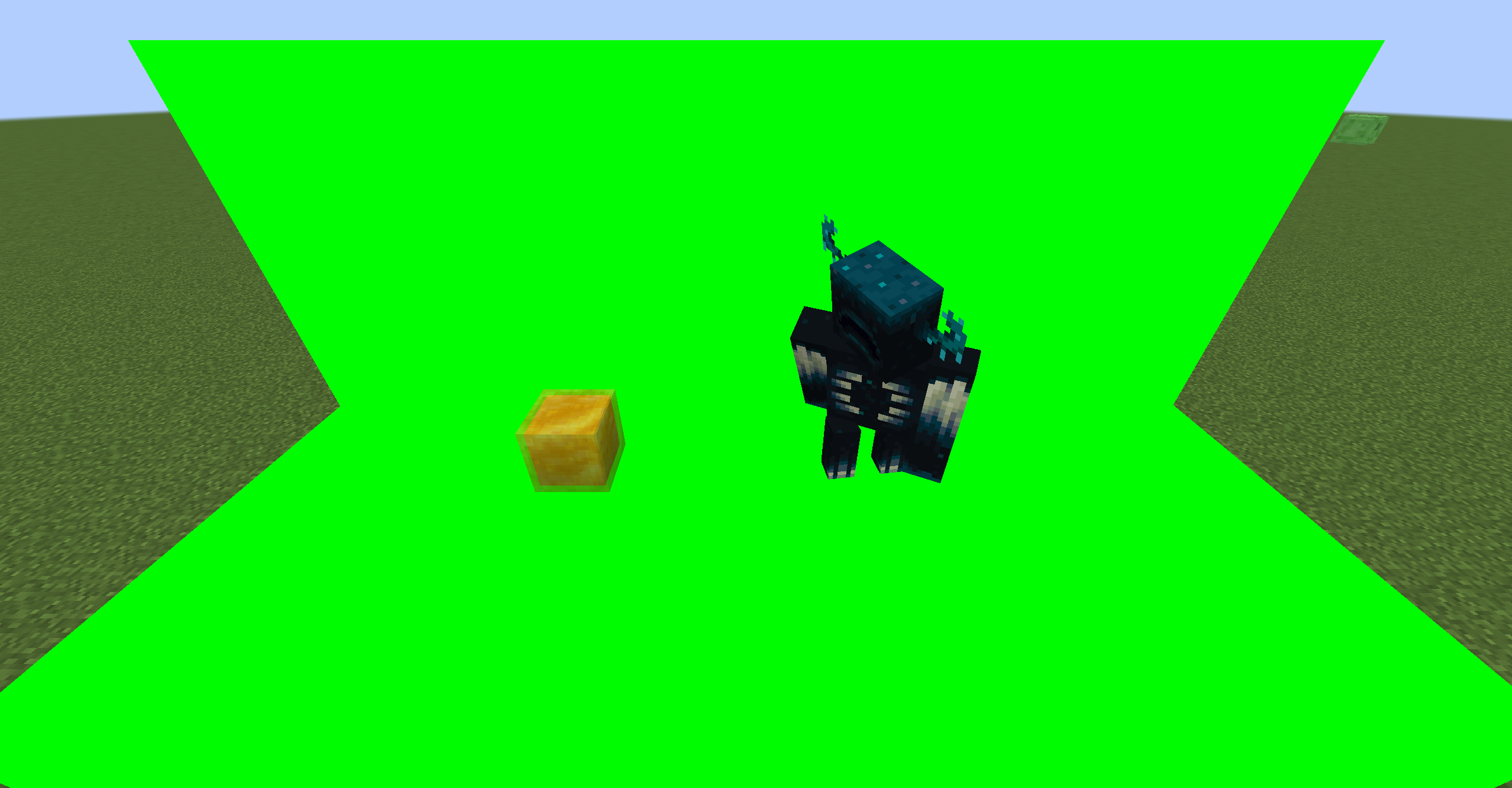
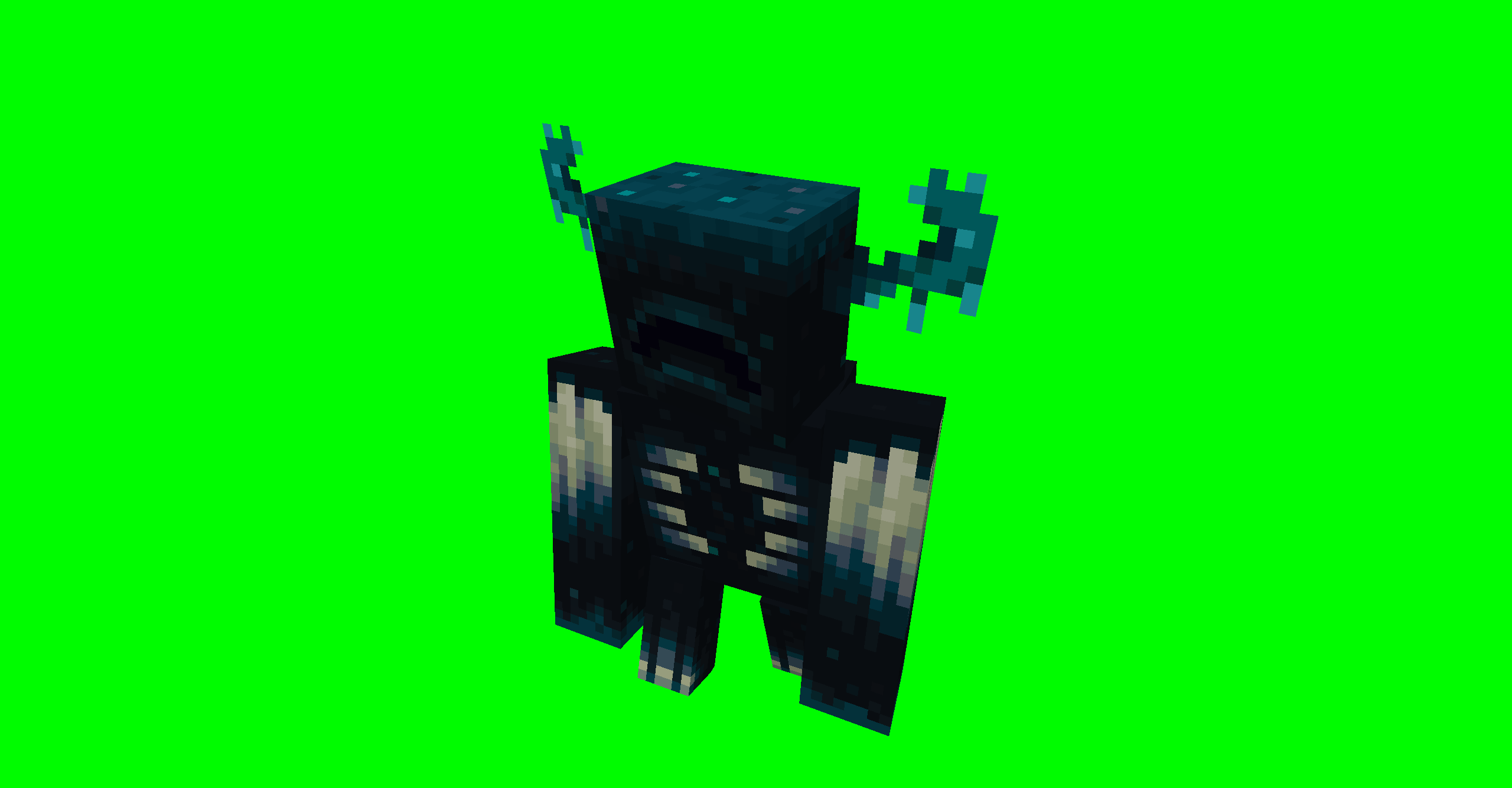
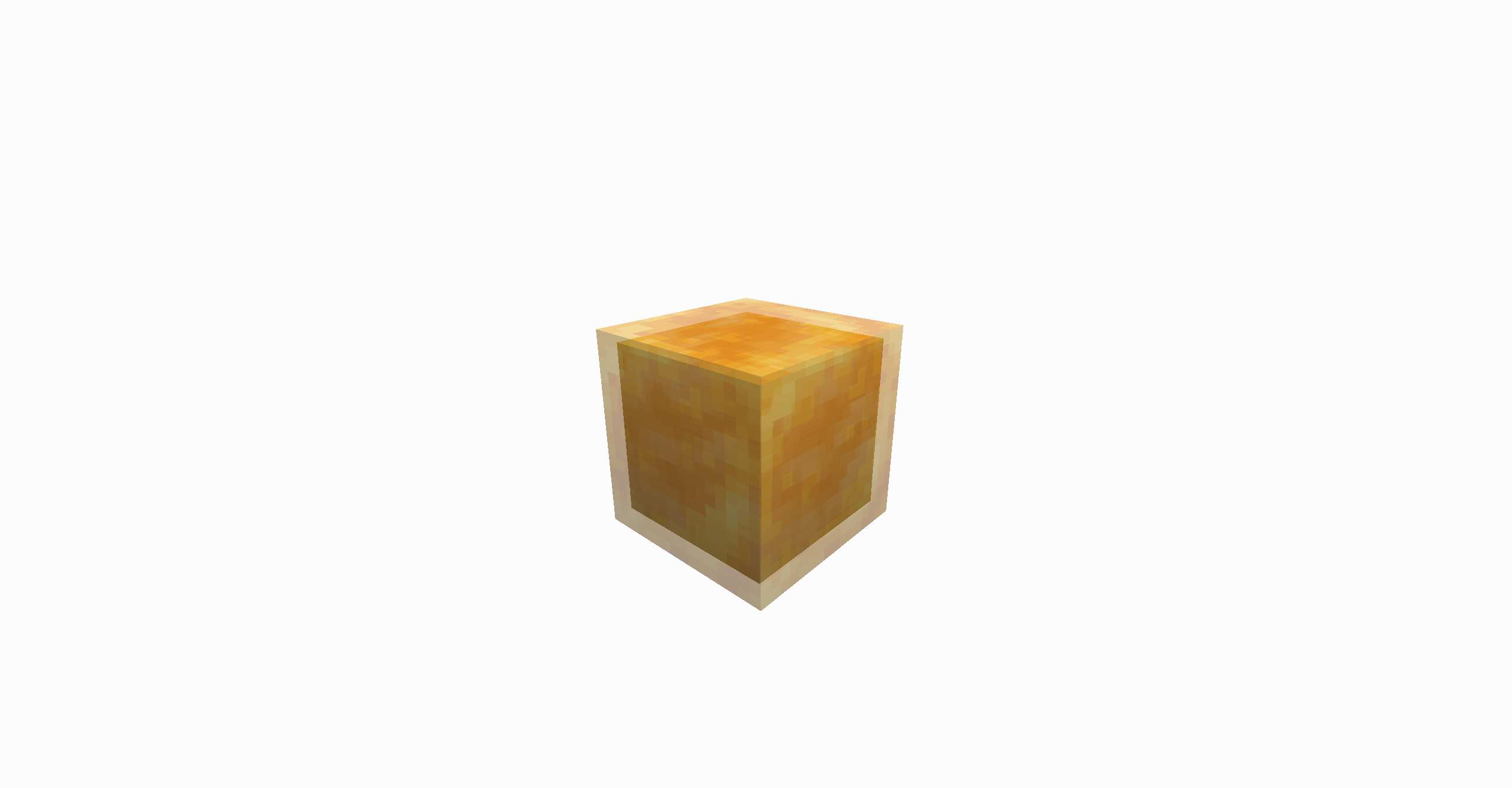
GreenScreenPhotography is a NeoForge mod for Minecraft scene capture and compositing. It provides a green screen block, a free camera, world freeze controls, and transparent screenshot export, making it suitable for character showcases, scene screenshots, footage capture, and post-production keying and compositing.
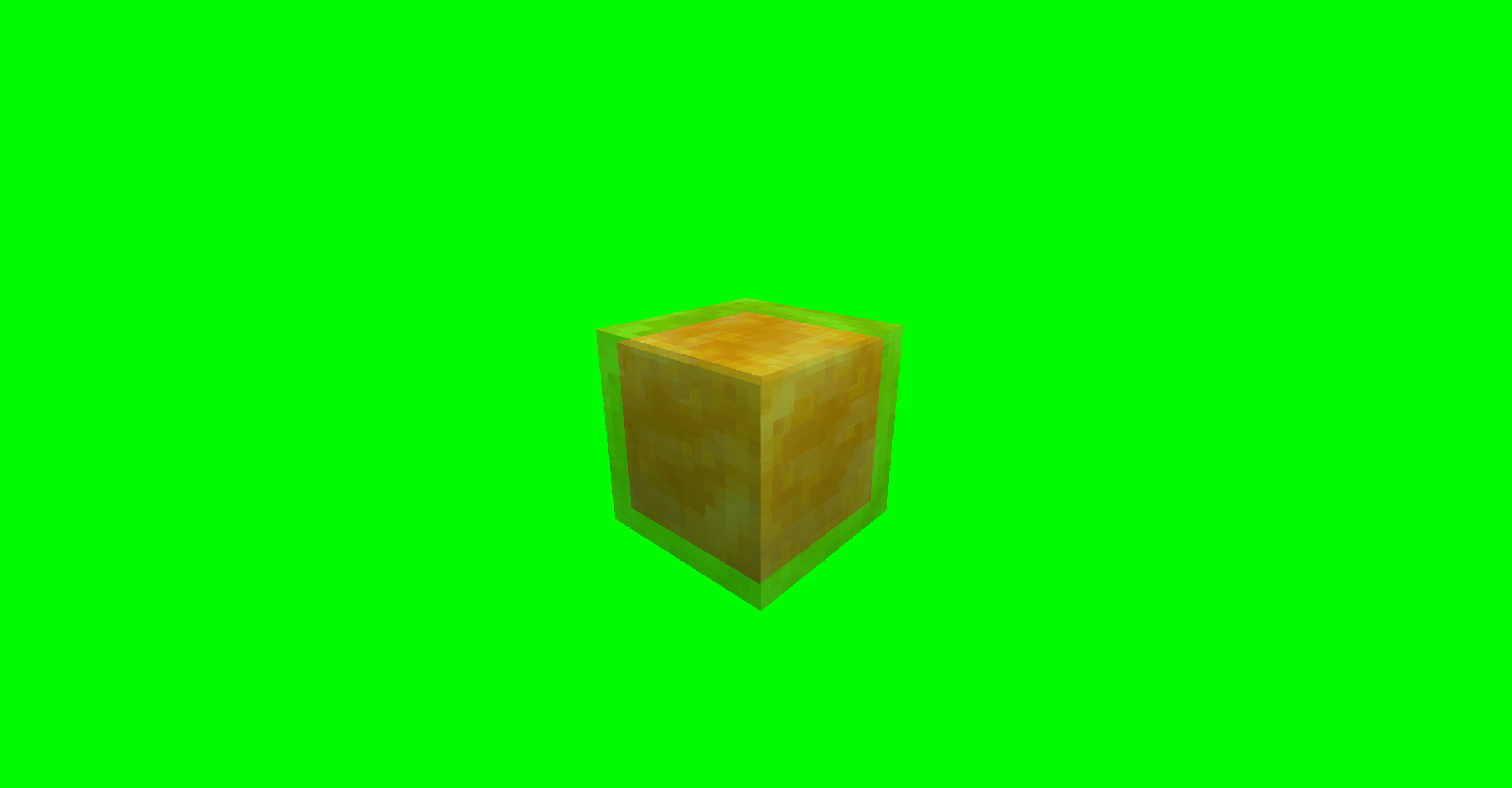
To use it, first build a solid-color background around and behind the subject with green screen blocks, and try to cover the areas in the frame that should be made transparent. After setting up the scene, use the free camera to choose the right angle and world freeze to keep the image stable. Once the framing is ready, use the transparent screenshot feature to export the image. When free camera is enabled, the world is frozen automatically, and the freeze function can only be used while in free camera mode.
Default key bindings, which can be changed in Minecraft’s key settings:
- N: toggle free camera on or off
- P: freeze or restore the world
- H: export a transparent screenshot
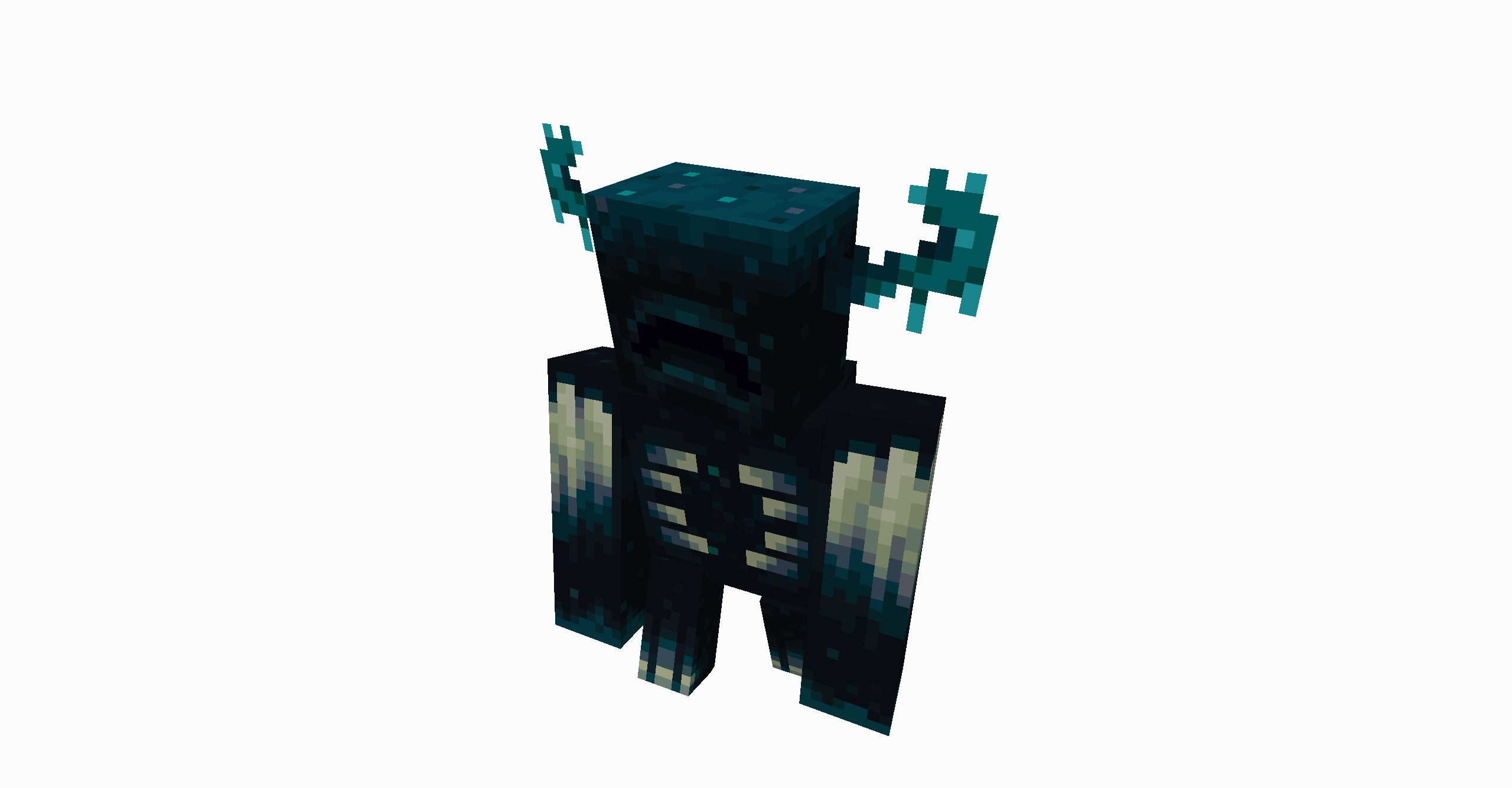
Transparent screenshots are saved in the green_screen_photography folder under the current game version directory. Each export generates two images: a transparent PNG and a matching matte image. The transparent image can be used directly in image editors, video editors, or compositing software.
Note that transparent screenshot export uses a two-pass capture process. If a mob or player moves during the capture passes, the exported image may show slight ghosting or trailing. For the cleanest result, freeze the world first or wait until the subject is still before exporting.
常见问题
Green Screen Photography 支持哪些 Minecraft 版本?
Green Screen Photography 支持 Minecraft Java 版 1.21.1,可用的加载器:NeoForge。下载时注意选择和你游戏版本一致的文件。
Green Screen Photography 怎么安装?
先用 PCL2 或 HMCL 启动器安装对应版本的 NeoForge,再把下载的 .jar 文件放进游戏目录的 mods 文件夹,重新启动游戏即可。开启了版本隔离的,mods 文件夹在 versions/版本名 下面。运行环境:客户端和服务端都要装。
yinfires 的其他作品
查看全部 →
RealPlace
这个模组允许你随意摆放任何物品!This mod allows you to place any item freely!
RealPlace
这个模组允许你随意摆放任何物品!This mod allows you to place any item freely!

Moon Spire
月尖塔为Minecraft添加了卡牌对战元素,允许你使用卡牌来挑战生物!Moon Spire adds card battle elements to Minecraft, allowing you to use cards to challenge creatures!
评论
登录后评论和评分