
Village Wall Generator
Helps you create tons of walls for your village, with amazing gradients
截图
介绍
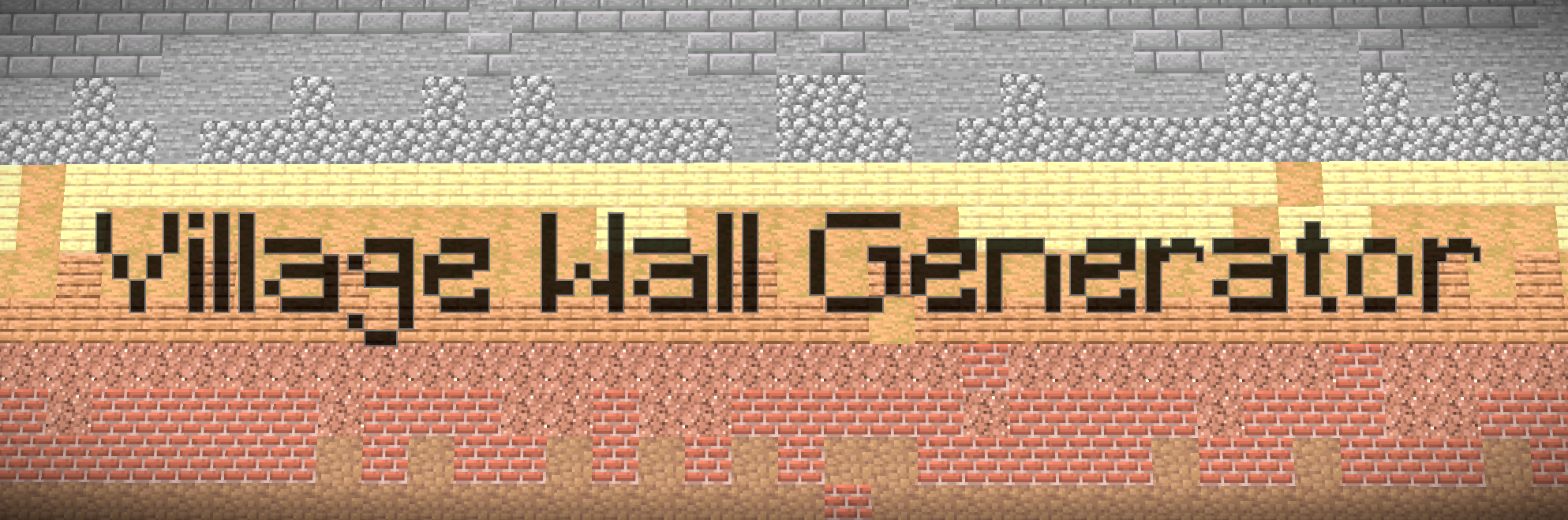
Village Wall Generator 🏘️
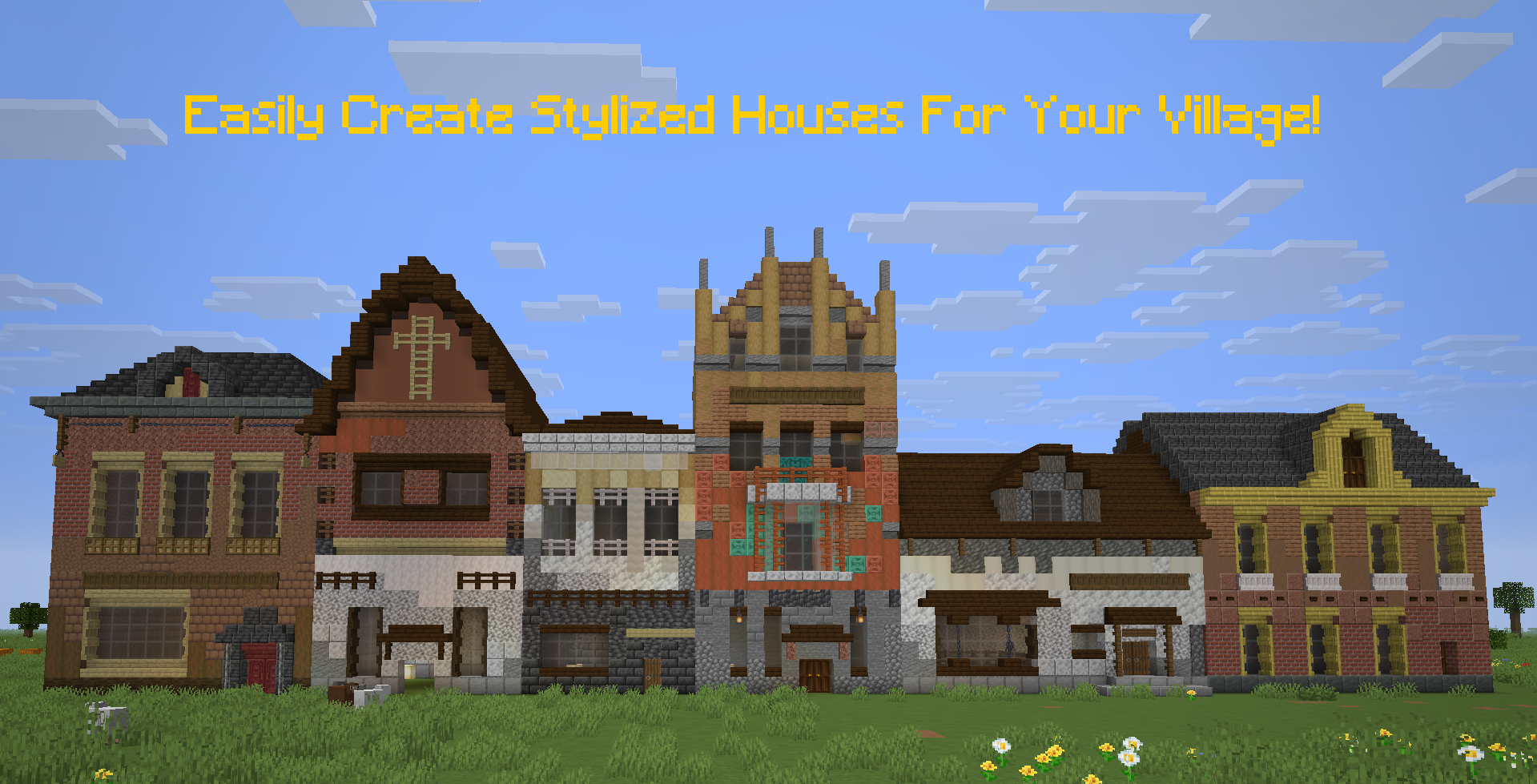
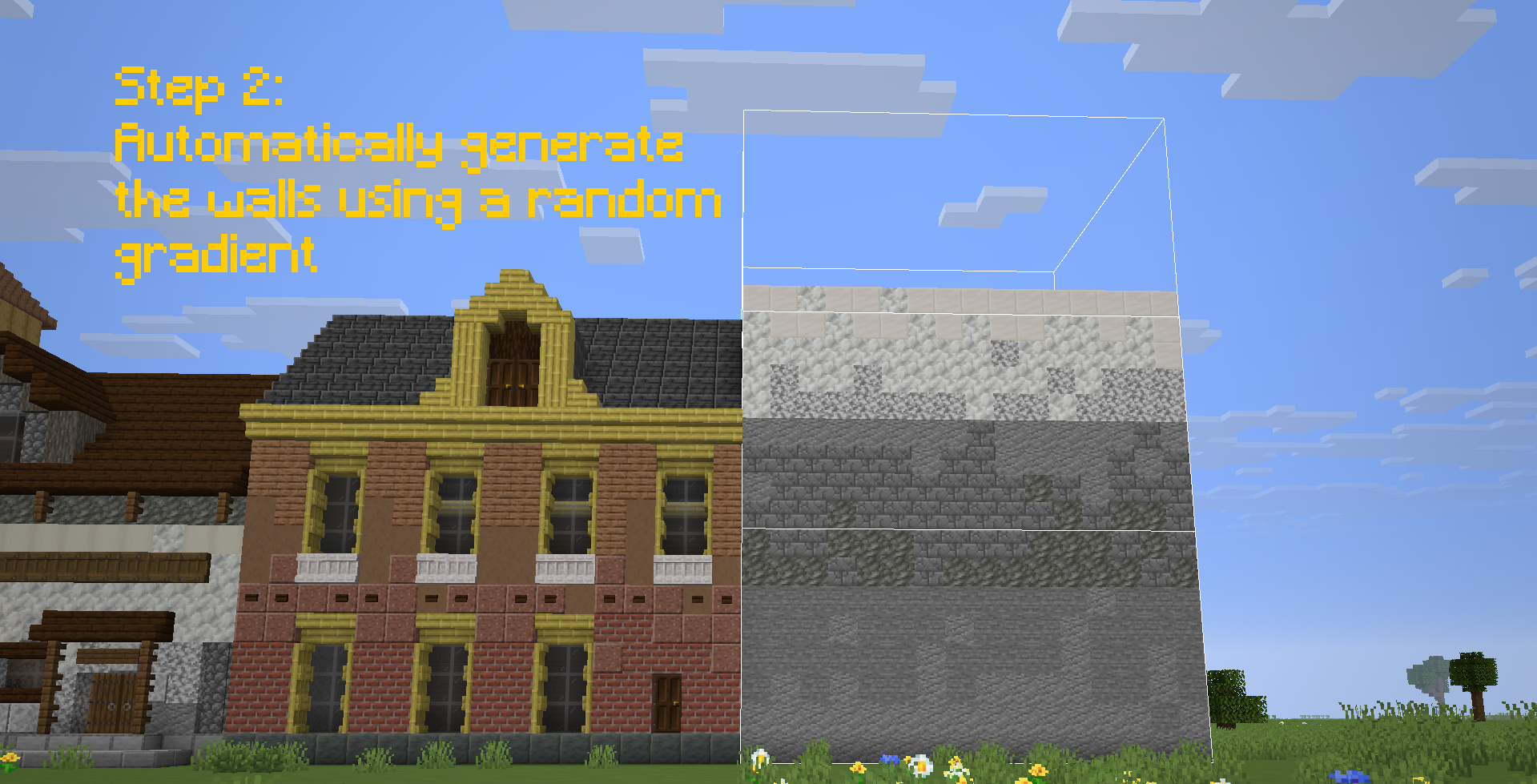
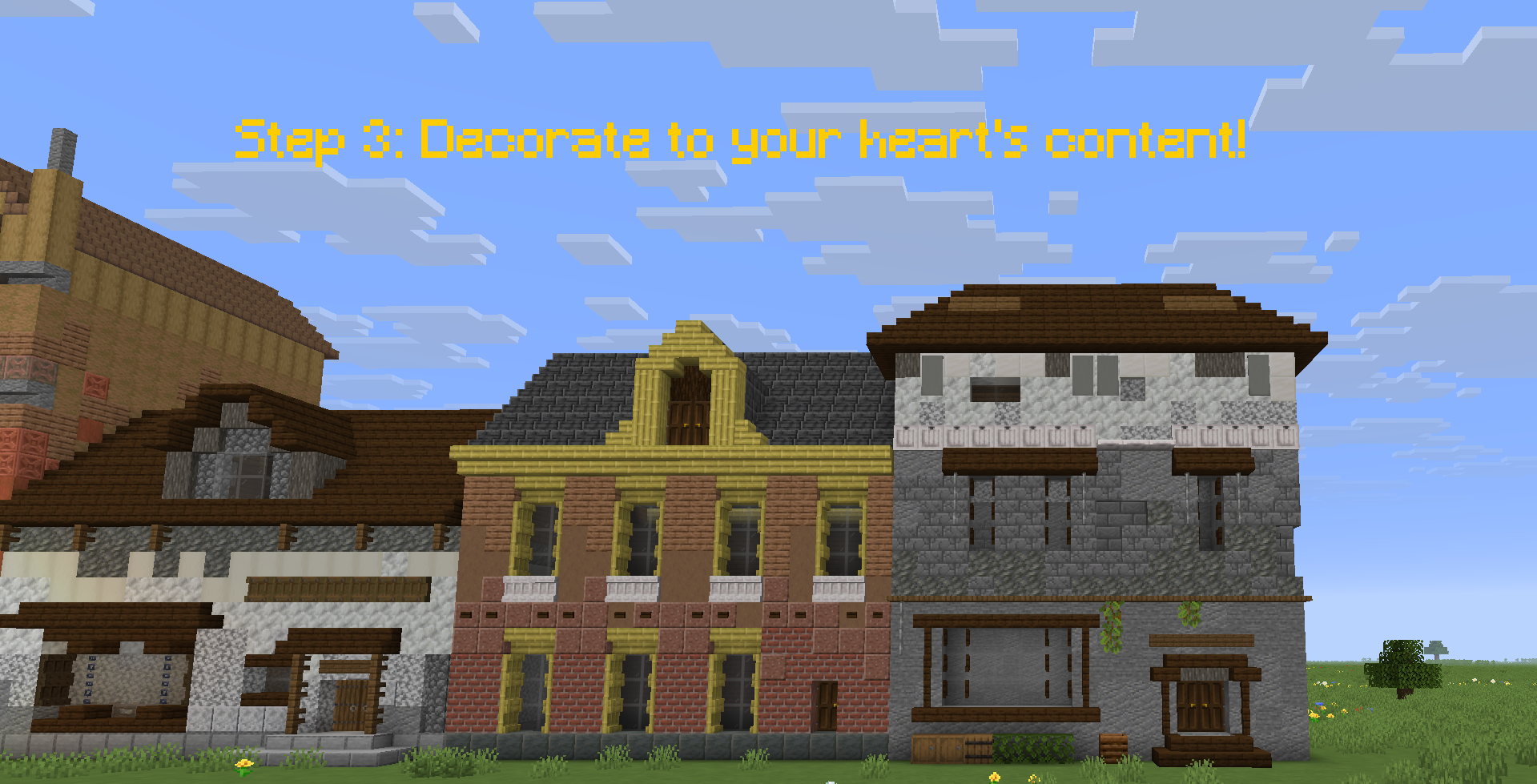
Village Wall Generator was created to help me with my Dutch 18th century styled village. Village Wall Generator speeds up the creation of the walls, by randomly selecting one of the palettes of blocks with a nice gradient. This way you can make a more uniform village with a lot of unique houses.
✨ Features
- Procedural Generation: Create structures with natural-looking texture gradients using Perlin-like noise logic. No more manually placing blocks to try and make gradients look natural!
- Dynamic Palettes: Automatically selects and mixes blocks from a customizable list of coordinated materials.
- Interactive Configuration: A dedicated in-game UI to fine-tune every aspect of your generation.
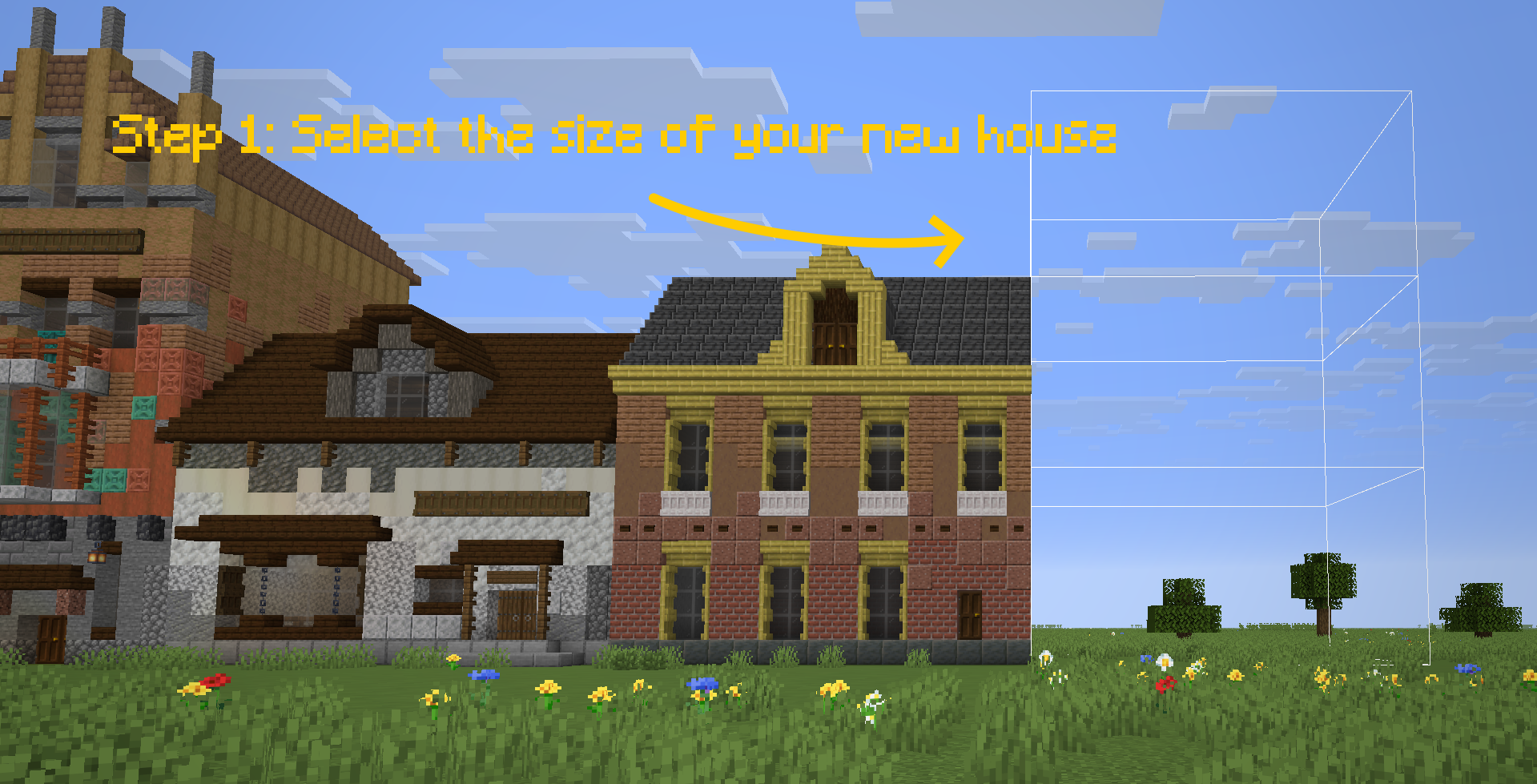
- Visual Preview: See exactly where and how your structure will generate with a ghost-block outline before committing to the placement.
- Range Randomization: Set min/max bounds for heights and layers to create varied, organic-looking architecture.
- Undo System: Easily revert the last generation if it doesn’t meet your expectations.
🛠️ How to Use
- Open the Config Menu: Press Ctrl + V to bring up the Village Builder interface.
- Configure your Structure:
- Adjust Layers (depth of the wall), Height, Width, and Length.
- Tinker with Offsets to change where the structure spawns relative to your cursor.
- Toggle between fixed values or randomized Ranges to make your walls look beautifully irregular.
- Preview & Position: Toggle the “Preview” button in the menu. A ghostly outline will appear. Use Ctrl + O to lock the preview in place while you walk around and inspect it!
- Generate: Happy with the preview? Press Ctrl + P to instantly build the structure!
- Undo: Make a mistake? Simply press Ctrl + U to undo the placement.
⌨️ Controls
The mod uses Ctrl modifiers by default to avoid conflicts with your standard Minecraft keybinds:
Keybind Action
V Open Config Menu – Adjust layers, height, width, and offsets.
P Generate – Place the structure based on current settings.
O Lock/Unlock Preview – Lock the preview to a specific block location.
U Undo – Revert the most recent generation.
🎨 Customizing Palettes
Village Wall Generator uses a palettes.csv file located in the root of your Minecraft folder to know which blocks to use.
Each line in the file represents a unique “palette”.
Blocks are listed as comma-separated values (e.g., spruce_log, mangrove_log, acacia_log).
The mod randomly selects a palette for each generation and creates a smooth gradient between the chosen blocks.
常见问题
Village Wall Generator 支持哪些 Minecraft 版本?
Village Wall Generator 支持 Minecraft Java 版 1.21.11,可用的加载器:Fabric。下载时注意选择和你游戏版本一致的文件。
Village Wall Generator 怎么安装?
先用 PCL2 或 HMCL 启动器安装对应版本的 Fabric,再把下载的 .jar 文件放进游戏目录的 mods 文件夹,重新启动游戏即可。开启了版本隔离的,mods 文件夹在 versions/版本名 下面。运行环境:客户端和服务端都要装。
评论
登录后评论和评分